At your online store: the shopper can’t pick up your product.
They can’t turn it in the light, flip it over to check the back, or feel the weight of the cap. Everything a shelf, a fitting room, and a sales assistant do in a physical store, your images now have to do on their own.
And shoppers notice. Salsify’s 2026 Consumer Research found that 61% of shoppers rank product images and videos above everything else on a product page, including descriptions, reviews, and price. One in three abandon a purchase when images are poor or missing.
The catch is that great product images are harder to make than they look. Glass and metal reflect everything around them. Colors shift between the camera and the customer’s screen. Every marketplace has its own rules. And a catalog of 500 SKUs can turn a weekend shoot into a months-long project.
This guide breaks down how to get it right, from shot types, gear, lighting, and retouching to tricky products like jewelry and watches, plus the three paths available today: traditional photography, CGI, and AI.
Understanding why ecommerce photography is important
Ecommerce product photography creates images that allow people to buy with confidence from the photos alone.
It covers everything, from clean white background shots on your product page to stylized lifestyle scenes for ads and social media. What sets it apart from regular commercial photography is purpose. A campaign image only has to make people want the product. An ecommerce image also has to tell them the truth about it.
That’s why accuracy comes first and aesthetics second. The images you create serve as a stand in for the in-store experience. so the color, texture, size, and finish on screen should match exactly what arrives at the door.

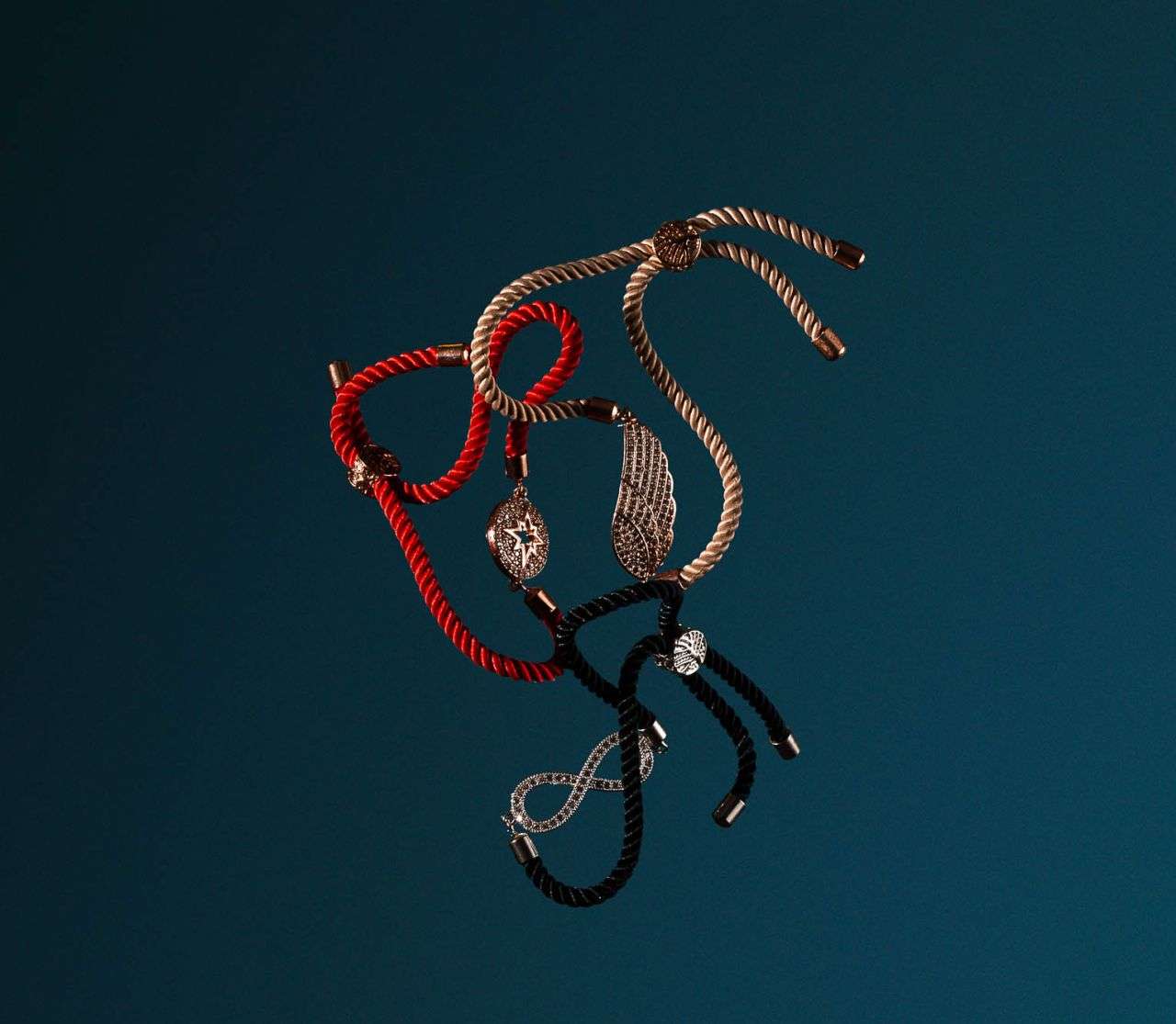
Why Product Images Matter to Online Shoppers
Online shoppers can’t touch, try on, smell, or test your product. They have to rely on your photos to answer very practical questions. How big is it? What does the back look like? Is that fabric thick or flimsy? Is the gold warm, or a bit brassy?
Importance of Ecommerce Photography
If you’re wondering whether professional product photos are worth the investment, here are a few benefits you get from quality images:
- Higher conversion rates. Clear, zoomable images let buyers appreciate the finer details.
- Fewer returns. Accurate colors, correct scaling, and detailed close-ups set honest expectations, and fewer orders come back.
- Stronger brand trust. A consistent, polished look establishes your brand with quality and credibility.
- Better marketplace performance. Amazon, Google Shopping, and other channels have strict image rules. Images that meet those rules keep your listings live and competitive.
- More mileage from every shoot. One good photoshoot for online products can keep feeding your channels – product pages, emails, social posts, and paid ads – for months.
- Search visibility. Well-optimized images can rank in Google Images and Google Shopping, which means extra organic traffic at no extra marketing costs.
Types of Ecommerce Product Photography
There are quite a few types of product photography, and the best product pages usually mix several of them together. Here’s what each one does well.
White Background Shots
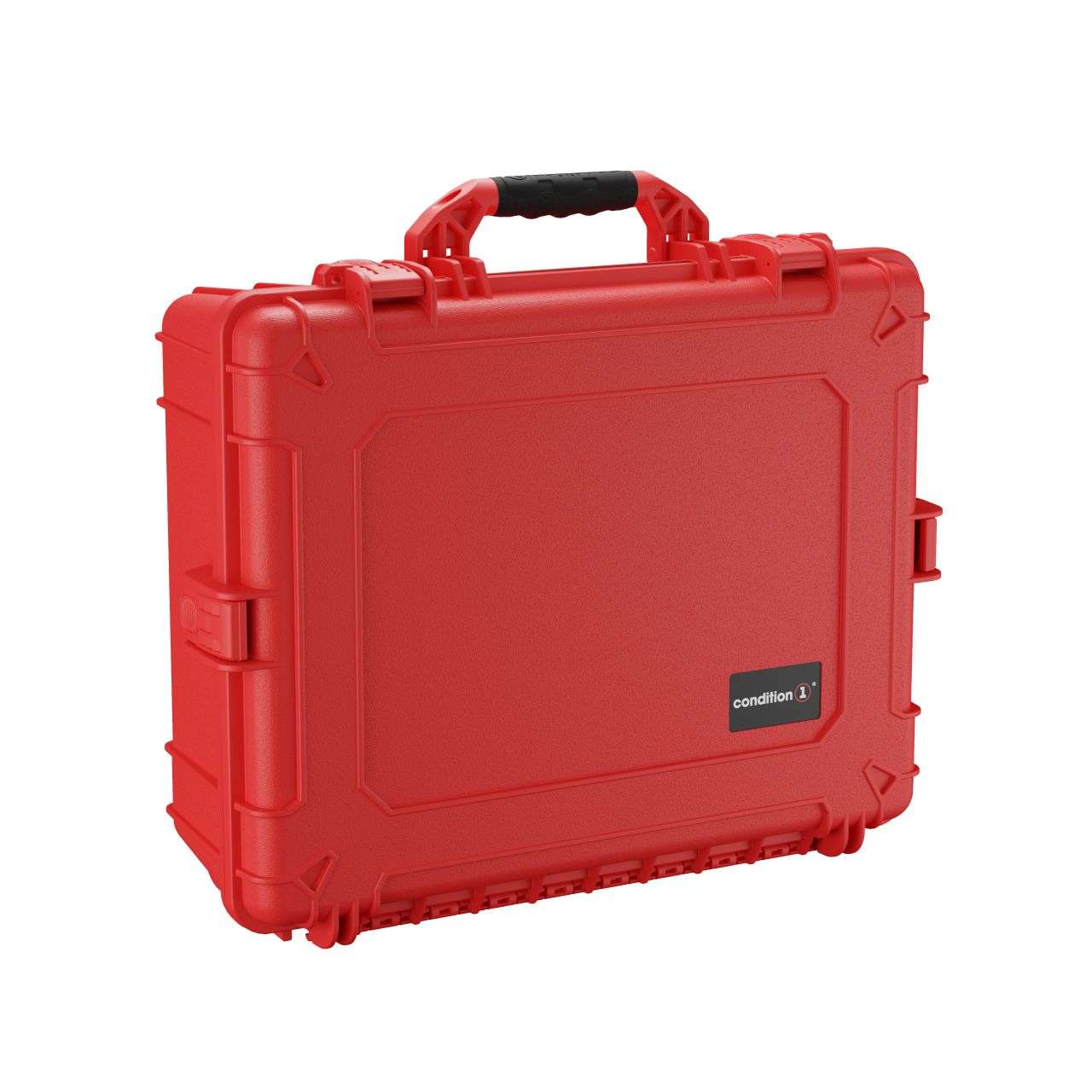
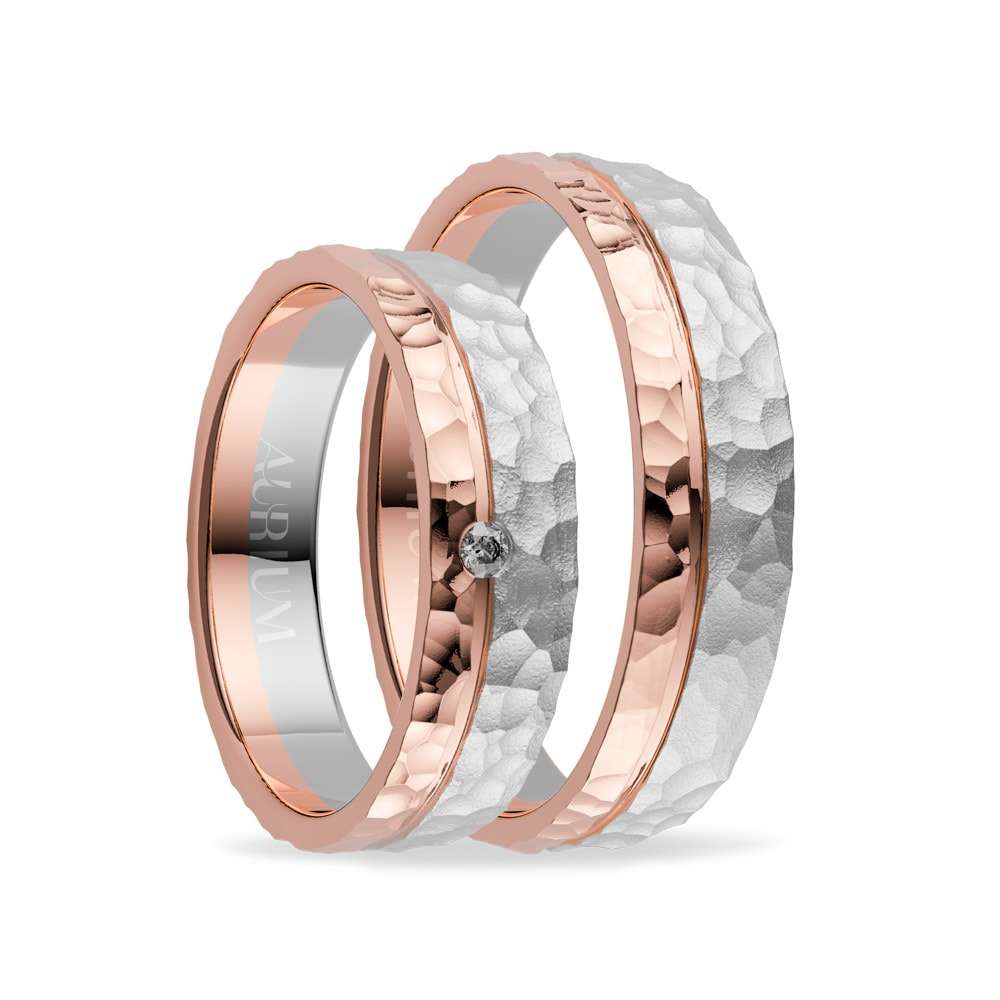
Often called packshots, white background shots show the product against a pure white backdrop. These are designed to focus attention on the item, highlighting its color and details. Also, these images are ideal for ecommerce requirements, one of them being Amazon’s product page rules. Similarly, Prodoto’s guide notes that plain white backgrounds keep your catalog look consistent, and making cropping for other channels easier.
Individual Shots
Individual shots focus on one product per frame. This usually comes in a set of different angles. Together, they help your buyers picture the item before they make a purchasing decision.

Group Shots
Group shots bring several products together. This is ideal for a product bundle, a collection, or multiple colorways. It’s an effective way to encourage bulk purchases. You can also use it to sell different but related items.
Lifestyle Shots
Lifestyle photography revolves around the product in a realistic setting. It gives your potential buyers an idea of how the product appears in their daily lives. These images are ideal for social media posts or ads.

Still Life Shots
Still life images show the product with objects relating to its ingredients, concept, flavor, or story. This type of image can be considered as being between a packshot and a lifestyle image.
Scale Shots
Scale shots pit the product against another object or a person for size references. This is ideal for avoiding “this product is too small” or “too big” return issues.
Detail Shots
Detail (or macro) shots zoom in on the texture, stitching, materials, and other intricate features. These shots highlight grooves, textures, or fine print that appears in your product.
Packaging Shots
These show shoppers exactly what arrives in the box, helping with highlighting packaging or additional size comparisons . They’re especially useful for promoting gifts, cosmetics, and subscription products.
Flat Lay Shots
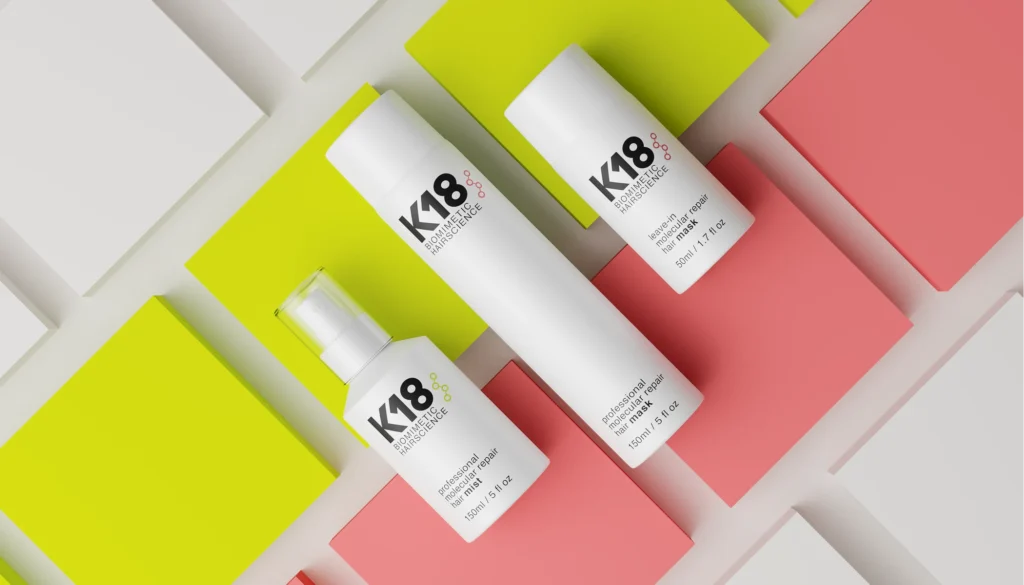
Flat lays are shot from directly above the product. These images often show the item arranged on a flat surface, set against a simple background. Flat lay shots are often used for clothing, accessories, stationery, and kits really well.
On-Model and Ghost Mannequin Shots
For clothing and other garments, brands often turn to apparel and model photography, since seeing a piece on a real person shows how the fabric drapes and moves on the body. Another popular option is the ghost mannequin shot. The garment is photographed on a mannequin, which is then removed in editing, so the item keeps its three-dimensional shape without needing a model at all.
360-Degree Shots
A 360-degree spin combines a series of images taken at slightly different angles. This creates an interactive product turntable that shoppers can drag around for a full view of the product.
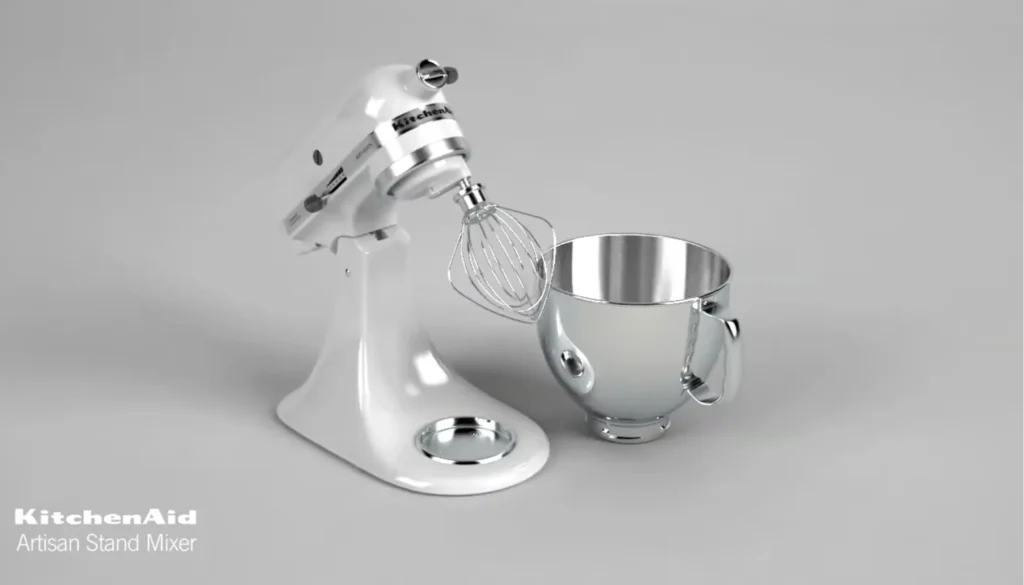
Equipment for Ecommerce Photography
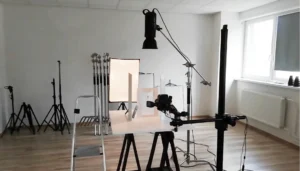
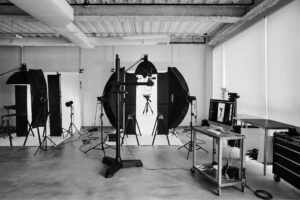
You don’t need a Hollywood studio to get great results. Still, having the right tools can make a difference. To get you started, here are the bare essentials for achieving that quality ecommerce photography output. Plus, we’ve thrown in a couple items that are not required, but are welcome to improve your setup.
Camera
A DSLR or mirrorless camera is recommended. These types of cameras give you full manual control, interchangeable lenses and RAW files you can shape in editing. Aim for at least 20 megapixels, so details stay crisp even when shoppers zoom in. A tilting screen is a small addition that makes awkward angles much easier.
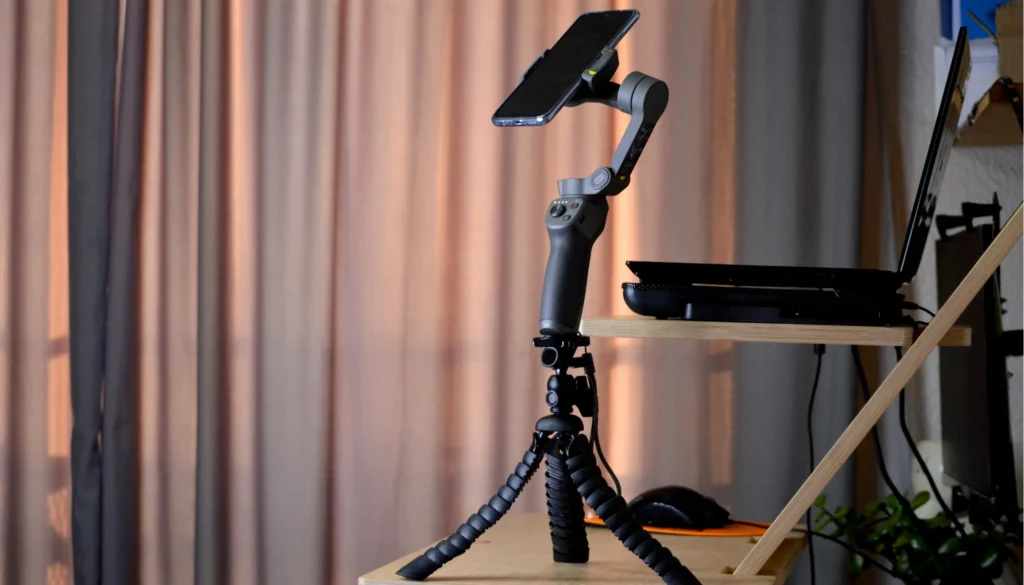
If you’re a small seller, a modern smartphone can get you started. Use a pro camera app that offers manual focus and RAW capture, and you’ll be surprised how far it takes you.
These starting settings work well for most studio product photos:
Setting | Recommended value | Why it matters |
|---|---|---|
Shooting mode | Manual (M) | Keeps every shot in a series consistent |
Aperture | f/8 to f/11 | Keeps the whole product in focus, front to back |
ISO | 100 to 200 | Minimizes grain and noise |
Shutter speed | Adjust to exposure (a tripod makes slow speeds safe) | Lets in enough light without blur |
White balance | Custom, set with a gray card | Delivers accurate product colors |
File format | RAW (plus JPEG if needed) | Gives you the most flexibility in editing |
Focus | Manual or single-point autofocus | Locks focus exactly where you want it |
Lens
Your lens decides how true to life the product looks. A 50mm prime is a good place to start. It’s affordable and works for most small and medium products. A 90mm to 105mm macro lens is our go-to for jewelry, watches and cosmetics. These fine macro lenses work because they capture fine details without distorting the shape. On the other hand, a 24 to 70mm zoom is handy for lifestyle scenes and larger items.
One thing to note: skip wide-angle lenses for close-ups because they stretch products in unflattering ways.
Tripod Stand
A good, sturdy tripod is worth every penny. It holds your camera perfectly still, so your framing stays the same from one product to the next, and that’s how you end up with a catalog that looks calm and consistent. It also frees you to shoot at a low ISO and slower shutter speeds without fretting about camera shake. If you can, pick one with a center column that tilts sideways. Overhead flat lays become so much easier.
Lighting
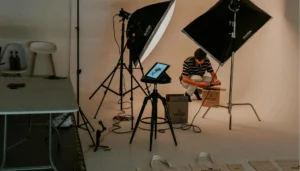
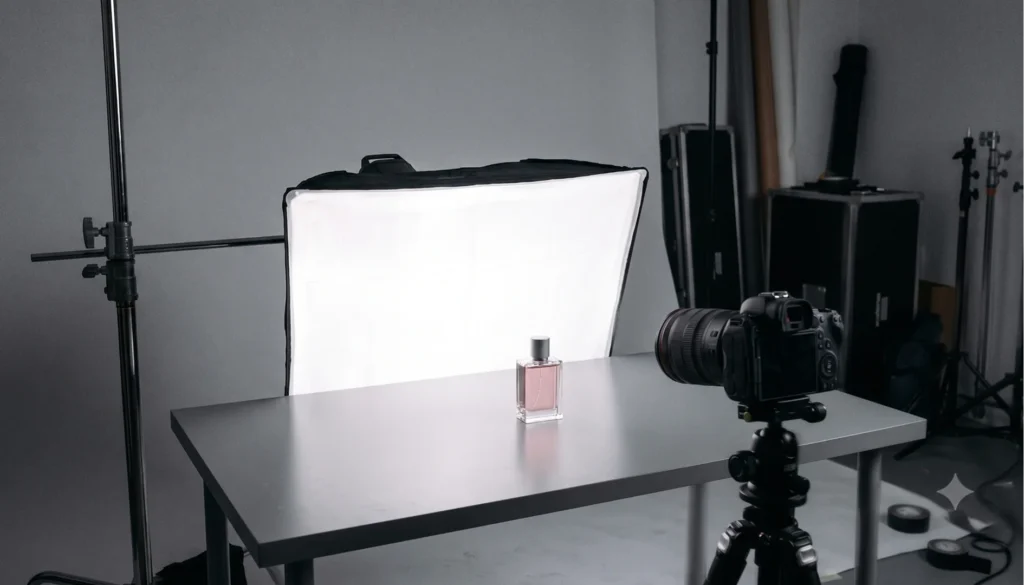
A big window with soft, indirect daylight is a perfectly good place to start. If you want full control, though, you’ll need artificial lights. Continuous LED panels are the easiest for beginners because the light you see is exactly the light you get. This takes guesswork out of the picture. Strobes, or studio flashes, are a step up in power.
They fire in a split second, so they freeze motion, which is a lifesaver when you’re catching a pour or a splash mid-air. Then there’s softening the light. Put a softbox or umbrella in front of your lamp and the light spreads out, wrapping softly around the product rather than hitting it head-on.
Backdrops and Surfaces
You really can’t go wrong with a white sweep. It’s just a roll of seamless paper that curves from the wall down onto the table, so there’s no harsh line showing up behind your product. Working with smaller items? A shooting table or light tent does the job nicely. It also pays to keep a few textured surfaces close. A slab of marble, an old wooden board, a crumpled piece of linen: nothing fancy, but they’ll save the day when you suddenly want a lifestyle shot or a moody still life.
Other Helpful Tools
- Reflectors and foam boards to bounce a little light back into the shadows
- Diffusion fabric for taming harsh, hard-edged light
- A gray card or color checker, so your whites actually come out white
- A remote shutter or tethering cable, which means you never have to touch the camera and can check every shot on a laptop as you go
- A turntable, if you’re planning any 360° product photography
- Clamps, tape, putty, fishing line and pins, the unglamorous heroes that keep products standing exactly where you want them
- A lint roller, microfiber cloths and cotton gloves, because dust and fingerprints show up everywhere
How to Create Professional Ecommerce Photography: Step-by-Step Process
Want product shots that look studio-quality every time, not just on a lucky day? Here’s the process we’d follow.
- Plan your shot list. Note down every product, variant and angle, along with where each image is headed. It’s not the most exciting job, but it keeps the shoot running smoothly and saves you from a reshoot down the line.
- Prep your products. This is the step people rush, and it always shows. Steam out the creases, pick off any leftover stickers, dust every side and give shiny surfaces a wipe. If there’s packaging, stuff it with tissue so it doesn’t sag. Trust me, at full resolution a single fingerprint can look like a crime scene.
- Pick your background. For marketplace and main images, I’d go with a seamless white sweep every time. It’s clean, it’s simple and it just works. Lifestyle and still life shots are where you get to play a bit, so bring in some texture or build a small set that feels like your brand.
- Set up your lighting. I usually start with the key light at about 45 degrees to the product, then put a fill light or a reflector on the other side to lift the shadows. Diffuse the lot and you’ll get that soft, even light that makes products look their best. (More on this in the lighting section below.)
- Mount the camera and frame the shot. Lock the camera onto the tripod, center the product and leave yourself a little room around the edges for cropping. Then put a small piece of tape where the product sits. It’s an old studio habit, but it means every item in the series lands in exactly the same spot.
- Dial in focus, exposure and white balance. Go manual. I like somewhere between f/8 and f/11 for product work, with the ISO kept as low as possible. Shoot your gray card to set a custom white balance, then check the histogram before you go any further. If the whites are blown out, it’s much easier to fix now than later.
- Shoot every angle you need. Cover the front, back, sides, three-quarter view, top and details, plus scale and packaging shots where they help. Take a few frames of each so you’ve got something to choose from.
- Check as you go. Tether to a laptop or zoom in on the camera screen and look for soft focus, dust and stray reflections. Spotting a problem on set takes seconds, while fixing it in editing can eat up an afternoon.
- Edit and retouch. Choose your best frames, then correct the color, clean things up and remove the backgrounds.
- Export and optimize. Resize, compress, rename and add alt text before anything goes up on your store or marketplace.
Working with a bigger catalog? The Adobe for Business product photography guide suggests one more step that really pays off: write down your standards for resolution, backgrounds, lighting and shot types, so every new shoot lines up with the last.
Product Photography Lighting Techniques
Ask any pro what turns a quick snapshot into a product photo people want to buy from, and you’ll nearly always get the same answer: lighting.
Natural vs. Artificial Light
Natural light is free and flattering. Shoot by a large window on a cloudy day and food, fabrics and lifestyle scenes will glow. The catch is that daylight keeps changing, so matching shots can be hard.
Artificial light behaves the same way every time. LEDs are easy to learn and strobes offer more power, so for catalog work, artificial light is usually the safer choice.
Diffusers
A diffuser softens your light so it wraps around the product instead of hitting it head-on, and the shadows go gentle too. Softboxes, shoot-through umbrellas and diffusion panels all work well. On a budget? A sheet of baking paper taped over a window does a surprisingly good job. Cosmetics, food and clothing especially love this kind of soft light.
Reflectors
Sometimes all a shadow needs is a little light bounced back into it, and a reflector handles that without another lamp in the setup. White foam board keeps things soft and natural. Silver is brighter and a touch punchier, while gold warms up the whole scene. Then there are black cards, which work in reverse. They pull light away, adding contrast and giving the product’s edges a nice, defined look.
Managing Shadows
Don’t be too quick to get rid of every shadow. They’re what give a product depth and make it feel like it’s really sitting there, not floating in a white void. A soft contact shadow underneath usually looks the most natural. Want a clean, shadowless white instead? Give the background its own light. Hard light takes things the other way, with bold, sharp shadows that lend the shot a moodier, editorial feel.
Lighting Reflective Products
Shiny products can be a real headache. Glass, chrome, polished metal and glossy packaging act like little mirrors, so they’ll show off your lights, your camera and pretty much everything else in the room. A few tricks help keep them under control:
- Go big and soft with your lights. Large, heavily diffused sources give you smooth, even highlights instead of harsh hot spots.
- Place white or black cards around the product, since whatever surrounds it is exactly what it reflects.
- Pop smaller shiny pieces into a light tent.
- Reach for a polarizing filter to cut glare on non-metallic surfaces.
- Shift the camera slightly above or below the product so your own reflection slips out of the shot.
Post-Production Editing and Retouching
No matter how carefully you light a shot, it’ll still need a little polish before it goes live. Good product image editing tidies things up and keeps your images consistent, all without bending the truth about what you’re selling.
Most editing workflows follow a similar path:
- Cull and select. Go through each angle and keep the frame that’s sharpest and best composed.
- Correct color and exposure. Adjust white balance, brightness and contrast until the colors match the product sitting in front of you.
- Remove the background. Cut the product out and drop it onto pure white (RGB 255, 255, 255) for marketplace listings.
- Clean up imperfections. Dust, scratches, lint, fingerprints and stray threads all have to go.
- Straighten and align. Fix tilted horizons, warped lines and any product that’s sitting a little off-center.
- Add or refine shadows. A soft drop or reflection shadow stops the product from looking like it was pasted on.
- Crop and resize consistently. Stick to the same aspect ratio and product fill across your whole catalog.
- Export for web. Save in sRGB, compress the file and give it a sensible name before you upload.
Lightroom is brilliant for batch color correction, and Photoshop is still the go-to for detailed retouching. These days, AI tools can also handle background removal and dust cleanup, which saves a lot of hours when you’ve got a big catalog to get through.
One rule is worth holding onto, though: retouch to clean, never to change. Once your edits start shifting a product’s color, shape or texture, it tends to come back to bite you in returns and unhappy reviews.
Photographing Difficult ProductsPhotographing Difficult Products
Some products are a dream to shoot. Others seem determined to make your day harder. Here’s how to win over the trickiest ones.
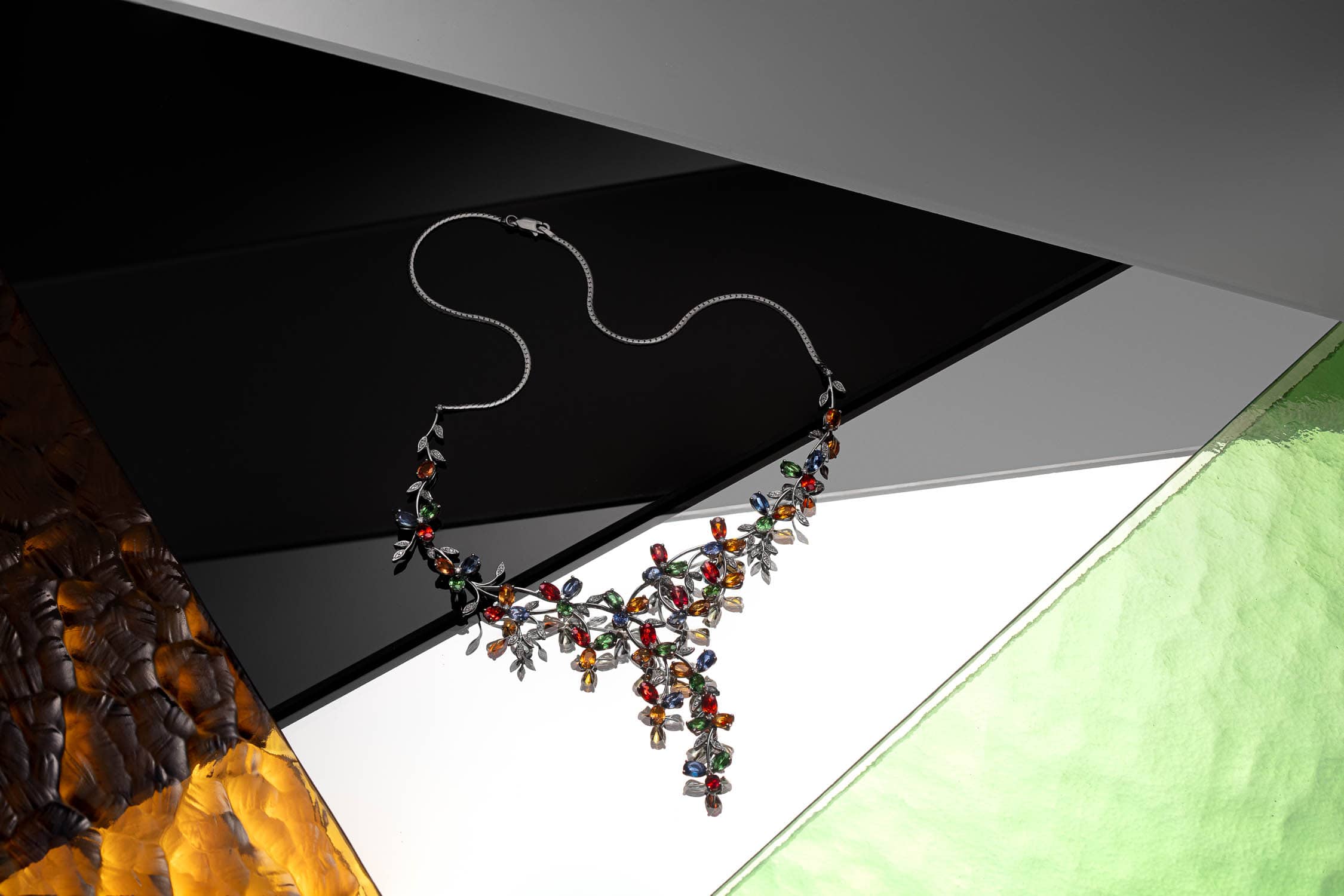
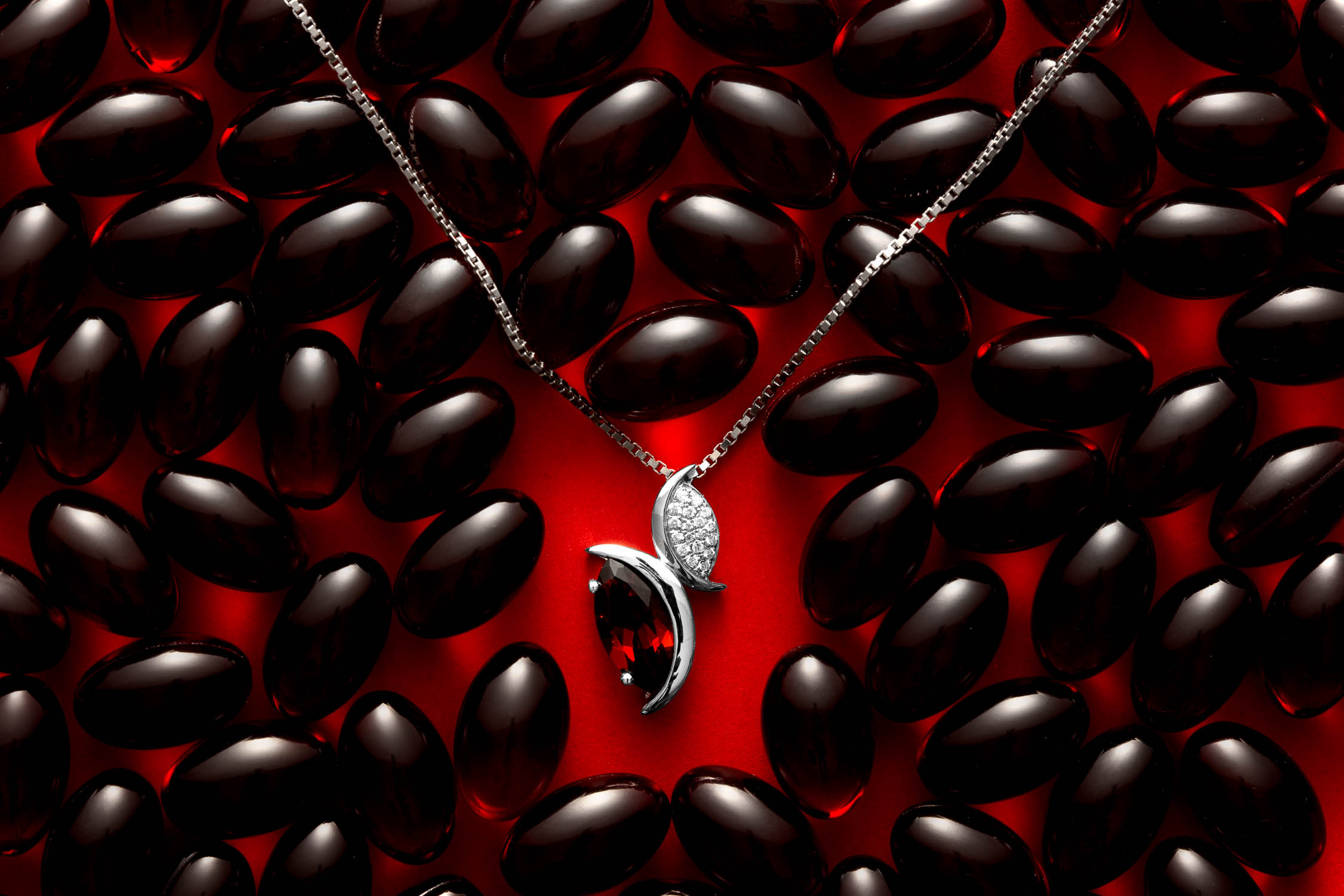
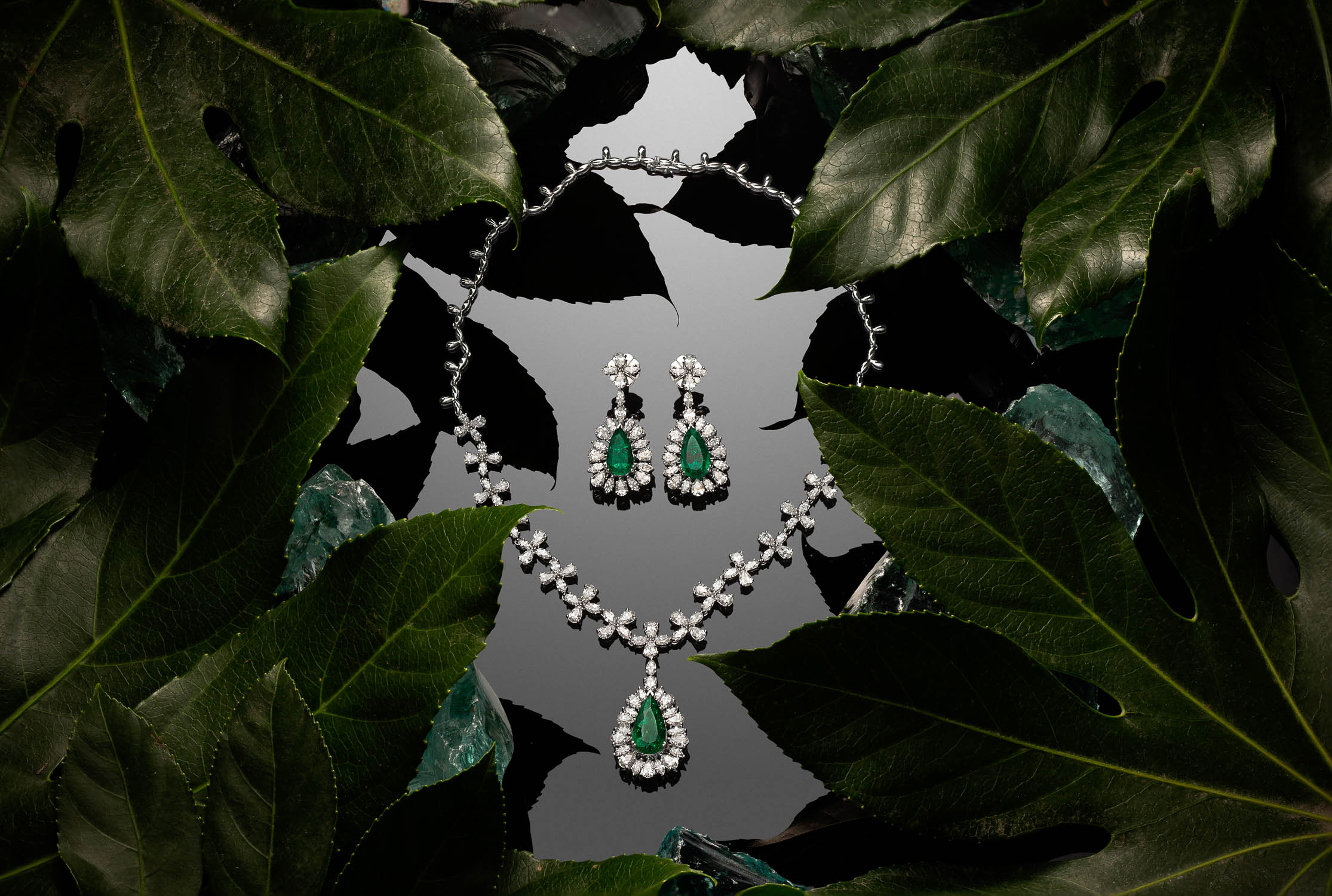
Necklaces and Chains
Chains are fiddly little things. Just when you’ve got one looking right, it slips, kinks or tangles itself back up. A neck bust is often the easiest fix, since it gives the necklace a natural drape. You could also suspend it from fishing line and simply let the chain hang the way it wants to. Shooting a flat lay instead? Use tweezers to ease the curve into shape, then press a little museum putty under the pendant so nothing shifts while you shoot.

Rings, Earrings, and Fine Jewelry
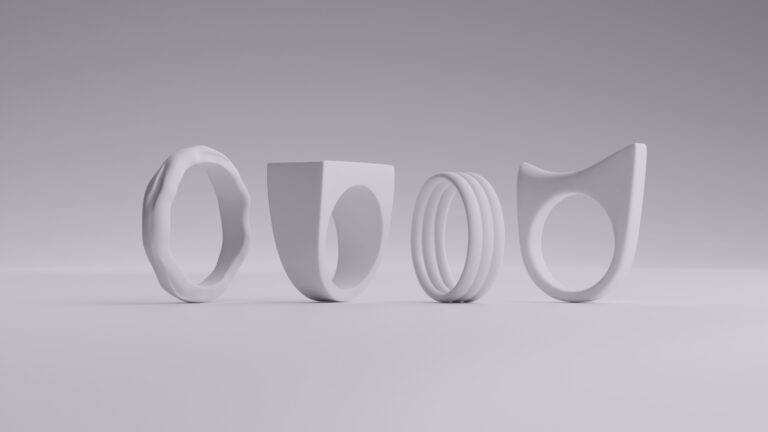
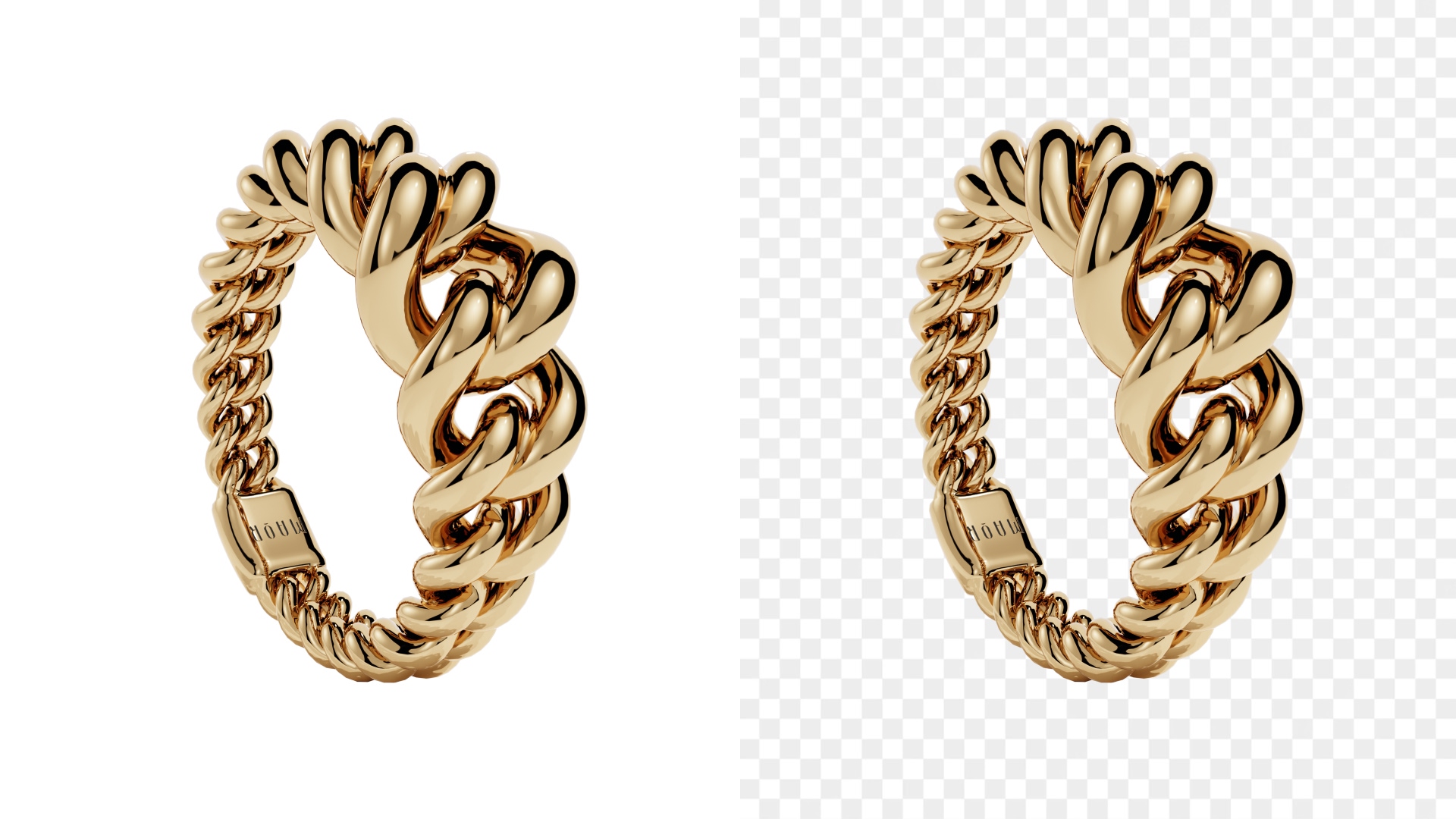
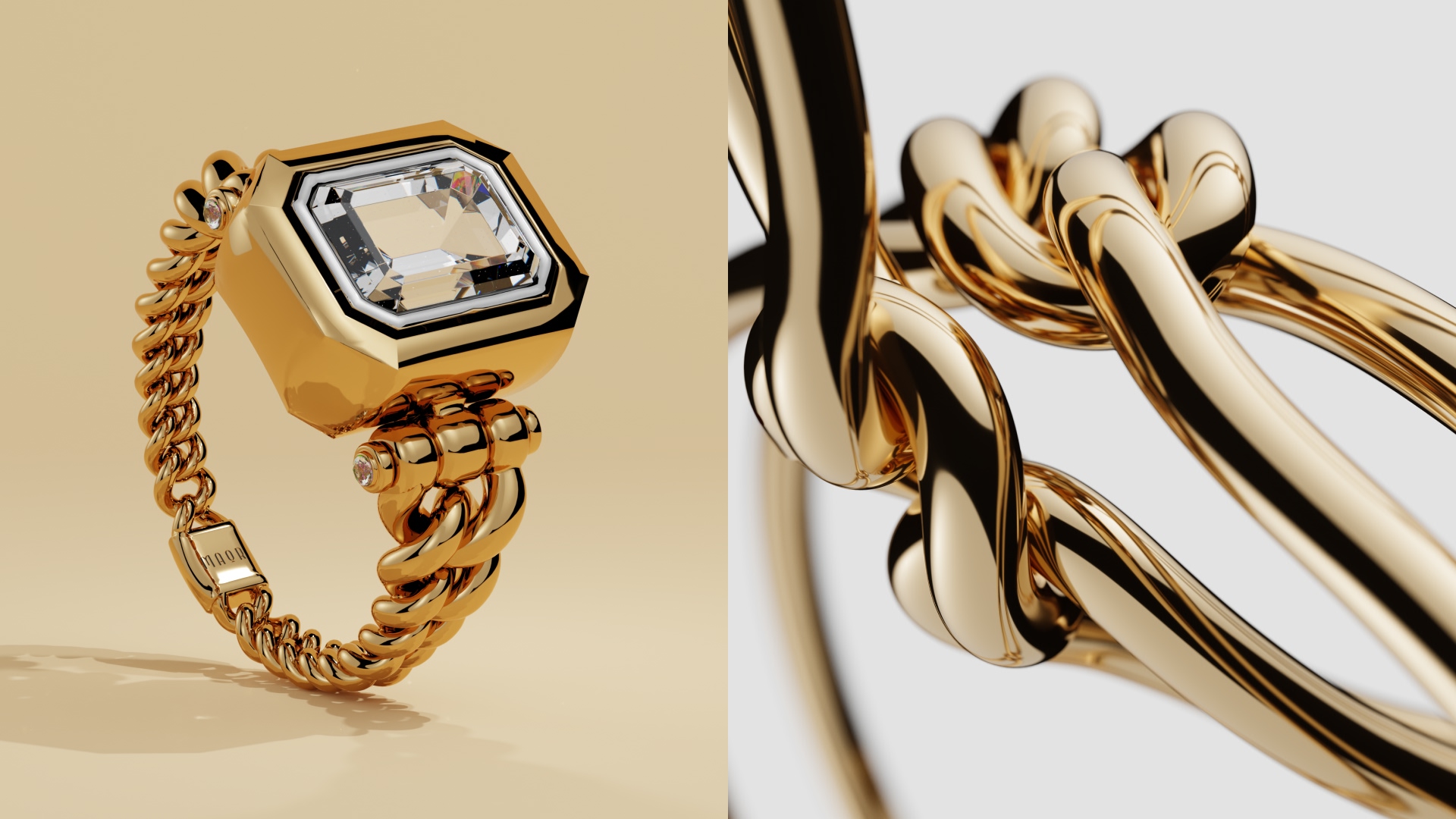
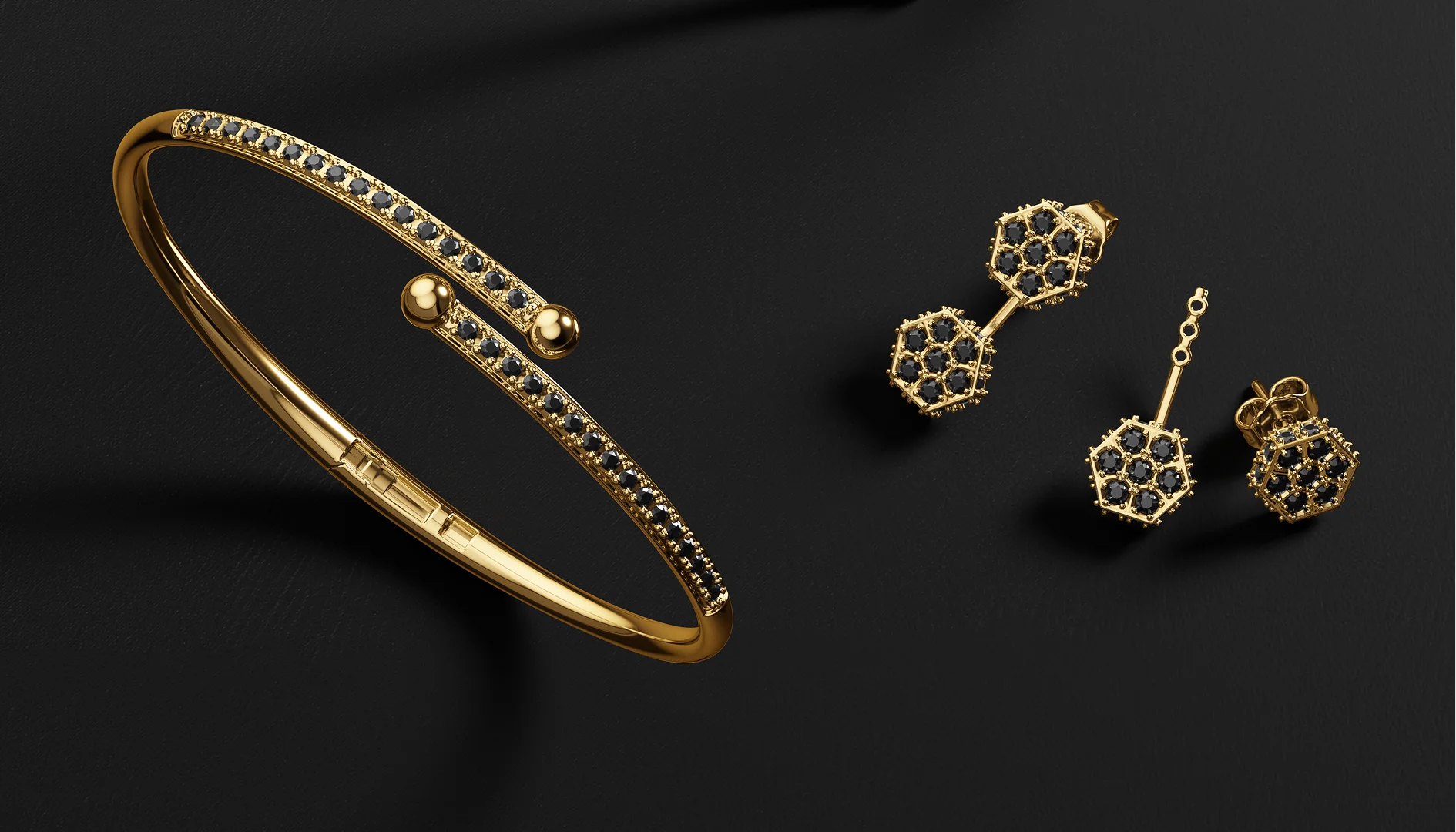
Jewelry is small and wildly reflective, so a macro lens and focus stacking will quickly become your favorite tools. Focus stacking combines several shots, each focused at a slightly different depth, into one image that’s crisp from front to back. Soft, diffused light from a few directions, plus some white cards, gives the metal clean, even highlights. Then add a small spotlight, and watch the diamonds and gemstones come alive.


Watches
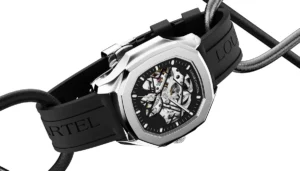
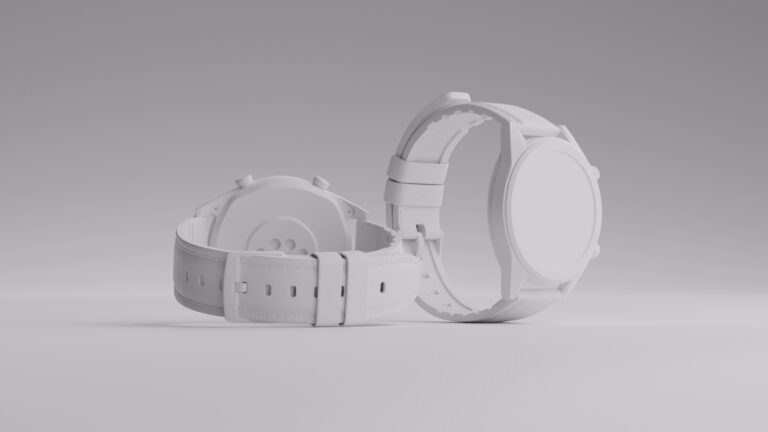
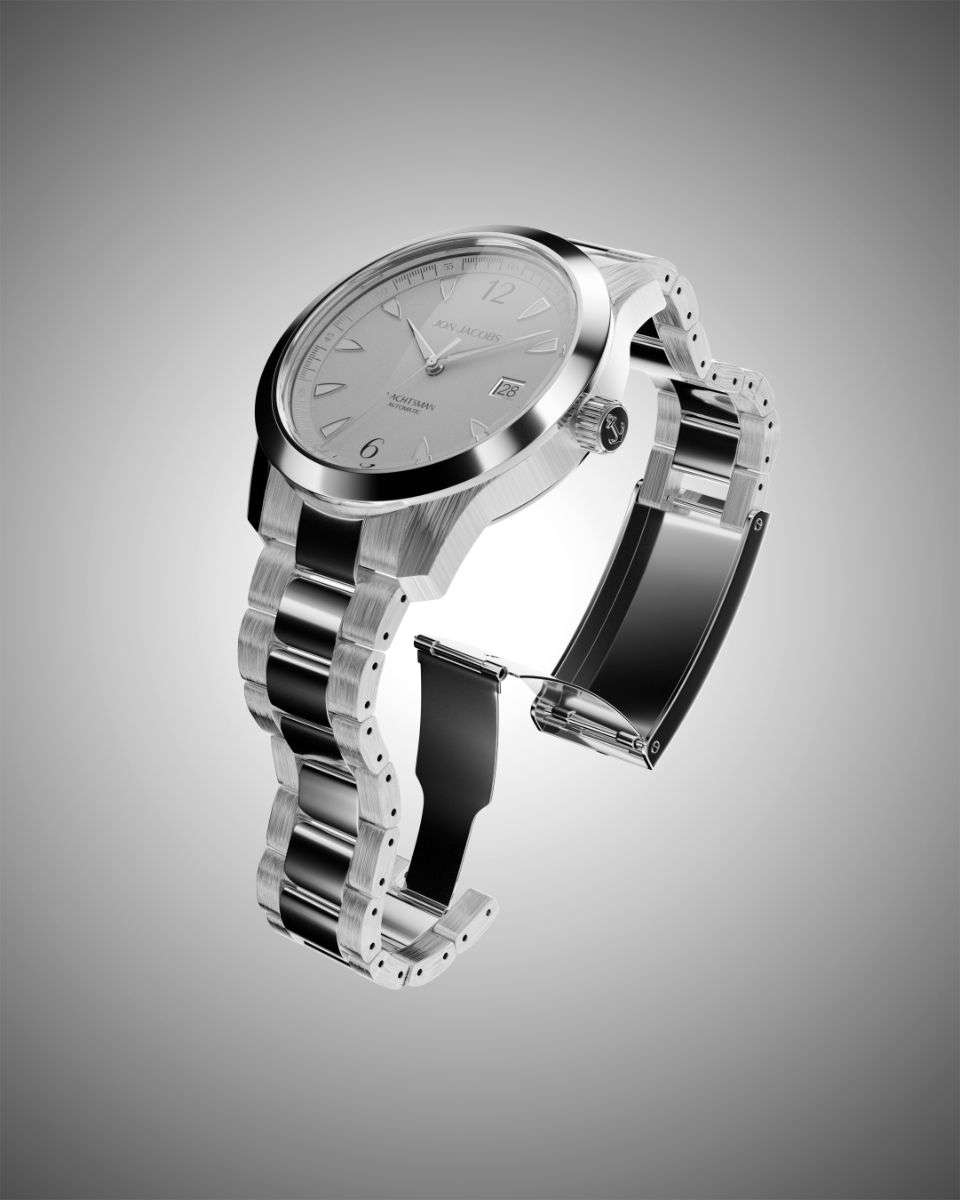
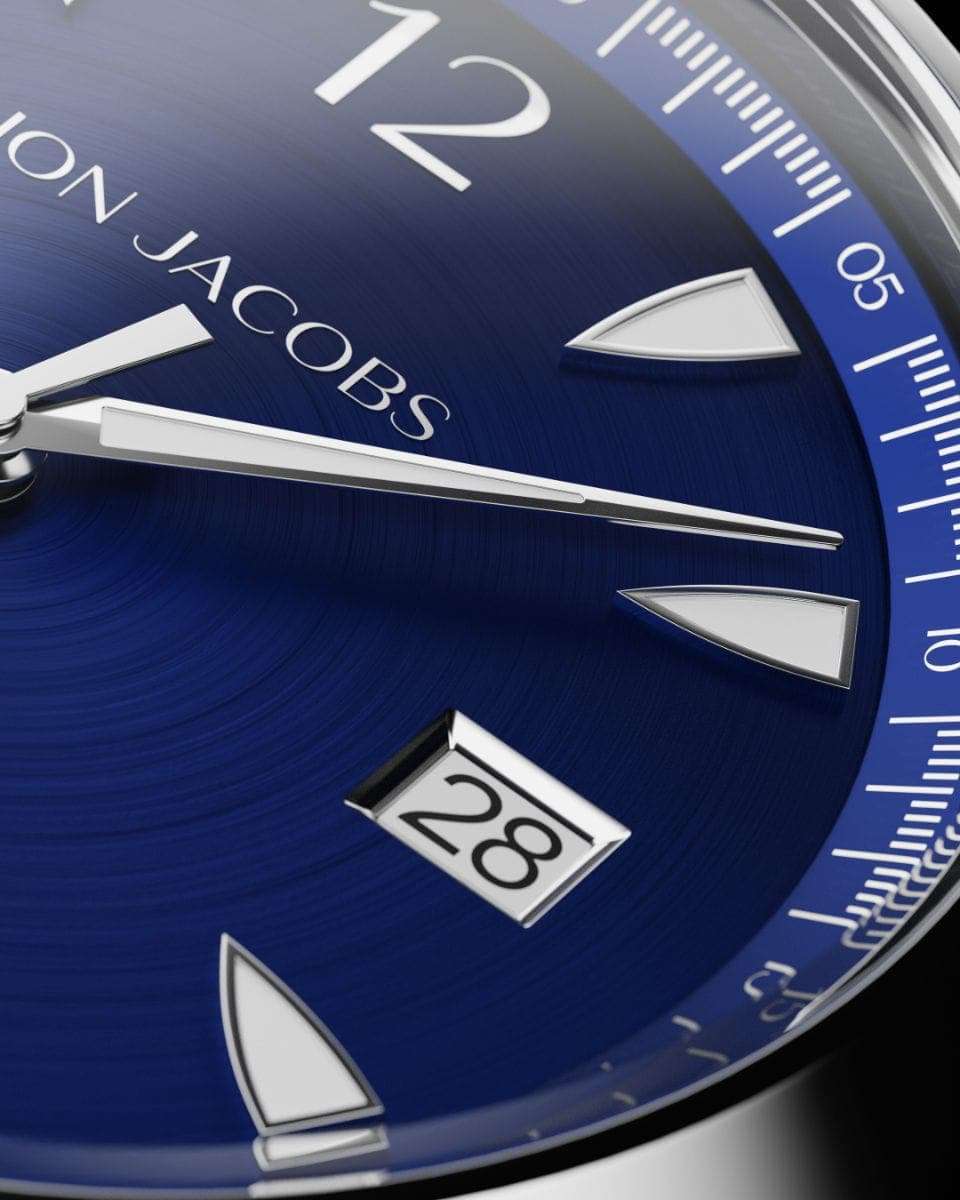
Watch photography has a couple of well-known challenges. That glassy crystal mirrors whatever’s nearby, and the dial’s tiny details can easily get lost. A good first step is setting the hands to about 10:10, since that frames the logo nicely. From there, a slight tilt keeps reflections at bay, and black and white cards help sculpt the edges of the case. It’s also worth photographing the dial, case, strap and clasp individually. Together, those close-ups give shoppers the full picture.
Glass and Transparent Products
Put clear glass and bottles on a white background and they can almost disappear. Lighting from behind or from the sides makes the edges glow, and black cards along each side help draw a clean outline. It’s also worth trying a dark background, which can make clear glass look absolutely stunning.
Black and Dark Products
Dark products swallow light, and their details go with it. Bigger, brighter light sources and a couple of white reflectors will help pull the texture back out. Just keep a close eye on your exposure, so the blacks don’t collapse into a flat silhouette.
Clothing and Soft Goods
Lay a garment flat on a table and it usually ends up looking limp and shapeless. A model, a mannequin or the ghost mannequin technique gives it some life, and a good steam beforehand makes a big difference. From there, pin and clip from behind to shape the fit.
Tips for Professional Product Photography
Want your product images to look sharper and sell better? These tips are a great place to start:
- Let the product fill the frame. According to the RangeMe best practices list, your product should cover at least 85% of the hero image. That way, it doesn’t look tiny and forgettable in search results.
- Shoot in high resolution. At least 2000 x 2000 pixels gives shoppers enough detail to zoom in on labels, stitching and texture.
- Show every side. Shoppers are curious about the back, the bottom and what’s inside, so give them a proper look.
- Include a scale reference. Whether it’s a hand holding the product, a model or a familiar object, a quick size cue saves people from guessing.
- Use infographic images. Simple callouts for dimensions, materials and standout features help anyone who’s skimming the gallery.
- Stay consistent. When angles, lighting, backgrounds and crops match across your catalog, the whole store looks more polished and easier to trust.
- Batch similar products. Shooting items with the same setup back to back can save you a surprising amount of time.
- Mix your image types. Combine clean white background shots with lifestyle, detail and 360-degree views, so every angle of the story gets told.
- Add a short video. A 10-second clip of the product in action can answer questions that photos simply can’t.
- Test and learn. Run A/B tests on hero images in ads and product pages, and let the results show you what your customers actually prefer.
Common Ecommerce Photography Mistakes
Even experienced sellers slip up now and then. These are the mistakes we see most often, along with simple ways to avoid them.
Mistake | Why it hurts | How to avoid it |
|---|---|---|
Inaccurate colors | Leads to returns and disappointed customers | Set a custom white balance with a gray card and calibrate your monitor |
Blurry or low-resolution images | Shoppers can't zoom in or inspect details | Use a tripod and low ISO, and shoot at 2000 px or more |
Cluttered backgrounds | Pulls attention away from the product | Use a seamless sweep or a clean surface |
Harsh shadows and glare | Hides details and looks amateur | Diffuse your lights and use reflectors |
Too few images | Leaves shoppers with unanswered questions | Show all sides, details, scale, and context |
Inconsistent style | Makes the store feel unprofessional | Create a written style guide for angles, crops, and lighting |
Over-editing | The product no longer matches reality | Retouch to clean, never to change shape or color |
Ignoring platform rules | Listings get suppressed or rejected | Check each marketplace's image requirements before you shoot |
Dusty or creased products | Tiny flaws look huge when zoomed in | Clean, steam, and inspect before every shot |
Huge, uncompressed files | Slow pages hurt conversions and SEO | Resize and compress before uploading |
DIY vs. Professional: Which One to Choose
There’s no one right answer here. DIY product photos work brilliantly for some brands, while others save both money and time by hiring an ecommerce product photographer. It really depends on your products, your budget, and how much time you’ve got.
Factor | DIY | Professional |
|---|---|---|
Upfront cost | Equipment only (a basic kit can run a few hundred dollars) | Per image, per hour, or per day |
Cost per image | Very low once the gear is paid off | About $25 to $75 for white background, $100 to $500 for lifestyle |
Quality | Depends on your skill and patience | Consistent, polished, and marketplace ready |
Time | High: learning, shooting, and editing | Low: you brief, they deliver |
Flexibility | Shoot anytime and reshoot freely | Scheduled sessions, and reshoots cost extra |
Best for | Small catalogs, simple products, tight budgets | Growing catalogs, complex or premium products, ad campaigns |
The price ranges above are taken from Welpix’s 2026 product photography price guide. One thing the guide warns about is the hidden “real cost.” By the time you factor in retouching, shipping and all the coordination in between, a $40 per-image quote can end up closer to $84 for every finished photo.
When to Choose DIY
- You’re in the early days, with only a few SKUs to shoot.
- Your products are fairly simple, matte and easy to handle size-wise.
- Your listings change often, and you need new images quickly.
- You like the idea of learning photography and can set aside the time.
When to Choose a Professional
- Your range includes jewelry, watches, glass, cosmetics or other products that are hard to get right.
- You’re building a premium brand, and every image shapes how people see it.
- You need lifestyle, model or campaign shots.
- Your catalog is getting bigger, and keeping every image consistent is getting harder.
- You’d rather put your time into growing the business than learning to shoot.
Plenty of brands end up with a hybrid approach: professional hero and lifestyle images, plus DIY shots for quick updates and social content.
What Is CGI Photography?
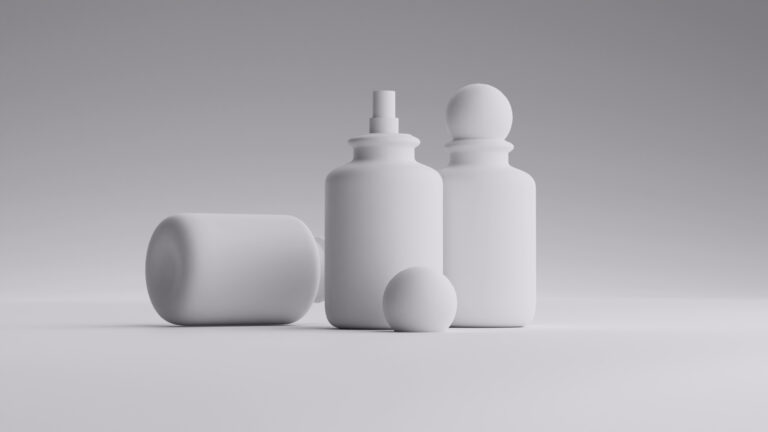
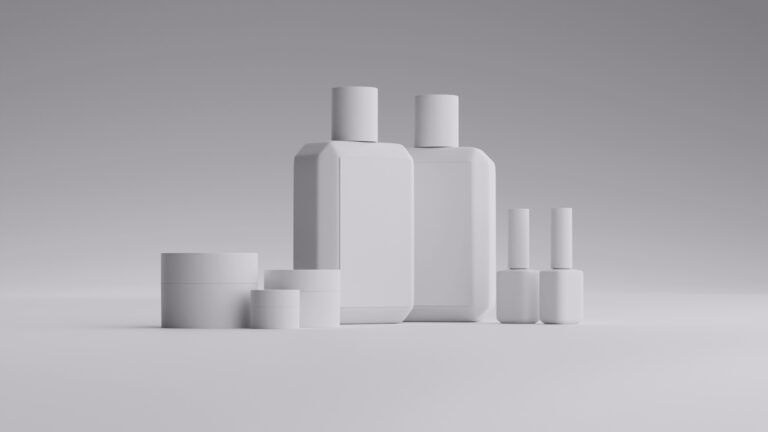
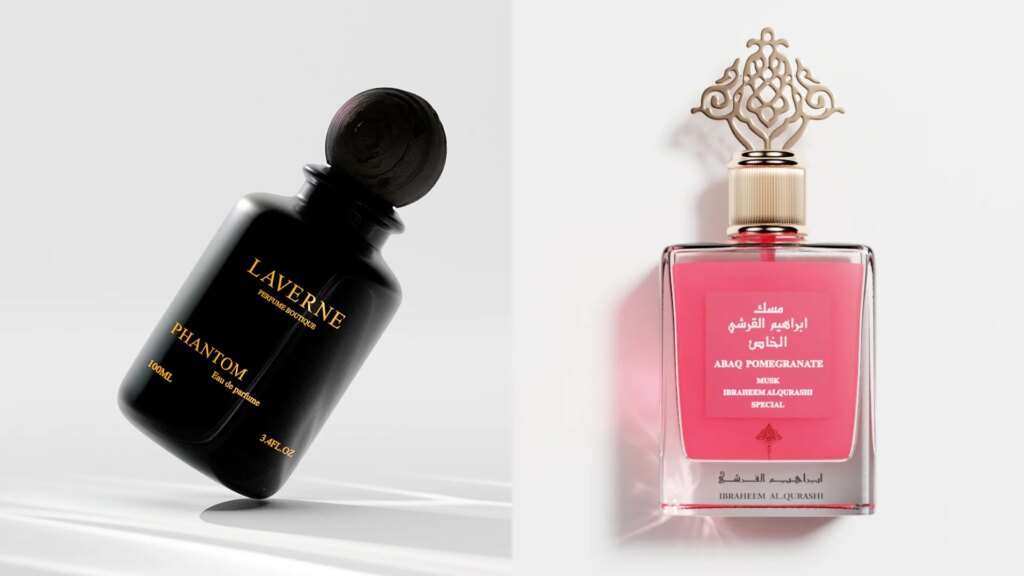
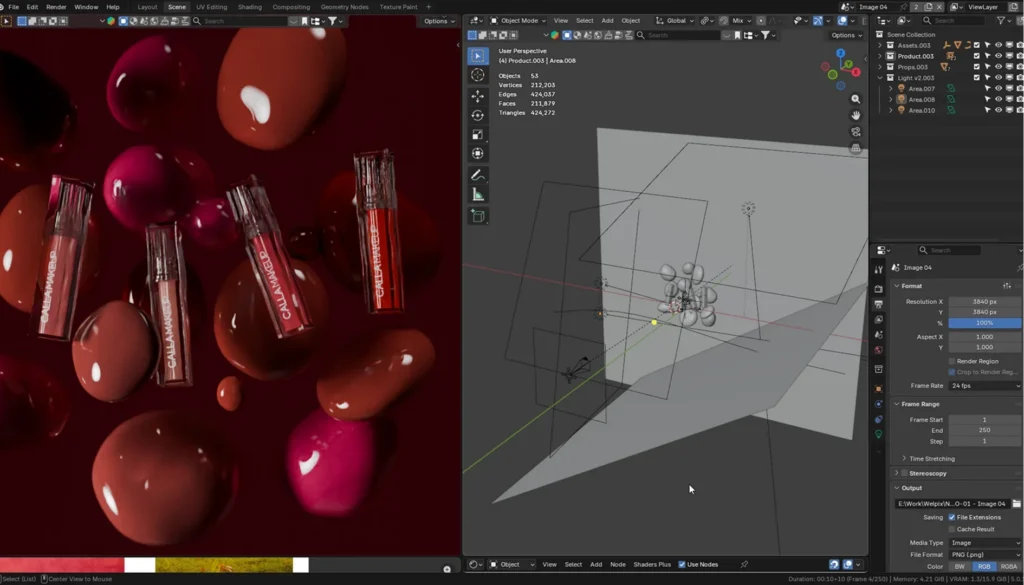
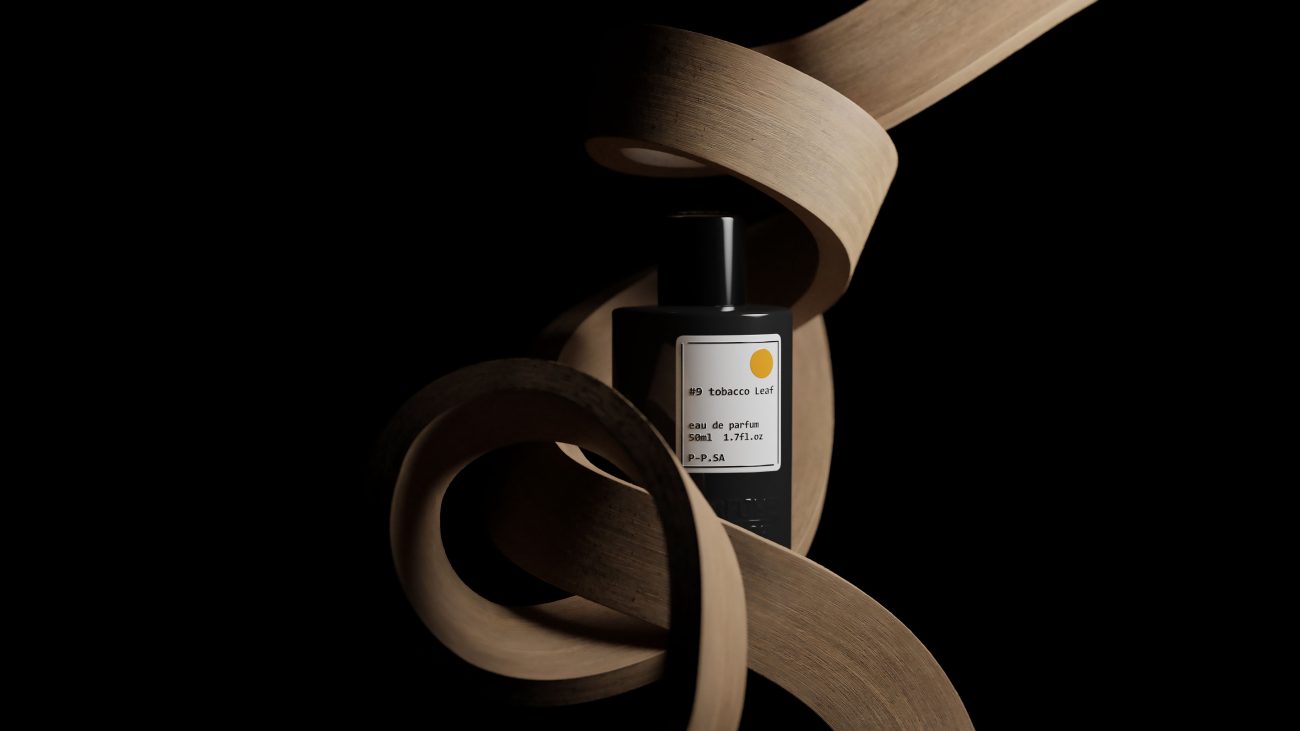
CGI (computer-generated imagery) photography produces photorealistic product images entirely in 3D software. There’s no camera involved, and no studio to book. Instead, artists build a digital twin of your product using photos, measurements or CAD files. They give it realistic materials, light it, place it on a virtual set and then render the final image.
What you get looks just like a studio photo, but it comes with a few real perks:
- No shipping or physical samples. You can even have images ready before the product rolls off the production line.
- Full control over tricky surfaces. Reflections on glass, metal and gemstones land exactly where you want them, every time.
- Endless angles and variations. Once the 3D model is built, new colorways, angles and scenes cost a fraction of what a reshoot would.
- Rock-solid consistency. Every image in your catalog shares the same lighting and style, so the whole range looks like it belongs together.

How Much Does CGI Product Photography Cost?
CGI pricing usually combines a one-time 3D modeling fee with a per-image rendering fee. At Welpix, for example, CGI product photography is priced like this:
Item | Price |
|---|---|
3D modeling | €29 per hour (a perfume bottle may take about 1 hour, a complex watch up to 10) |
White background image | €49 per image |
Minimalistic style | €99 per image |
Simple props style | €149 per image |
Custom scene | €299 per image |
Minimum project | €999 |
Because the 3D model is reusable, the cost per image drops with every new campaign. That makes CGI especially good value for brands with many variants or frequent seasonal content.
CGI vs. Camera vs. AI: Which Is Right for You?
Today you have three ways to create professional product photos. Each one shines in different situations.
Factor | Camera photography | CGI | AI generation |
|---|---|---|---|
Cost per image | $25 to $500+ | From €49, plus one-time modeling | Often under $1 |
Turnaround | About 10 to 21 days | About 2 to 5 days | Minutes |
Product accuracy | Excellent | Excellent, if the model is built correctly | Risky: logos, text, and shapes can distort |
Needs a physical sample | Yes | No (photos or CAD are enough) | Usually a source photo |
New angles or colors later | Requires a reshoot | Fast and inexpensive | Fast, but consistency varies |
Best for | Food, apparel on models, textures, authentic UGC-style content | Jewelry, watches, cosmetics, perfume, electronics, pre-launch products | Quick social posts, background ideas, concept testing |
Which One Is Best?
- Go with camera photography when texture, how something fits on a real body or freshly made food is what really sells the product.
- Go with CGI when your products are reflective, full of fine detail or still in development, or when you need lots of variants that all match perfectly.
- Go with AI for quick, low-stakes content like social backgrounds and ad tests. Just be sure to check every image against the real product before it goes anywhere public.
For most growing ecommerce brands, the best answer isn’t picking one. It’s using them together. Let CGI or camera images carry your product pages and marketplace listings, and bring in AI to stretch those assets further across social and ads.
Optimizing Product Photography for Ecommerce SEO
We’ve seen it plenty of times: a brand invests in beautiful product images, then uploads them as heavy files with names like IMG_4821.jpg. All that work deserves to be found. Here’s the quick checklist we run through before any image goes live:
- Use descriptive file names. Something like womens-black-leather-ankle-boots.jpg tells search engines exactly what they’re looking at. IMG_4821.jpg tells them nothing.
- Write helpful alt text. Describe the product simply and honestly, the way you’d explain it to a customer: color, material and type. There’s no need to squeeze in extra keywords.
- Compress every file. We aim for under 500 KB per image. With the right settings, shoppers won’t notice any difference in quality, but they’ll definitely notice a faster page.
- Choose the right format. JPEG is a safe choice for photos, WebP keeps files lighter wherever your platform supports it, and PNG is only worth it when you need a transparent background.
- Keep a consistent aspect ratio. Square (1:1) images look neat and tidy in most product grids.
- Save in sRGB. It’s the easiest way to make sure the color you approve on your screen is the color your customers see.
- Add product schema. A little structured data gives your images a better chance of appearing in Google Shopping and rich results.
- Turn on lazy loading. Images further down the page wait until shoppers scroll to them, so the important ones load first.
Image Specs by Platform
Platform | Recommended size | Key rules |
|---|---|---|
Shopify | 2048 x 2048 px (1:1) | Keep aspect ratios consistent across products so collection grids look even |
Amazon | 2000 x 2000 px recommended; 1000 px minimum on the longest side for zoom | Main image needs a pure white background (RGB 255, 255, 255), product filling at least 85% of the frame, and no text, logos, or props |
Etsy | 2000 px on the shortest side, square format | No white background required, files under 1 MB, sRGB color, up to 10 photos per listing |
Shopify’s 2048 x 2048 px guidance is summarized in Cloudinary’s Shopify image size guide, while Amazon and Etsy specs come from Let’s Enhance’s 2026 marketplace requirements guide. Platforms update their rules from time to time, so double-check each seller help center before a big upload.
Final Thoughts
Great ecommerce product photography isn’t about expensive gear. It’s about accuracy, consistency, and showing shoppers exactly what they’ll get. Whether you shoot DIY, hire a photographer, or go fully digital, the right images will earn trust and lift sales.
If jewelry, watches, cosmetics, or perfume are giving you trouble, Welpix can turn a few phone photos of your product into photorealistic CGI images. Send us your product and see what’s possible.
FAQs
What is ecommerce photography?
Ecommerce photography is the creation of product images for online stores and marketplaces. Its goal is to show products accurately and attractively so shoppers can buy with confidence.
How do I take product photos at home?
Use a camera or good smartphone on a tripod, a white sweep or light tent, and soft window light or two diffused LED lights. Shoot in manual mode, set a custom white balance, then edit and compress before uploading.
How many product photos should I have per listing?
Aim for five to eight images per product: a main white background shot, several angles, a detail close-up, a scale shot, and at least one lifestyle image. Etsy allows up to 10 photos per listing.
How much does ecommerce product photography cost?
Professional white background images typically cost $25 to $75 each, while lifestyle images range from $100 to $500 or more. CGI images start around €49 per image plus a one-time 3D modeling fee.
What is the best background for product photography?
Pure white is the standard for main images and marketplaces like Amazon. Lifestyle and colored backgrounds work well for secondary images, social media, and ads.
Is CGI better than traditional product photography?
CGI is often better for reflective, detailed, or unreleased products and for large catalogs with many variants. Traditional photography still wins for food, textures, and garments worn by real models.
Can I use AI for ecommerce product photos?
Yes, for backgrounds, social content, and quick variations. Always compare AI images against the real product, since AI can distort shapes, logos, and text.
- 3D modeling
- White bg.
- Minimalistic
- Simple prop
- Custom
- 3D modeling
- White bg.
- Minimalistic
- Simple prop
- Custom
Got it — we're on it
Tell us a bit more and we'll tailor the sample. Totally optional.
Thank you!
We've got everything. We'll get back to you by email soon.