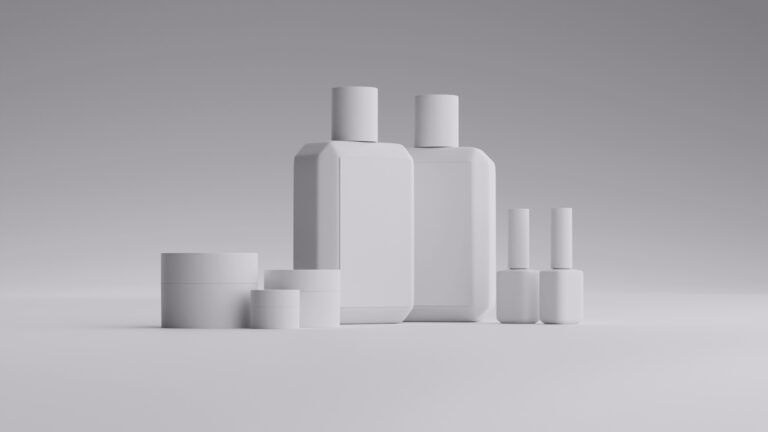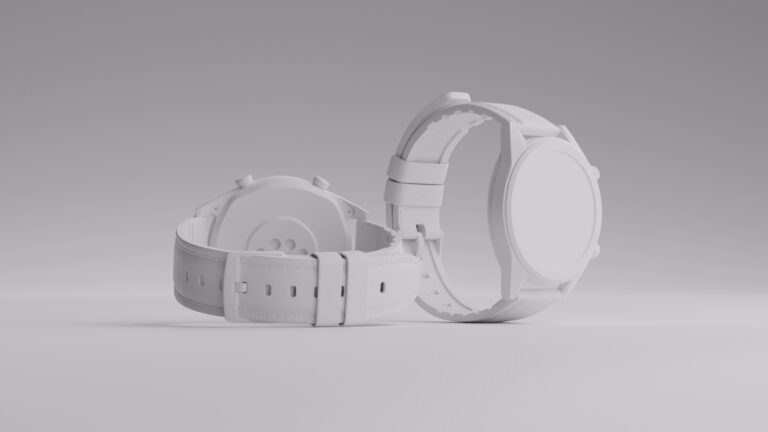
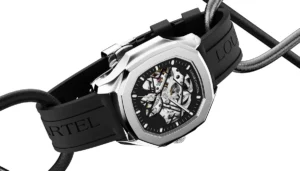
Ask anyone who has tried to photograph their own watch, and the same frustrations surface. The dial text goes soft, the crystal and polished case throw back every light in the room, plus whoever is holding the camera.
A watch has several surfaces fighting at once, and that is what makes it difficult to capture a perfect shot.
In this article, we will show you what it actually takes to get your watch looking its best in an image.
Key takeaways
- Watches are the hardest product to shoot because a single piece mixes brushed metal, polished metal, crystal, and a fine-printed dial, each wanting opposite light.
- The real skill is reflection management, deciding what the mirror-like surfaces reflect rather than just adding more light.
- Match the shot type to the job, clean white for catalog, macro for craftsmanship, wrist shots for scale, styled shots for brand.
- A tripod, macro lens, and soft directional light matter more than an expensive camera body.
- CGI sidesteps the hardest parts, no reflections to chase, no dust, no supports to retouch, and no watch to ship.
Types of watch photography
Depending on what you’re selling and where the image will live, you’ll need a different type of watch shot.
Catalog or white background
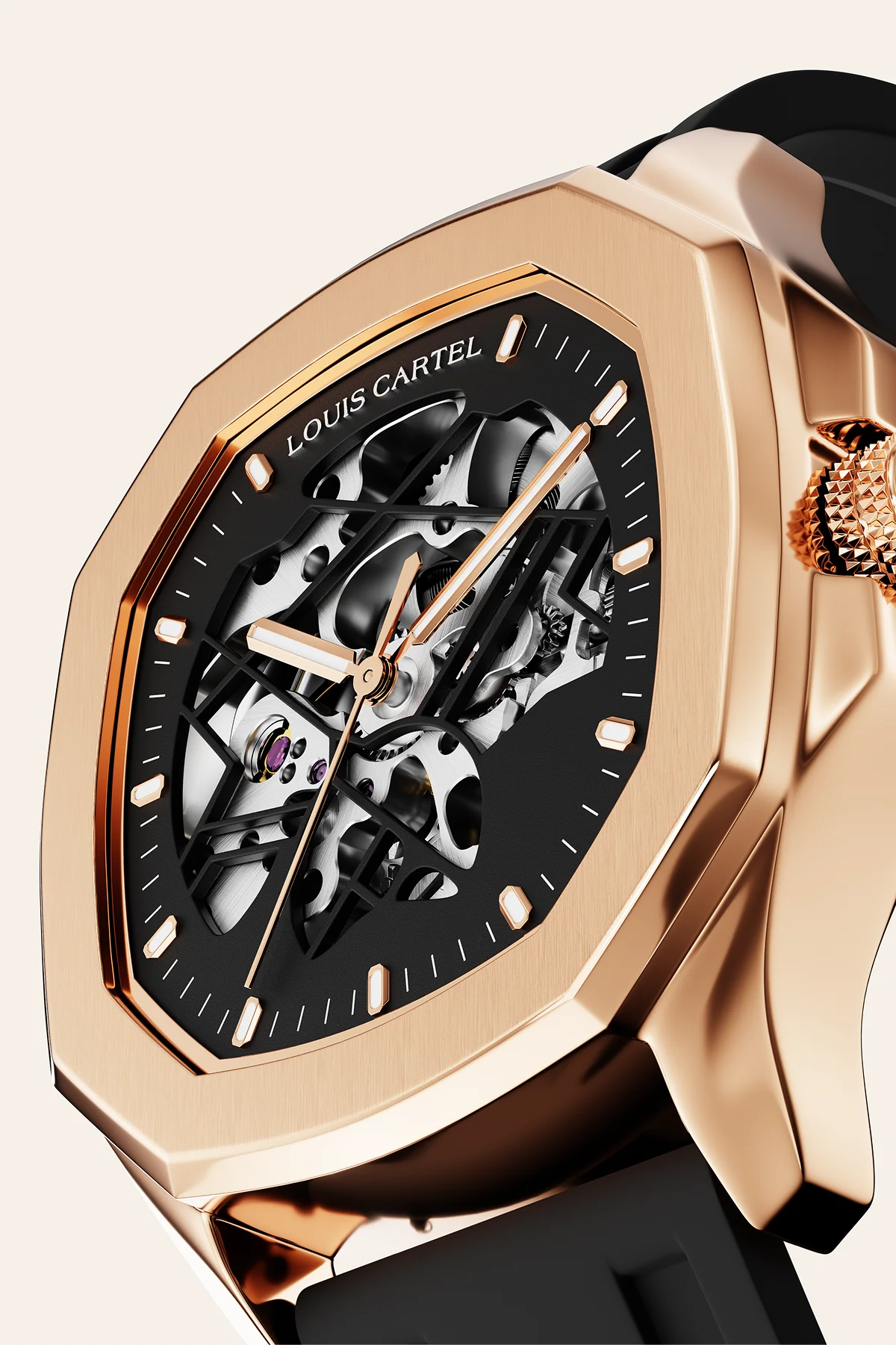
When to use: Your default for e-commerce, Amazon, and catalogs
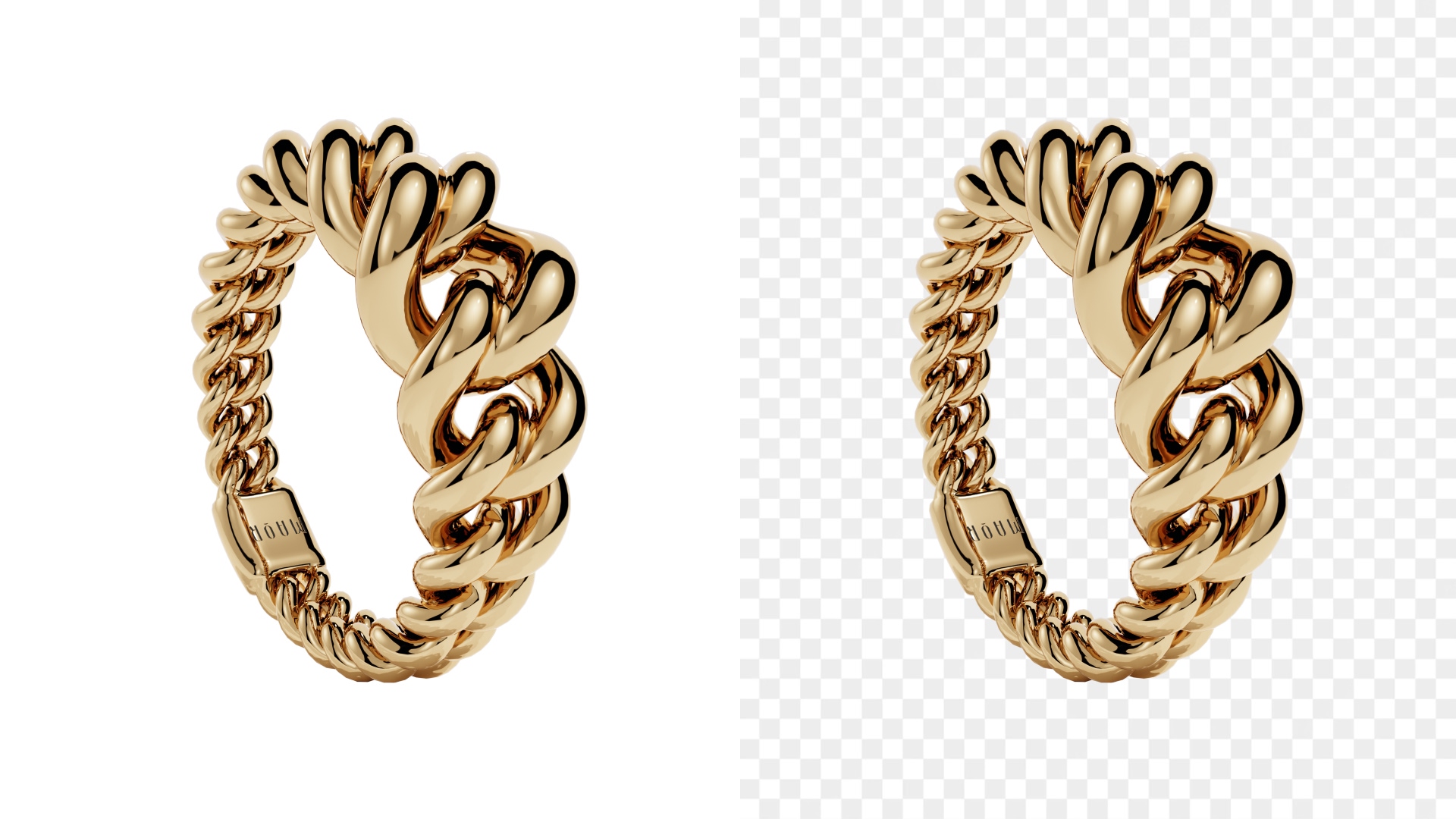
The clean, evenly lit shot on pure white you see on every product page and marketplace listing. Nothing distracts from the piece, the dial and case read instantly, and the image drops cleanly into any store template. It’s also the easiest to swap backgrounds on later, so one clean shot can serve a dozen placements.
Macro and detail shots
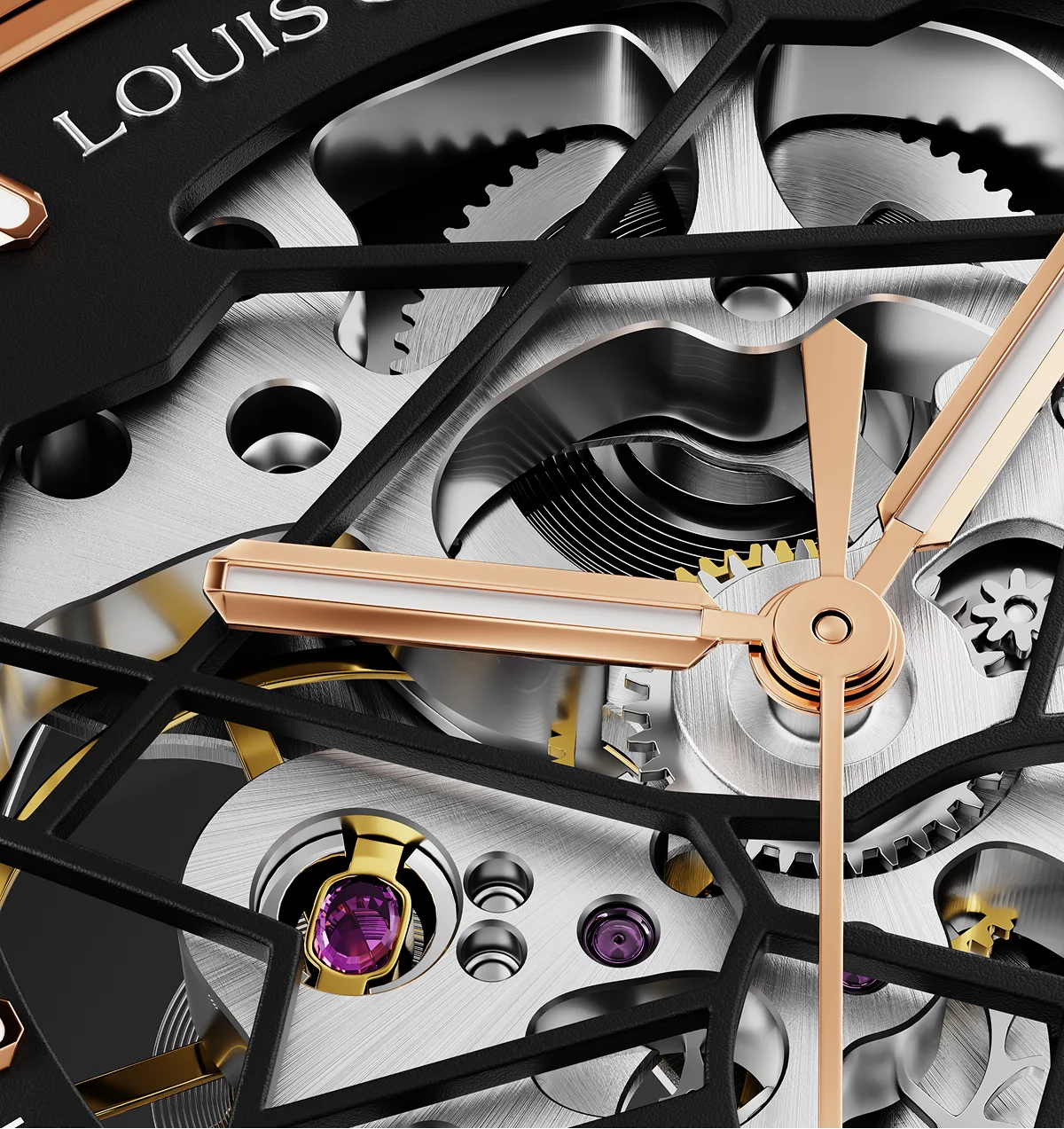
When to use: Selling craftsmanship and justifying price.
Extreme close-ups of the dial texture, movement, engraving, clasp, or crown. Watches live and die on detail, and this is where you prove it. A sharp macro of a sunburst dial, an exposed movement, or a finely finished bezel signals quality in a way words on a page never will.
Lifestyle and wrist shots
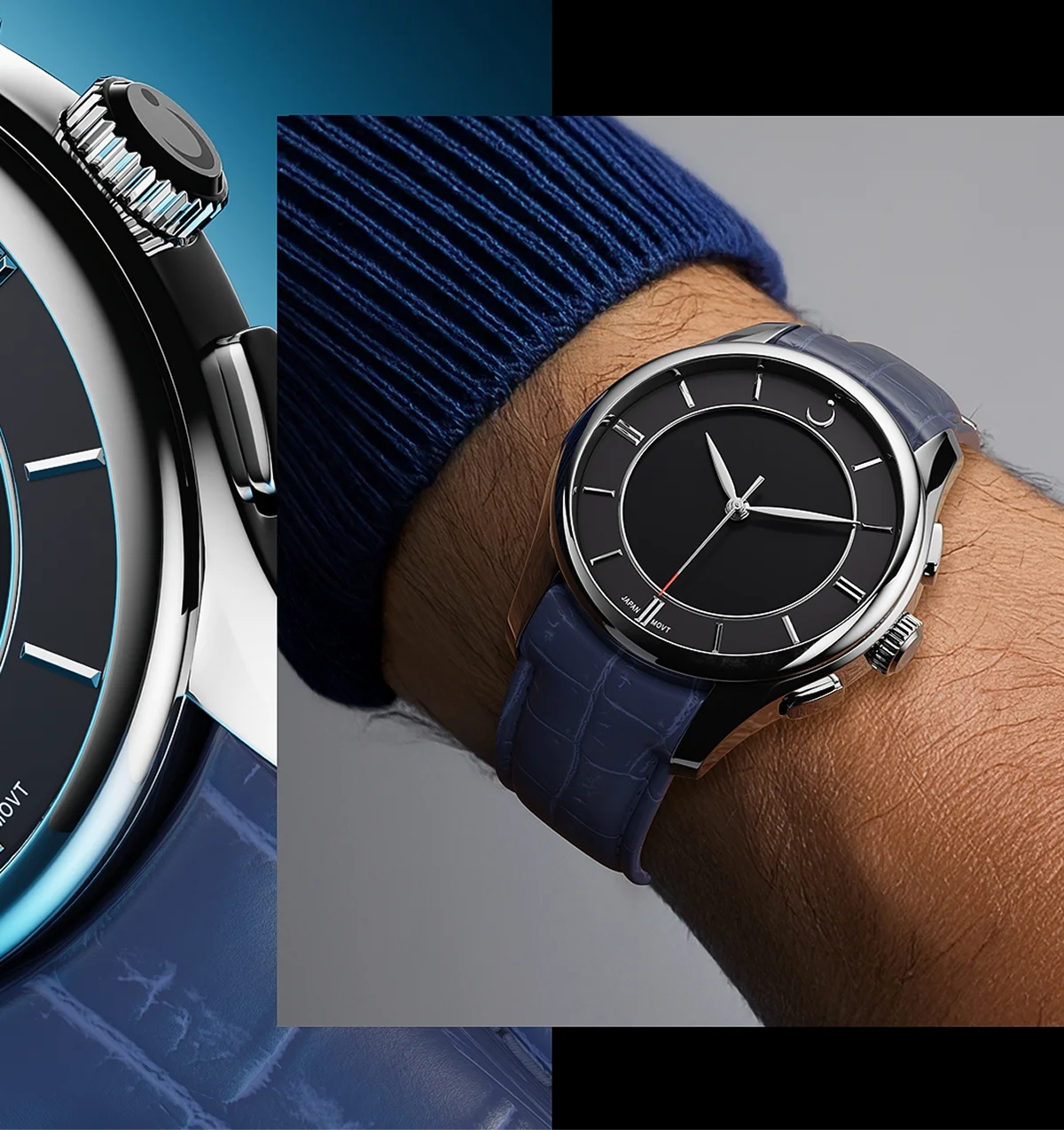
When to use: Showing real-world scale and fit.
The watch worn on a wrist or staged in a real-world setting. Sizing is the silent objection in every watch purchase, and a wrist shot answers it before it’s asked.
Styled or props shots
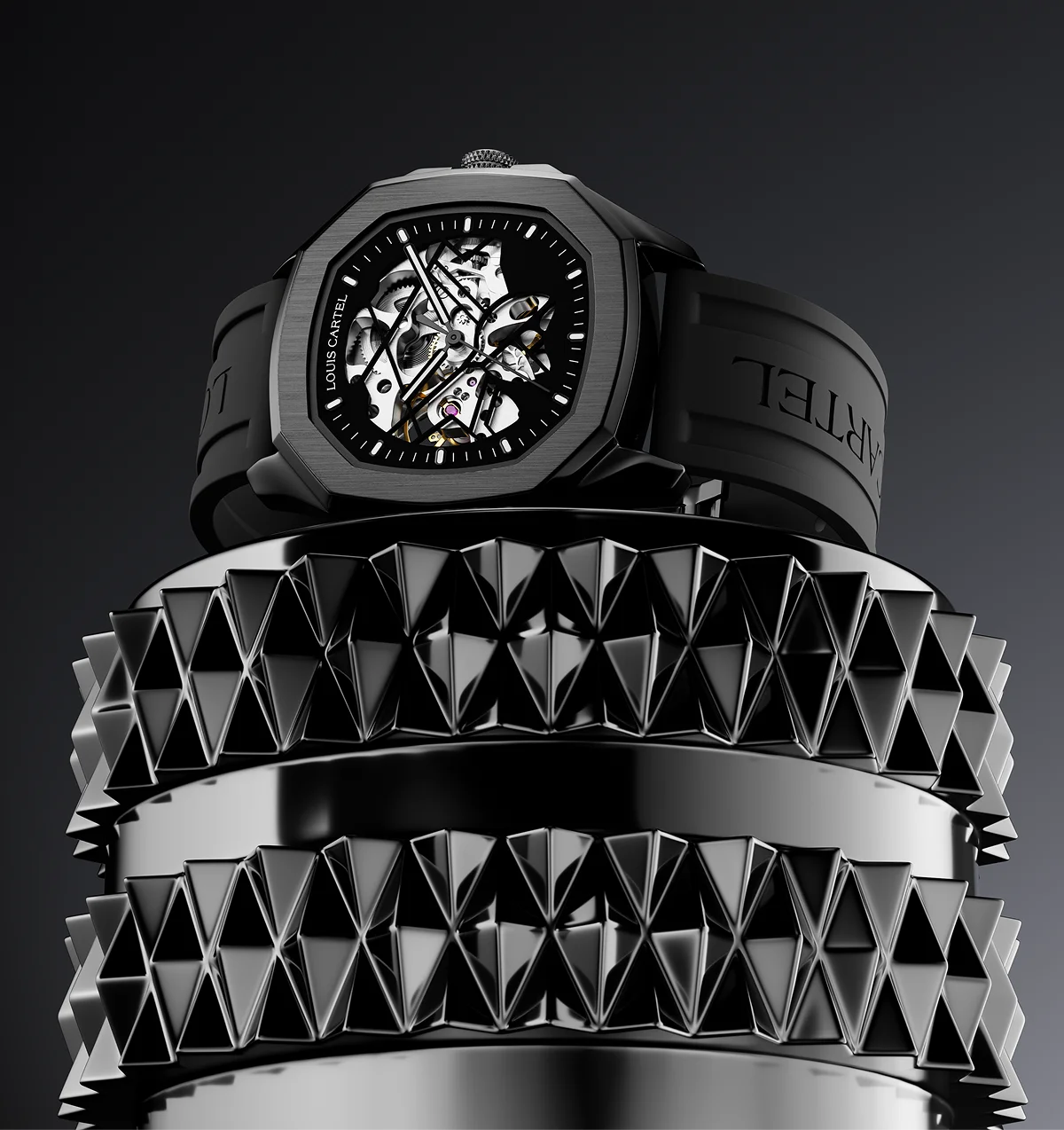
When to use: For hero images, ads, and social.
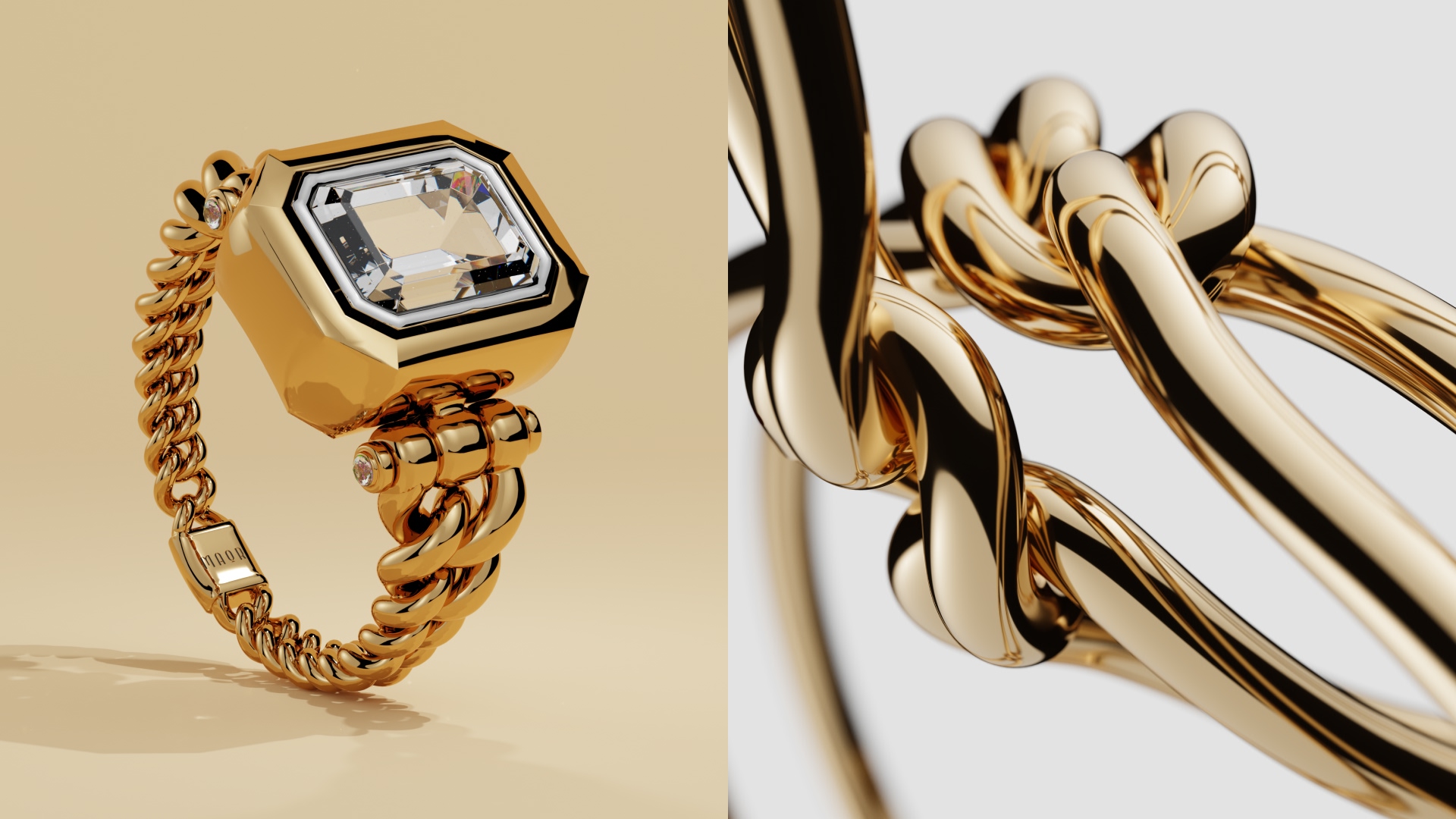
The watch composed with supporting objects, textures, or a built scene. This is where a watch stops being a spec sheet and starts being desirable. It’s the most involved to produce, but it’s also what makes a brand look like it belongs in the category it’s charging for.
Group and collection shots
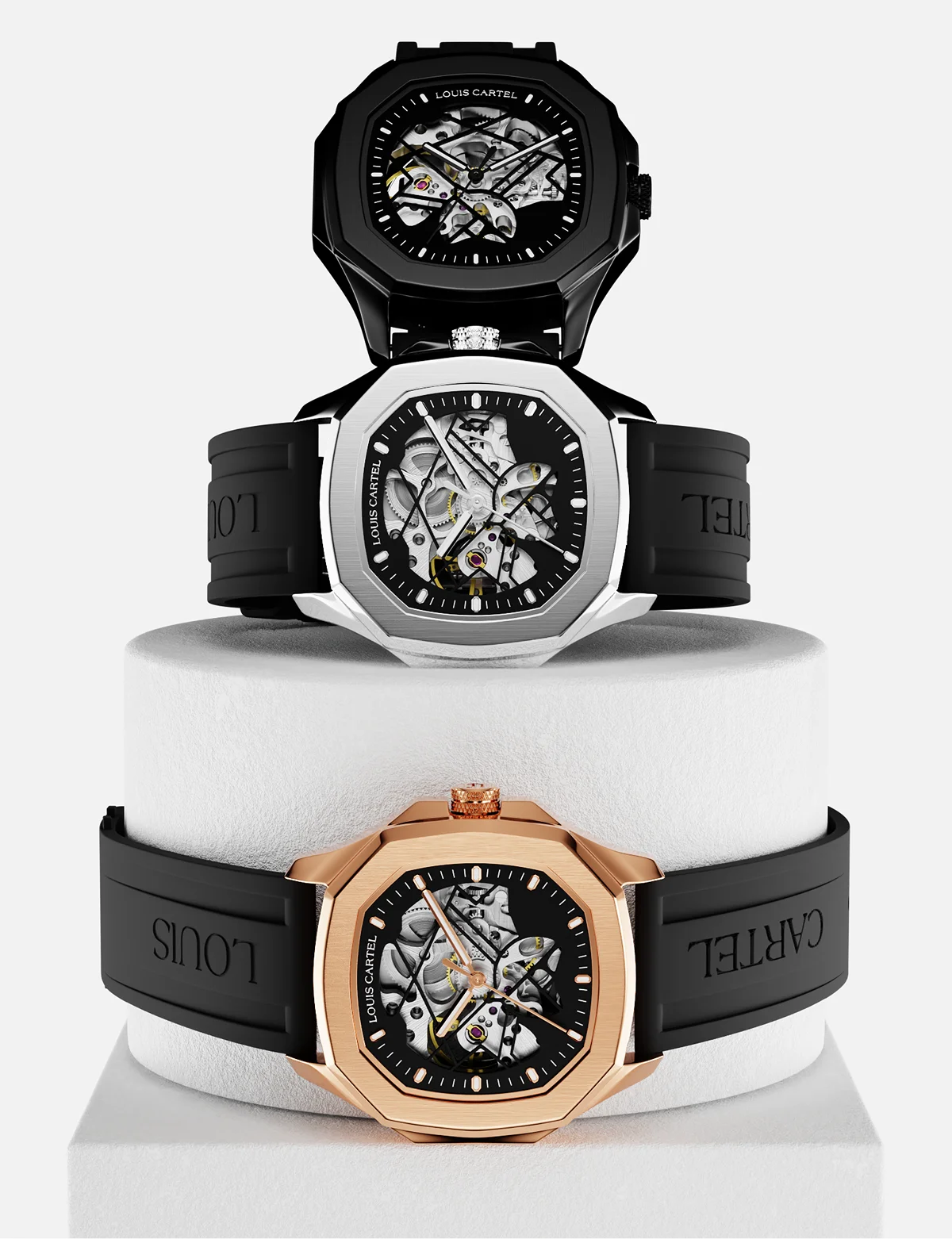
When to use: For range overviews, comparison pages, campaigns, and showing off a collection’s breadth.
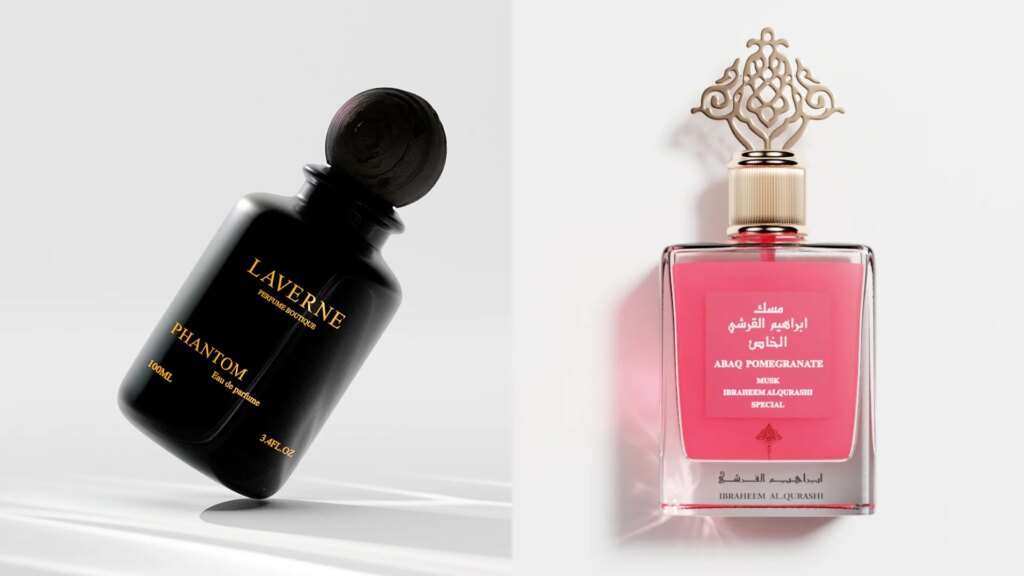
One frame that says “here’s everything we make” does real work on a homepage or in a launch. The catch is consistency; every piece has to be lit and angled to match, which is exactly where it gets fiddly to shoot but easy to keep uniform with CGI.
Essential equipment for watch photography
You don’t need a studio full of gear to shoot a watch well, but a few things make the difference between a soft, reflection-covered snapshot and a clean, sharp image. Here’s what actually matters.
Camera
A dedicated camera beats a phone for close focusing. A compact point-and-shoot or a mirrorless body can get right up to the piece and hold detail a phone smears. That said, a modern phone with a good macro mode and a longer 2x or 3x setting gets you surprisingly far (if that’s all you have).
Macro lens
This is the single most important piece of glass for watch work. A 50mm to 100mm macro lens lets you fill the frame with the dial and capture texture, printing, and movement detail that a standard lens can’t resolve up close. Longer focal lengths also flatten perspective, so the case doesn’t bulge unnaturally.
Tripod
A watch shot at low ISO in soft light needs a slow shutter, and any hand shake blurs the fine dial text. A steady tripod fixes that completely. It also lets you lock the composition and use a timer or remote so pressing the shutter doesn’t jog the camera.
Lighting
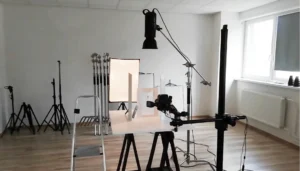
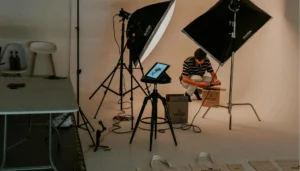
Soft, directional light is what makes mixed finishes read properly. A window, a couple of LED panels, or a small softbox all work. The goal is diffuse light coming from one or two clear directions so brushed steel gets its raking highlight while polished surfaces stay clean, with shadow shaping the piece rather than flat, lifeless illumination.
Diffusion and reflectors
A white card, foam board, or a small light tent tames the reflections of a polished case and crystal throwback. A white reflector bounced onto a brushed band brings out its detail, while diffusion between light and watch softens harsh hotspots and hides the camera in the reflection.
Light tent or lightbox
For clean catalog shots, a light tent surrounds the watch in even, wrapped light and blocks stray reflections from the room. It’s the fastest route to a distraction-free white-background image, though it trades some drama for cleanliness.
Polarizing filter
A polarizer cuts glare off the crystal and reduces reflections on polished metal, letting the dial show through clearly instead of disappearing behind a hotspot. It’s a cheap add-on that solves one of the most common watch-photo problems.
Equipment | What it does | Priority |
|---|---|---|
Camera | Close focusing and detail capture; compact or mirrorless beats a phone | Essential |
Macro lens | Fills the frame with sharp dial, texture, and movement detail | Essential |
Tripod | Kills shake for sharp shots at low ISO and slow shutter | Essential |
Lighting | Soft, directional light that flatters mixed finishes | Essential |
Diffusion/reflectors | Controls reflections and brings out brushed detail | High |
Light tent/lightbox | Even, wrapped light for clean white-background shots | Medium |
Polarizing filter | Cuts crystal glare and metal reflections | Medium |
How to shoot for watch photography
Here’s where the guesswork ends and the actual settings, angles, and lighting begin:
Lighting setup
A watch presents at least four surfaces that react to light in opposite ways:
- Brushed/satin metal (which shows its grain only under directional, raking light)
- High-gloss polished metal (a mirror that must reflect something clean and graduated)
- Domed sapphire crystal (a curved mirror that reflects everything in the room)
- Printed dial (a fine-detail surface that needs punchy, directional light to render text and texture)
Because every lamp, window, and bright object in the room will show up as a reflection on these surfaces, the core skill is reflection management rather than simply illuminating the subject.
Start with one large, soft source, a softbox, a diffusion panel, or a north-facing window, placed around 45 degrees and close to the watch. The bigger and closer it is, the smoother the gradient across polished metal, which is what reads as expensive. Put a white reflector opposite to fill the shadow side so no part of the case or strap goes dead black.
Then shape it. Black cards just outside the frame (“negative fill”) add contrast and crisp edges to shiny metal. A polarizing filter and a slightly off-dead-on angle push glare off the crystal. Add one small, direct light aimed only at the dial to bring up the printing and texture.
To keep yourself and the camera out of the crystal, shoot through a board with a hole cut for the lens. And clean the watch obsessively first, every fingerprint and dust speck is magnified up close.
Angles for a watch photograph
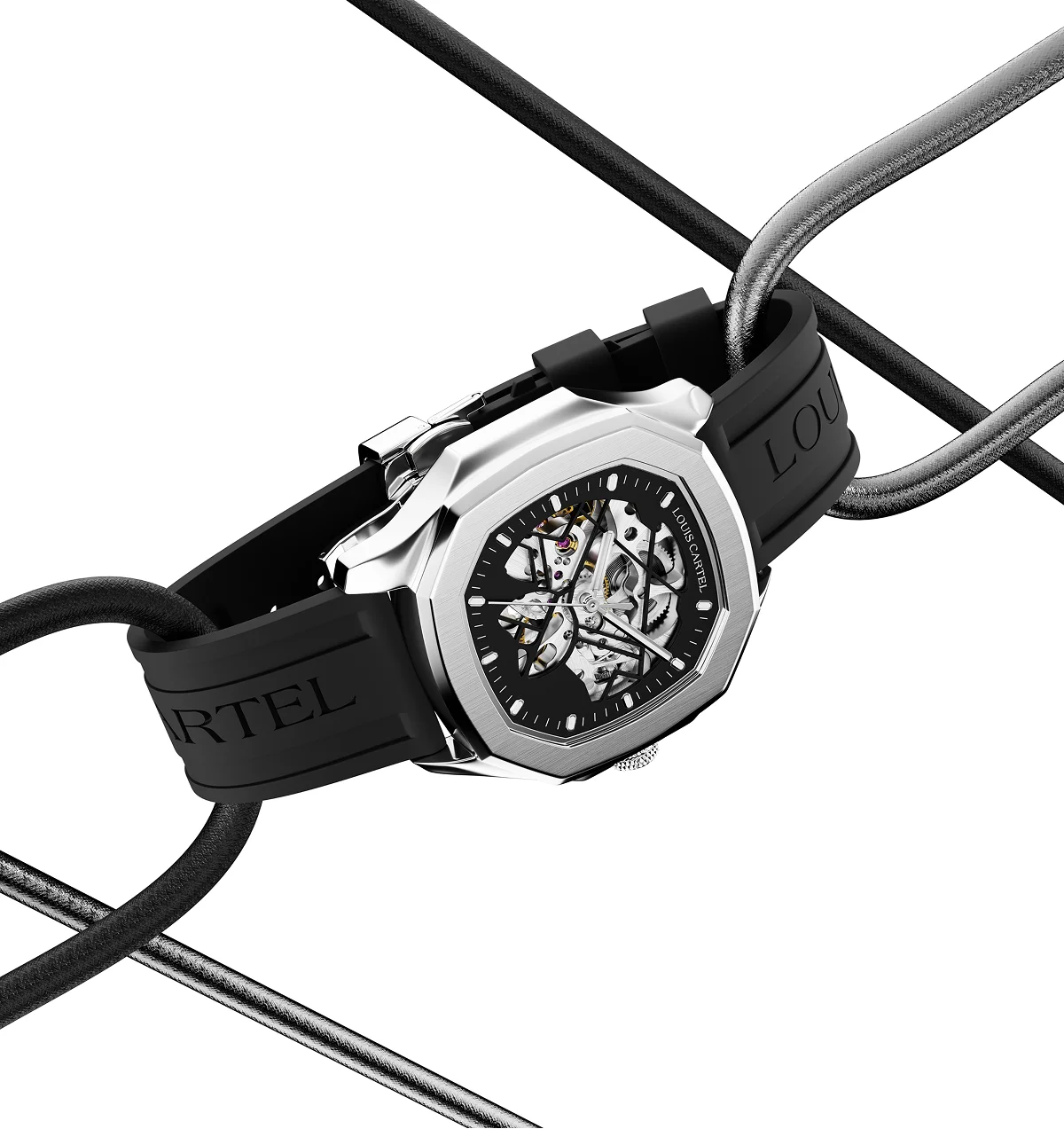
Good watch photography follows a repeatable shot list, where each angle answers a specific question the buyer is already asking.
- Straight-on dial: The hero shot, dial square to the camera, tack sharp. This is your primary product image and where hand position matters most.
- 3/4 angle (around 45°): The strongest second image. It shows the dial, the side of the case, the crown, and the curve of the crystal at once, giving a real sense of thickness and depth that a flat shot hides.
- Macro details: Tight crops of the crown, dial texture, hands, indices, bezel finishing, and caseback. This is where you prove craftsmanship and justify the price.
- Profile from 12 and 6: Shot from the top and bottom of the case to show how the bracelet or strap flows from the lugs. Watches won’t stand on their own, so they’re propped on a stand or putty and cleaned up in post.
- Clasp and bracelet: Shows the clasp mechanism and how the bracelet articulates, a trust signal for buyers who can’t feel the click in person.
- Wrist shot: The one that answers “how big is it and how does it wear.” Sizing is the silent objection in every watch sale, and this settles it before it’s asked.
Camera settings
Setting | Recommended | Why |
|---|---|---|
ISO | 100 (lowest native) | Dials and metal show noise easily; low light, small aperture, and long exposure all invite it |
Aperture | f/5.6 to f/11 | The sweet spot for sharpness and depth of field; most lenses are sharpest around f/8 |
Shutter | 1/10 to 1/3 sec, on a tripod | Low ISO and mid aperture need a slow exposure; fine when locked on a tripod |
File format | RAW | Full latitude on color and exposure in editing |
White balance | Daylight (~5500K), off a gray card | A color cast on a white dial or gold case is instantly obvious |
Shutter trigger | 2-second timer or remote | Stops the shutter press from shaking the camera |
Stabilization | Off when on a tripod | IS/VR can add blur on a locked-off camera |
Background selection
The background sets the perceived value of the watch, and the one rule that governs all of it is simple. Here are some of your options:
- White or seamless: The catalog and marketplace default. Clean, professional, and required by most platforms, Amazon wants a pure white background (255, 255, 255) with the product filling at least 85% of the frame. Shot on a seamless sweep or in a light tent. This is your workhorse.
- Dark or moody: Black and dark-gray backgrounds create drama and focus, and bright dials and light metal pop against them. Best for luxury, dress, and sports watches and for hero or editorial images. Watch for dark straps disappearing into a dark ground.
- Textured surfaces: Stone, wood, slate, concrete, leather, and fabric add story and context, granite for a rugged piece, leather for a dress watch. The texture should support the watch, not fight it, and shiny straps will pick it up as a reflection.
- Reflective surfaces: A sheet of black or white acrylic gives a clean mirror reflection under the watch and a premium floating effect. Especially popular for luxury and dress pieces.
- Colored: A deliberate color can reinforce brand identity or complement a dial, but keep it consistent across a collection so the catalog grid stays cohesive.
Props selection
Props turn a plain shot into a styled hero image, but they follow one hard rule. They complete the watch, they never compete with it. If a viewer’s eye lands on the prop first, the prop has failed, which is why less is more, usually one to three well-chosen pieces.
Risers and geometric shapes elevate the watch and add depth, natural elements like stone, wood, and water droplets tie it to its story. Match the styling to the price point, minimalist brands keep it spare and luxury brands can go richer, but cheap or gimmicky props always cheapen an expensive watch.
Where CGI fits in
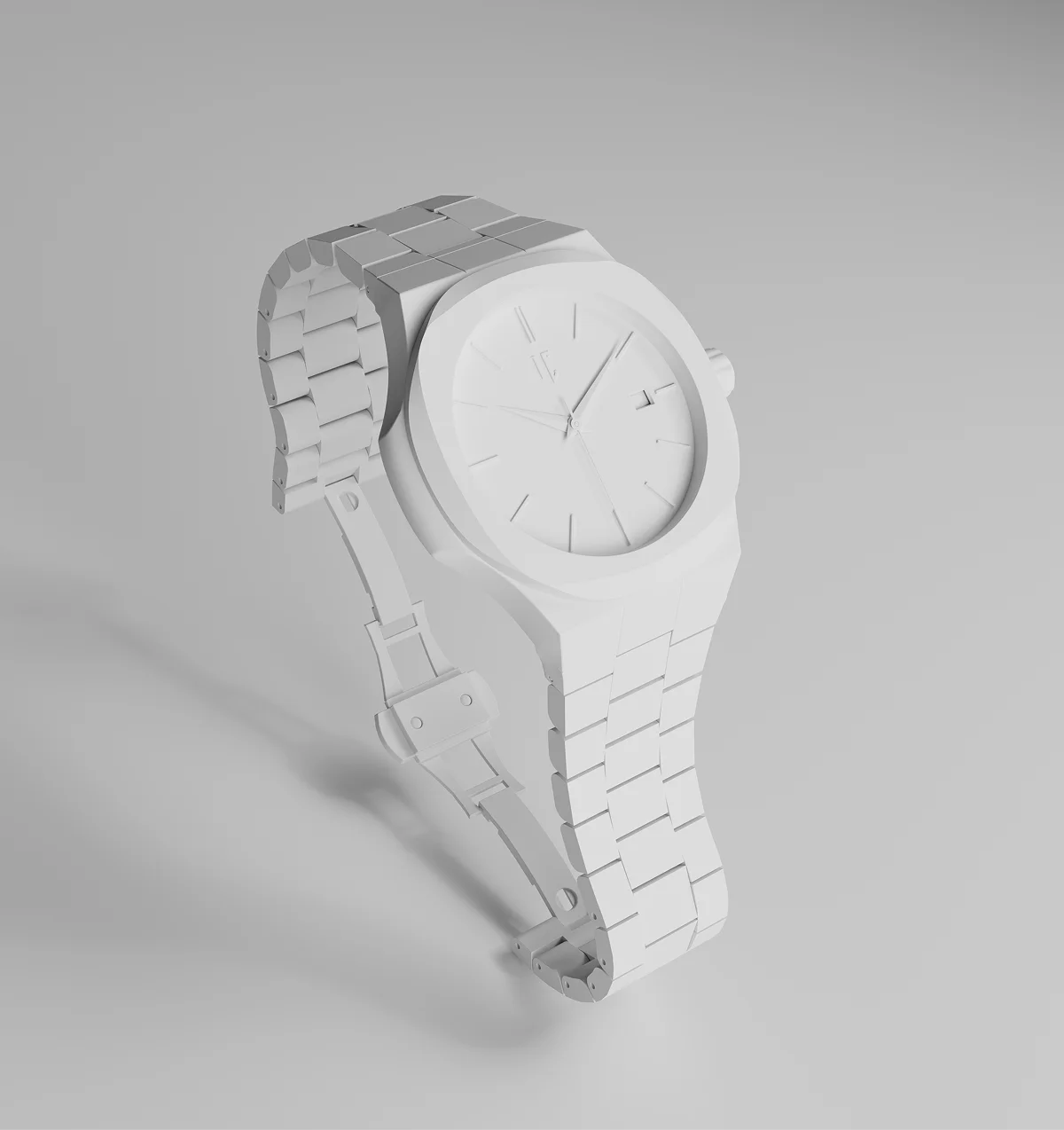
There’s another way to get the same images, and for watches it’s worth knowing about before you commit to a shoot.
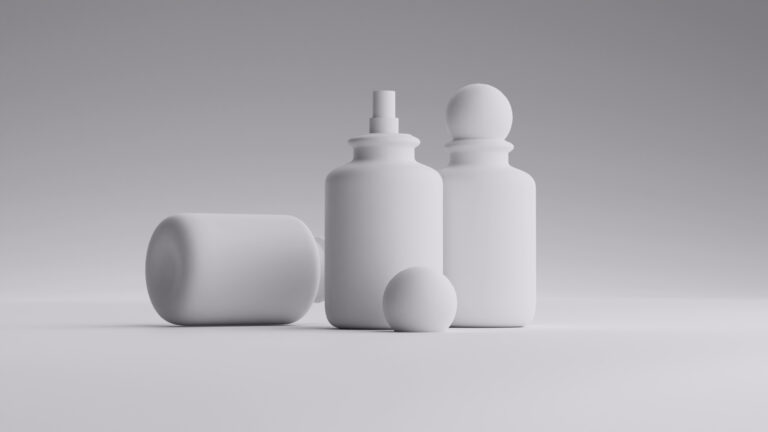
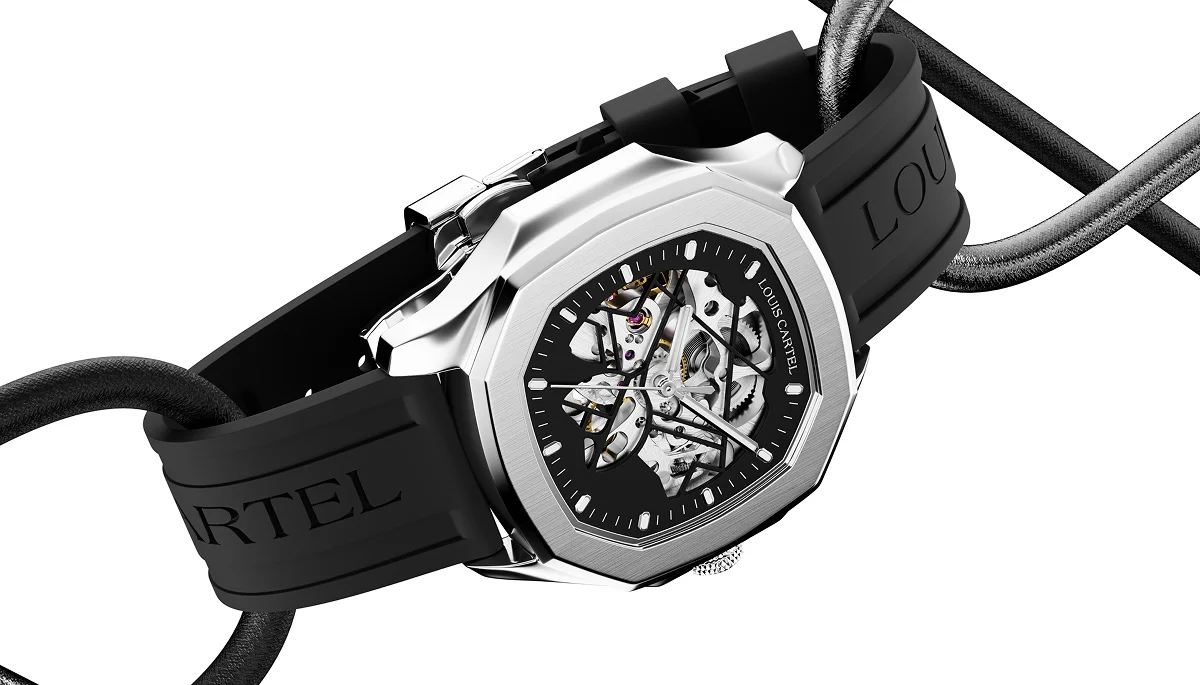
CGI, or computer-generated imagery, builds a photorealistic 3D model of your watch inside a computer, then renders images and video from it. From a set of reference photos showing the piece from different angles, a studio recreates the case, dial, crystal, and bracelet, defines the materials down to brushed steel and sapphire, and produces images as if the watch were sitting under studio lights, except there are no reflections to chase, no dust or fingerprints, no supports to retouch, and no watch to ship.
Once the model exists, it’s yours to reuse forever, in any angle, any background, any metal, any lighting, without ever setting up a shot again.
Post-processing and editing for watch photography
Start in a raw editor like Lightroom or Capture One and get the base right, set exposure, then fix white balance by clicking the eyedropper on the gray card you shot so a white dial reads white and gold reads gold.
Bring the shot into Photoshop for cleanup, zoom to 100%, and work across the whole watch with the spot healing brush and clone stamp, lifting out every fingerprint, dust speck, and fiber the macro lens exaggerated.
Then remove the shoot’s own leftovers the same way: clone out the stand, putty, or black cards the watch was propped on and reflecting, so it appears to float or stand on its own.
If you shot a focus stack, load the frames as layers, auto-align them, and use Photoshop’s auto-blend to merge them into one image that’s sharp from the near lug to the far one. Shape the light next with dodge and burn on a soft-light layer, darkening to deepen a polished bevel and lightening to lift brushed grain or a dial marker.
For catalog and marketplace shots, mask the watch and fill the background with pure white (255, 255, 255) so it meets platform rules. Finish with a contrast curve and a light output sharpen sized to where the image will run.
Common mistakes to avoid during watch photoshoot
Most bad watch photos fail for the same handful of reasons, and nearly all of them are avoidable before you press the shutter.
- Dirty watch: Fingerprints, dust, and lint are invisible in the hand but glaring in a close-up, so a piece that looks clean still photographs filthy without a wipe-down and blower first.
- Uncontrolled reflections: Letting the crystal and polished case mirror the room, the lights, or the photographer instead of deciding what those surfaces reflect. This is where stray color casts come from too.
- Flat, even lighting: It feels safe, but leaves brushed metal gray and the dial dull. Blasting a lightbox with every light on is the classic version, it kills every shadow, when you want soft light from one or two clear directions.
- Camera shake: Shooting handheld or jabbing the shutter at a slow speed softens the fine detail you’re working to capture. Resting the watch on something steady instead of holding it fixes half of it on its own.
- Letting the camera pick focus: Cameras hunt on a plain black dial and lock onto the wrong spot, so tap the dial text or logo to set focus rather than trusting it.
- A running seconds hand: On a slow exposure, it smears across the dial, so stop the watch before shooting.
- Trusting phone sharpening: On a text-heavy dial, phone processing can invent detail that isn’t there and mangle the fine print, which is why getting close with good light and a longer focal length beats cropping in hard later.
- Hands left wherever they landed: Covering the logo or a sub-dial, when 10:10 exists precisely to keep the dial readable.
When cgi makes more sense for watch shoot than a studio
The right choice depends on what you’re shooting, how often, and what you need from the images afterward. Here’s how to think through it.
Traditional studio photography makes sense if:
- Shooting a small, one-off batch
- The watch is easy to ship or already in-house
- You want a flagship shot with tactile, real-world authenticity
- No need for multiple case metals, dial colors, or strap variations
CGI makes more sense if:
- The watch is high-value and risky to ship or handle
- You’re selling remotely, since only reference photos are needed
- You need the same design in multiple metals, dial colors, or straps
- The watch isn’t manufactured yet, but you need images now
- Turnaround time matters more than a scheduled shoot
- You’re managing a large or frequently updated catalog
- Consistency across many SKUs matters more than individual character
Welpix is a CGI studio that builds photorealistic renders of watches, jewelry, and other hard-surface products, no physical shoot required. Even a well-executed watch shoot comes with real costs, shipping, insurance, studio time, and the reshoots when a reflection was missed. Welpix builds the same trust into a 3D render instead, without any of that overhead.
Send over a few reference images of your watch, and we’ll show you what it looks like rendered, at no cost. See what CGI could do for your catalog before you decide anything.


- 3D modeling
- White bg.
- Minimalistic
- Simple prop
- Custom
- 3D modeling
- White bg.
- Minimalistic
- Simple prop
- Custom
Got it — we're on it
Tell us a bit more and we'll tailor the sample. Totally optional.
Thank you!
We've got everything. We'll get back to you by email soon.


Got it — we're on it
Tell us a bit more and we'll tailor the sample. Totally optional.
Thank you!
We've got everything. We'll get back to you by email soon.
FAQs
How many photos do I actually need per watch?
For a full e-commerce listing, plan on five to eight images per watch. A straight-on dial, a 3/4 angle, a profile, a caseback, a clasp shot, one or two macro details, and a wrist shot cover every question a buyer asks. Marketplaces like Amazon reward more angles, and each one removes a reason to hesitate.
How much does professional watch photography cost?
It varies widely, but expect anywhere from $30 to $150 per image for standard catalog work, and more for styled hero shots that involve set building and heavy retouching.
Can I get professional results with just my phone?
For social and casual listings, yes, a modern phone with a good macro mode, soft window light, and a steady rest gets you surprisingly far. Where phones struggle is fine-detail text, which their sharpening can mangle, and mixed metal finishes that need controlled lighting. For your primary catalog and hero images, a real camera and macro lens still pull ahead.
What image format and size should I use for my online store?
Shoot in RAW, then export to high-quality JPEG or WebP for the web. WebP gives you smaller files at the same quality, which speeds up page load, and slow product pages quietly cost you sales.