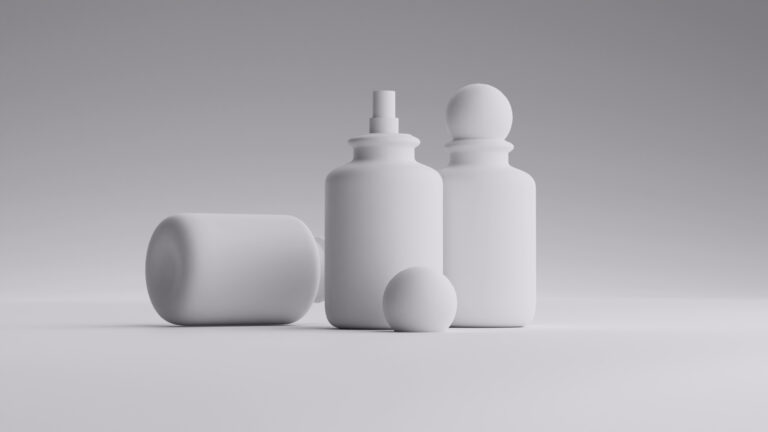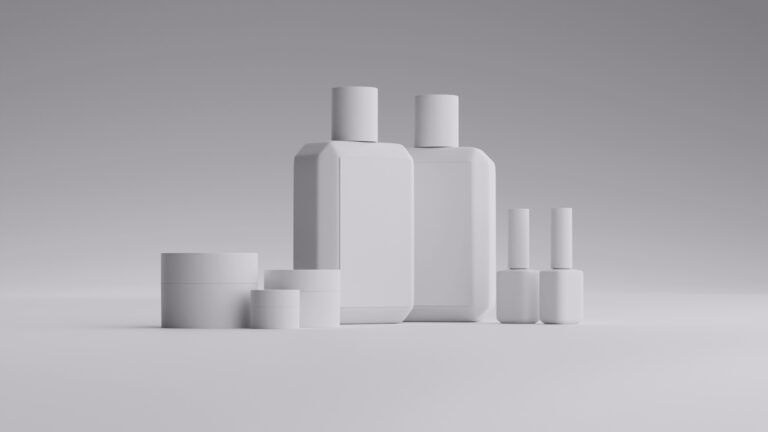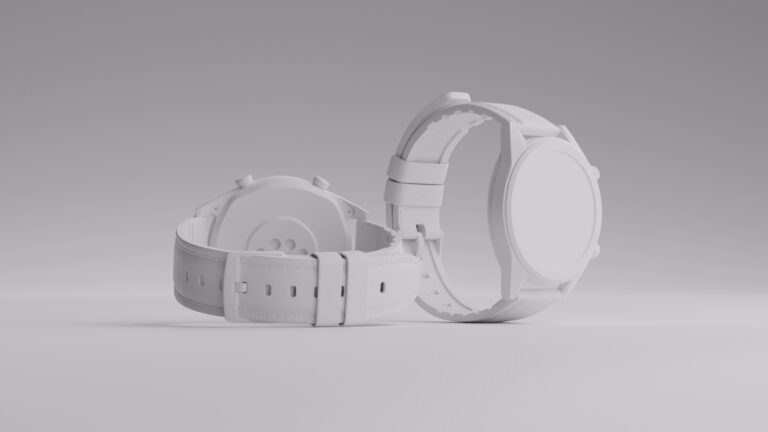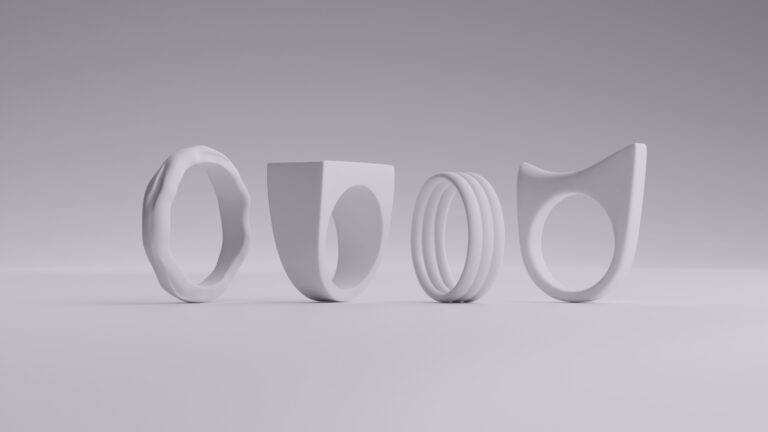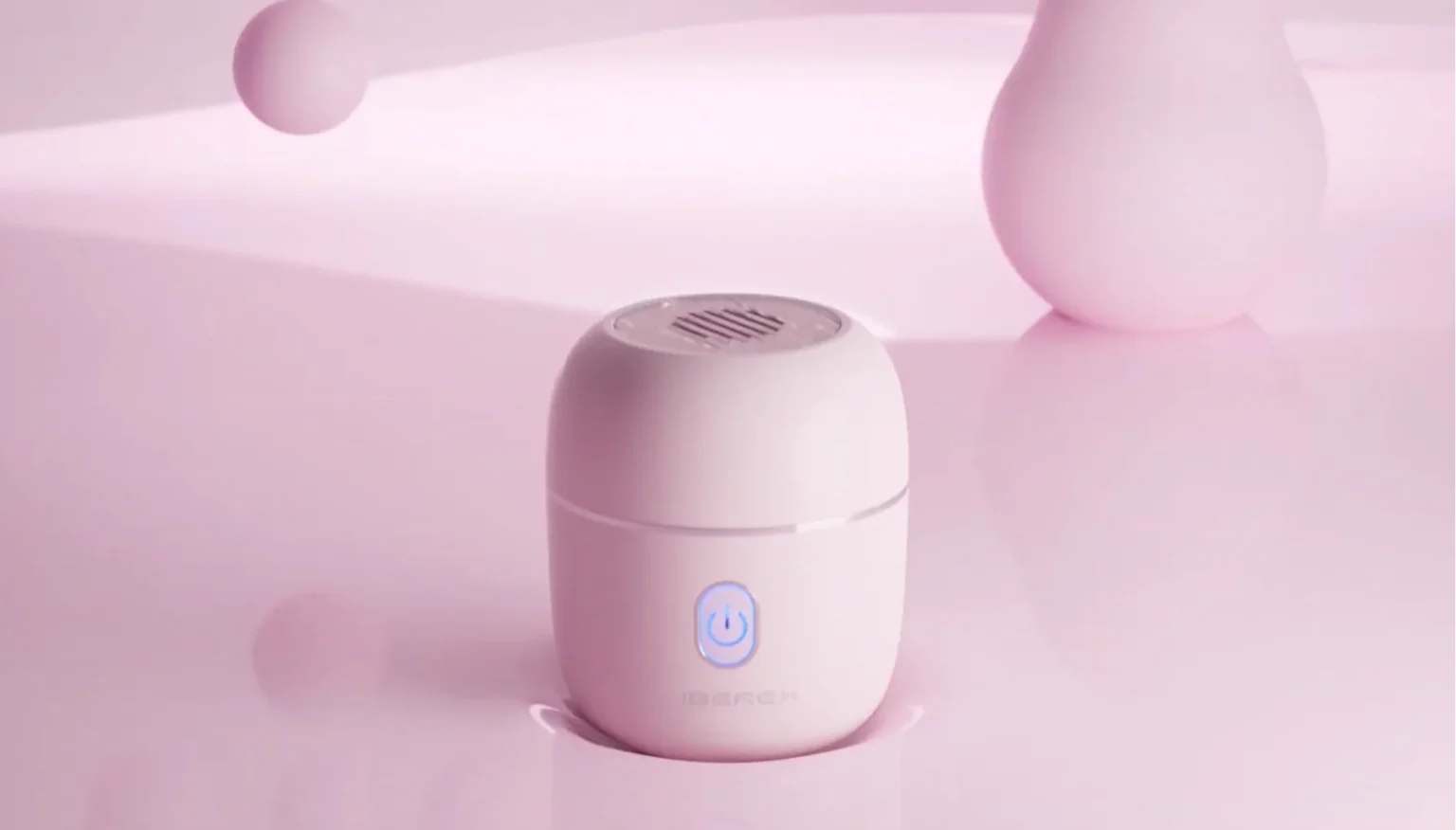

3D product animation is having a moment because motion stops the scroll where a static image no longer can. Brands are leaning on it to launch faster, refresh their visuals constantly, and show products in ways a photo simply can’t.
The catch is the old assumption that animation always means long timelines and big budgets, which used to be true for complex work and still scares plenty of brands off before they look closer. What most of them don’t realize is how much the process has changed, and how far a single 3D model now stretches across everything they need.
This guide breaks down what 3D product animation actually involves in 2026, where it’s worth it, and what it costs.
We will also discuss how the process has become faster and more accessible. At Welpix, we’ve built this exact workflow around watches, jewelry, cosmetics, and perfume, turning one 3D model into images, animations, and endless variations without the product ever leaving the client’s hands.
Key takeaways
- 3D product animation puts a digital model of your product in motion, creating a video entirely inside a computer rather than filming it.
- You never ship the product, since a few reference images are all a studio needs to build and animate it.
- Results are spotless by default, with no dust, fingerprints, or reflections to retouch out.
- The main animation types are 360° spins, hero shots, exploded views, cutaways, explainers, feature loops, and social cuts, each suited to a different job.
- The process runs: brief, references, modeling, texturing, styling and motion, rendering, then revisions.
- Cost splits into one-time 3D modeling charged per hour, plus animation charged per second by style, so you pay for the model once and reuse it across every future video.
What is 3D product animation?

3D product animation is the process of building a product as a digital 3D model and putting it in motion. It produces video that shows the product rotating, opening, assembling, or demonstrating itself. All of it is created inside a computer rather than filmed with a camera.
It’s a branch of CGI, the same discipline behind 3D product renders. The product is modeled in three dimensions, and its real materials like metal, glass, gemstone, and liquid are recreated through texturing. The finished scene is then rendered into moving footage.
The only difference from a still render is motion. Instead of one frame, the model moves through a sequence, which means the same 3D asset that produces a photo can also produce a video, an exploded view, or a 360° spin without reshooting anything.
Motion/animation has become the baseline for how products sell online. According to Wyzowl’s State of Video Marketing 2026 report, 83% of video marketers say video has directly increased sales. Another 63% of people say they’d rather learn about a product by watching a short video than any other way.
How 3D product animation is different from traditional video
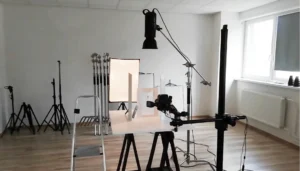
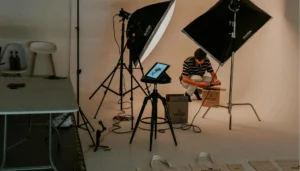
Traditional video and 3D animation reach the same destination, a moving shot of your product, from opposite directions. Traditional video points a camera at a real product on a real set and captures what’s actually there. 3D animation builds the product and everything around it inside a computer, so nothing in the final footage is ever filmed.
Here are the key differences:
- Physical setup: Traditional video needs the real product shipped, staged, and lit without catching glare. 3D animation needs only reference images, since the product is built digitally.
- Camera movement: Traditional video is limited to moves a real rig can perform. 3D animation can fly through the product, pause inside it, or orbit it endlessly.
- Changes and reshoots: Traditional video means resetting the whole shoot for a new angle or background. 3D animation swaps backgrounds, lighting, and finishes without touching the setup.
- Impossible shots: Exploded views, cutaways, perfect slow-motion liquid, and products that don’t physically exist yet are routine in 3D, but extremely expensive or impossible on camera.
- Real-world authenticity: Traditional video captures genuine environments, human use, and spontaneous moments that animation has to work hard to recreate.
Benefits of 3D product animation
The advantages of 3D animation come down to one single thing, i.e., because the product is digital, you’re no longer bound by the physical limits of a shoot.
No physical product required
You never ship anything. A few reference images are enough for a studio to build and animate the product, which removes the logistics, cost, and risk of sending valuable items back and forth.
Spotless results by default
Nothing is filmed, so nothing needs cleaning up. There are no fingerprints, no dust, no stray reflections, and no lighting hotspots to retouch out. The kind of flaws that eat hours in traditional post-production simply never exist, because there was never a physical surface to smudge.
One model, endless reuse
The 3D model is built once and reused indefinitely. From that single asset, you can produce images, animations, 360° spins, new angles, and different backgrounds, across launch after launch, without rebuilding anything.
Shots that are impossible to film
Animation can do what a camera physically can’t. Exploded views, cutaways revealing what’s inside, perfect slow-motion liquid, impossible camera moves through and around the product. These aren’t just easier in 3D; they’re often impossible any other way.
Faster turnaround
Without shipping, staging, lighting, and reshooting, projects move quickly, sometimes turning around in days rather than weeks. And because changes are made to a digital model rather than a physical set, revisions are far faster than resetting a shoot.
Types of 3D product animation
The right type of product animation depends on what you’re trying to show, whether that’s every angle, what’s inside, how it works, or simply how good it looks in motion. Here are the main types and where each one fits:
360° spin (turntable)
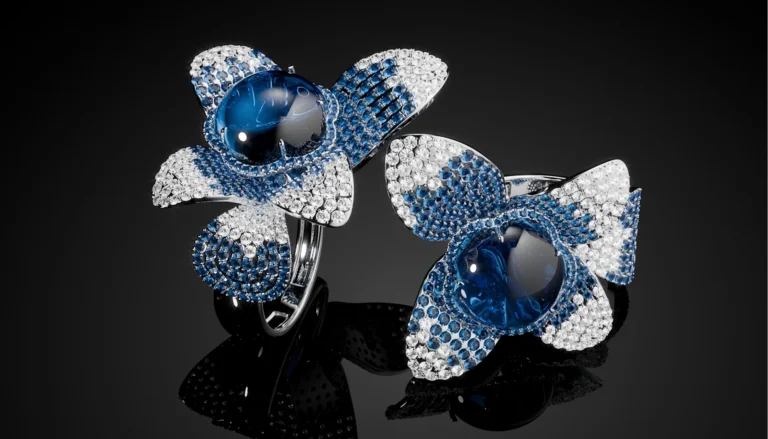
Ideal for: Ecommerce product pages and marketplace listings where shoppers want to see the whole product before buying.
The simplest and most common format. The product rotates a full turn against a clean background so the viewer sees it from every angle, the same view they’d get picking it up in a store. Because it comes straight off the 3D model, a spin can show angles and details that are awkward to capture on a physical turntable, and it can be delivered as a video or an interactive spin the shopper controls.
Hero and beauty shots
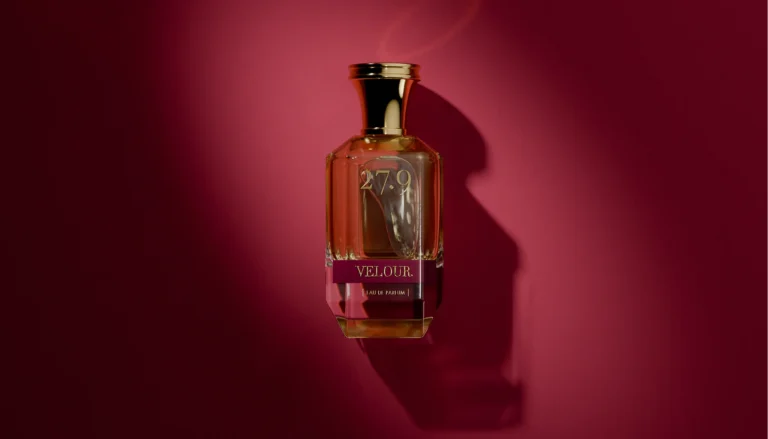
Ideal for: Homepage banners, ads, and launch campaigns that need to stop the scroll.
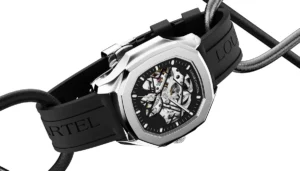
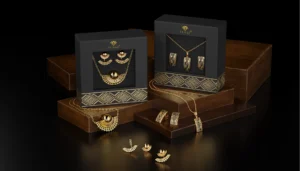
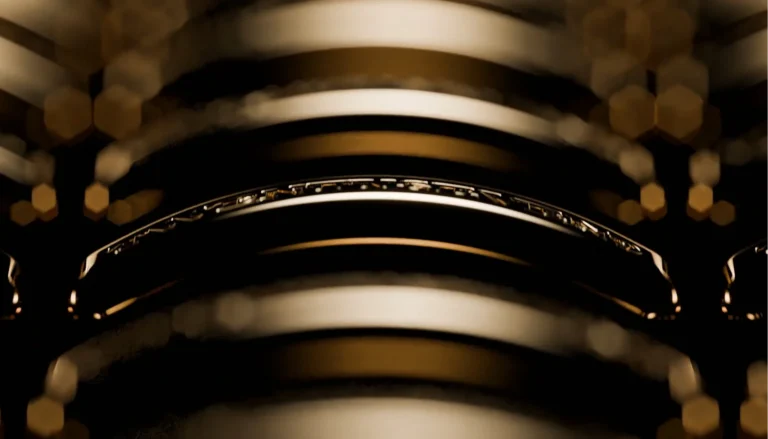
A short, cinematic loop with soft lighting and slow, deliberate camera movement, built to make the product look its best rather than explain anything. No narrative, no callouts, just a polished beauty moment. This is the format that showcases finish and material, which is why it suits watches, jewelry, and perfume so well.
Exploded view
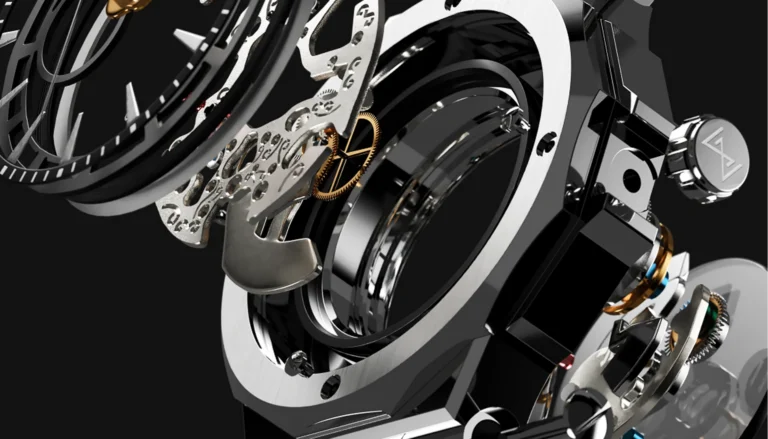
Ideal for: Products with internal components or craftsmanship worth revealing, plus investor decks and trade shows.
The product separates into its individual parts, each floating into position, so the viewer sees how it’s built and what’s inside. It communicates engineering, quality, and design in a way a sealed product never can. A camera physically can’t do this, which makes it one of the clearest arguments for animation over filming.
Cutaway and cross-section
Ideal for: Showing what’s sealed inside without taking the product apart.
Similar to an exploded view, but instead of separating the parts, it slices the product open to reveal the interior while keeping everything intact. Useful when disassembly would be impossible or would destroy the product, and common where the inside is the selling point.
Explainer and mechanism animation
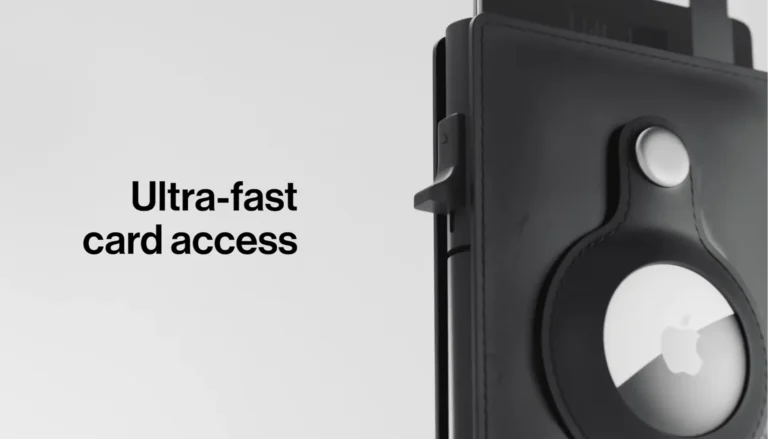
Ideal for: Products whose value is in how they work, not just how they look.
A 30-to-90-second sequence showing the product in action, how it assembles, operates, or moves. It walks the viewer through function step by step, which is why it anchors landing pages, sales decks, and how-it-works sections. For a watch, this is the moving complication; for a compact, the mechanism opening.
Feature highlight loop
Ideal for: Ecommerce pages, email, and social feeds where video autoplays silently.
A short, silent loop that zooms into one specific detail or benefit- a clasp, a texture, a finish- and repeats. Built for the autoplay-without-sound reality of feeds and product galleries, where a single feature has to land in a couple of seconds without narration.
Product ads and social cuts
Ideal for: Paid media and social campaigns across platforms.
Short, punchy, music-driven edits delivered in multiple aspect ratios (vertical, square, widescreen) to fit every placement. Often assembled from the same 3D asset as the other formats, which is what makes running a full campaign from one model so efficient.
How 3D product animation is made (step-by-step process)
Here’s how the process runs, from your product to a finished video.
Step 1: The brief
Everything starts by defining what the animation needs to do. This is where you show the studio the product, share inspiration and reference images, set a style direction, and note anything specific you want.
A good brief covers the product itself, the look you’re after, and the outcome you need, so the team can take it from there without guesswork.
Step 2: Reference images
The single thing that replaces a physical shoot. Instead of shipping the product anywhere, you provide a set of reference images showing it from different angles. That’s all a studio needs to understand what they’re working with.
Step 3: 3D modeling
The product is rebuilt as a digital 3D model based on your references. This is the foundational stage, and it’s a one-time investment. Once the model exists, it’s there permanently and can be reused endlessly for new images, animations, angles, and campaigns. If you already have 3D models of your products, common in industries like jewelry, those can be used directly, which shortens the timeline further.
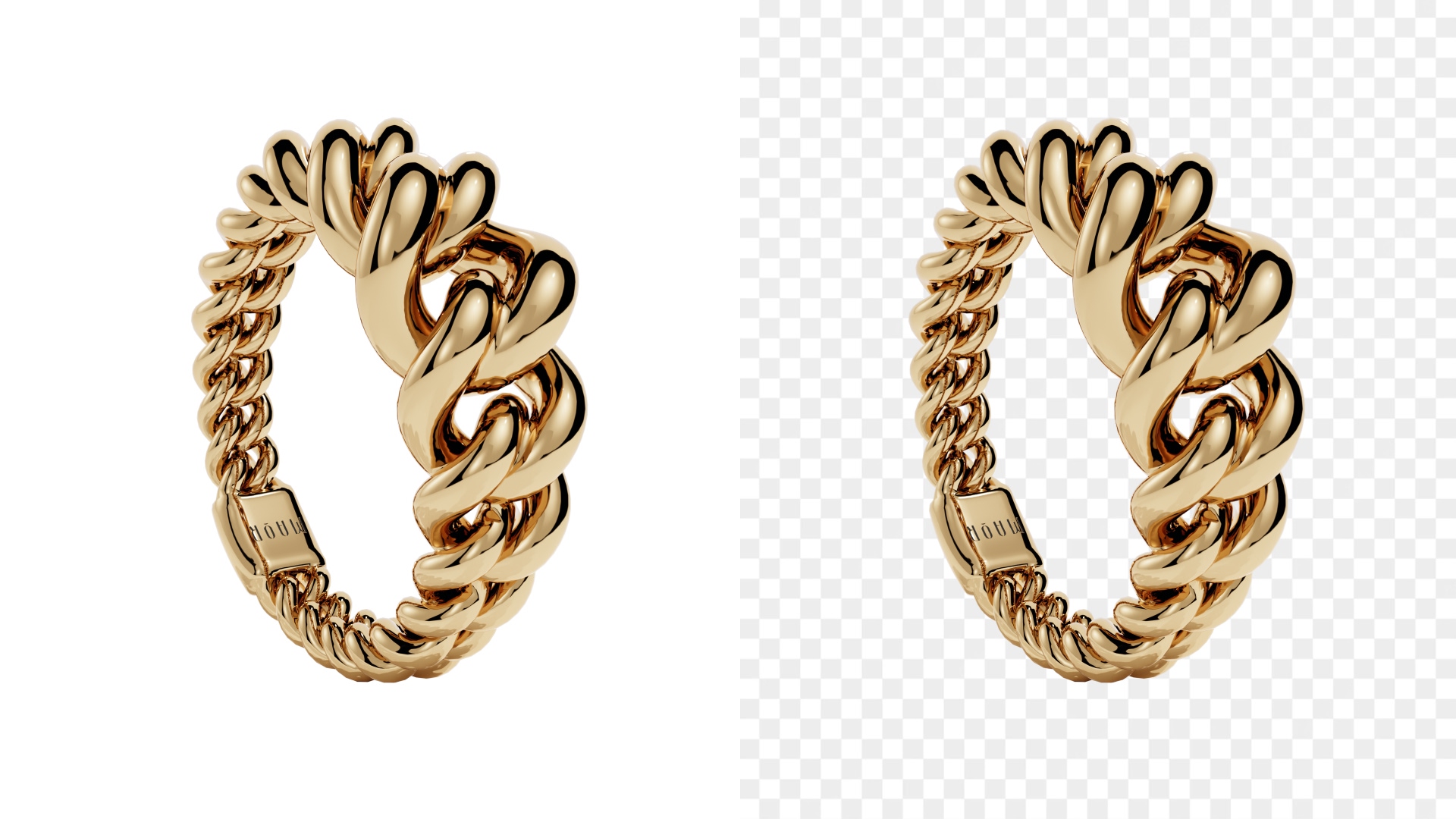
Note: Already have 3D models? Many brands, especially in jewelry, already have CAD or product models from manufacturing. Those can often be used directly, skipping the modeling stage and cutting both time and cost.
Step 4: Texturing
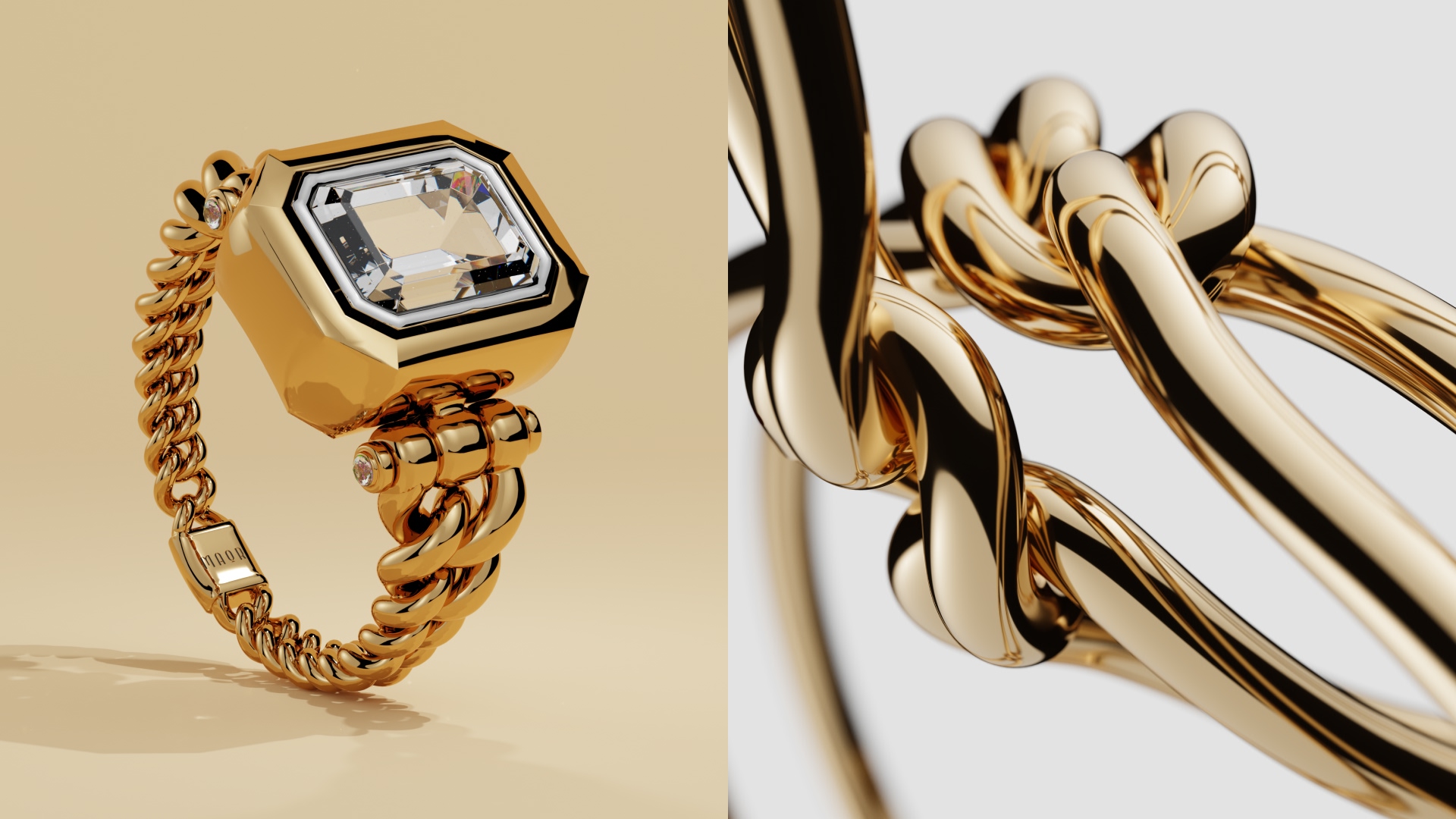
The stage that makes a model look real. Here the materials are defined and applied, whether that’s gold, silver, diamond, glass, or liquid, so the surface reflects light and reads exactly like the genuine material.
Step 5: Scene, styling, and motion
With the model textured, it’s placed into a scene and set in motion. The styling can range from a clean white or transparent background, to a minimalist setup using just light, shadow, and color, to simple props like risers and geometric shapes, all the way to fully custom environments with fabric, foliage, or any material imaginable.
For animation, this is also where the movement is choreographed: the camera path, the rotation, the exploded sequence, whatever the format calls for.
Step 6: Rendering
The computer processes the moving scene into finished, photorealistic footage, frame by frame. Because it’s all computed rather than filmed, the result is spotless by default, with no dust, fingerprints, or stray reflections to clean up afterward. For video, this stage produces the final motion; music or voiceover can be added on top.
Step 7: Review and revisions
You review the first version and request any changes. Strong studios build unlimited revisions into the process, so the animation is refined until it’s right rather than delivered as a one-shot. Because the changes happen to a digital model, adjusting a material, angle, or background is far simpler than resetting a physical shoot.
How much does 3D product animation cost?
There’s no single price tag, because animation is priced by the work behind every frame, not by length alone. A simple rotating spin and a fully custom sequence can run the same duration and still differ several times over in cost, since one second of animation is 30 rendered frames and the complexity of each frame is what sets the price.
Most quality studios split the cost into two parts, and understanding this is what lets you compare quotes properly.
3D modeling (one-time)
Building the digital model of your product, charged by the hour based on complexity. This is a one-time investment. Once the model exists, it’s reused for every future project, so you never pay to build it again. If you already have a 3D or CAD model, this stage is often skipped entirely.
The animation itself:
Charged per second of finished video, scaled by style and complexity. A clean white background sits at the low end, and a fully custom environment sits at the top, with minimalistic and simple-prop styles in between.
As a real-world example of that structure, Welpix prices modeling at €29/hour and animation per second by style, from €49/sec for a clean white background up to €299/sec for fully custom environments, with video projects starting at €1,499. For example, a simple perfume bottle takes about an hour, while an intricate watch can take up to ten.
The modeling is the heavy lifting, and it happens once. That’s why the first animation carries the bulk of the cost, and every one after it is cheaper. Follow-up videos, new angles, seasonal refreshes, and color variants all pull from the same model without rebuilding it, and they skip the shipping and setup that a traditional shoot repeats every time.
Ready to see what CGI animation can do for your product?
If you sell watches, jewelry, cosmetics, or perfume, CGI is built for exactly your kind of product. Hard, reflective surfaces that punish traditional shoots come out spotless in 3D, with no dust, fingerprints, or stray reflections to fight, and you never ship a physical product anywhere.
All it takes is a few reference images and the same 3D model for catalog images, animations, 360° spins, and endless variations, delivered in every crop ratio for web, social, and print. The model is built once and reused forever, so your costs drop with every project instead of resetting each time.
Show us your product and try it free today, and we’ll send back a custom demo so you can see precisely what’s possible, with no commitment and nothing to lose.



Got it — we're on it
Tell us a bit more and we'll tailor the sample. Totally optional.
Thank you!
We've got everything. We'll get back to you by email soon.
- 3D modeling
- White bg.
- Minimalistic
- Simple prop
- Custom
- 3D modeling
- White bg.
- Minimalistic
- Simple prop
- Custom
Got it — we're on it
Tell us a bit more and we'll tailor the sample. Totally optional.
Thank you!
We've got everything. We'll get back to you by email soon.
FAQs
Will it look real or obviously computer-generated?
Done well, it’s hard to tell from a real shoot. Realism is won at the texturing stage, so a studio’s past work is the best indicator and worth reviewing before you commit.
Does 3D animation work for my product category?
It works best for hard-surface products with defined shapes and materials, like watches, jewelry, cosmetics, and perfume. Soft or organic products like food and fabric are harder to model convincingly.
Do I own the animation and the 3D model?
Rights to the final video are usually straightforward, but ownership and storage of the underlying model vary by studio. Clarify both upfront before committing.