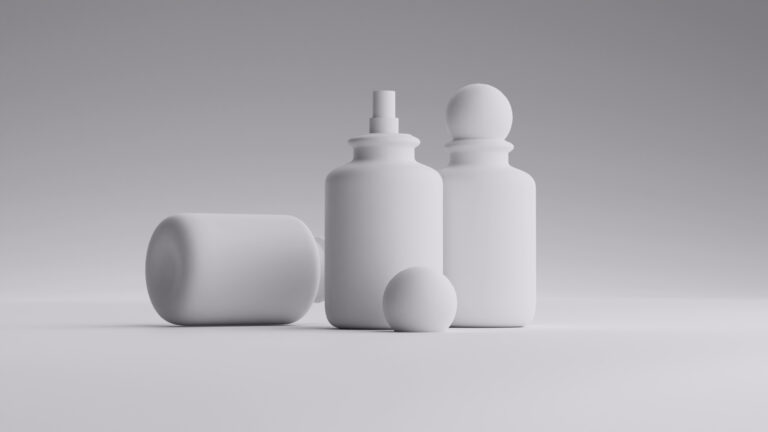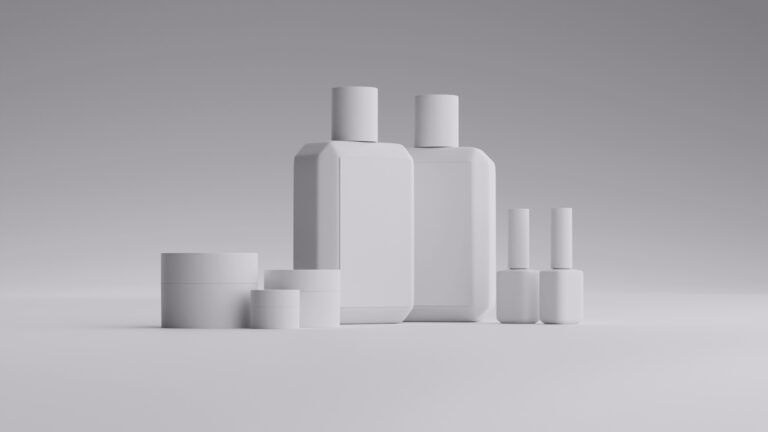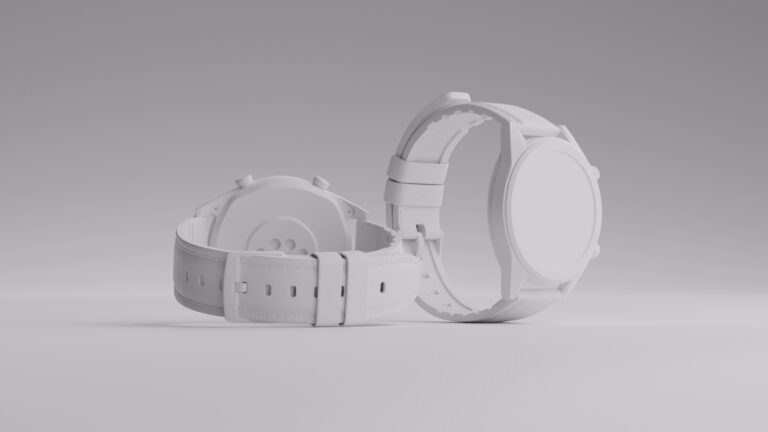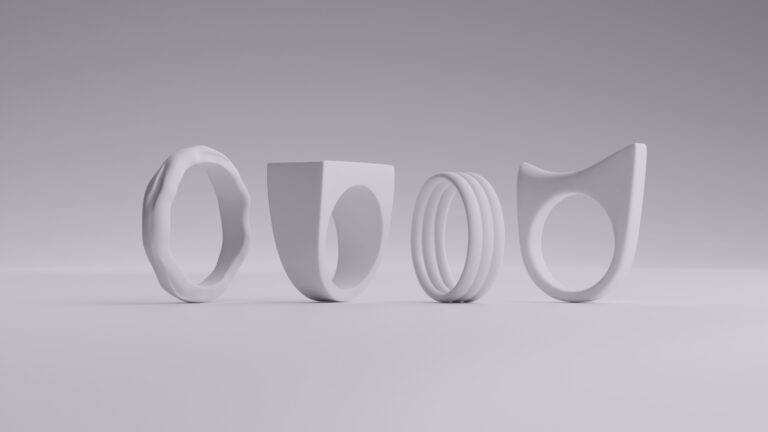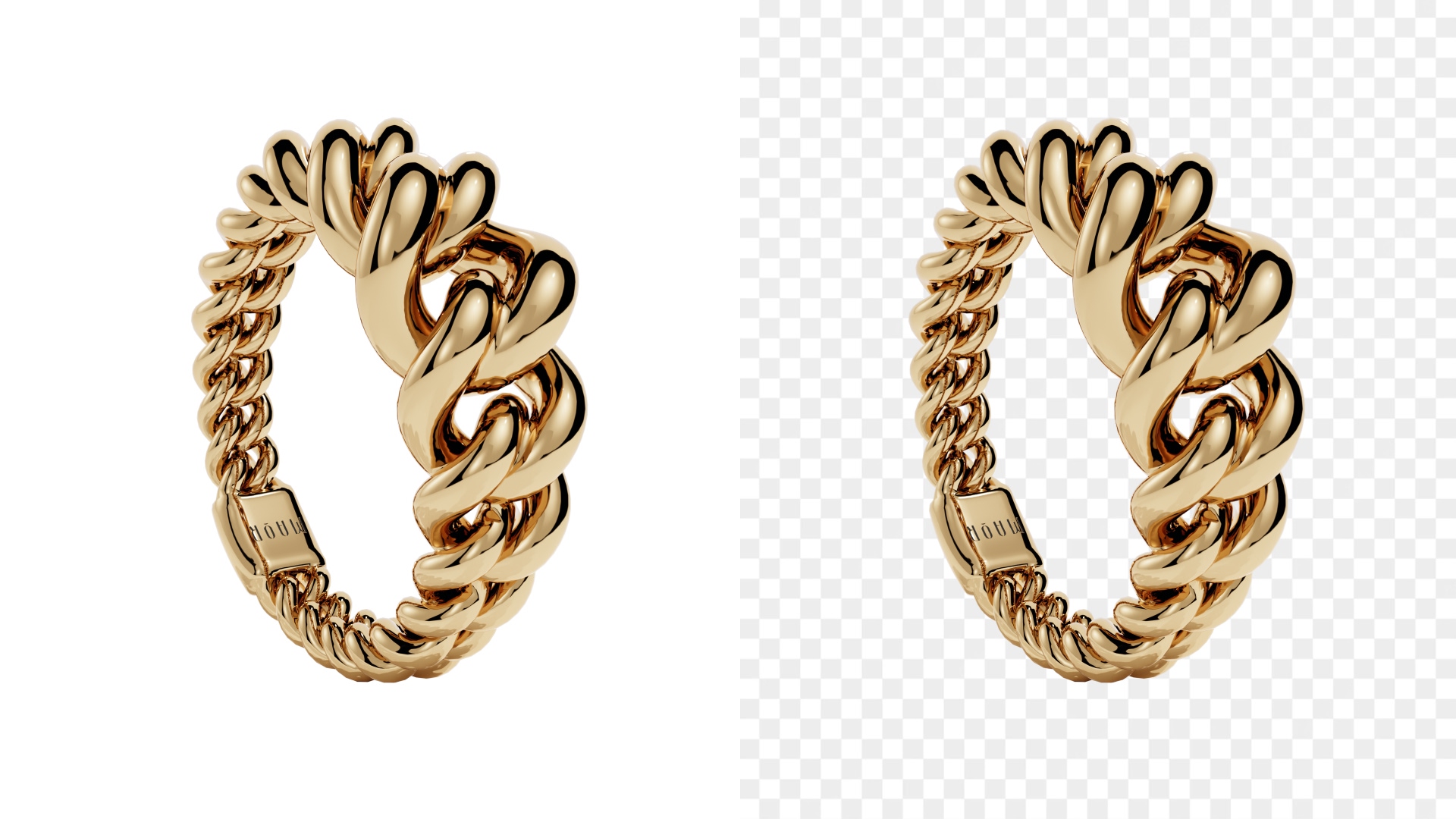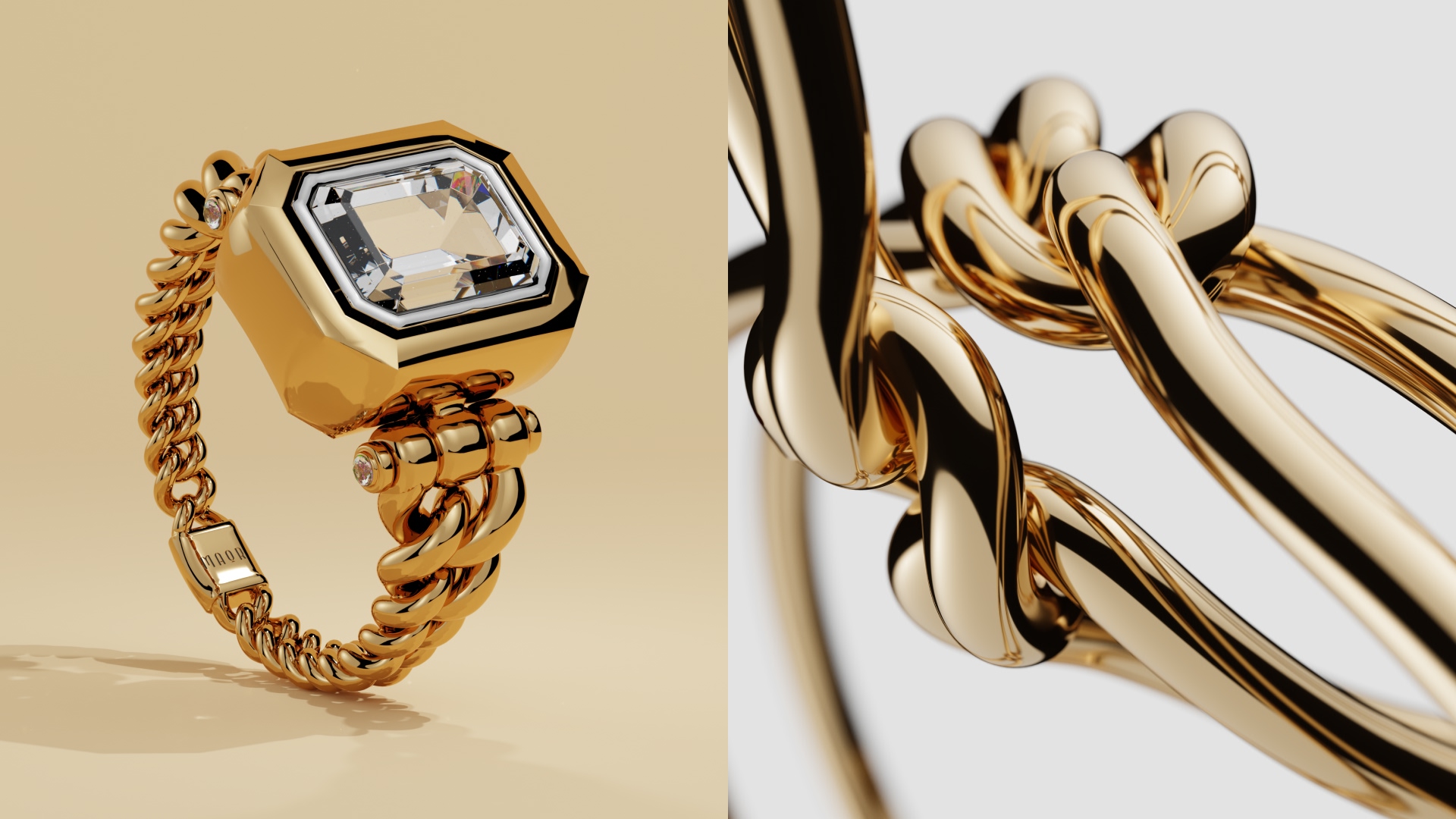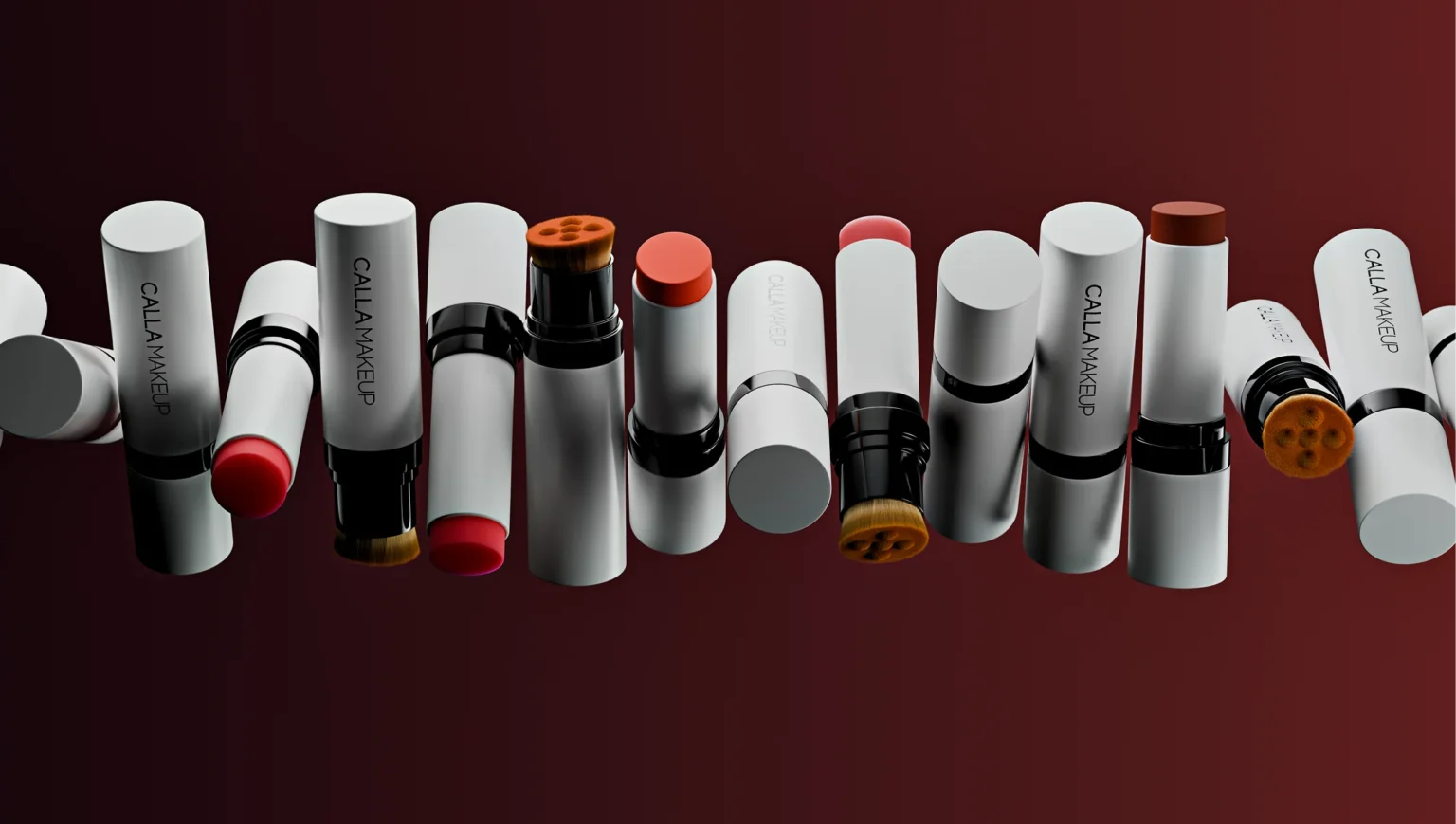
If you’ve ever zoomed in on a product render and thought, “Wait… that’s not a photo?”, welcome to the world of 3D modeling software.
In the last few years, 3D modeling, 3D rendering software, and 3D animation software have become everyday tools. Everyone seems to be using them: ecommerce brands, product designers, architects, indie creators working from their bedrooms. 3D software tools really aren’t exclusive to Hollywood anymore.
We’ve tested, compared, and worked with myriad 3D modeling programs for our CGI product visuals. And that’s why we’ve made the guide below. It starts with a simple truth: the best software for 3D modeling hinges on what you’re building.
So instead of hype and trends, let’s talk practical value. Whether you need free 3D modeling software to get started, advanced 3D CAD design software for engineering, or 3D design software for high-end visuals, here are the top 10 tools in 2026.
TLDR
In a rush? Here’s a side-by-side comparison of the best 3D modeling software options right now.
|
Software |
Best For |
Pricing (2026) |
License Type |
Skill Level |
|
Blender |
CGI, ecommerce renders, animation |
Free (fully open-source) |
Free |
Beginner–Advanced |
|
Houdini |
VFX, simulations |
Free / ~$299-3,369/year |
Subscription |
Advanced |
|
Cinema 4D |
Motion graphics, ads |
~$99/month |
Subscription |
Beginner–Pro |
|
Maya |
Film, AAA games |
~$225/month |
Subscription |
Advanced |
|
3ds Max |
Architecture, visualization |
~$225/month |
Subscription |
Intermediate–Advanced |
|
ZBrush |
Sculpting, characters |
~$39/month / Perpetual ~$895 |
Subscription or Perpetual |
Intermediate–Advanced |
|
SketchUp |
Architecture, interiors |
Free (web) / $119-349/year |
Subscription |
Beginner–Intermediate |
|
Fusion |
Engineering, product design |
Free (personal use) / ~$545/year commercial |
Subscription |
Intermediate |
|
Rhino |
Industrial design, precision modeling |
~$995 one-time license |
Perpetual |
Intermediate |
|
SelfCAD |
Beginners, 3D printing |
Free (limited) / $14.99/month |
Subscription |
Beginner |
Top 10 3D modeling software
Blender
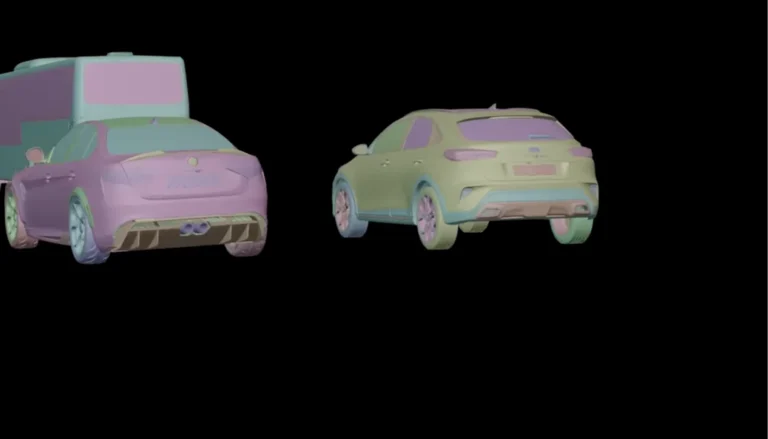
Blender is hands down one of the best 3D modeling software tools available, especially if you want free 3D modeling software without sacrificing power. It covers everything from modeling and sculpting to 3D editing software workflows, 3D rendering software, and even full 3D animation software pipelines.
And yes, it’s completely free and open-source. So it’s arguably the best free 3D modeling software for students, freelancers, and ecommerce brands experimenting with CGI.
Now, there’s always a trade-off. In this case, the learning curve is real. But the community, tutorials, and plugins make it manageable. For product-focused 3D modeling and ecommerce visuals, Blender is more than enough.
Pricing: Free / paid tiers available
Houdini
Houdini is procedural magic (yeah, the name is not a coincidence). So if you’re into simulations—fire, smoke, destruction, fluids—this software for 3D modeling is a top choice for you.
It offers a free Apprentice version (with limitations) and several paid commercial licenses for freelancers and studios. Houdini isn’t beginner-friendly, but for VFX-heavy 3D animation software pipelines, it’s unmatched. If you want full control over complex data and node-based workflows, this is elite-tier 3D model software.
Pricing: Free (Apprentice) / $299-3,369/year depending on model

Cinema 4D
Cinema 4D is one of the most approachable professional 3D design software tools out there today. It’s subscription-based and popular in advertising, motion graphics, and ecommerce product animation.
Why is it so versatile? Well, because its interface is intuitive compared to many 3D modeling programs. So you get fast results without wrestling with overly technical settings. For brand visuals, animated product launches, and design for 3D marketing campaigns, it’s a strong contender.
Pricing: $1,000/year

Maya
Autodesk Maya is a heavyweight in film and AAA game development. If you’re serious about character animation, rigging, or any kind of advanced 3D animation software, this is one of the best software for 3D modeling.
But heavyweight always means higher prices and a steeper learning curve. Maya is thus best suited for advanced users. This modeling tool really shines in complex pipelines, especially when paired with other 3D rendering software tools in professional studios.
Pricing: $168-300/month
3ds Max
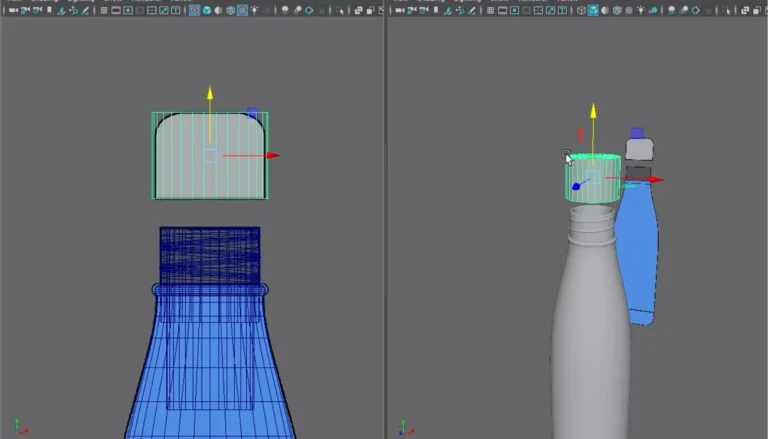
Also from Autodesk, 3ds Max is a staple in architecture and visualization (as the stunning example below shows). While originally more general-purpose, it’s now closely tied to 3D CAD software and architectural workflows, and more and more companies around the globe are using it.
It’s truly great at modeling buildings, interiors, and large-scale scenes. If you’re working in archviz or need compatibility with engineering pipelines, this 3D CAD design software integrates smoothly into professional environments.
Pricing: $168-300/month

ZBrush
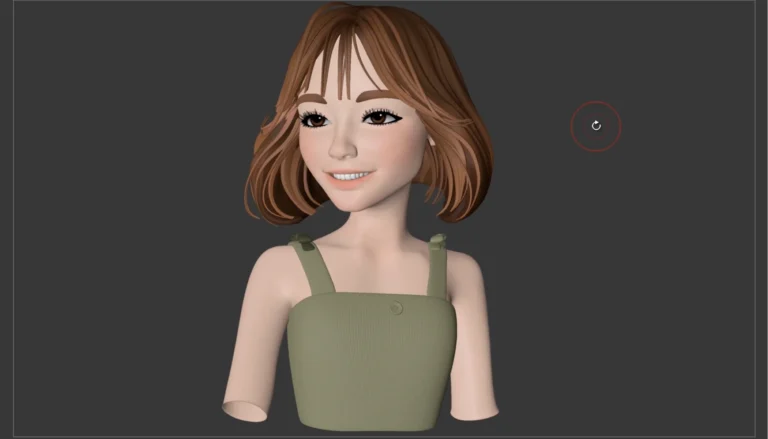
ZBrush is the go-to 3D modeling software for digital sculpting. Think creatures, characters, intricate jewelry, and high-detail organic forms. And the good news is, it’s one of the more affordable modeling software tools on the market right now.
If your focus is sculpting and artistic detail rather than parametric precision, ZBrush is one of the best software for 3D modeling in that niche. And they even offer a free iPad version if you want to test things out before you commit.
Pricing: Free (iPad) / $33/month
SketchUp
SketchUp is often the first stop for beginners exploring 3D modeling. There’s a free web-based version and paid plans for more advanced features.
It’s especially popular as lightweight 3D CAD software for architecture, furniture design, and interiors. So keep this one in mind if you want easy design for 3D without diving into complex node systems.
Pricing: Free (web) / $10-68/month

Fusion
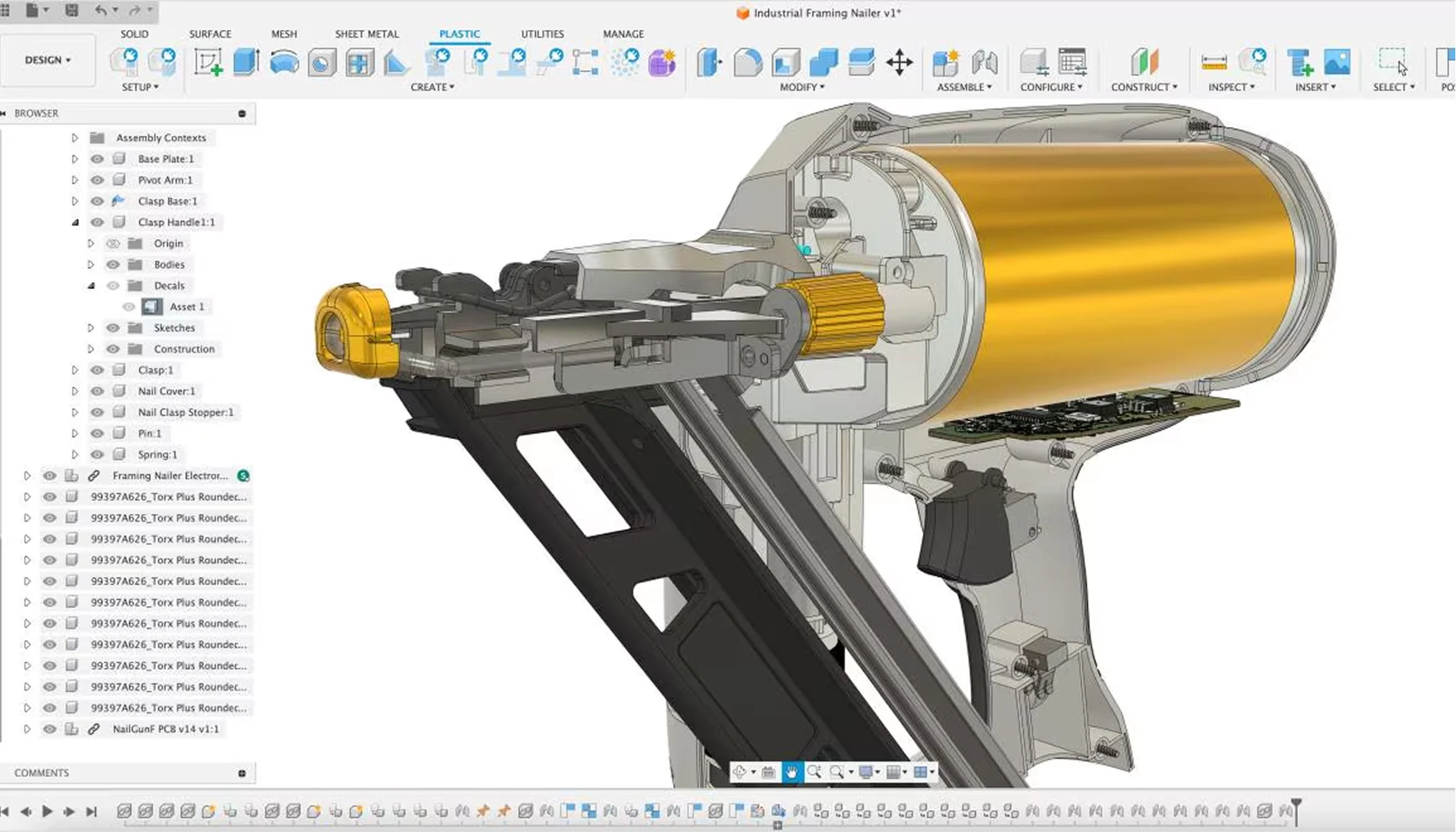
Fusion (formerly Fusion 360, and yes, also from Autodesk) blends 3D CAD design software with engineering tools. It offers free trials, and subscriptions from as little as $380/year to up to $2,000 for professional design models.
Its unique feature: it’s parametric. Meaning you can edit dimensions and constraints precisely—perfect for product development and manufacturing. If you’re designing something that needs to exist in the real world, this is serious 3D CAD software.
Pricing: $380-1,620/year
Rhino
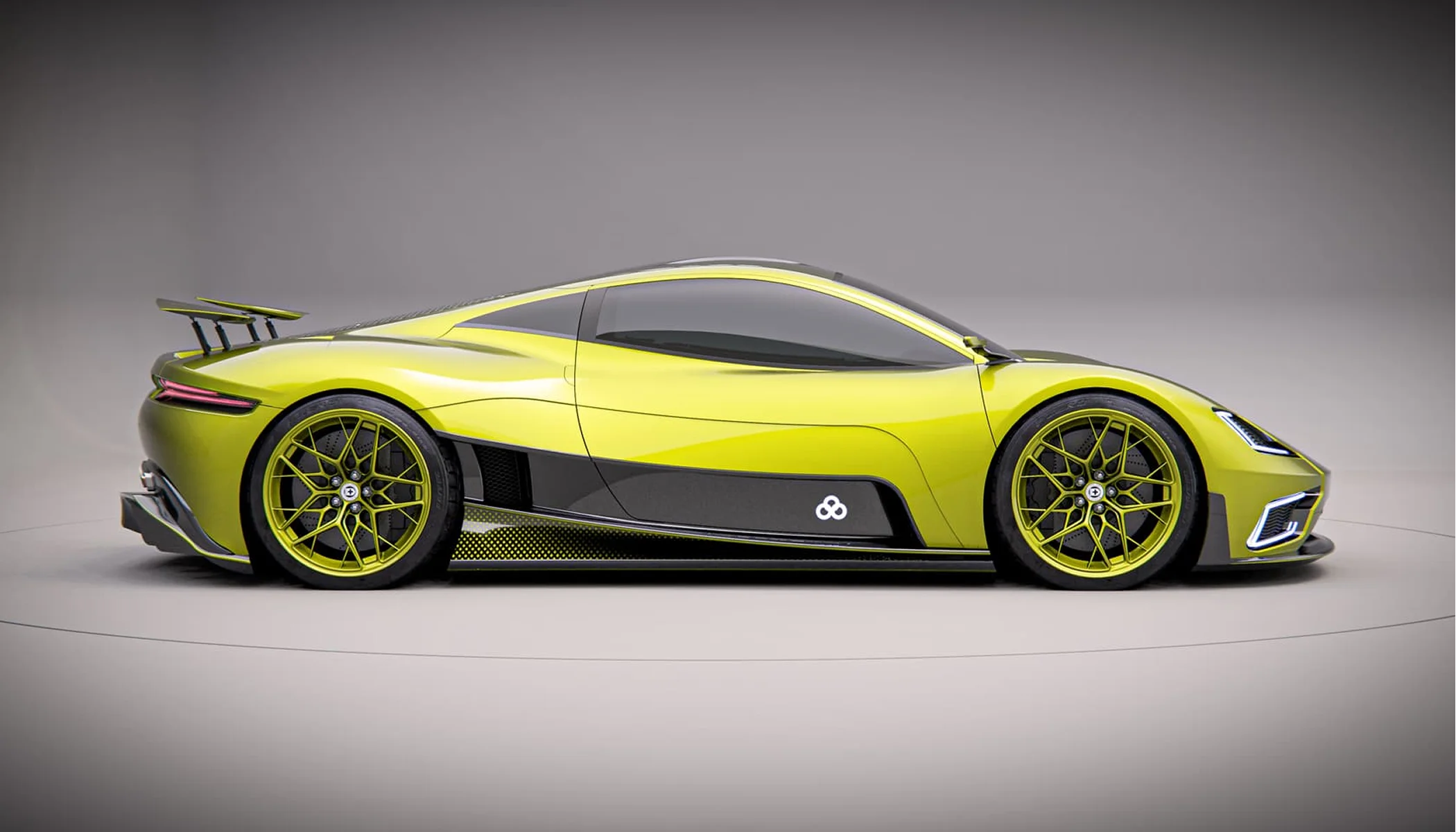
Rhino is known for precision surface modeling and is widely used in industrial design, jewelry, and architecture.
It’s paid software, but it’s one-time purchases rather than costly subscriptions. Plus, its flexibility makes it a strong 3D model program if you need accuracy and custom plugins. Rhino sits somewhere between creative 3D design software and technical 3D CAD software.
Pricing: $1,200
SelfCAD
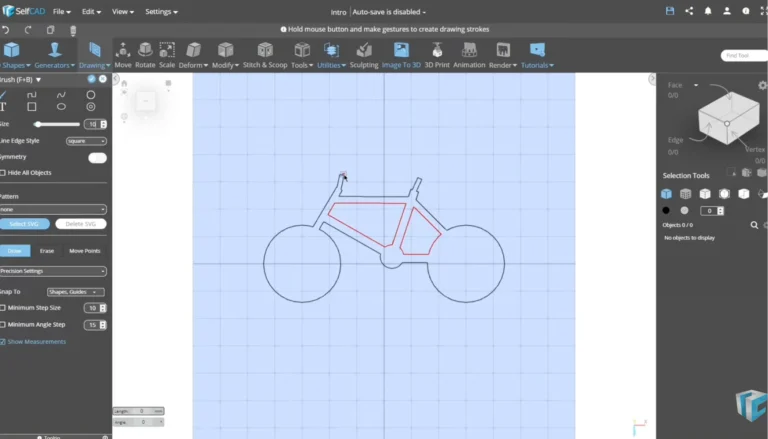
SelfCAD is a browser-based 3D modeling software built for accessibility. It’s affordable—actually, free, if you don’t need the extra quirks of the Pro version. And designed for beginners, hobbyists, and 3D printing enthusiasts.
If you want simple 3D editing software that runs without heavy hardware requirements, SelfCAD is a gentle entry point into the world of 3D modeling programs.
Pricing: Free / $15/month
What about render engines?
You can model the most beautiful product in the world, but without the right render engine, it won’t look real. A render engine is the part of your 3D modeling software that calculates lighting, materials, reflections, and shadows to produce the final image.
Some render engines are built directly into 3D modeling programs. For example, Cycles and Eevee are both part of Blender. Cycles is built for physically accurate, photorealistic rendering. Eevee is optimized for real-time speed and previews.
Other engines work across several 3D modeling software platforms. V-Ray is known for high-end architectural and product visualization, while Octane is a GPU-focused 3D rendering software favored for speed and cinematic realism.
Each engine has trade-offs depending on what you’re trying to achieve: faster workflows, ultra-realistic light behavior, hardware efficiency, so on. At Welpix, we use Cycles 100% for ecommerce CGI because it gives us consistent, physically accurate lighting and the level of control our product visuals demand.
But then again, it’s all about what you’re after right now. So let’s look at everything you should keep in mind when choosing the right 3D modeling program for you.


How to choose the right 3D modeling software
Focus on your end goal
Are you creating ecommerce product renders, engineering prototypes, animated films, or printable objects? The best 3D modeling software for CGI product shots won’t necessarily be the best 3D CAD design software for mechanical parts.
Check performance and hardware requirements
Some 3D rendering software and 3D animation software tools demand serious GPU power. If your laptop sounds like it’s preparing for takeoff, you may want lighter 3D model software or cloud-based options.
Consider usability and learning curve
Free 3D modeling software can be powerful, but if the interface scares you off, you might end up never using it. So pick software for 3D modeling that matches your patience level and available time.
Look at ecosystem and community
Plugins, tutorials, and user forums matter in 2026. The bigger the community, the easier it is to solve problems fast and improve your 3D modeling workflow.
- 3D modeling
- White bg.
- Minimalistic
- Simple prop
- Custom
- 3D modeling
- White bg.
- Minimalistic
- Simple prop
- Custom
What 3D modeling software is best for you?
If you’re a beginner or just testing the waters for a new project, Blender or SketchUp are smart starting points. They’re also the best free 3D modeling software options on market right now.
If you’re focused on product design and manufacturing, though, Fusion or Rhino make more sense as 3D CAD software solutions. And if you dream of film-level animation, Maya or Houdini will get you there—just bring patience and a solid budget.
And if your goal is ecommerce product visuals, controlled lighting, and reusable 3D assets, Blender remains one of the most flexible and cost-effective tools in the entire 3D modeling software ecosystem.
Wrapping up


The best software for 3D modeling is all about fit. You don’t need all 10 tools. You need the one that’s in sync with your workflow, hardware, and goals. Once you commit, 3D modeling becomes less intimidating and more like creative leverage.
And if you’d rather skip the learning curve and get production-ready 3D rendering software results for your ecommerce brand? The Welpix crew is fully remote and happily obsessive about pixels. Give us your inspiration photos and let us turn your products into high-converting CGI.
FAQ
What is 3D modeling software used for?
3D modeling software is used to create digital objects for images, animation, games, architecture, engineering, and ecommerce product visualization. It often integrates with 3D rendering software and 3D animation software to produce final visuals.
What is the best 3D modeling software in 2026?
There’s no universal winner. Blender is widely considered the best free 3D modeling software, while Maya, Houdini, and Fusion dominate in specialized professional workflows.
Is there free 3D modeling software for beginners?
Yes. Blender, SketchUp (free version), and Fusion (personal license) all offer free 3D design software options suitable for beginners.
What’s the difference between 3D CAD software and general 3D modeling software?
3D CAD software focuses on precision, measurements, and engineering-ready files. General 3D modeling programs are often used for visual content, animation, and creative design for 3D scenes.
Which 3D modeling programs are best for ecommerce?
Blender and Cinema 4D are strong choices for ecommerce product renders, especially when combined with high-quality 3D rendering software workflows.
Do I need powerful hardware for 3D modeling?
For basic 3D editing software tasks, not necessarily. But advanced 3D rendering software and simulation-heavy 3D animation software benefit from strong GPUs and sufficient RAM.
How long does it take to learn 3D modeling?
With consistent practice, you can learn basic 3D modeling in a few weeks. Mastery of professional 3D model software, especially 3D CAD design software or complex animation tools, can take months or years.