Good skincare product photography makes a serum, cream or cleanser look clean, trustworthy and worth the price. To get there you need soft, even light, a spotless product, styling that matches your brand, and a consistent set of shots for your store and social media.
This guide covers the gear, lighting setups, styling ideas and a step-by-step shoot you can follow. At the end, we look at when it’s easier to create skincare images in CGI instead.
Why Skincare Product Images Matter

Online, the photo is the product. Shoppers can’t smell, touch or test a cream, so your images have to do that work:
- First impression. It’s often the first thing that decides whether a product looks premium or cheap.
- Trust. Clear, accurate images show exactly what the customer gets, including the size, texture and packaging.
- Brand. Consistent colors, light and styling make your range instantly recognizable.
- Fewer returns. When the photo matches the real product, fewer customers are disappointed.
The Shots Every Skincare Brand Needs
Shot | Used for | Tip |
|---|---|---|
White background packshot | Product pages, Amazon main image | Pure white, product filling most of the frame |
Front and back of pack | Ingredients, claims, size | Labels sharp and readable |
Texture shot | Showing the formula | A swatch or drop of the product on glass or skin |
Styled scene | Homepage, ads, social | Props that match your brand: stone, water, leaves |
Group or range shot | Bundles, collections | Same light and angle for every product |
In-hand or on-skin shot | Scale and use | Shows size and how the product is applied |
Essential Equipment for Skincare Product Photography

- A DSLR or mirrorless camera with manual controls. A modern smartphone can work for social posts, but a camera gives you more control over light and focus.
- A macro or 50 to 100 mm lens for sharp labels and texture close-ups.
- A tripod, for sharp shots and the same framing across the whole range.
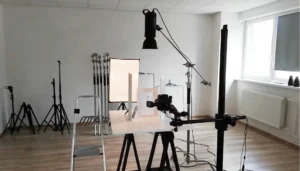
- Two softboxes or LED panels with diffusion, plus a reflector or white card.
- A white sweep or a seamless backdrop, and a few textured surfaces for styled shots.
- Cotton gloves, a lint-free cloth and a blower brush.
- Editing software such as Lightroom or Photoshop.
Lighting in Skincare Product Photography

Skincare packaging is often glossy, frosted or made of glass, so the light has to be soft.
The basic two-light setup
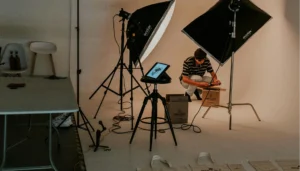
Place two softboxes at about 45 degrees on either side of the product. This gives even, soft light with gentle shadows. Use a white card in front, below the lens, to lift the shadows on the label.
Backlight for glass and serums
For transparent bottles and droppers, add a light behind the product or behind a diffusion panel. It makes the liquid glow and shows the color of the formula.
Natural light
A large window with a white curtain is a good start for styled shots. Shoot at the same time of day for a consistent look, and use a reflector on the shadow side.
Common lighting mistakes
- A small, hard light that creates hot spots on glossy caps.
- Mixed light sources (window plus warm room lights) that change the color of the product.
- Too much contrast, which hides the label in the shadows.
Styling the Product

- Spotless first. Clean the product and packaging, then only touch it with gloves.
- Props that tell the story. Water drops for a hydrating serum, citrus slices for vitamin C, stones or wood for a natural brand. Keep it to a few props, so the product stays the hero.
- Texture. A swatch of cream or a drop of oil shows the formula better than any description.
- Brand colors. Pick two or three background colors and surfaces and use them across the range.
- Movement. Splashes, flowing fabric or falling petals make a still image more dynamic.


Got it — we're on it
Tell us a bit more and we'll tailor the sample. Totally optional.
Thank you!
We've got everything. We'll get back to you by email soon.
Step-by-Step Skincare Photo Shoot

- 1. Plan the shot list: which products, which shots and which formats (square, vertical, horizontal).
- 2. Prepare the products: clean, check labels, fill droppers, remove protective films.
- 3. Set up the background and lights, and do a test shot with a grey card for correct white balance.
- 4. Shoot the packshots first on white, with the same camera position for every product.
- 5. Shoot the texture and detail shots with the macro lens.
- 6. Style and shoot the lifestyle scenes.
- 7. Check each image at 100% for focus, dust and reflections before you move on.
- 8. Edit: clean dust, even out the background, check that colors match the real product, and export in the sizes you need.
Skincare Images in CGI
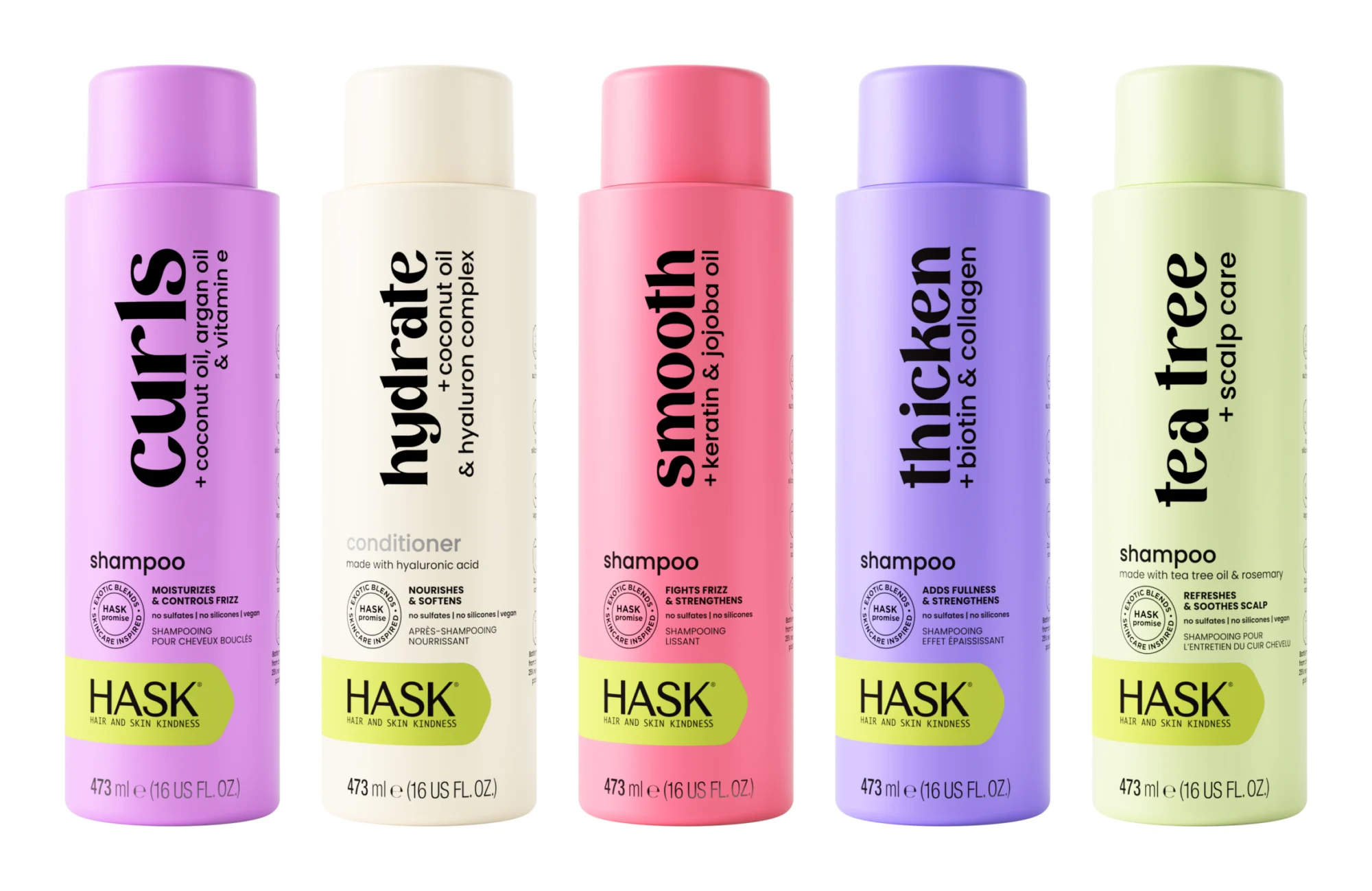
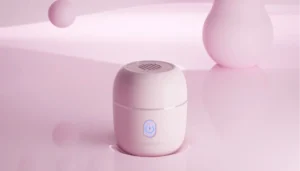
Skincare brands often need images before the product is manufactured, or the same product in many sizes, shades and scenes. That’s where CGI helps. A 3D model is built once from the packaging artwork and dimensions, and every new angle, color or scene is a new render, with no samples to ship, no dust and perfectly consistent labels.
Two things make CGI especially useful for skincare and beauty:
- Glass, translucent and gradient packaging. Many cosmetic containers are glass or frosted plastic, and some have color gradients or a formula you can see through the bottle. These are hard to light and retouch in a studio. In CGI, reflections, translucency and gradients are controlled exactly.
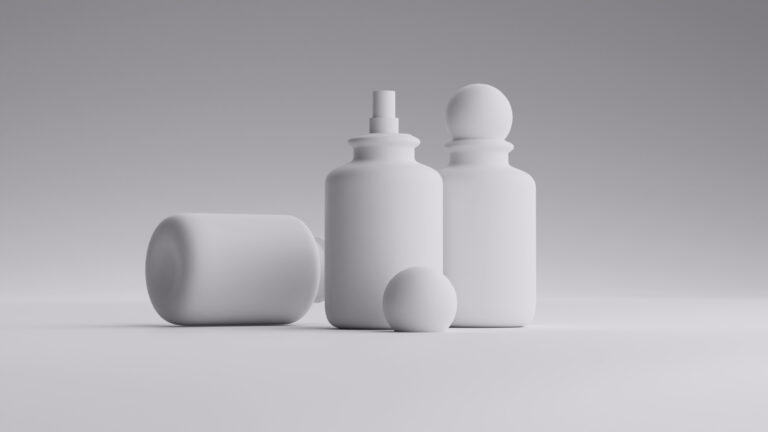
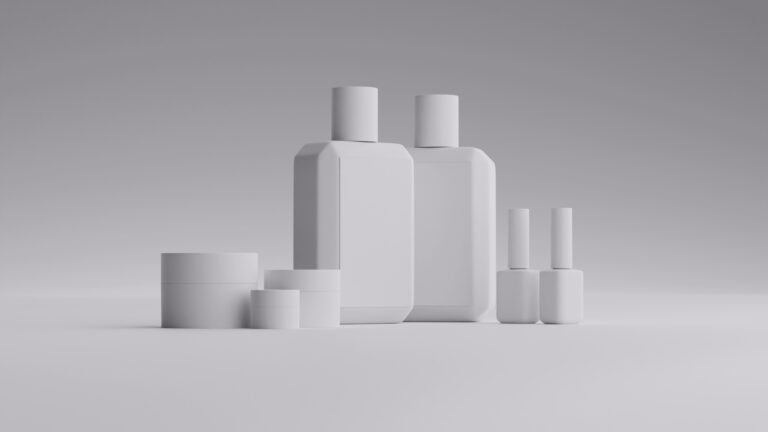
- Label updates across a whole range. When a brand changes its labels or product names, we update the artwork on the 3D models and render the whole collection again, with the same light and angles as before. For Hask Beauty, we rendered a large range of products and updated their names and labels across it while keeping every image consistent, so their catalog could be refreshed quickly. The product images on the Hask Beauty website are our CGI work, like the range above.
At Welpix, CGI images cost €49 (white background), €99 (minimalistic), €149 (simple props) or €299 (custom scene) per image, plus a one-time 3D modeling fee of €29 an hour. See real beauty projects like K18, whose haircare visuals were made in CGI before the products existed, and Nice One. More on our cosmetic photography page and in our guide to CGI photography for beauty products.
- 3D modeling
- White bg.
- Minimalistic
- Simple prop
- Custom
- 3D modeling
- White bg.
- Minimalistic
- Simple prop
- Custom
Got it — we're on it
Tell us a bit more and we'll tailor the sample. Totally optional.
Thank you!
We've got everything. We'll get back to you by email soon.
Wrapping Up
Great skincare photos come from soft, even light, spotless products, a few props that match your brand and a clear shot list. Start with clean packshots on white, add texture and lifestyle shots, and keep the look consistent across your whole range. When you need images before launch, or many variants at once, consider CGI.
FAQs
What is the best lighting for skincare product photography?
Soft, diffused light. Two softboxes at about 45 degrees on each side of the product, plus a white card to lift the shadows, is a reliable setup. Add a backlight for glass bottles and serums.
Can I photograph skincare products with a phone?
Yes, for social media and quick tests, especially with window light and a tripod. For product pages and ads, a camera with a macro lens gives sharper labels and more control.
What background is best for skincare products?
Pure white for product pages and marketplaces. For styled shots, use soft colors and natural textures that match your brand, such as stone, linen or water.
How do you show the texture of a cream or serum?
Shoot a swatch or a drop of the product on glass, a mirror or skin with a macro lens and soft side light. The side light brings out the texture.
When should a skincare brand use CGI instead of a photo shoot?
When the product isn’t manufactured yet, when you need many shades or sizes, or when you want scenes that are hard to build in a studio, like splashes or floating products.