3D rendering software has pretty much taken over digital visuals in 2026. Almost every industry that sells or pitches something relies on 3D rendering in one way or another. What was once reserved for film and architecture is now seen everywhere in ecommerce and product marketing.
And causality goes both ways here. On the one hand, better 3D rendering raises the bar for what shoppers expect. On the other hand, those higher expectations push brands to adopt faster, more advanced rendering workflows in return. It’s a feedback loop.
At the same time, though, the rendering landscape is getting crowded. Real-time engines, AI-assisted rendering software, cloud rendering, hybrid workflows… which one should you choose for your business? Let us run you through the best 3D rendering software right now, along with their pricing and unique features, so you can make a confident choice by the end.
What is 3D rendering software?
3D rendering software is the technology that turns 3D models into finished 2D images or animations by simulating lighting, materials, shadows, and perspective. Rendering is also the final step that transforms raw geometry into something photorealistic and/or production-ready. It’s what makes your work believable, and that goes for all areas of work (architecture, film, or ecommerce).
Now, let’s look at the benefits of 3D rendering software done well.
Faster visualization and iteration
Modern 3D rendering software lets you preview changes instantly, test materials, tweak lighting, and refine compositions time and time again. It’s like oil painting: you don’t have to start from scratch every time. This reduces iteration time loads, plus it makes experimentation far less expensive than traditional photography or physical prototyping.
Consistent, scalable visuals
Here’s another way rendering stands out from traditional photoshoots: rendering programs deliver consistent results every single time. That, of course, matters when you’re producing hundreds of product images, multiple colorways, or entire catalogs that need the same lighting and perspective across every asset. It’s this visual consistency that makes brands A-listers.
Cost-effective production
Once models are built, rendering software becomes a (super) long-term asset. Meaning you can reuse, update, or adapt visuals without ever reshooting. This is what makes 3D rendering software so attractive for ecommerce brands working frequent launches and updates.
Cross-industry flexibility
From 3D architectural visualization to 3D interior rendering and product marketing, the same software for 3D can support wildly different use cases. Because of this, even high prices tend to earn their keep in the long run. Also because of this, rendering adoption keeps accelerating.
That said, let’s go through our top 12 rendering programs right now.


12 best 3D rendering software for 2026
Quick comparison table
|
Software |
Best for |
Key features |
Pricing |
|
Blender |
General use, indie creators |
Cycles, Eevee, open-source |
Free |
|
Arnold |
Film & VFX |
Photorealistic ray tracing |
~$55/mo |
|
V-Ray |
Architecture & product |
Hybrid rendering, realism |
~$60/mo |
|
Cinema 4D |
Motion graphics |
MoGraph, usability |
~$1000/yr |
|
Lumion |
Architecture |
Real-time rendering |
~$499/yr |
|
Enscape |
Design workflows |
Live previews, VR |
~$75/mo |
|
KeyShot |
Ecommerce products |
Fast setup, materials |
~$100/mo |
|
Redshift |
Animation |
GPU acceleration |
~$360/yr |
|
Octane |
Cinematic visuals |
GPU path tracing |
~$24/mo |
|
Corona |
Interiors |
Simple photorealism |
~$50/mo |
|
Twinmotion |
Concepts |
Real-time speed |
Free/paid |
|
Toolbag |
Asset previews |
Fast real-time output |
~$19/mo |
Blender
Blender remains one of the most powerful free rendering software options on the market. It combines 3D modeling, animation, and two rendering engines: Cycles for photorealism and Eevee for real-time work. And its stand-out feature? It’s free! Meaning it works like a charm for creators who want flexibility without licensing costs.
Pricing: Free (open-source)

Autodesk Arnold
Autodesk Arnold is built for uncompromising realism and extremely complex scenes, making it a staple in film and VFX pipelines. It handles heavy geometry, advanced lighting, and large datasets with ease. So it’s usually found in studios that prioritize image fidelity over speed.
Pricing: Around $55/month, or $430 per year, which would put you at $36/month.

V-Ray
Chaos’ V-Ray is a favorite across architecture, product design, and 3D architectural visualization thanks to its balance of realism and performance. Its hybrid CPU/GPU rendering and massive material library make it extremely versatile, too.
Pricing: Between $47-100/month, depending on package

Cinema 4D
Cinema 4D shines in motion graphics and brand-driven visuals. Its clean interface and MoGraph tools make complex animations approachable, even for smaller teams. So this software is ideal for designers who value speed and usability.
Pricing: $1,000/year

Lumion
Lumion is purpose-built for architects and interior designers who need fast, impressive results. Real-time rendering, a huge asset library, plus their minimal setup make it extra popular for client presentations.
Lumion also offers Lumion Cloud, a built-in online collaboration hub where you can upload, share, annotate, and manage renders (and panoramas) with clients and team members in one organized space. This means even faster feedback and approvals without juggling emails or tough file transfers.
Pricing: From $230 to a whopping $1,500/year

Enscape
Enscape plugs directly into design tools like Revit and SketchUp, so you’re not exporting files or jumping between platforms every five minutes. You make a change, and you see it instantly: lighting, materials, reflections, everything. This means it’s amazing for client walkthroughs, VR experiences, and fast approvals, because people actually understand what they’re looking at.
Pricing: Around $50-100/month, depending on plan
KeyShot
KeyShot is tailored for product visualization, with drag-and-drop materials and fast setup. This makes it super popular in ecommerce and industrial design workflows. It also has a bunch of new and exciting AI features, which you can try for free. Speaking of free, though, their actual software is among the priciest ones in this list.
Pricing: From $108/month, with a 5% discount if you get the 3-year plan

Redshift
Redshift (from Maxon, just like Cinema 4D) is a GPU-accelerated renderer built for performance. It delivers high-quality results at impressive speeds, making it a favorite for animation and large-scale scenes. It’s also more affordable than many rendering programs on market today.
Pricing: $360/year
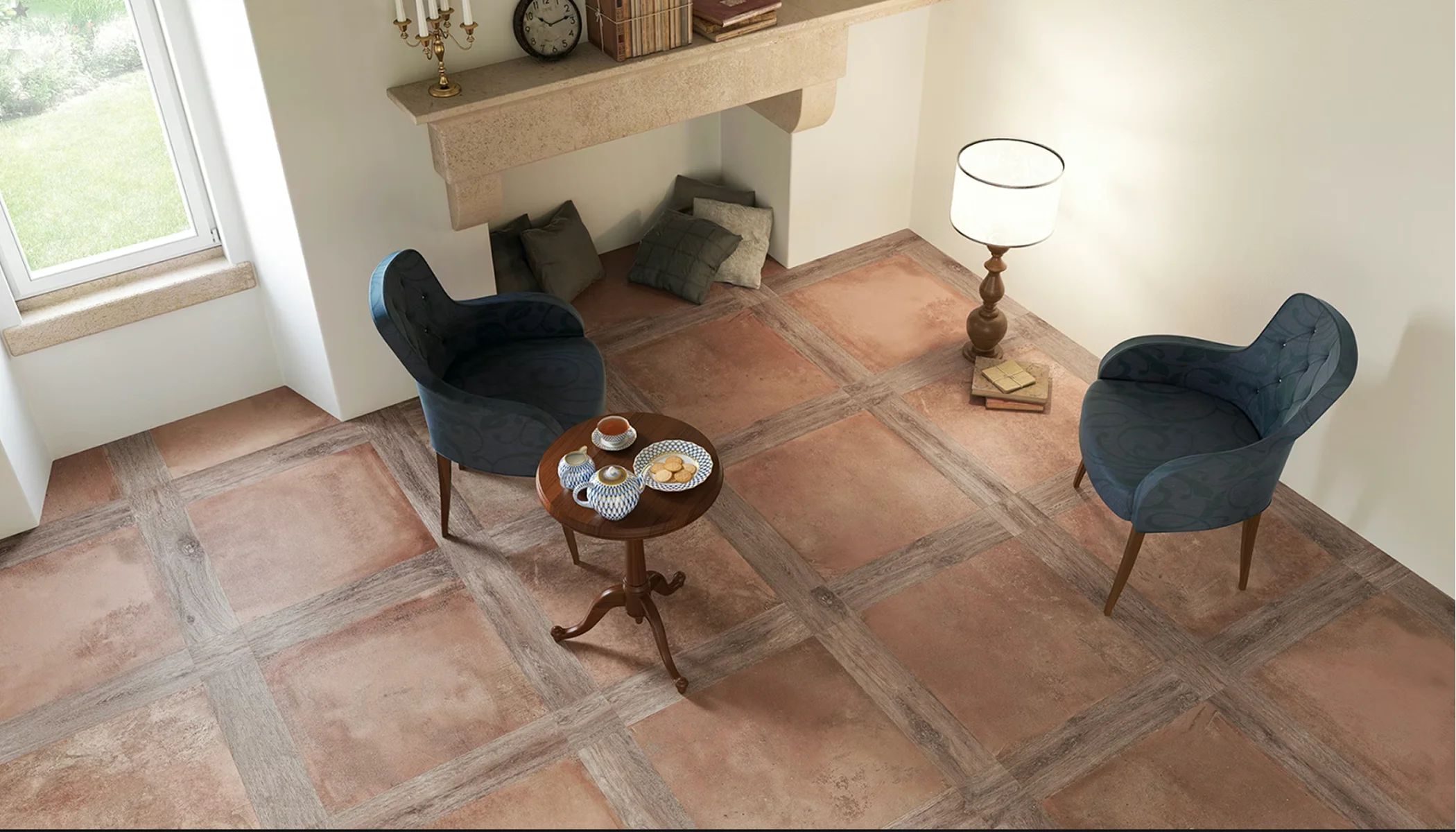
Octane Render
Octane is known for physically accurate lighting and stunning realism. The final images thus feel cinematic straight out of the render. And because it’s powered entirely by GPU rendering, it uses your graphics card rather than your CPU, which means significantly faster previews and render times when working with complex lighting and materials. So it’s a really good deal for artists who want maximum realism without waiting hours for every tweak to finish.
Pricing: From $24/month

Corona Renderer
Corona focuses on simplicity and realism, with a focus on architectural and interior rendering. It’s approachable, stable, and delivers beautiful results without excessive tweaking. In fact, “creating effortlessly” is their selling point.
Pricing: Between $36-88/month, depending on package

Twinmotion
Twinmotion emphasizes speed and accessibility, with real-time rendering and simple controls. So it’s great for fast concept visualization and presentations. At the moment, it’s being used in film animation, fashion, and wider ecommerce, which goes to show it’s one of the more versatile options. What’s even better, Twinmotion is free to use for students, educators, hobbyists, and individuals plus companies whose annual gross revenue doesn’t exceed $1 million USD.
Pricing: Free / paid tiers available

Marmoset Toolbag
Originally popular in game asset presentation, Marmoset Toolbag excels at quick, polished real-time renders. It’s built for presentation rather than heavy scene building, with intuitive lighting presets, physically based materials, and real-time ray tracing (it’s what makes models look finished fast). That focus makes it great for showcasing individual assets, characters, or products when you want clean, professional results without managing full production pipelines or headachey settings.
Pricing: $19/month or a lifetime fee of $400

AI rendering software
AI rendering software uses machine learning models to generate or enhance visuals based on prompts, reference images, or rough 3D inputs (rather than fully simulating lighting and physics like traditional 3D rendering software). The only reason people use it is speed. AI rendering works great for mood boards or style exploration.
However, AI software is (much) less reliable for pixel-perfect accuracy. For ecommerce, AI rendering works best as a support tool (early ideas, variations, backgrounds), but final product visuals still benefit from traditional 3D rendering. Realism, scale, and brand consistency are always rewarded in the long run.
Here are some great AI rendering tools you can test out:
Interior AI
Interior AI generates room concepts and style variations instantly, making it popular for early-stage interior ideas and inspiration.
ReRender AI
ReRender AI focuses on architectural and exterior visuals, helping designers test styles and environments quickly.
LookX AI
LookX blends AI generation with user control, allowing fast concept exploration without replacing traditional rendering software.
Foyr Neo
Foyr Neo combines AI assistance with traditional 3D interior design software features, streamlining early design and presentation stages.
The role of 3D rendering software
- 3D modeling
- White bg.
- Minimalistic
- Simple prop
- Custom
- 3D modeling
- White bg.
- Minimalistic
- Simple prop
- Custom
3D rendering software has snowballed quickly across several industries. Architects rely on 3D architectural visualization to sell yet-unbuilt spaces. Renders help clients and investors understand scale, materials, and light long before construction starts.
Film and game studios use rendering software to create worlds that feel tangible. CGI has become the twin sister of storytelling. Product designers depend on rendering programs to test, iterate, and refine — much like architects, also before manufacturing begins. Meaning they get to catch design flaws early and validate how a product will actually perform in the real world.
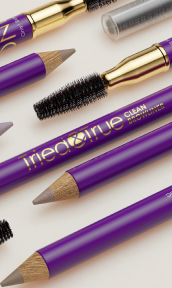
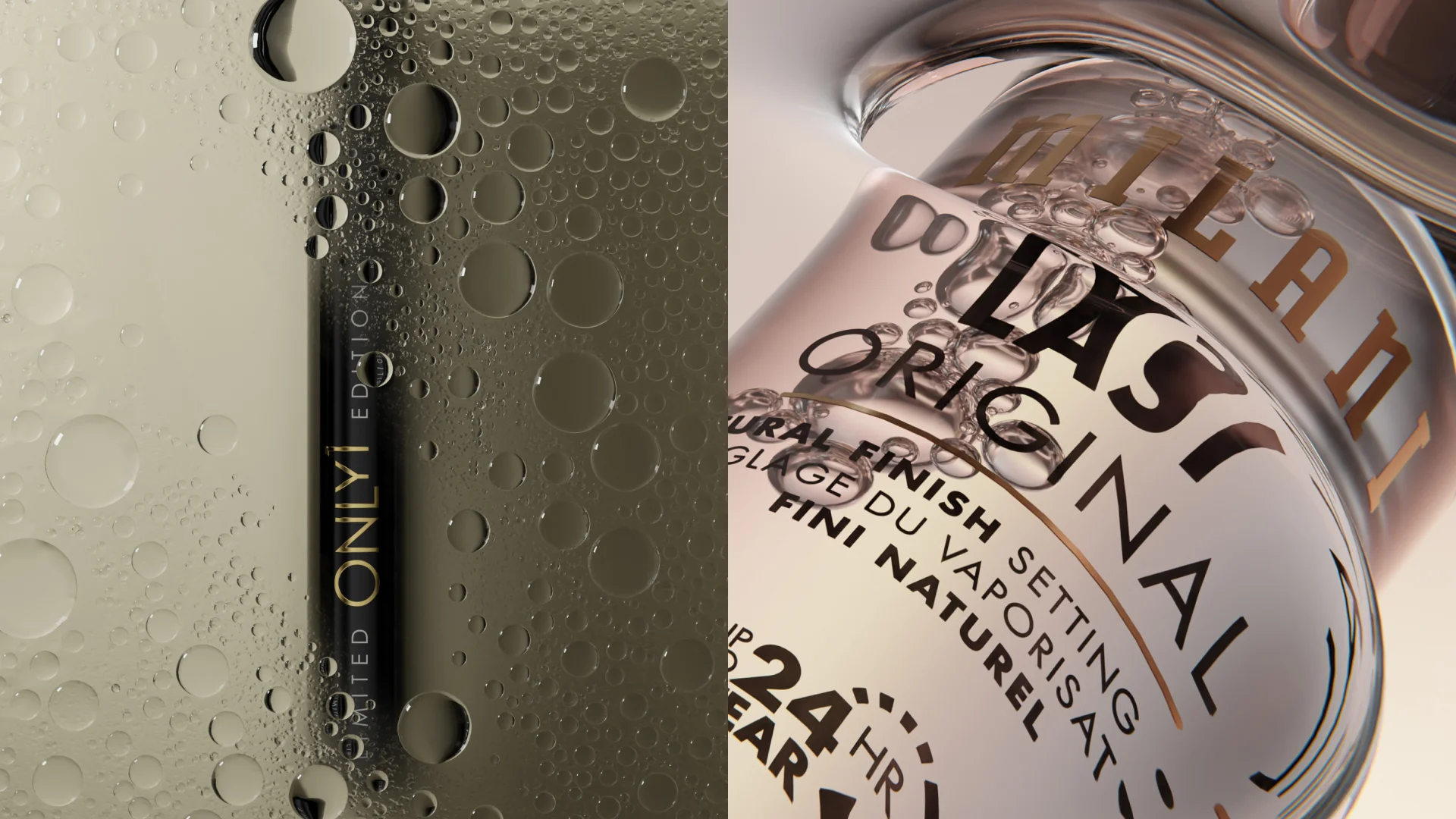
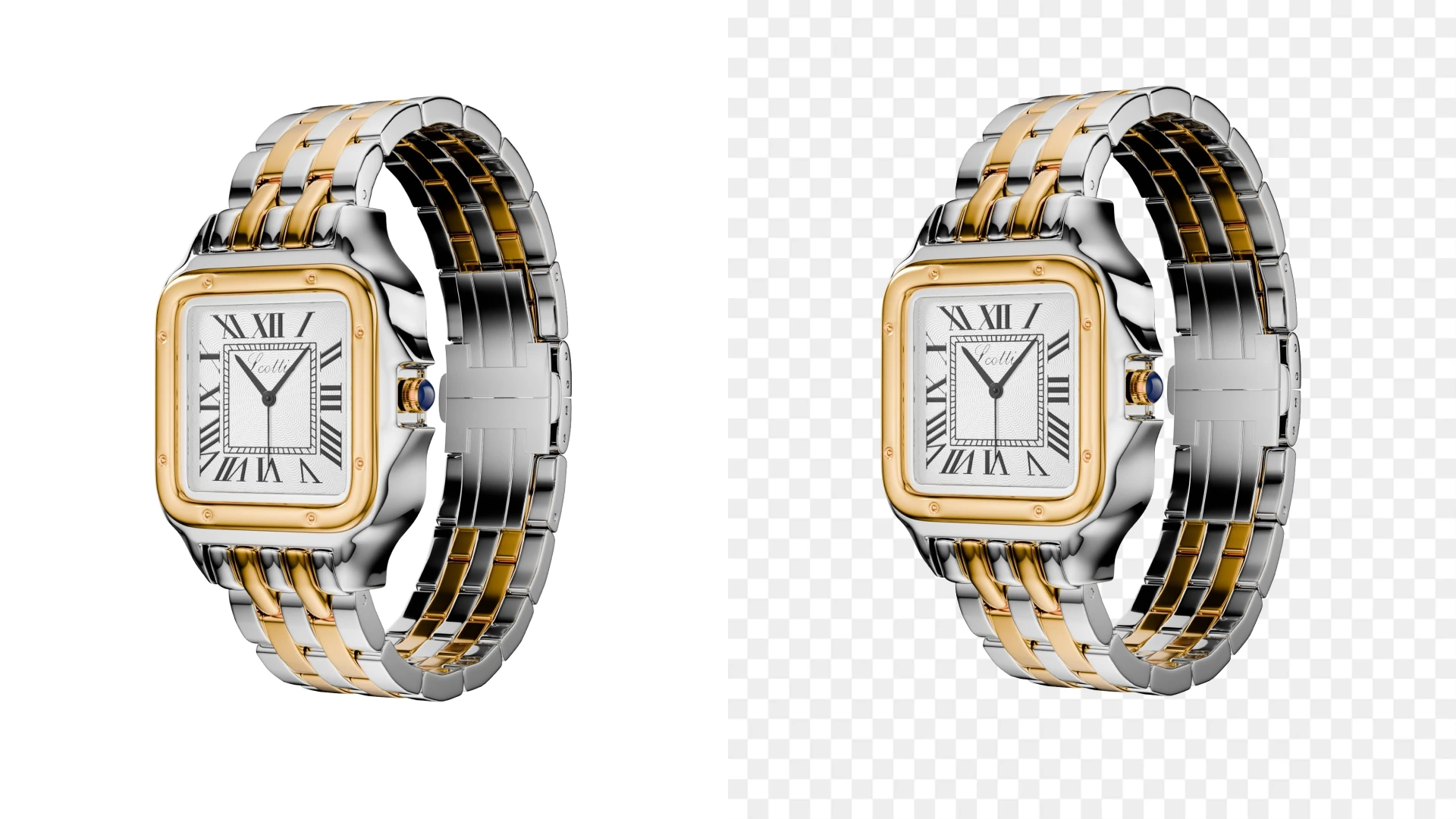
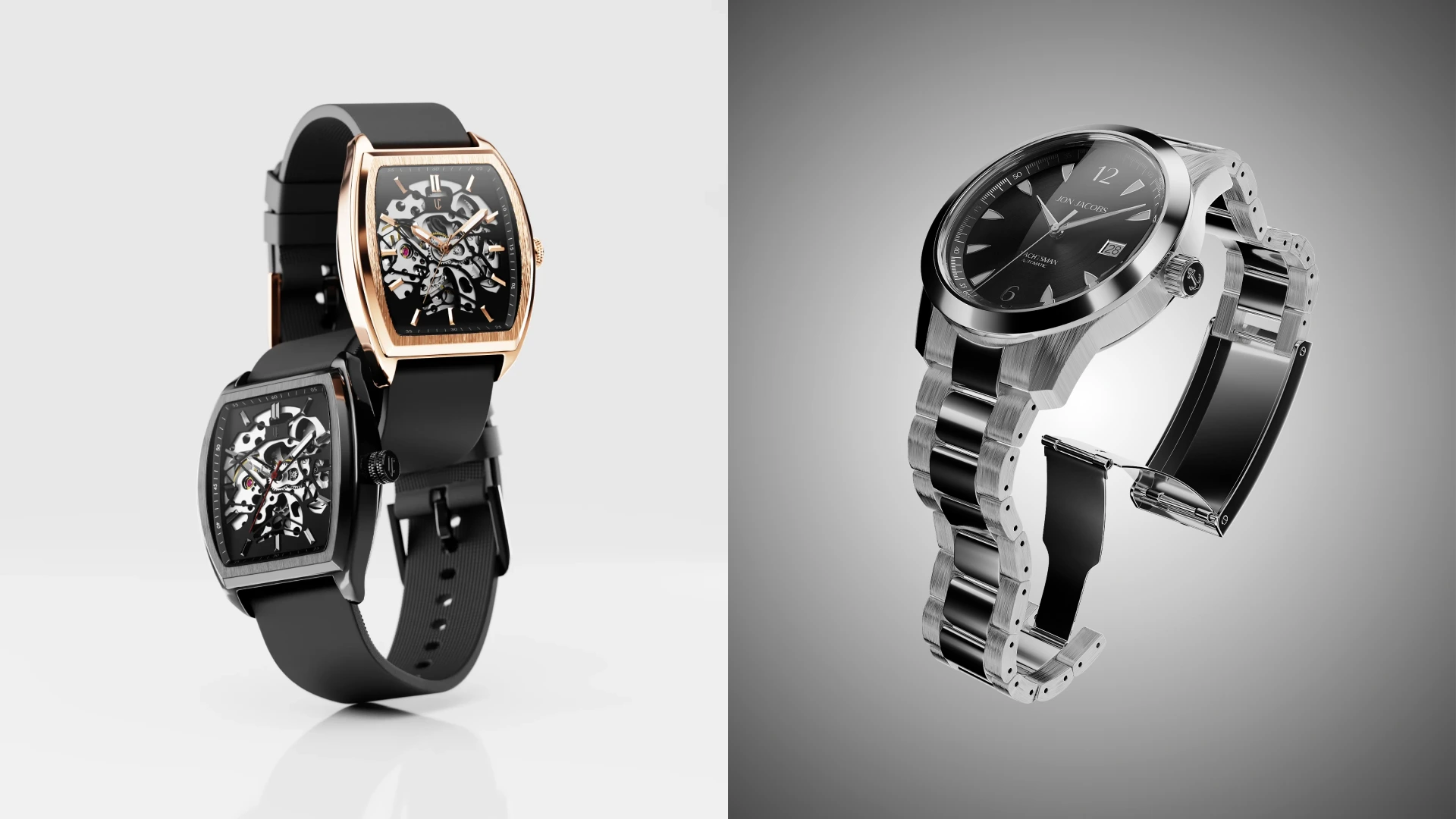
In ecommerce, the impact is even bigger. Or at the very least, the change is happening faster. 3D rendering enables consistent product imagery, rapid variations, and scalable content creation, without costly reshoots. This is where CGI for product rendering provides a major advantage by producing photorealistic product visuals with greater efficiency. Brands can produce hero images, close-ups, lifestyle scenes, and 3D interior rendering visuals from a single model. Thanks to 3D rendering, catalogs are kept fresh at a lower cost and at a faster rate.
How to choose the best 3D rendering software
So, you’ve made it to the end of the article and you’re still unsure what to pick? Start with your use case. If your workflow includes creating assets from scratch, choose software that offers both 3D modeling and rendering capabilities. Architectural visualization, product ecommerce, and cinematic animation all have very different needs. Next, consider realism versus speed. Some rendering software prioritizes photorealism. Others, real-time performance.
And it goes without saying, budget and learning curve can’t be overlooked. Free rendering software like Blender offers enormous power but requires time to master. Paid tools often trade flexibility for speed and polish. Finally, think long-term: software for 3D should fit into your pipeline, scale with your projects, and support future workflows like AI-assisted rendering.
Wrapping up


The best 3D rendering software in 2026 is a long list. The best of the best depends on your particular context. So keep in mind what you’re building (and for what audience), and how fast you need it. One thing is clear, if you ask us: 3D rendering software is no longer optional for modern visual production.
So if you’re navigating ecommerce visuals or product launches and want guidance from people who do this daily, the Welpix crew is always up for a conversation. We’ll help you choose the right approach and talk you through the process from a cool creative mood board to stunning images for your next campaign.
FAQ
What makes the best 3D rendering software?
The best 3D rendering software balances image quality, speed, usability, and scalability. It should match your industry needs, support your workflow, and deliver consistent results over time.
Is 3D rendering software free good enough for professionals?
In many cases, yes. Tools like Blender prove that 3D rendering software free options can rival paid solutions, provided you invest the time to learn them.
What’s the difference between 3D visualization software and rendering software?
3D visualization software often includes modeling and scene building, while rendering software focuses on producing the final images. Many modern tools combine both.
Is AI replacing traditional 3D rendering?
No. AI rendering software accelerates ideation and early concepts, but traditional 3D rendering remains essential for control, accuracy, and production-ready results.
Which software is best for interior design?
For interiors, top-rated interior design programs modelling include Lumion, Corona, Blender, and dedicated 3D interior design software, depending on realism and speed needs.