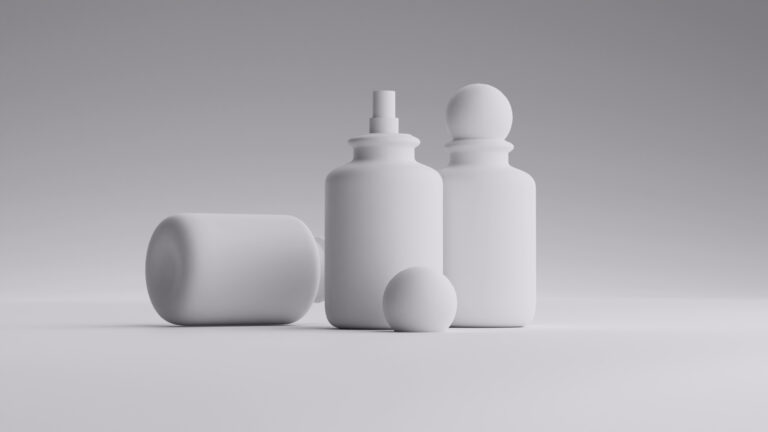
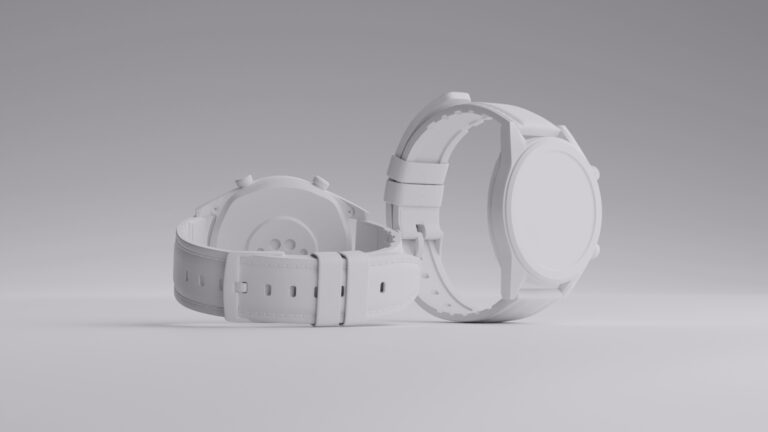
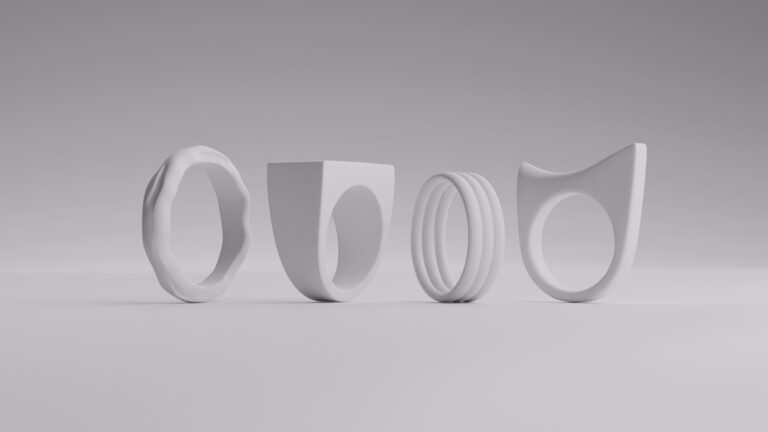
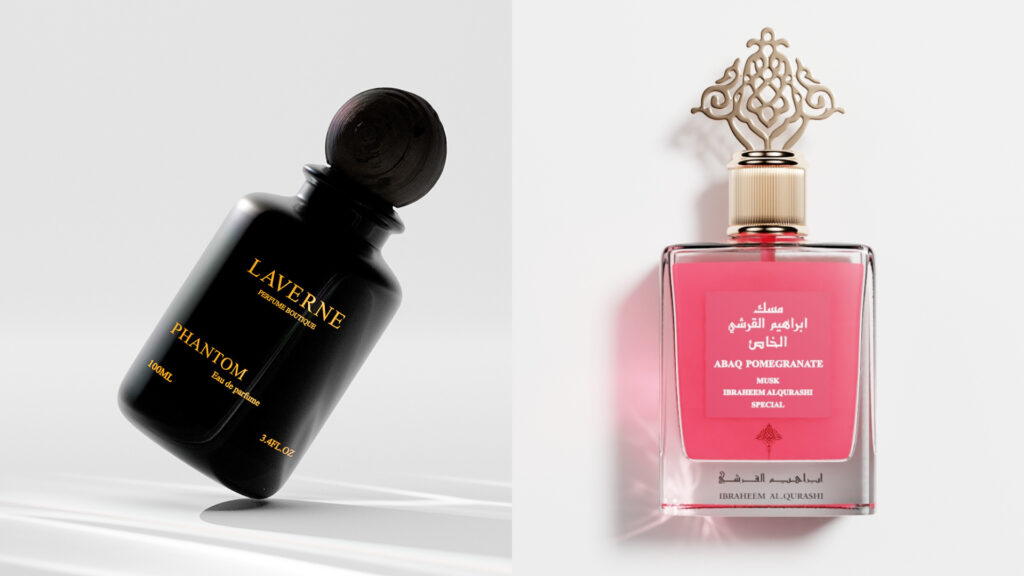
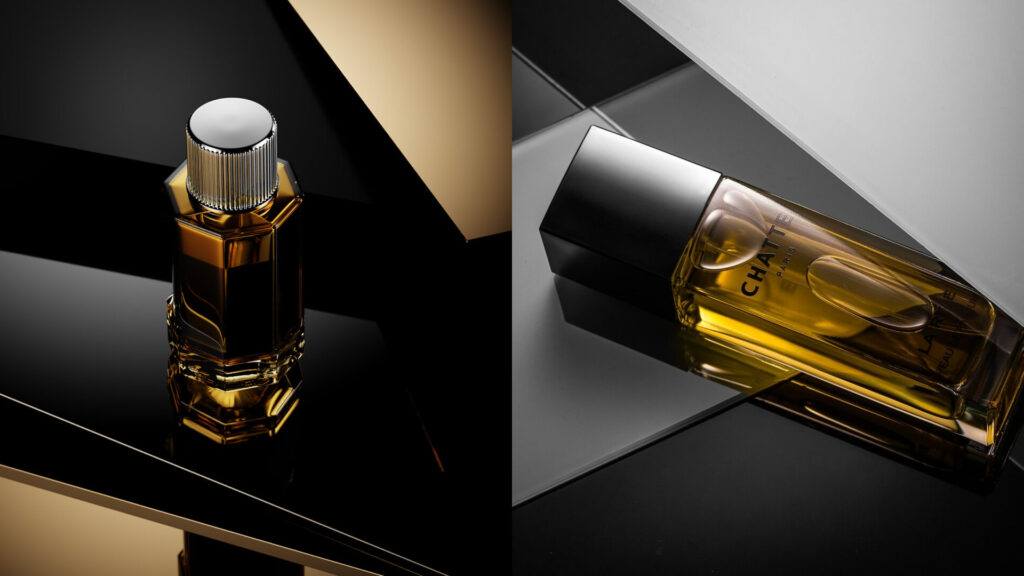
You can have the best product on Amazon ever, and still lose buyers to products you’re convinced are inferior. Why? Because in 2026, online shoppers decide with their eyes. Meaning if your product photos aren’t absolutely perfect, they won’t even get to your description. Your images for products must look clean, professional, and easy to understand, if you want buyers to trust your brand and keep coming back for it.
That’s exactly why we’ve made this comprehensive guide to Amazon product photography below. You’ll learn how to take product photos that meet Amazon image requirements, look professional, and actually make shoppers add to cart.
Equipment you will need to take product photos
You don’t need a Hollywood studio to take great product photos for Amazon. However, you do need the right basics to photograph items properly. Here’s what we believe is equipment 101:
- Camera or smartphone with a good lens. Modern smartphones can absolutely handle Amazon photography if they shoot in high resolution (and thankfully, most smartphones today do). A DSLR or mirrorless camera gives you more control, but clarity and sharpness matter more than fancy gear.
- Tripod. A tripod keeps your product photos sharp and consistent across angles (and that’s one of the vital layers of great Amazon photography). It also helps you frame each product picture the same way, which looks more professional on your listing.
- Lighting (natural or artificial). Soft, even lighting is (almost) everything in product photography. Natural window light works great, but softboxes or LED panels give you even more control and consistency. Whatever you pick, make sure you don’t have big discrepancies from one photo to another.
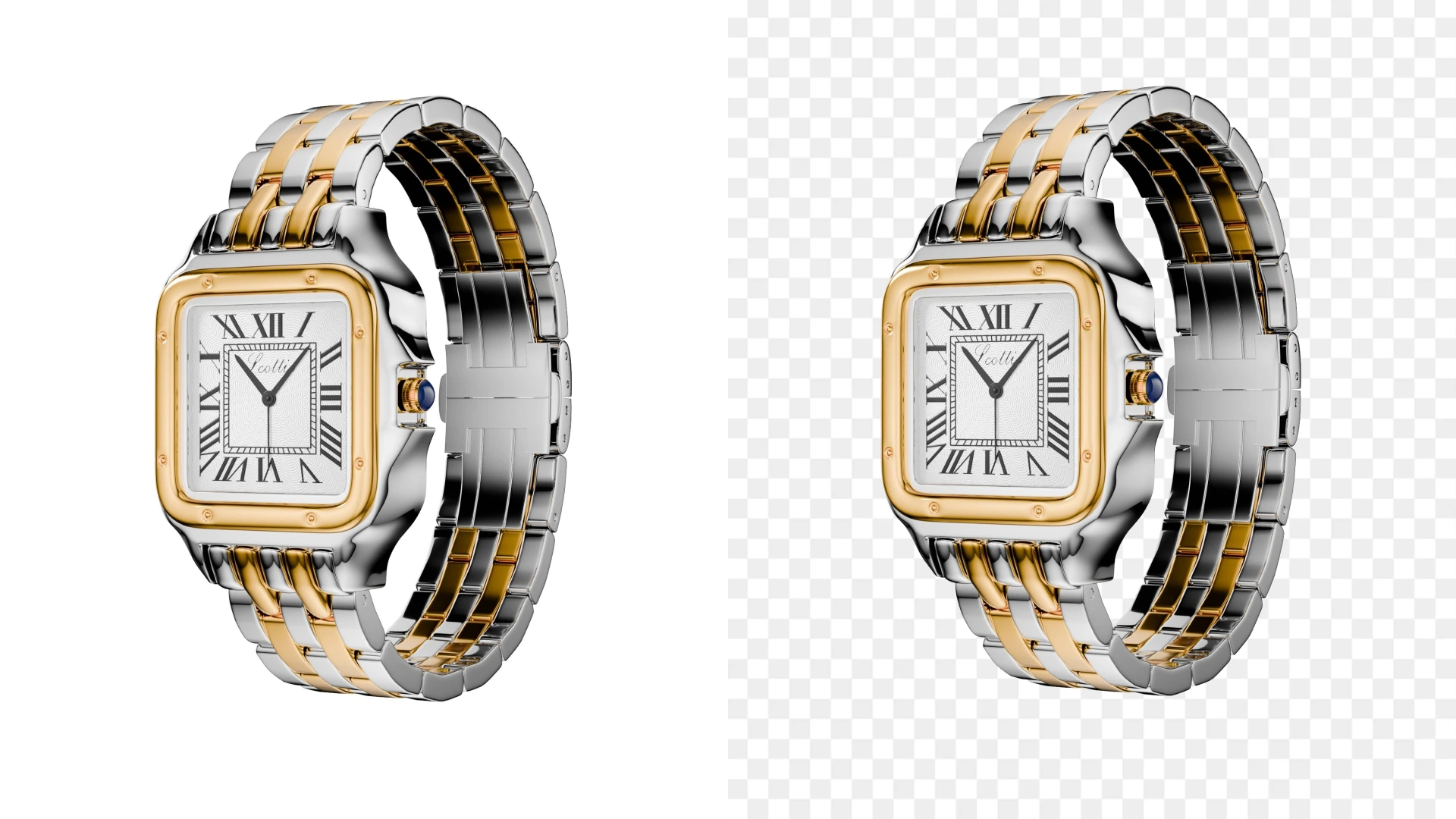
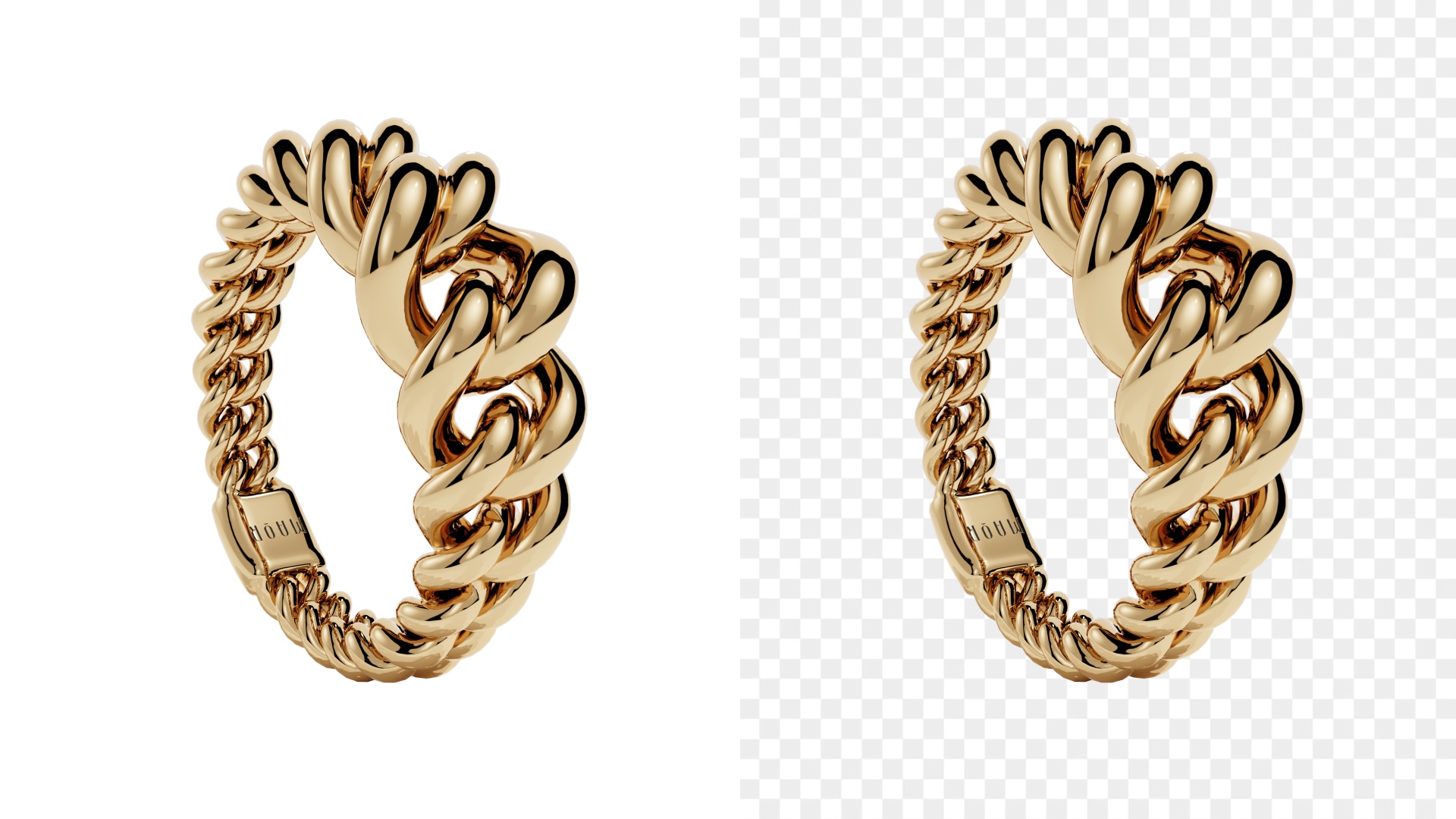
- White background or sweep. Amazon product image requirements prefer clean white backgrounds for main images. You can achieve this easily with aoam boards, backdrop paper, or a lightbox (no need for fancy post-processing or AI editors).
Basic editing software. You’ll use this to crop, adjust brightness, clean up dust, and basically make sure your product photo looks crisp and accurate. There’s absolutely no need for expensive editing software, especially as too much editing can actually kill your product photos.
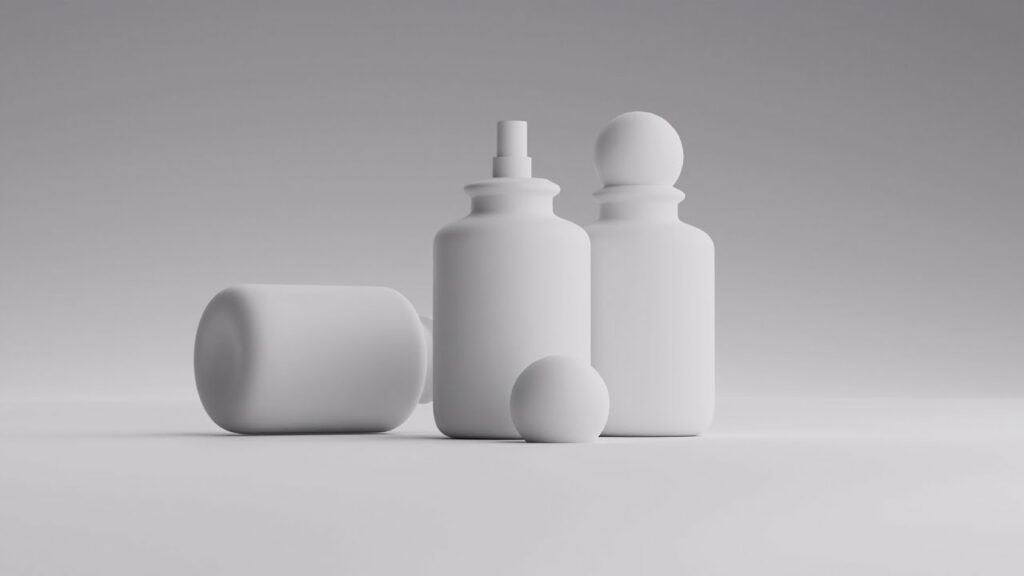
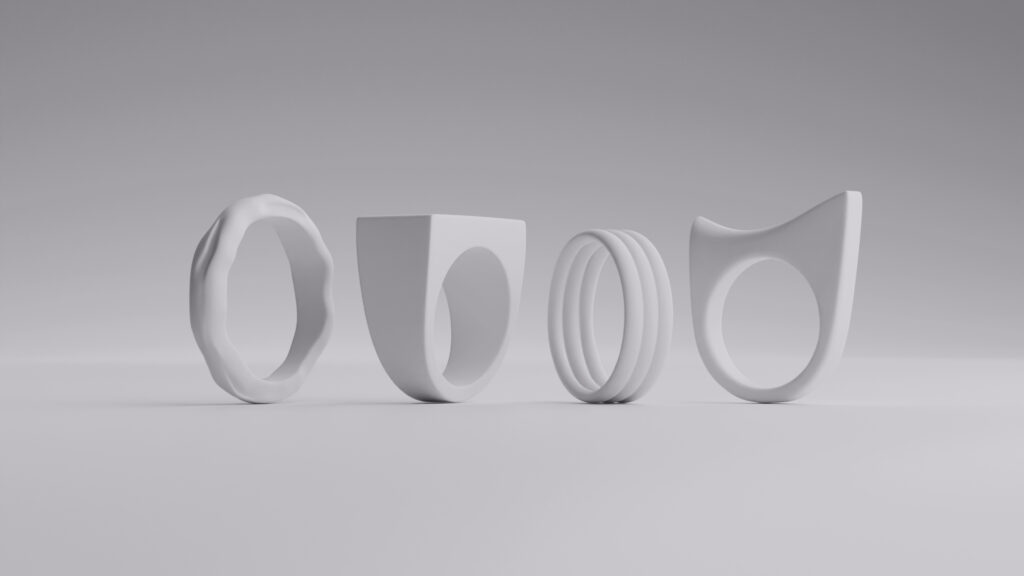

How to shoot product photos for Amazon
Here’s a simple, easy-to-follow workflow for how to take product photos that look polished and marketplace-ready.
- Clean your product thoroughly
Dust, fingerprints, and scratches show up fast in high-resolution Amazon photography. So make sure your products are squeaky clean. - Set up even lighting from both sides
Avoid harsh shadows and direct overhead light. Soft light makes your product picture feel natural and premium. And we can’t stress this enough: ensure lighting is consistent through all your photos. - Place your product on a white background
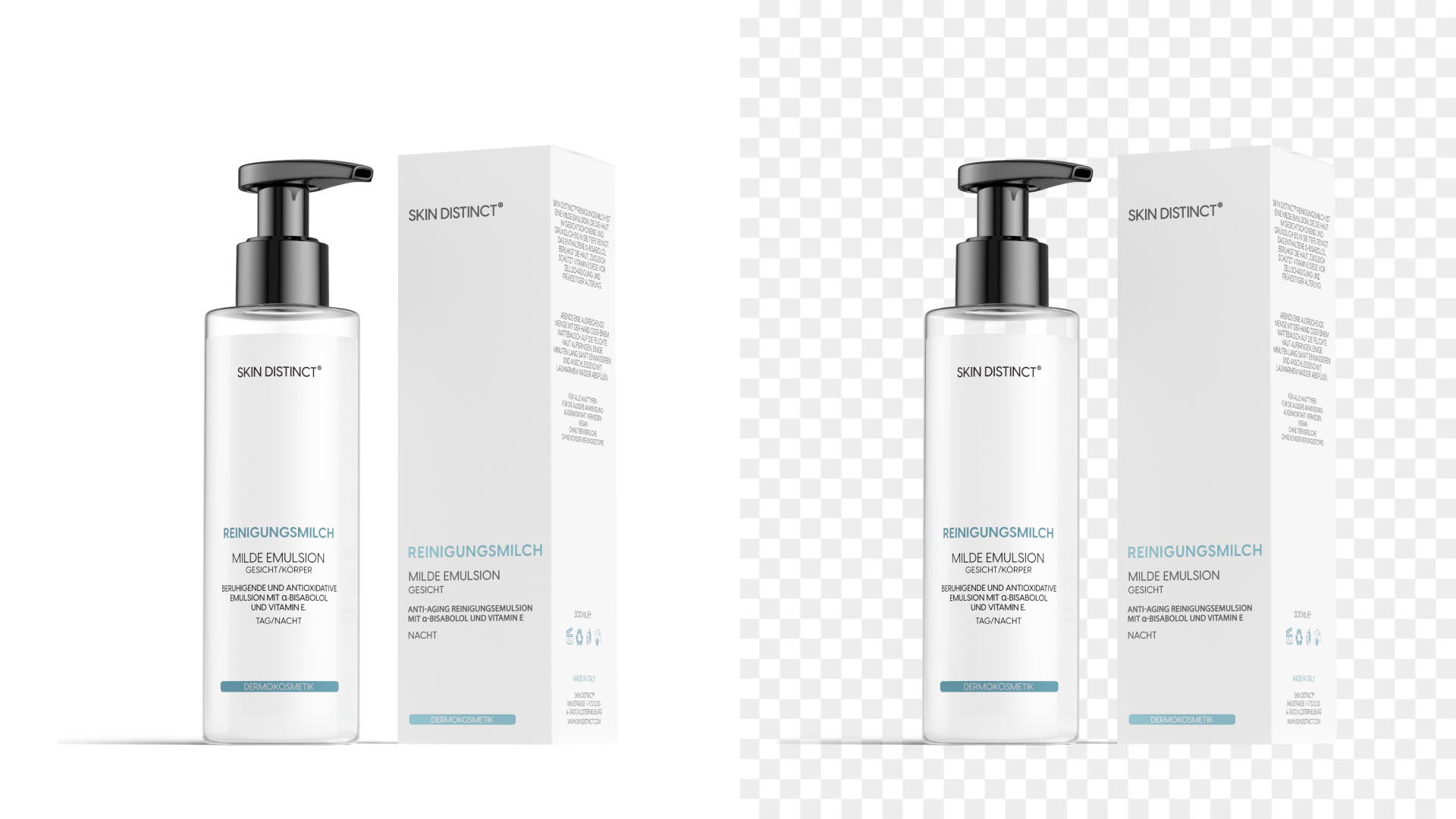
This keeps your images for products compliant and visually clean. It works great for buyers, too – white background helps your product pop. - Shoot multiple angles
Front, back, sides, close-ups, and detail shots are all important because they help potential buyers understand exactly what they’re buying. - Keep framing consistent
For consistent framing, use the same distance and angle across shots. This is what creates a professional product photo set and makes your buyers trust your brand more. - Edit lightly
Adjust exposure, straighten images, and clean imperfections. But keep the product realistic. The whole point is to clearly convey what you’re selling (and reduce buyer disappointment and return rates).

Amazon product images requirements
Following Amazon image requirements isn’t just best practice, but it directly affects your listing’s approval and its overall performance. Here are non-negotiable Amazon rules you can remember and understand easily:
Main image background
Your main product photo must have a pure white background (that’s RGB 255,255,255). So no, no props, no text, or lifestyle scenes. Just the product itself in all its glory, from its most flattering (or relevant) angle.
Image size and resolution
Amazon recommends images at least 1,000 pixels on the longest side (1,600–2,000+ is even better). This high resolution is what enables zoom, which in turn boosts buyer confidence and engagement.
Product fill
Your product should take up about 85% of the frame. Too small looks amateur, or is just annoying for buyers to have to zoom in and guess what they’re seeing. Too zoomed feels cramped.
File format
JPEG is the standard choice, but PNG and TIFF are also accepted. We recommend you stick to high-quality JPG for fastest load times.
Accurate representation
Your product picture must absolutely match what customers receive. So be careful that colors, hues, lighting, shapes, and features are all shown as they are, in all photos, and aren’t misleading for someone who has never touched or seen your product in real life.
How to optimize Amazon product photography for higher sales
Great product photos are what quietly walk shoppers toward a confident purchase. On Amazon, your images answer questions before buyers even think to scroll. Think factors like size, quality, or texture, but also how the product actually fits into their life. When your product photography is clear and consistent, trust builds fast. And that, of course, leads to the much-wanted sales.
Here are our tips on optimizing Amazon product photos:
- Use zoom-friendly high-resolution images so shoppers can inspect details

- Show scale clearly with angles or real-world context images

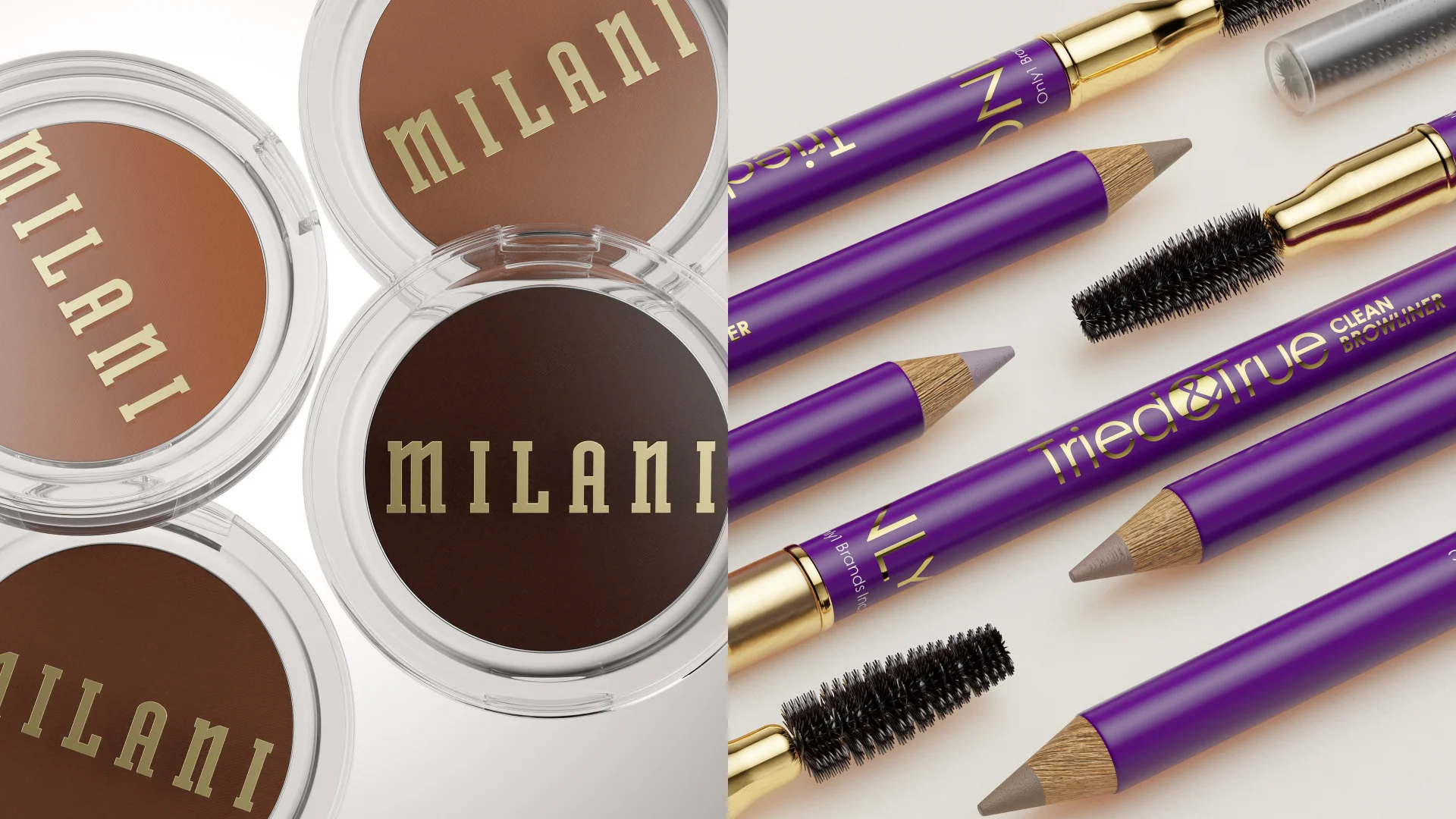
- Highlight texture, materials, and features through close-ups

- Keep lighting consistent across all product photos
- Make your first image instantly readable on mobile.
Tips to increase your conversion rate with Amazon product photography
- Lead with your cleanest hero shot. Your main image should be instantly understandable, even as a tiny thumbnail.
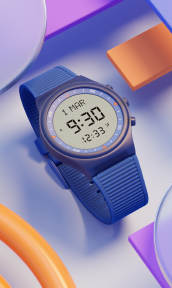
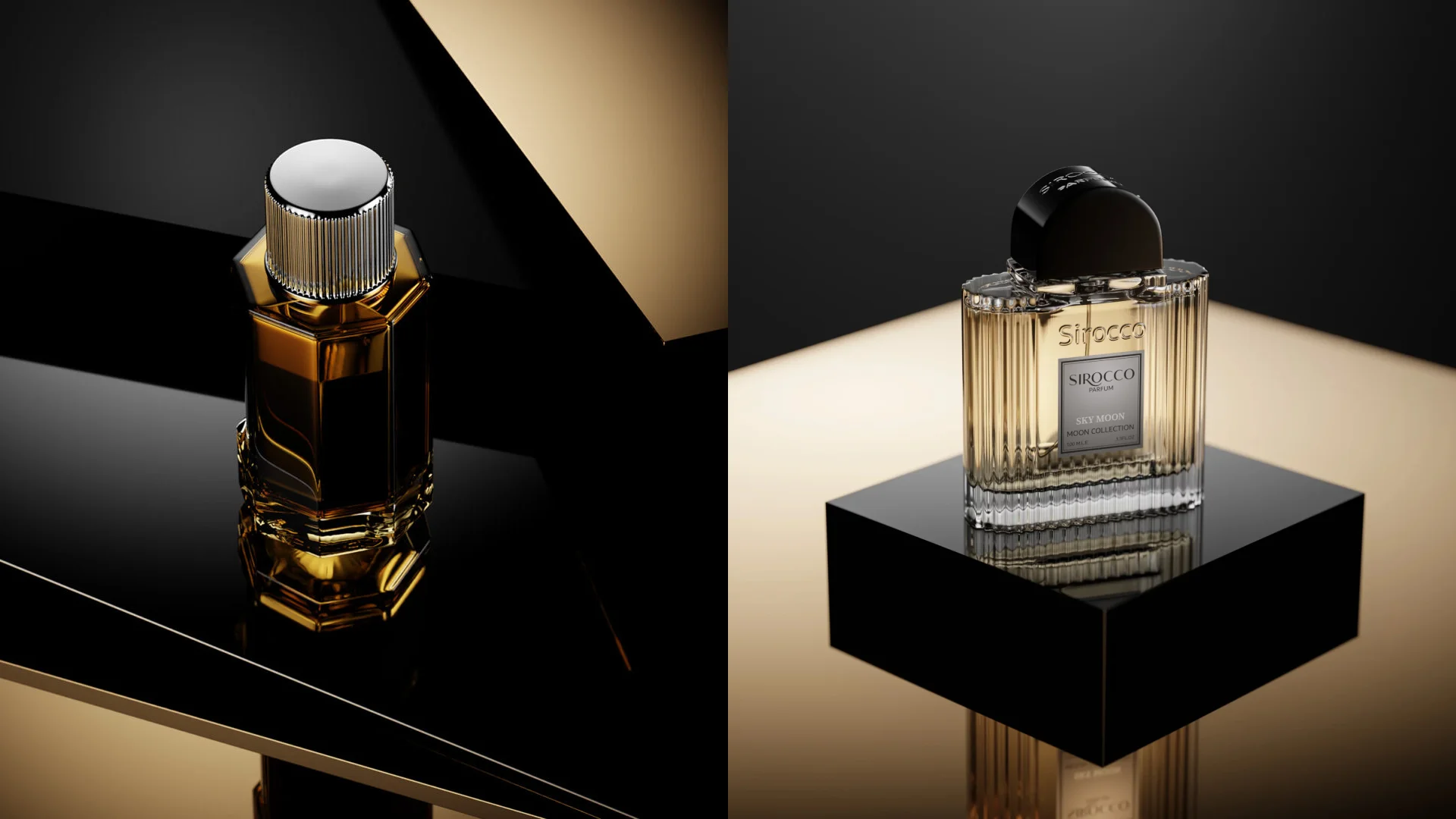
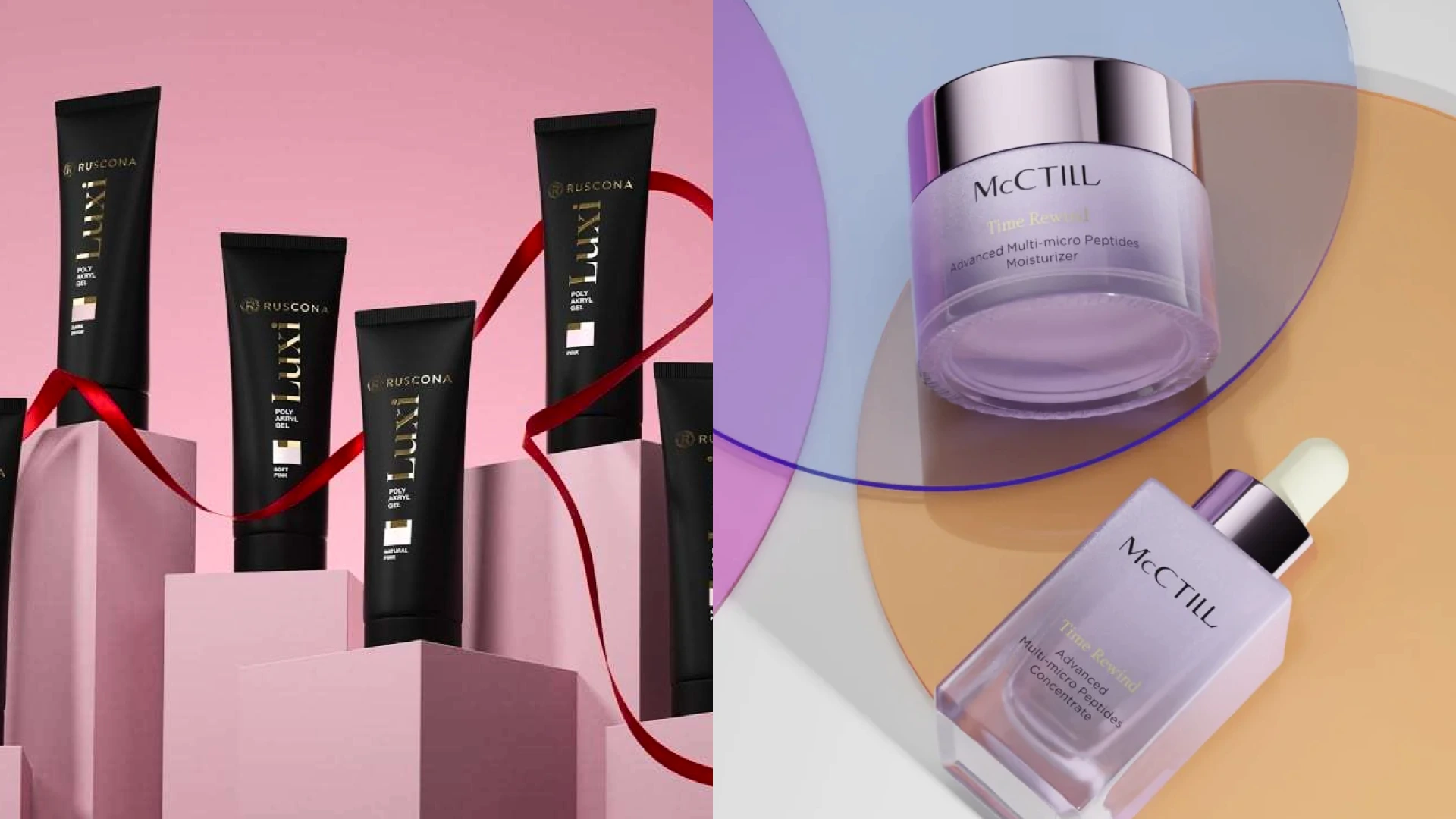
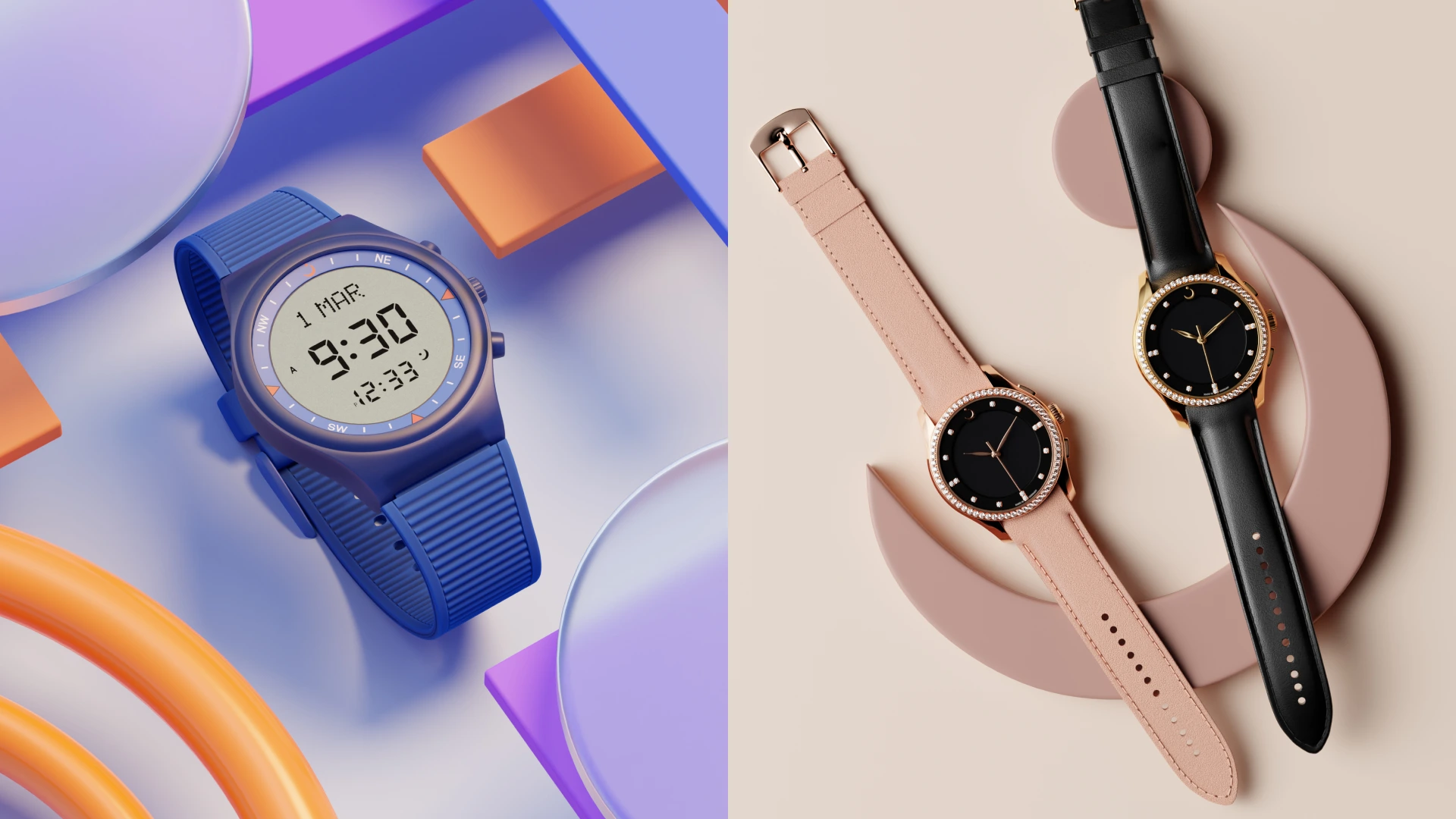
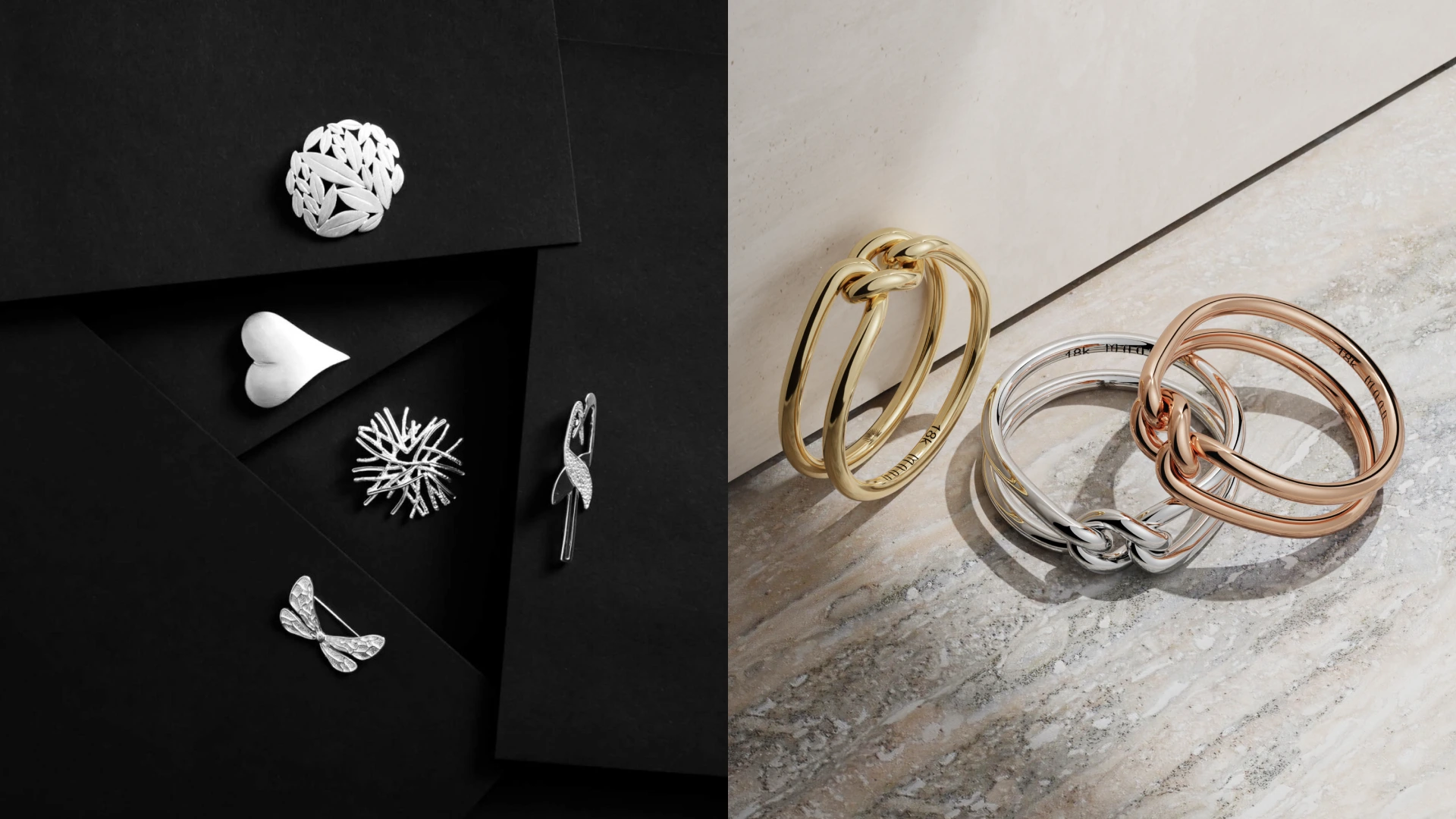
- Add lifestyle images strategically. Show how the product fits into real life: on a desk, in a kitchen, worn by a person, in use as cleanly and clearly as you can convey with a photo.
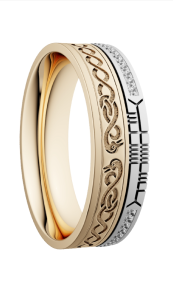
- Include detail close-ups. Textures, buttons, stitching, packaging, ingredients, etc — all of these details remove buyers’ hesitation.
- Use infographics carefully. Size charts, feature callouts, and usage steps can boost understanding without cluttering your listing.
- Maintain a cohesive visual style. Consistency across images builds brand credibility (which makes people return to your page).


Hiring a professional product photographer for Amazon
Sometimes, it’s better to hire a pro than to DIY it. Here’s what we think is vital to check before choosing the right person for the job:
- Experience with Amazon image requirements. A professional product photography service understands Amazon product image requirements inside out, all the way from white background rules to resolution, framing, and zoom standards. That means your product photos won’t get rejected, downgraded in visibility, or quietly underperform because of technical mistakes.
- Consistent lighting and composition. Pros know how to light products evenly so colors stay accurate and details pop without harsh shadows. Even better, they keep every product picture consistent across angles and SKUs. This is what makes your listings look more premium and trustworthy.
- Editing that looks natural (not artificial). Good post-production enhances sharpness, removes dust and smudges, and/or balances exposure while keeping the product realistic. You thus get clean, high-converting images for products, not over-filtered visuals that trigger returns time and time again.
- Clear process and pricing. A solid product photography service will walk you through timelines, revisions, deliverables, and costs upfront, transparently. There shouldn’t be any unpleasant surprises or vague promises.
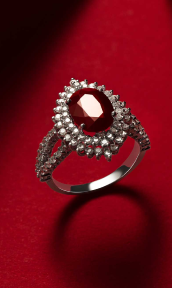
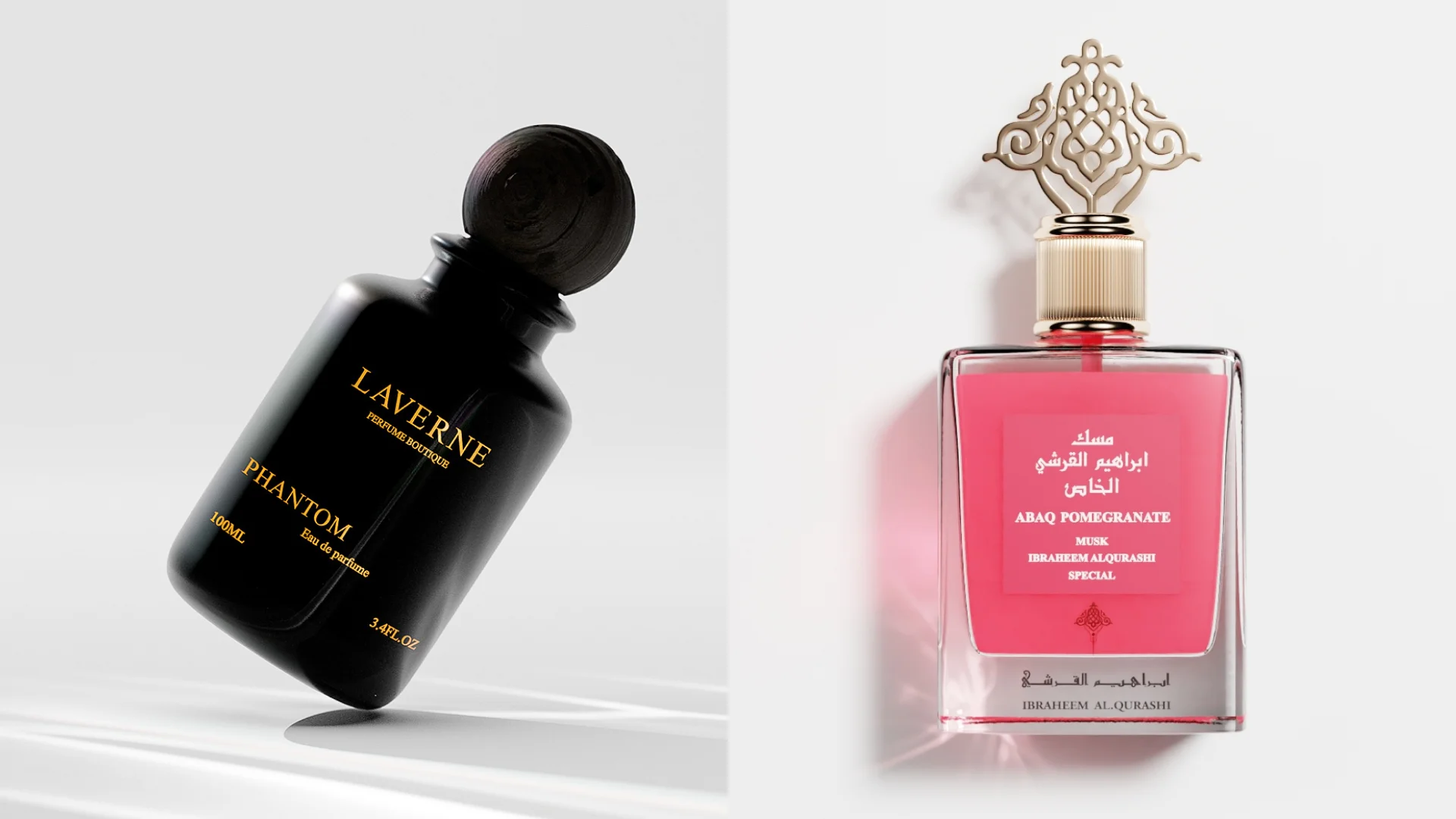
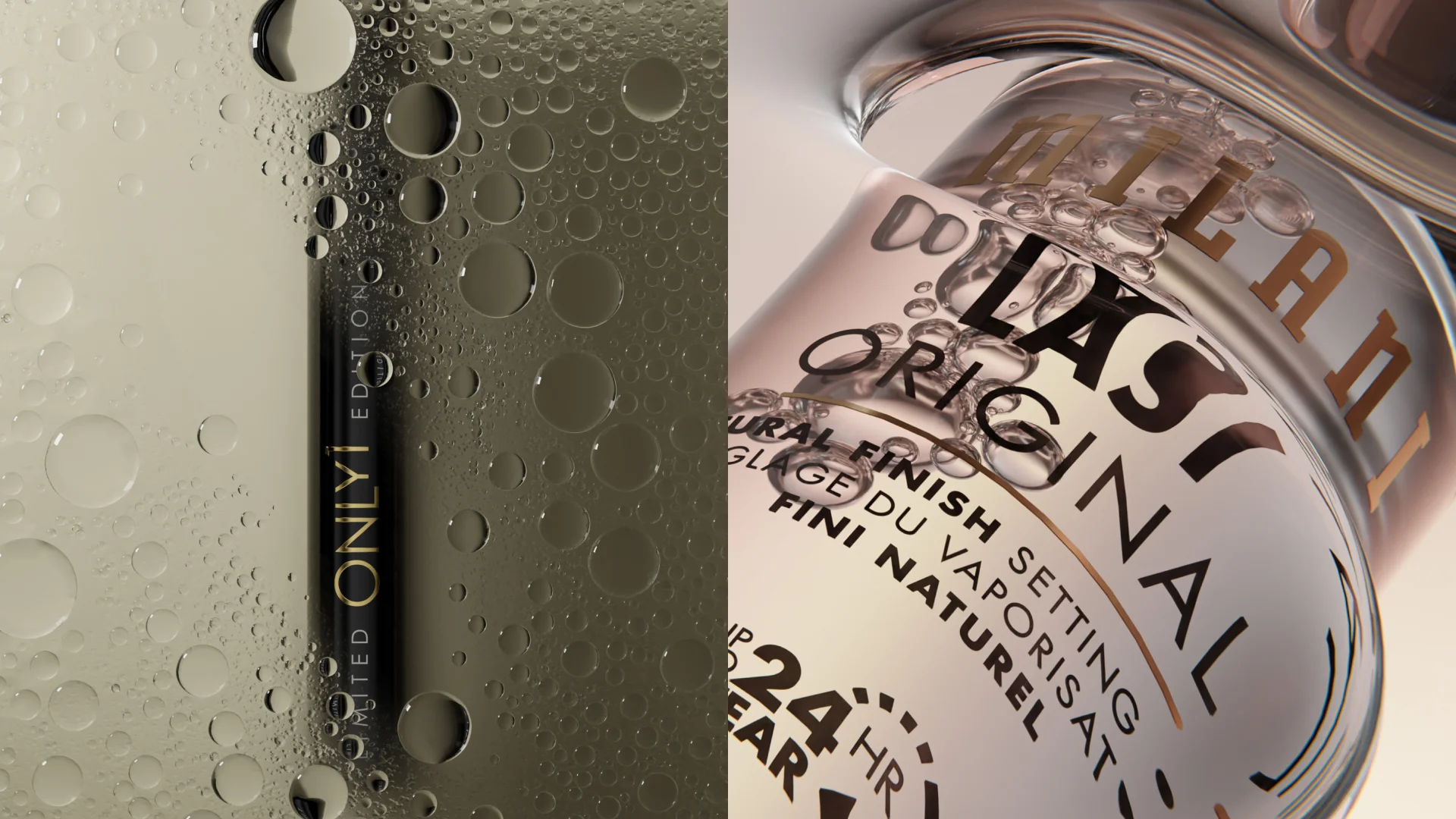
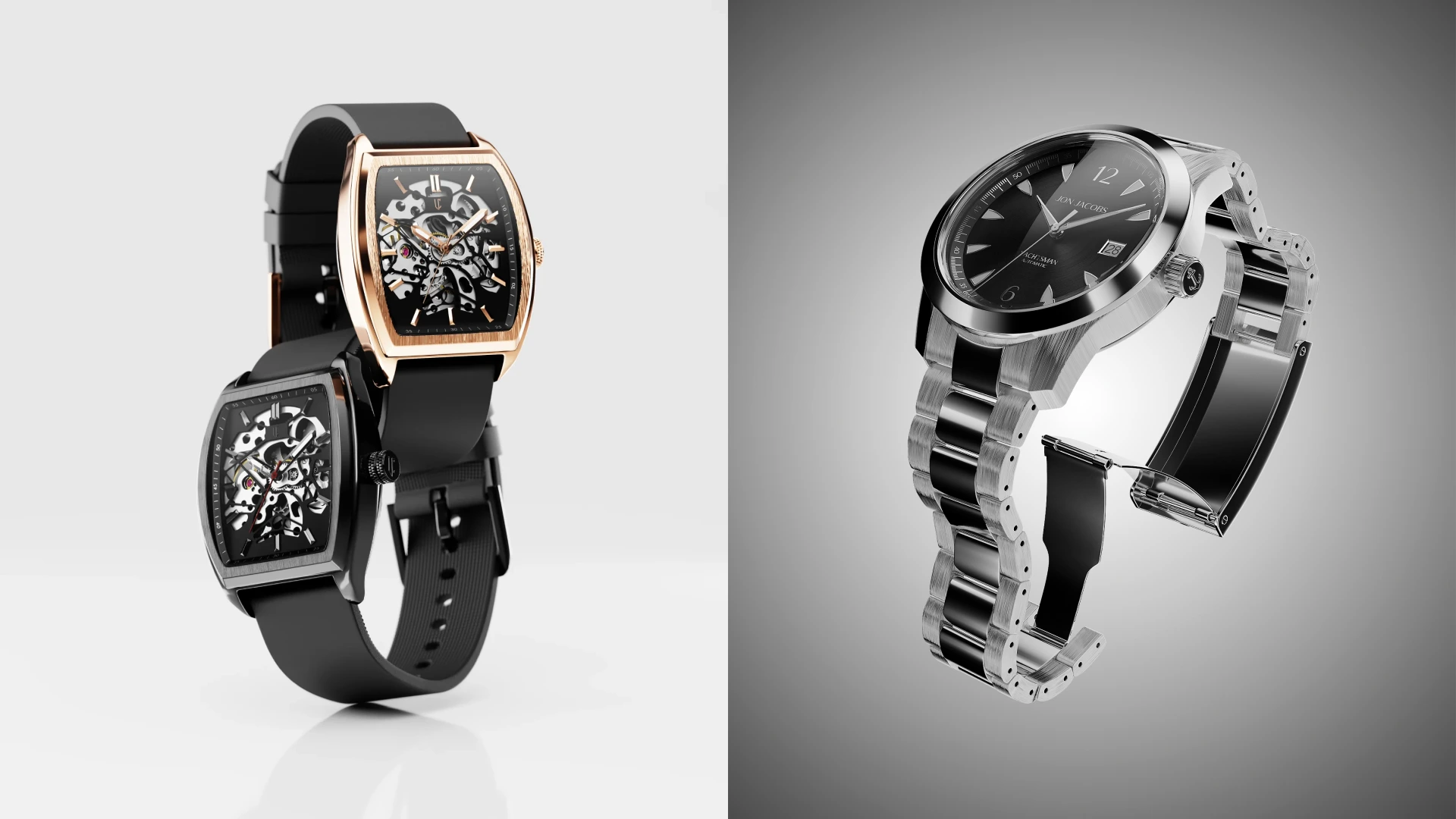
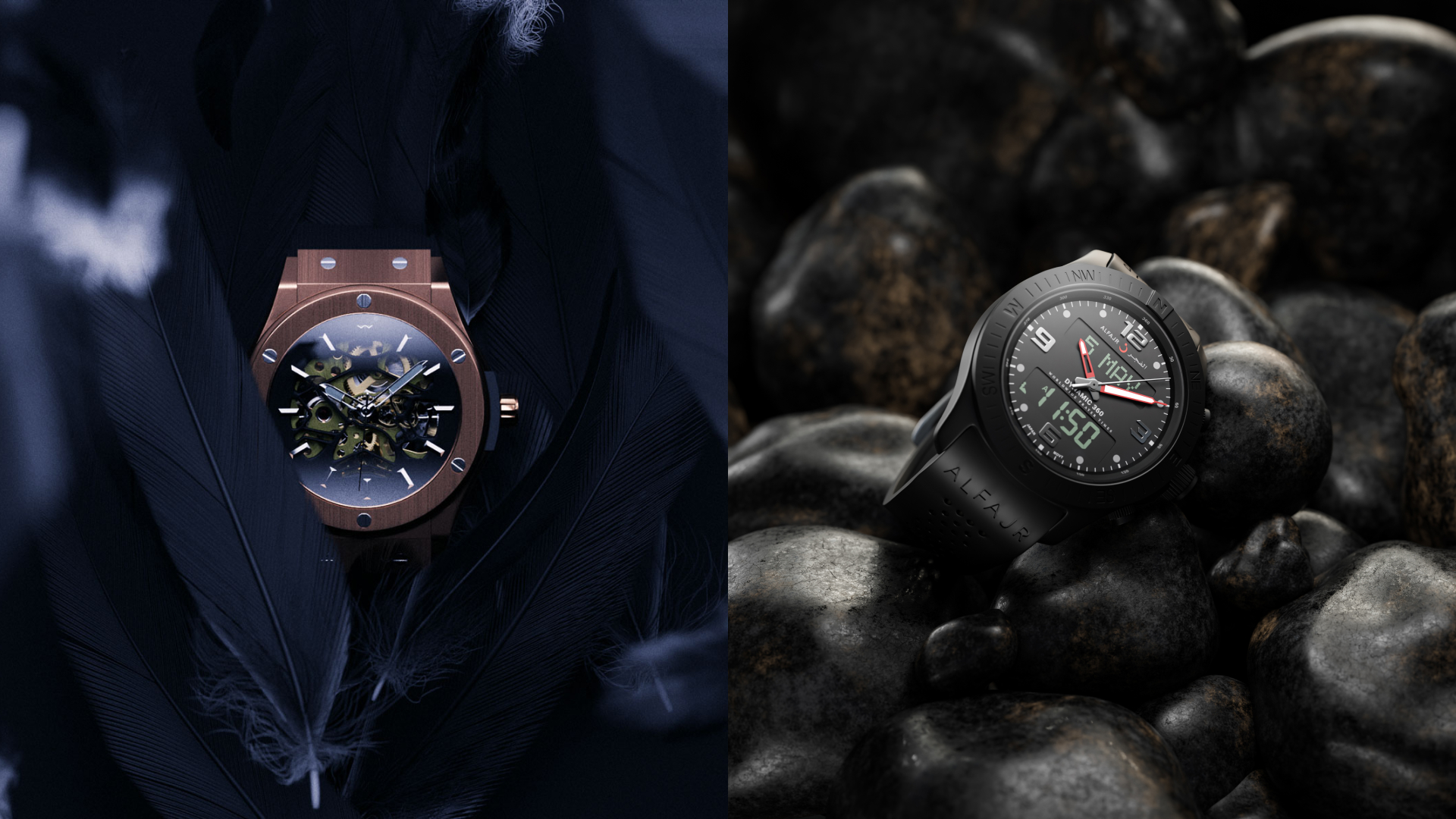
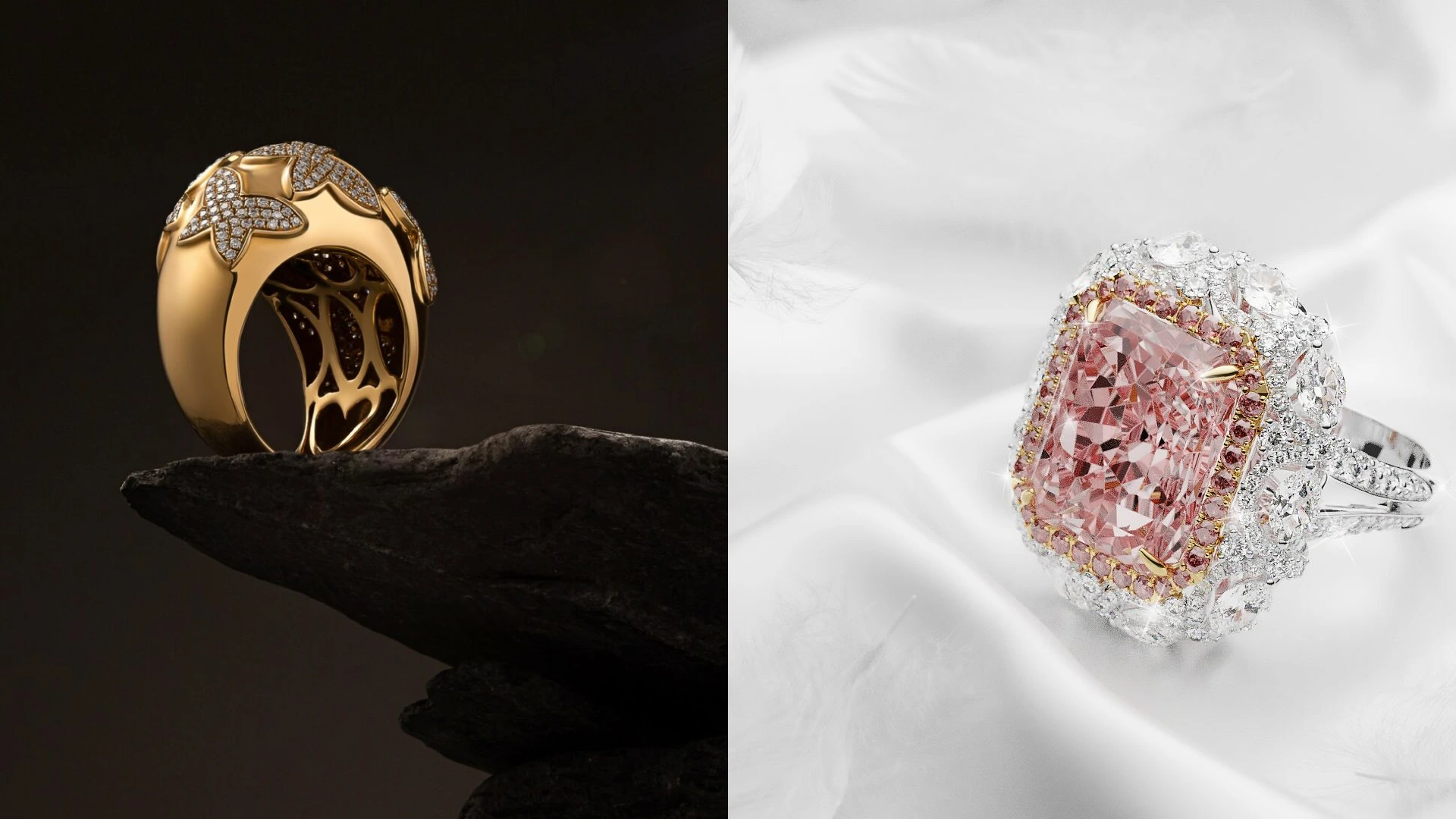
- Hybrid CGI + photography options. Modern studios (like Welpix, hello there!) blend traditional product photos with CGI to create scalable, consistent visuals across entire catalogs. This approach makes it easier to launch new variations, test angles, and update images fast, without reshooting everything from scratch.

Mistakes to avoid
- Blurry or low-resolution images
Solution: always shoot in high resolution and use a tripod. - Ignoring white background rules
Solution: keep lifestyle shots for secondary images only. - Heavy filters or unrealistic colors
Solution: keep tones accurate to avoid returns and distrust. - Too few angles
Solution: give shoppers a full visual understanding. - Poor lighting
Solution: use soft, even light from both sides.
- 3D modeling
- White bg.
- Minimalistic
- Simple prop
- Custom
- 3D modeling
- White bg.
- Minimalistic
- Simple prop
- Custom
Wrapping up
Amazon product photography isn’t all about clarity, which in turn makes your brand trustworthy and turns one-time buyers into loyals. When you follow Amazon product image requirements to a T, you’ll get results right away. Remember to use smart composition and optimize your product photos for real shoppers.
And if you’d rather skip the trial-and-error phase, the Welpix crew mixes professional product photography with CGI precision to create high-converting Amazon visuals at scale. So if you want your listings to look like top sellers, get in touch with us today and let’s discuss our simple workflow.
FAQ
What is Amazon product photography?
Amazon product photography is the process of creating high-quality product photos specifically optimized for Amazon listings, following Amazon image requirements and buyer behavior best practices.
Do product photos increase sales on Amazon?
Yes. Clear, professional product photos improve trust, engagement, and conversion rates — often dramatically.
How can I take product photos with a smartphone?
Use natural light, a white background, a tripod, and shoot in high resolution. Light editing can polish your product picture without distortion.
What are Amazon’s photo requirements in 2026?
White background for main images, high-resolution files (1,000+ pixels), accurate product representation, and clean framing.
How can I improve the quality of my Amazon product images?
Use better lighting, shoot multiple angles, keep composition consistent, and optimize for mobile viewing.
Can I use lifestyle images on Amazon product listings?
Yes — for secondary images. Lifestyle photos help customers visualize real-world use.
How does Amazon photos work for product listings?
You upload a main compliant image plus additional product photos that show angles, details, and context.
How can I optimize product search terms using images?
Strong product photos improve click-through and engagement, which indirectly boosts listing performance in search results.