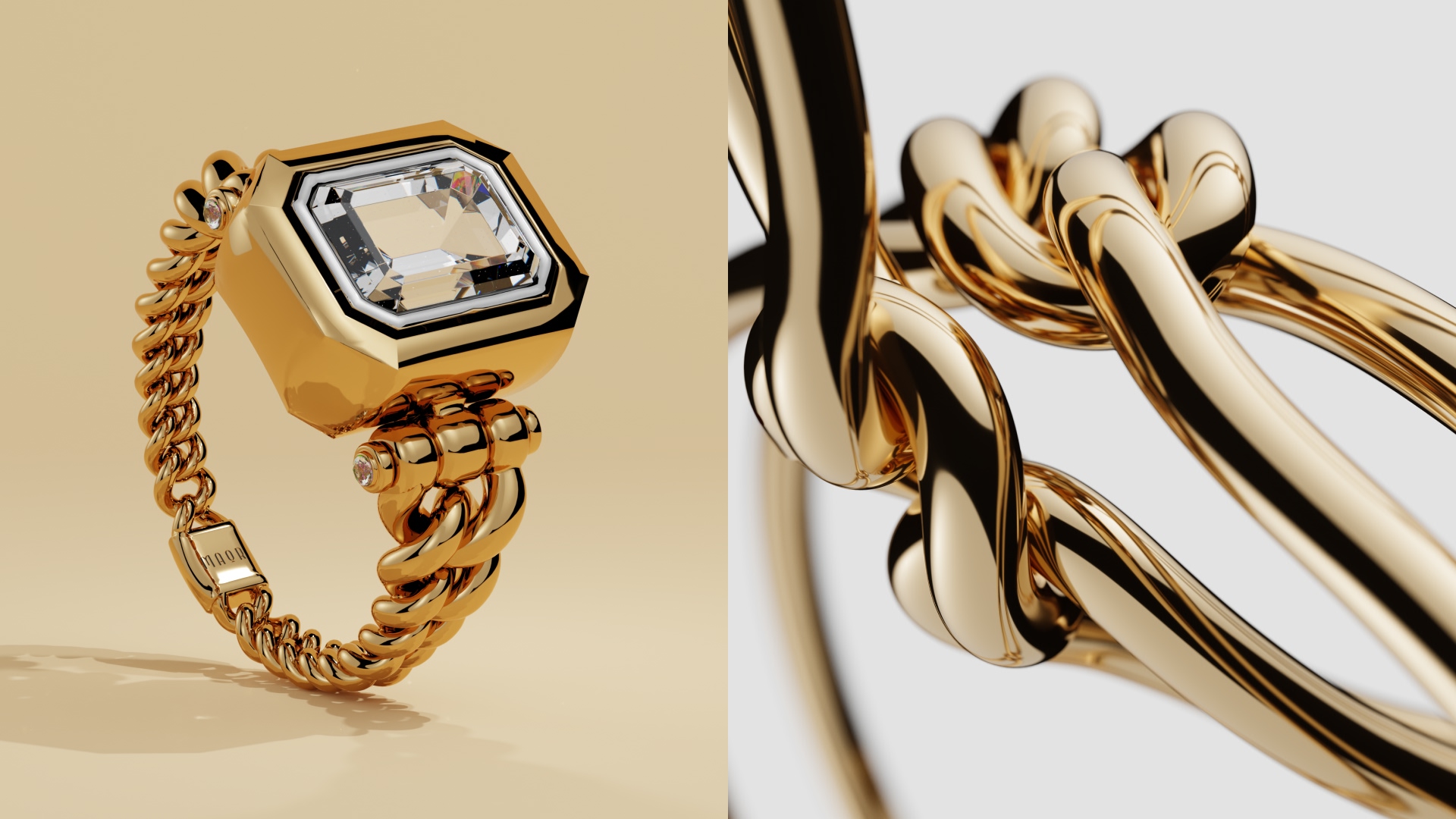
You can’t reach through a screen and touch a product, but great texture photography comes as close as it can. When done right, textures in product photography help online buyers feel what they’re looking at. Think the grain of leather, the softness of fabric, or the grit of stoneware. That sensory cue builds the trust needed to click “checkout.”
So, what is texture in photography, you ask?
At its core, it’s the visible surface quality of an object, meaning how rough, smooth, matte, glossy, or layered it appears. In ecommerce, texture is a great visual and marketing tool, as it gives people a little more clarity about your product. To answer even more in depth (and tell you how to use it to your best advantage), we’ve made this guide.
Importance of texture in product photography
Texture gives flat images depth. Then, it does something even more precious: it gives your products credibility. A clear photo of texture can make a wool sweater look warm or a ceramic mug feel wabi-sabi-handmade. These are great selling points in a physical store, so why wouldn’t they be a thing online? Most products have a beautiful finish (that matches their overall mood and quality), be they premium jewelry, vacuum cleaners, clothes, or chocolate boxes. That’s why it’s important to do them justice when selling them online, too.
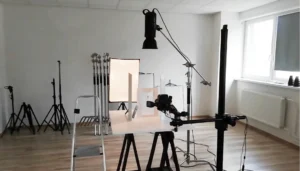
Now, let’s look at the 101 pieces of equipment you’ll be needing to capture textures in product photography yourself.


Essential equipment and tools needed
Tripod
A tripod keeps your camera rock-steady. This, of course, is non-negotiable when you’re highlighting fine photography textures. Even tiny shakes soften details and flatten texture in photos, making the whole scope redundant. Stability buys you the sharpness that shows textures in depth, which is what sells.

Lens (macro or prime)
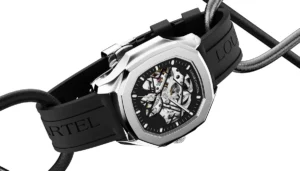
Macro lenses are the gold standard for texture photography because they reveal details the naked eye easily misses. A sharp prime lens with a wide aperture also works like a charm for photography texture (especially if you want that clean detail). For example, a macro shot of a candle can capture the subtle frosting of the wax, tiny air bubbles, or the fibrous texture of the wick. These are the sort of details that scream “premium” and that help differentiate your product from tons of others already on the market.

Lighting modifiers
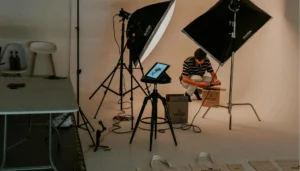
If it sounds fancy, it shouldn’t. This can be easily done at home. Diffusers, softboxes, or even a sheer curtain can turn harsh light into texture-friendly illumination. Soft, directional light defines surface detail without drowning it in shadows. This is key for any photo of texture on pretty much any product you can imagine. And we can’t stress this enough: post-processing isn’t enough if lighting already killed your product’s texture.

Step-by-step guide to shooting product textures
1. Start with the surface
Clean the product and style it simply. Dust, fingerprints, or wrinkles become very obvious in textured photography, especially up close.
2. Choose your angle intentionally
Side lighting at a slight angle brings out ridges, grain, and depth. Shooting straight-on can flatten textures, while angled light enhances texture in photos instantly.

3. Dial in your focus
Use single-point focus and lock it onto the most important textured area: stitching, weave, embossing, etc.. This is where texture in photography earns its keep.
4. Control your depth of field
A mid-to-small aperture keeps more surface detail sharp, which matters for textures photography meant to inform buying decisions.
5. Adjust exposure carefully
Overexposure wipes out texture; underexposure hides it. Aim for balanced light so every tactile texture used in a product reads clearly on screen.

Useful tips for capturing textures in product photography
- Let light skim the surface: Raking light exaggerates detail and creates depth in photography textures.
- Use contrast wisely: Slight contrast boosts help textures pop without looking artificial.
- Shoot variations: Capture wide shots and close-ups so texture photography supports the full product story.
- Think material-first: Fabric, metal, food, and skincare all need different lighting to show their best texture in photos.
- Mind your background: A busy or glossy background competes with the texture you’re trying to show. Simple, matte surfaces keep the viewer’s attention where it belongs—on the texture in photos.
- Watch your sharpening: A light hand preserves natural texture, while aggressive sharpening turns fabric into sandpaper and skincare into stucco. Texture photography should feel tactile, not tortured.
Zoom with your feet, not your lens: Physically moving closer often preserves perspective and detail better than zooming, especially when you’re chasing subtle photography textures.
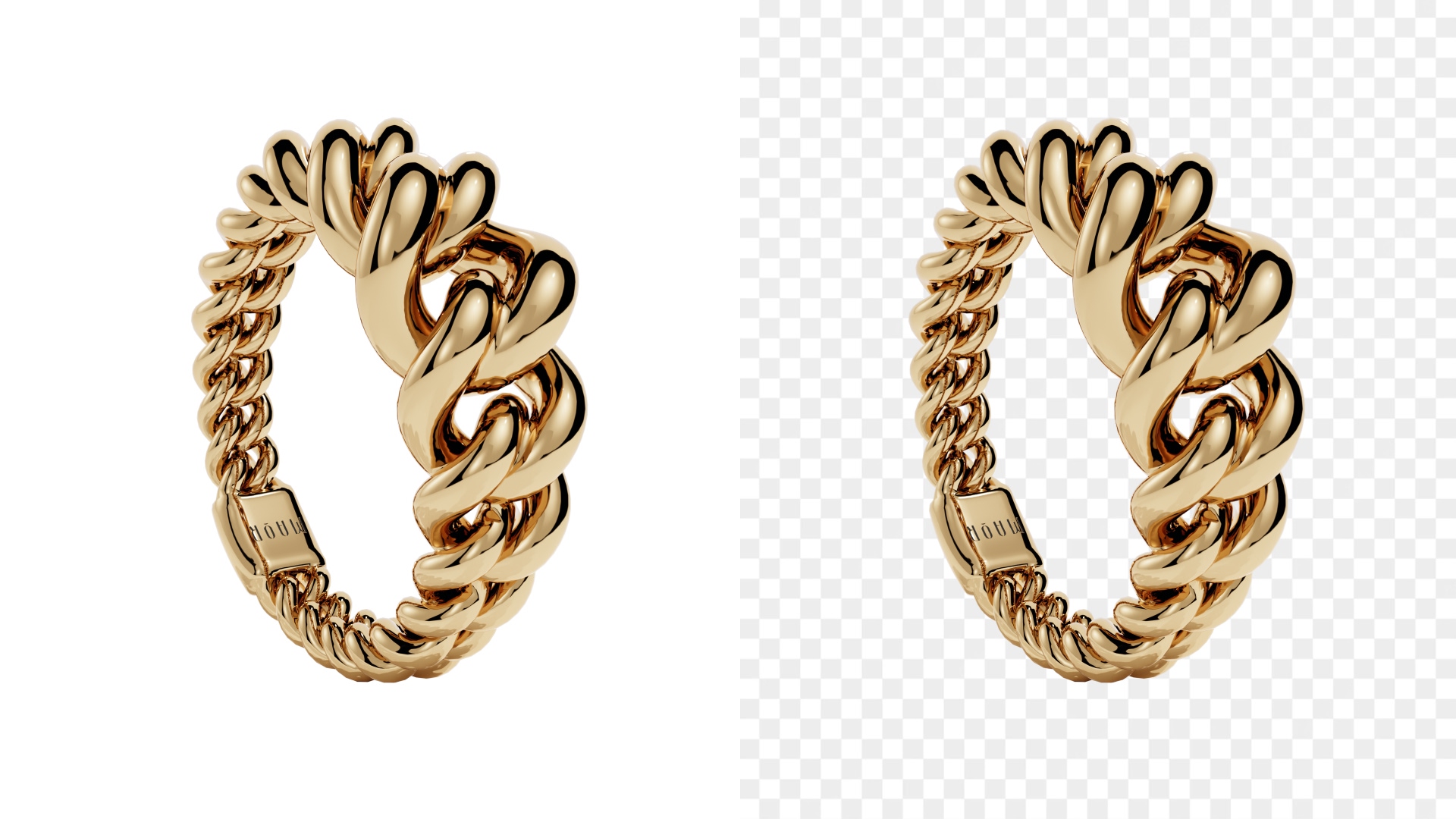
- 3D modeling
- White bg.
- Minimalistic
- Simple prop
- Custom
- 3D modeling
- White bg.
- Minimalistic
- Simple prop
- Custom
Challenges and solutions in capturing texture
Flat-looking textures
This usually comes from front-on lighting. Move your light to the side to create shadows that define that beautiful, tactile texture in photography.
Harsh shadows or glare
Glossy surfaces can overpower detail (unless gloss is exactly your product’s selling point). Diffuse your light or flag reflections to keep photography texture readable and appealing.
Loss of detail in editing
Heavy smoothing kills texture. Make sure you edit gently so the texture photography stays honest and tactile.
Wrapping up


Textures in product photography make your products believable (and more likely to convert). When customers can see how something feels, they trust it more. What’s more, they may spend more time on your page, which in turn can make your brand feel more familiar and turn them into returning customers.
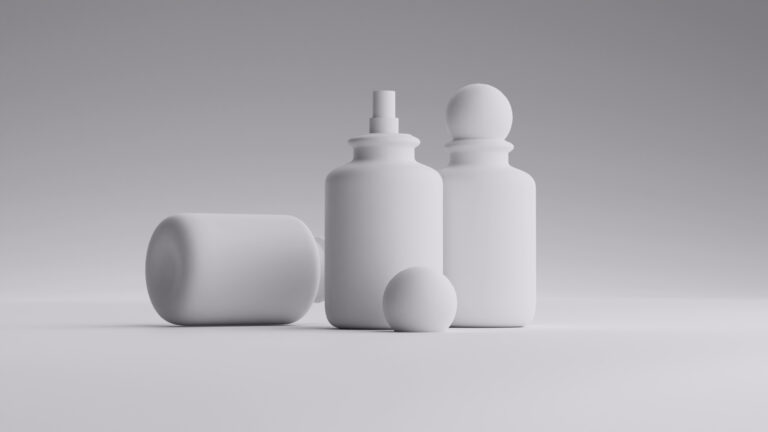
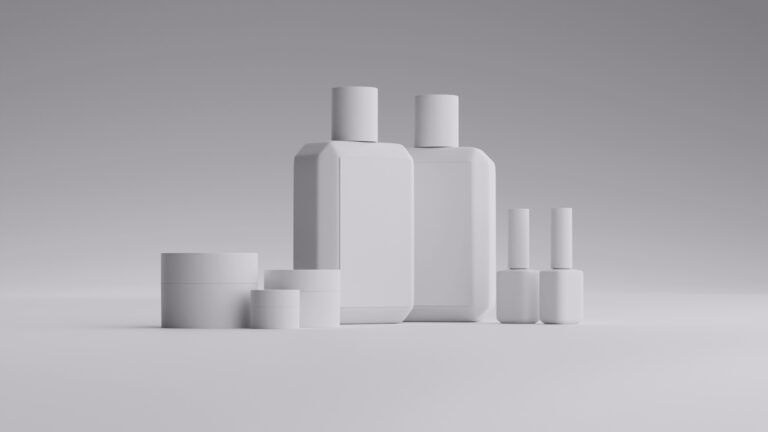
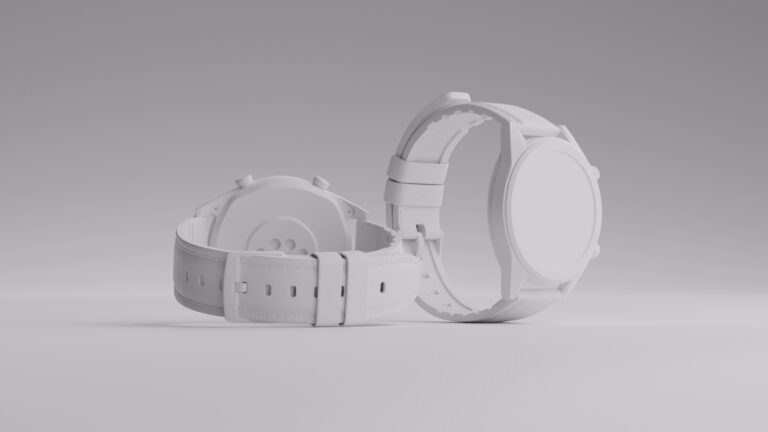
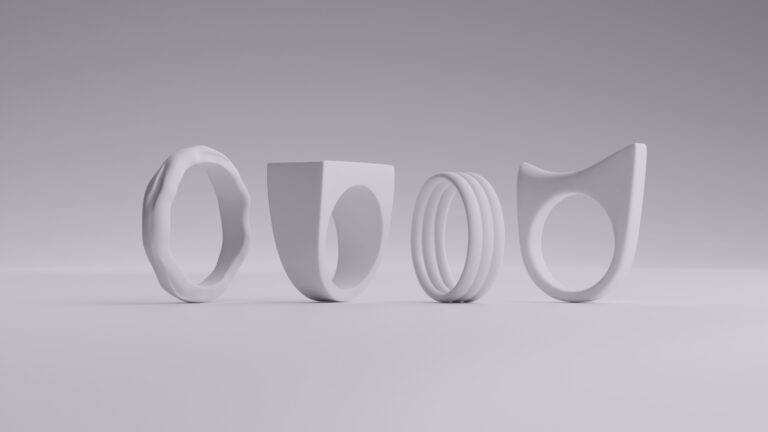
Now, when photography hits its limits, CGI steps in. That’s where we swoop in. With CGI, we can create photoreal textures and control every single micron, so your product is shown in all its glory, and no detail is lost on the eye. Our team at Welpix makes stunning product photography examples at scale.
If you want texture that persuades, the Welpix crew is ready. Let’s talk surfaces, shadows, and really good detail.
FAQ
What is texture in photography?
Texture in photography refers to how a surface’s physical qualities—roughness, smoothness, softness—are visually represented in an image.
Why are textures in product photography important for ecommerce?
Because ecommerce shoppers can’t touch products. Clear texture photography helps them judge quality, materials, and value.
What’s the best lens for texture photography?
Macro lenses are ideal for capturing fine photography textures, but sharp prime lenses also work well for close detail.
How do I avoid flat texture in photos?
Use side lighting and avoid shooting with light directly in front of the product. Angle and shadows bring texture in photos to life.
Can CGI capture realistic textures?
Absolutely. CGI allows full control over materials and lighting, producing consistent, high-detail textured photography.
Should every product photo show texture?
Not every image, but key product photography examples should include texture shots to support buying decisions.
What are common examples of texture in photography?
Fabric weaves, leather grain, wood grain, cosmetic creams, and embossed packaging are classic examples of texture in photography.