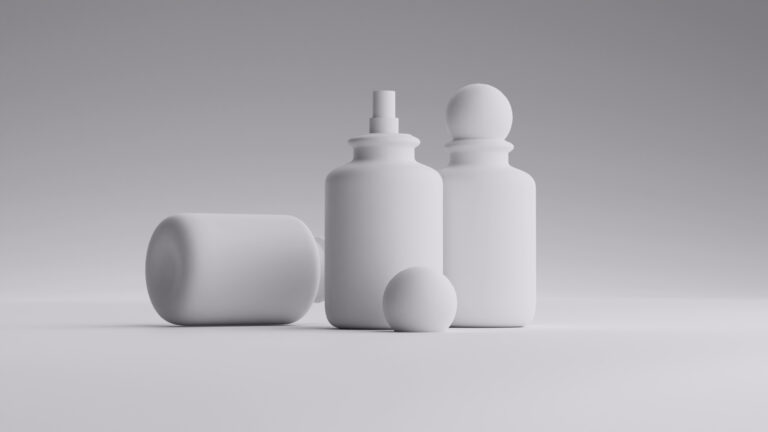
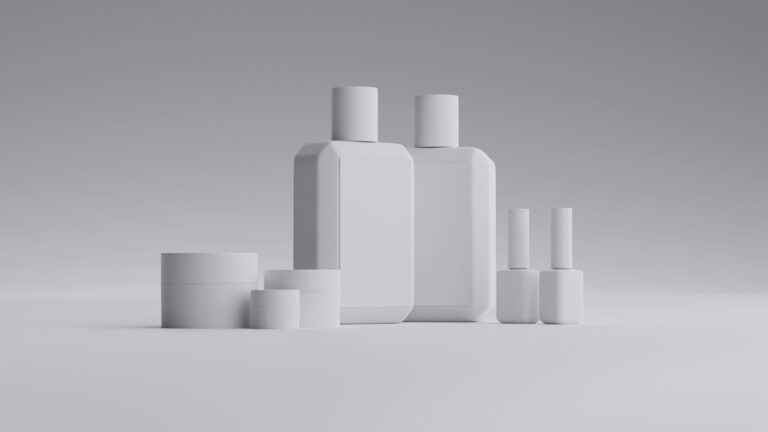
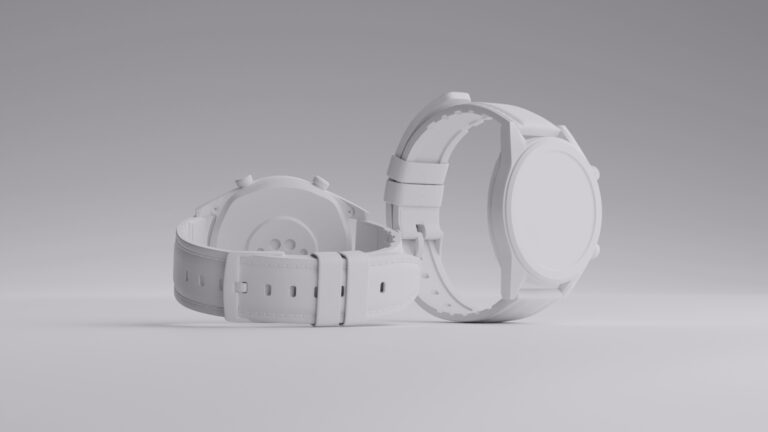
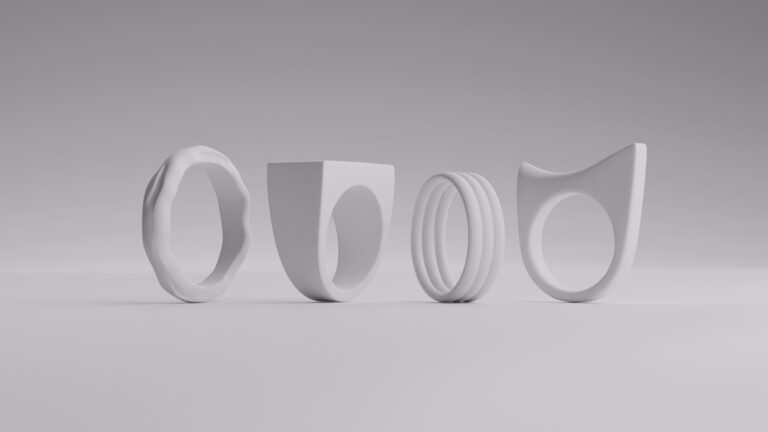
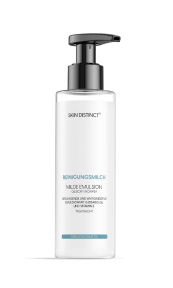
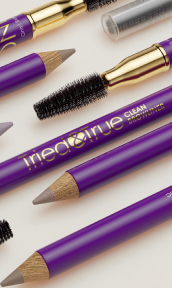
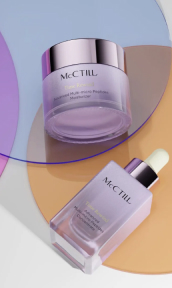
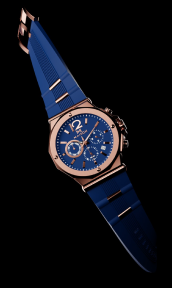
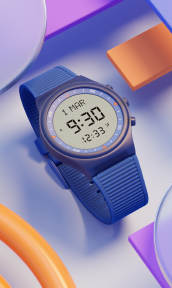
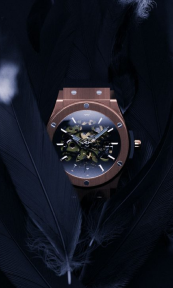
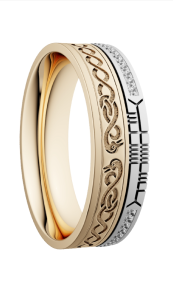
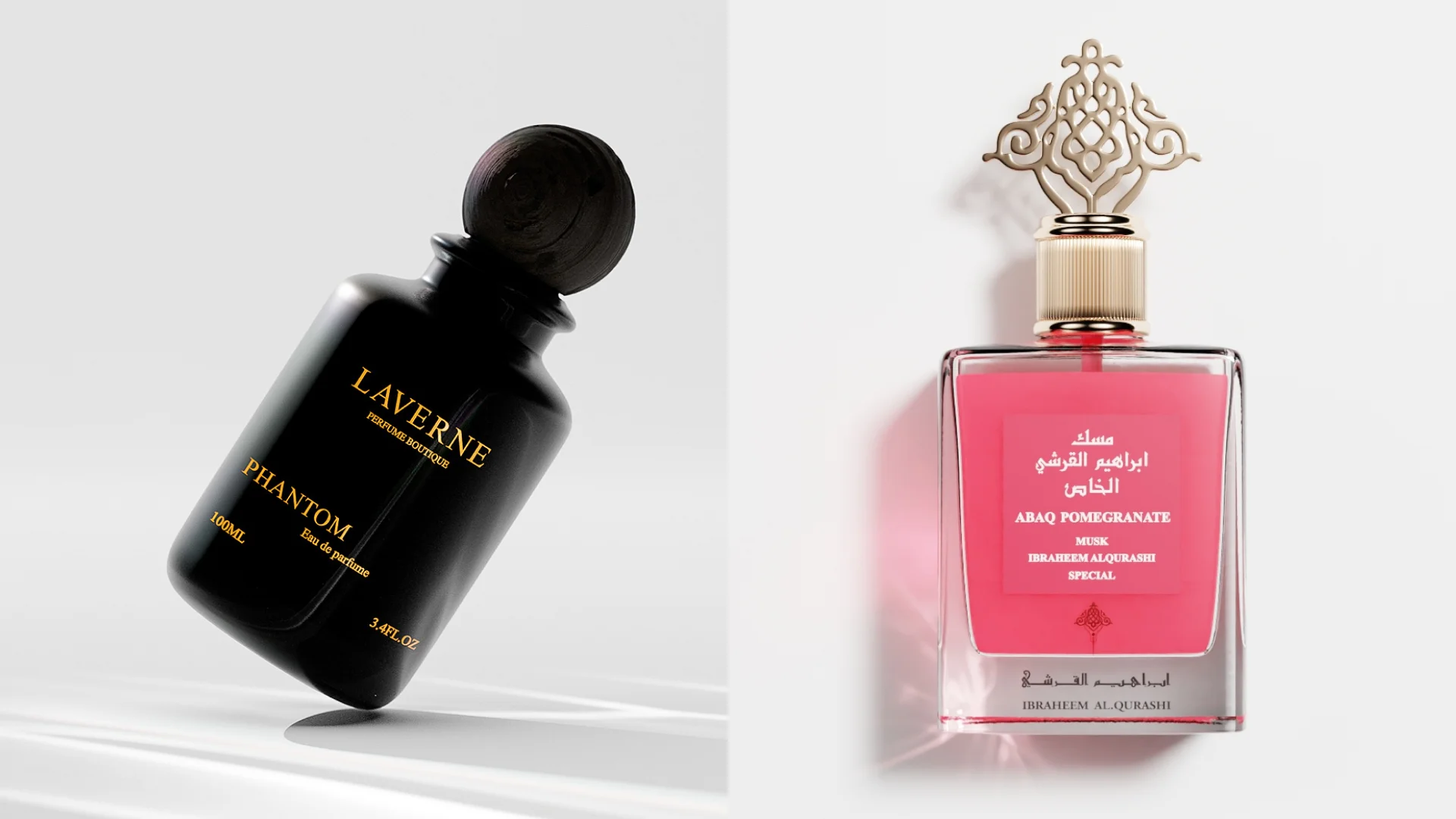
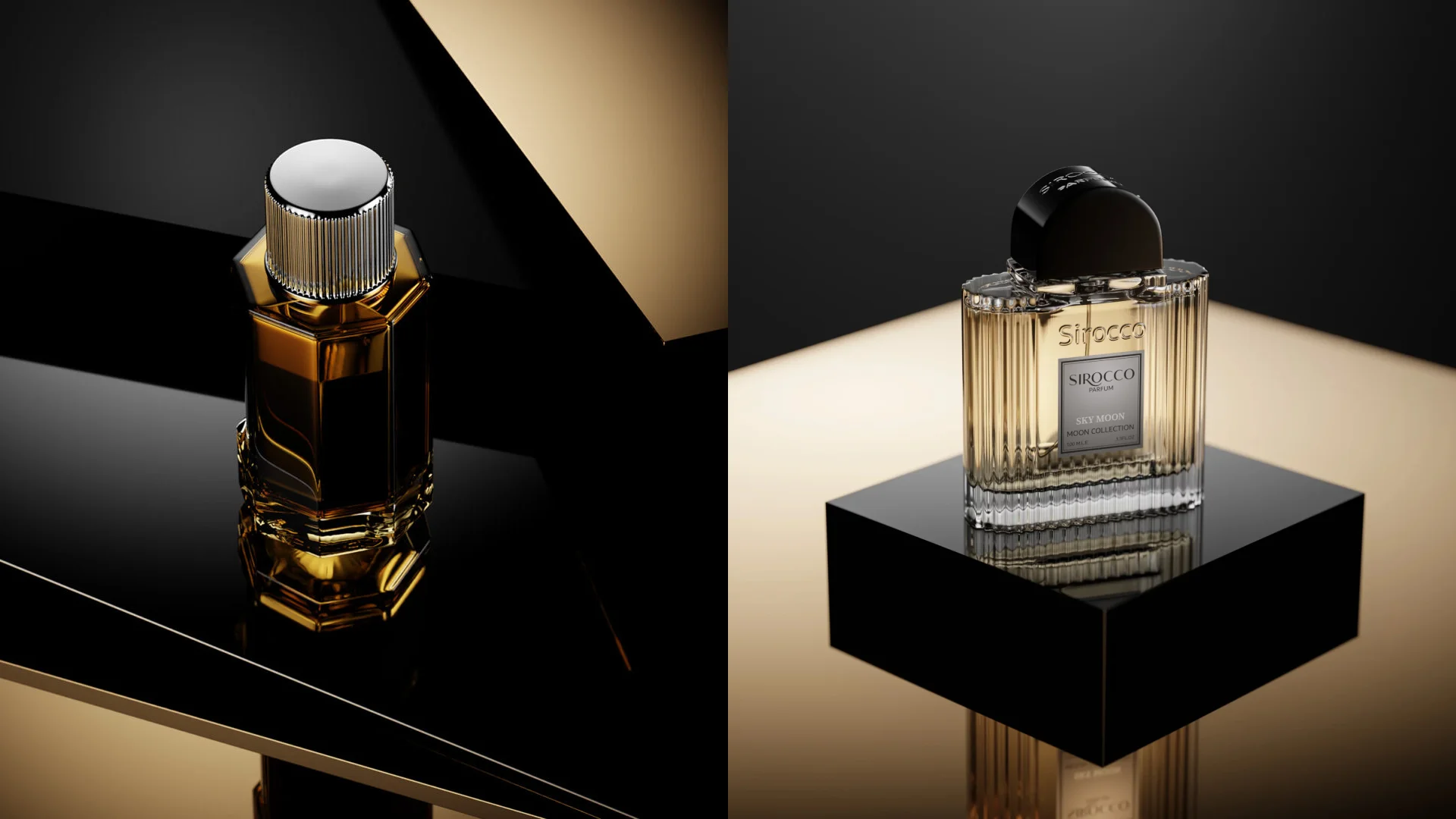
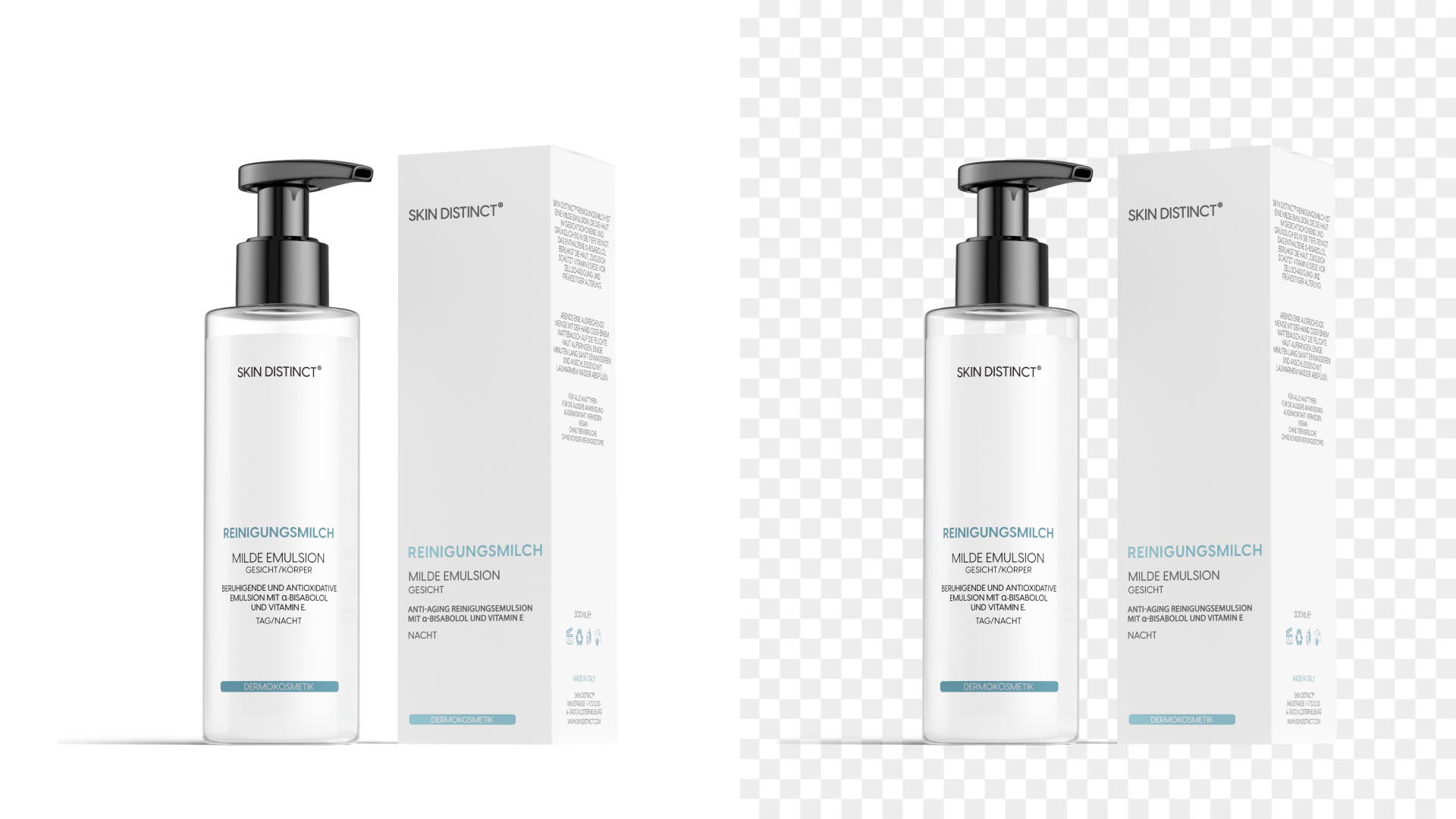
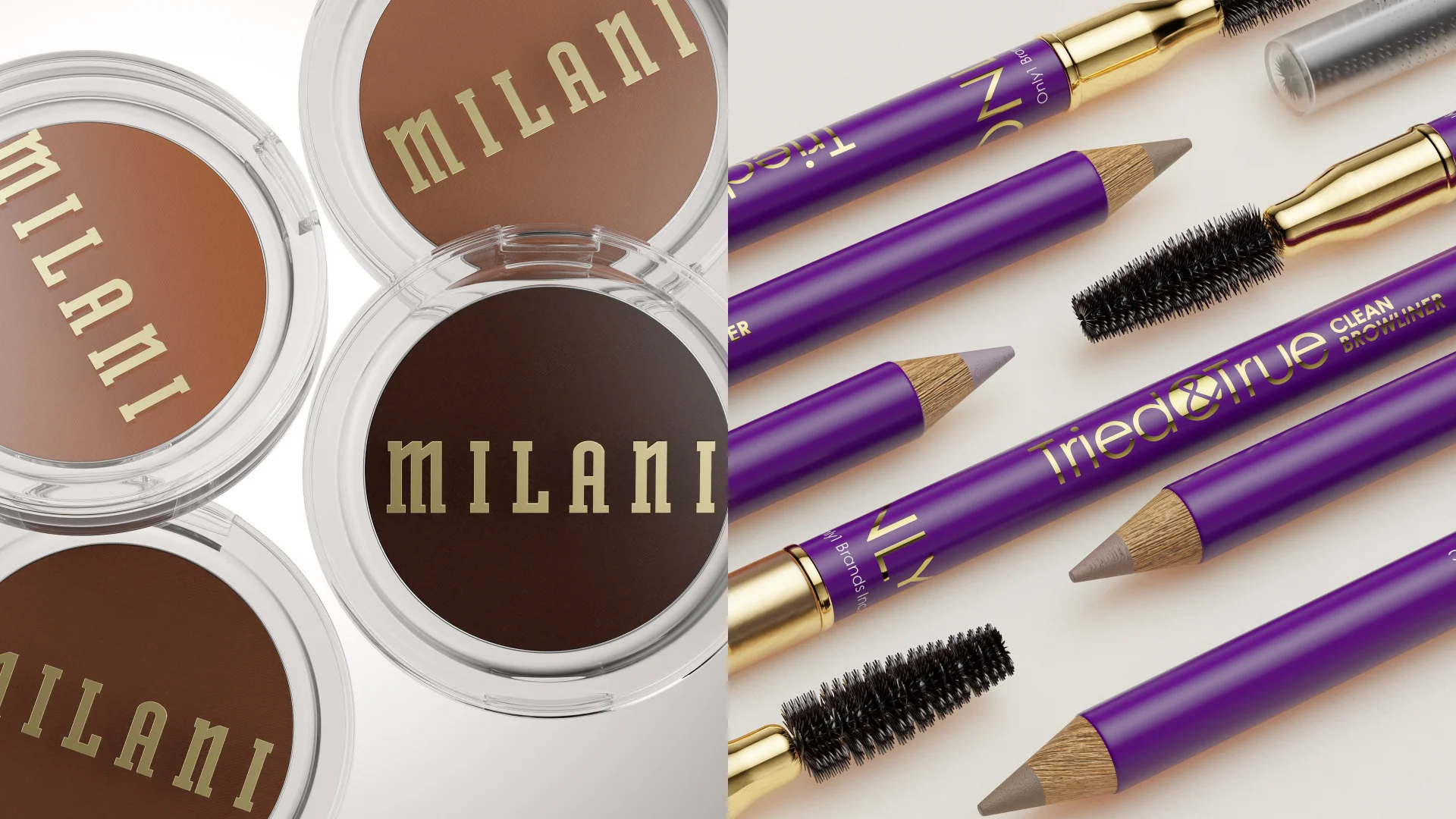
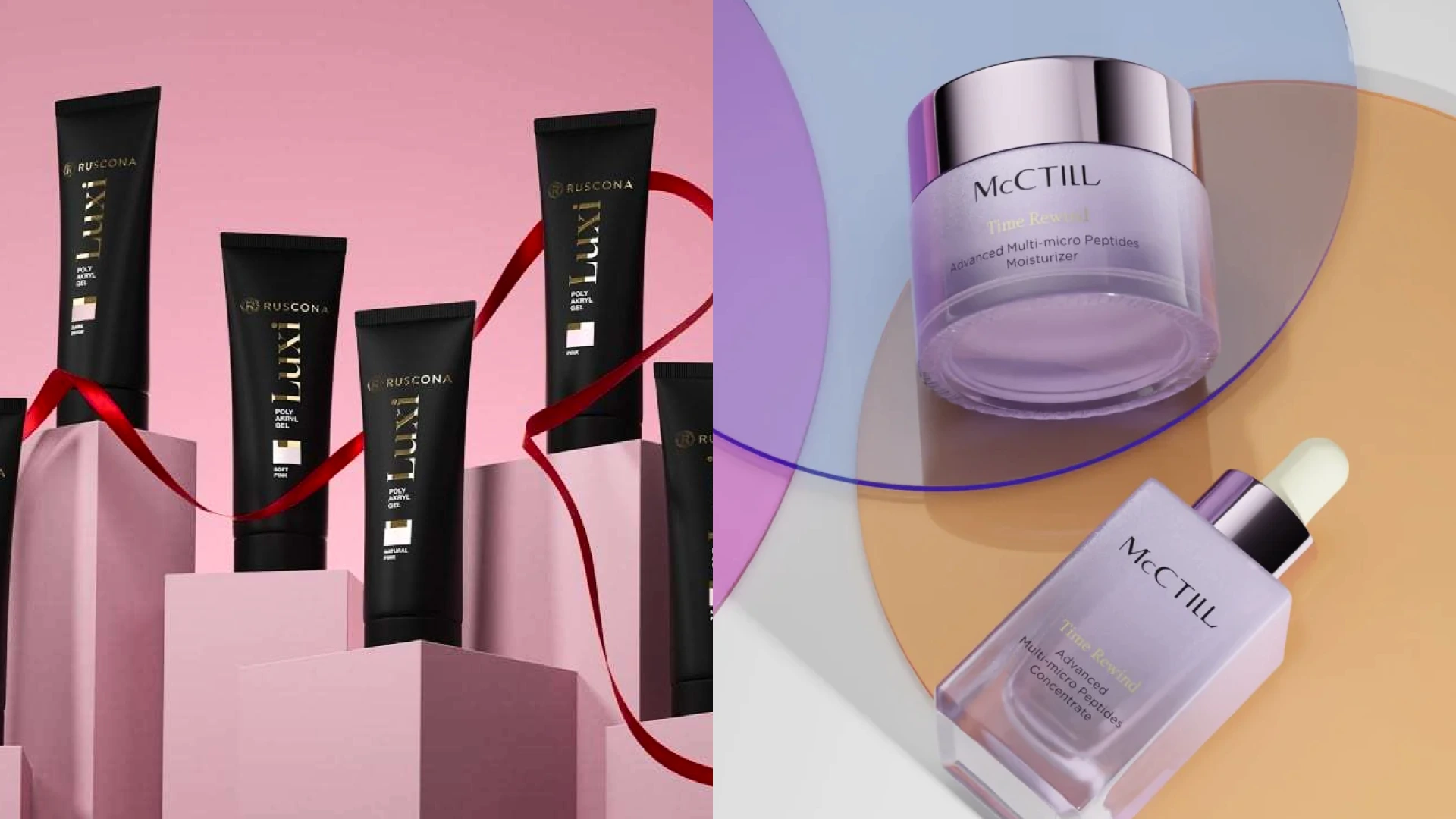
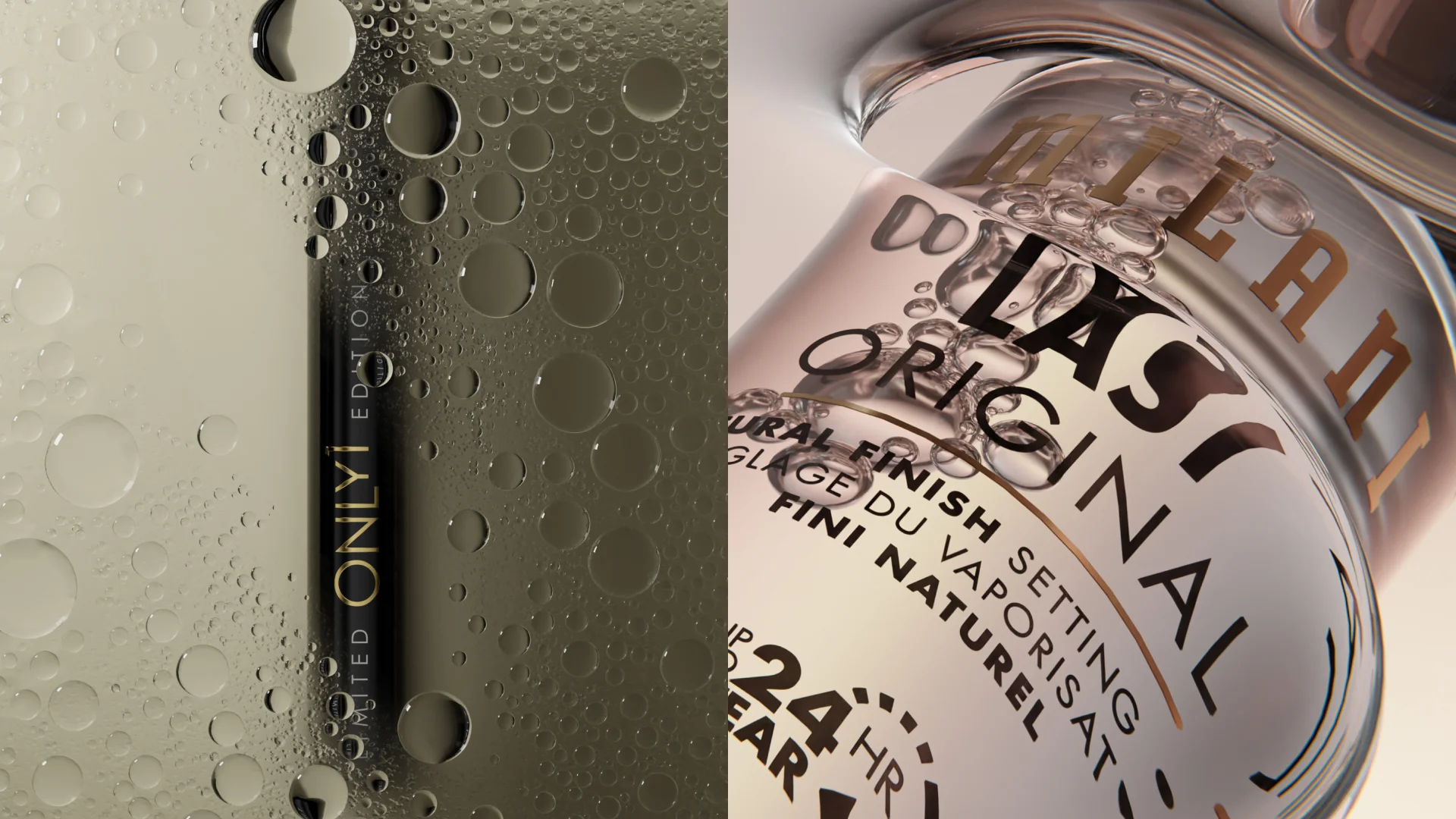
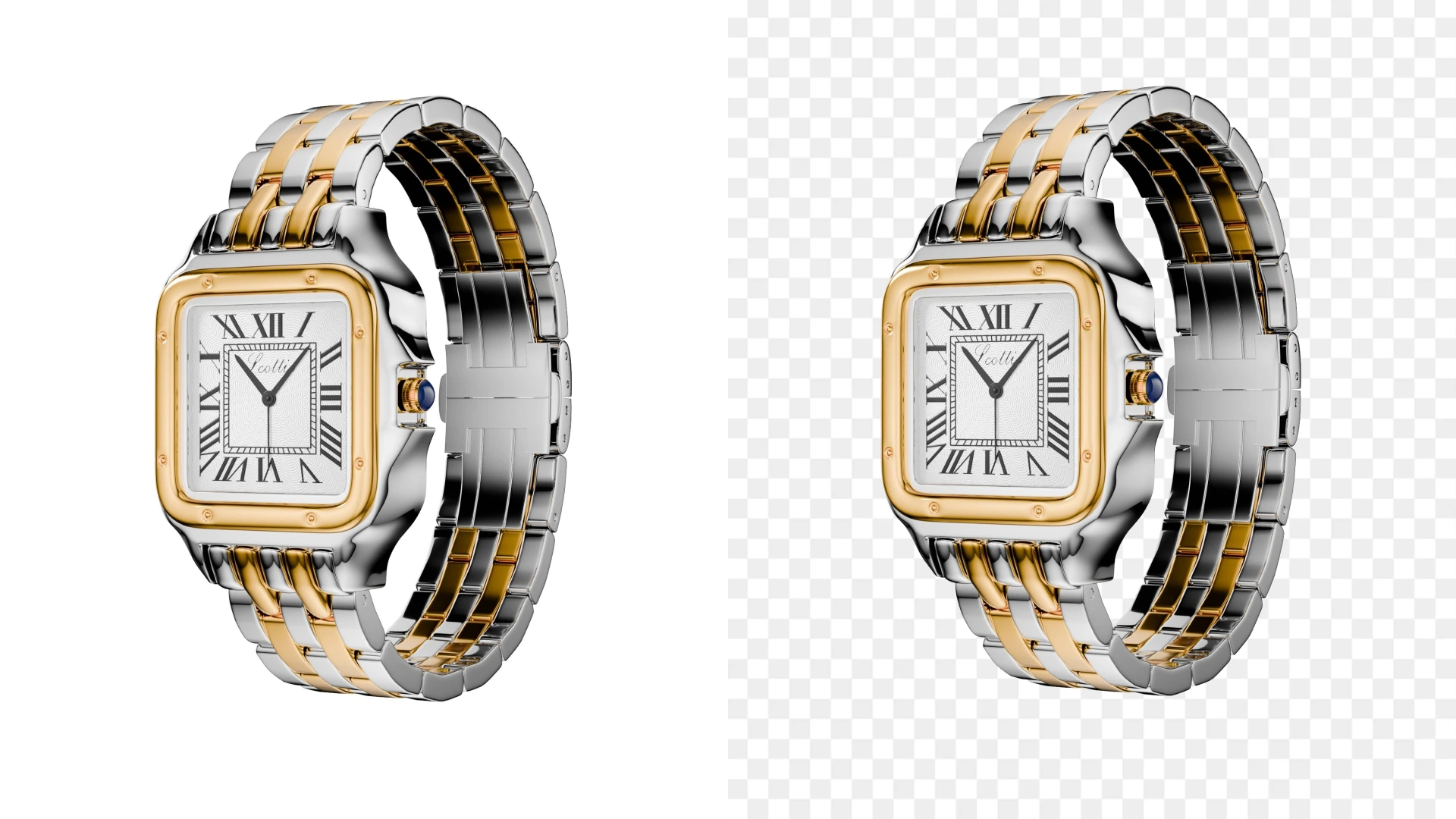
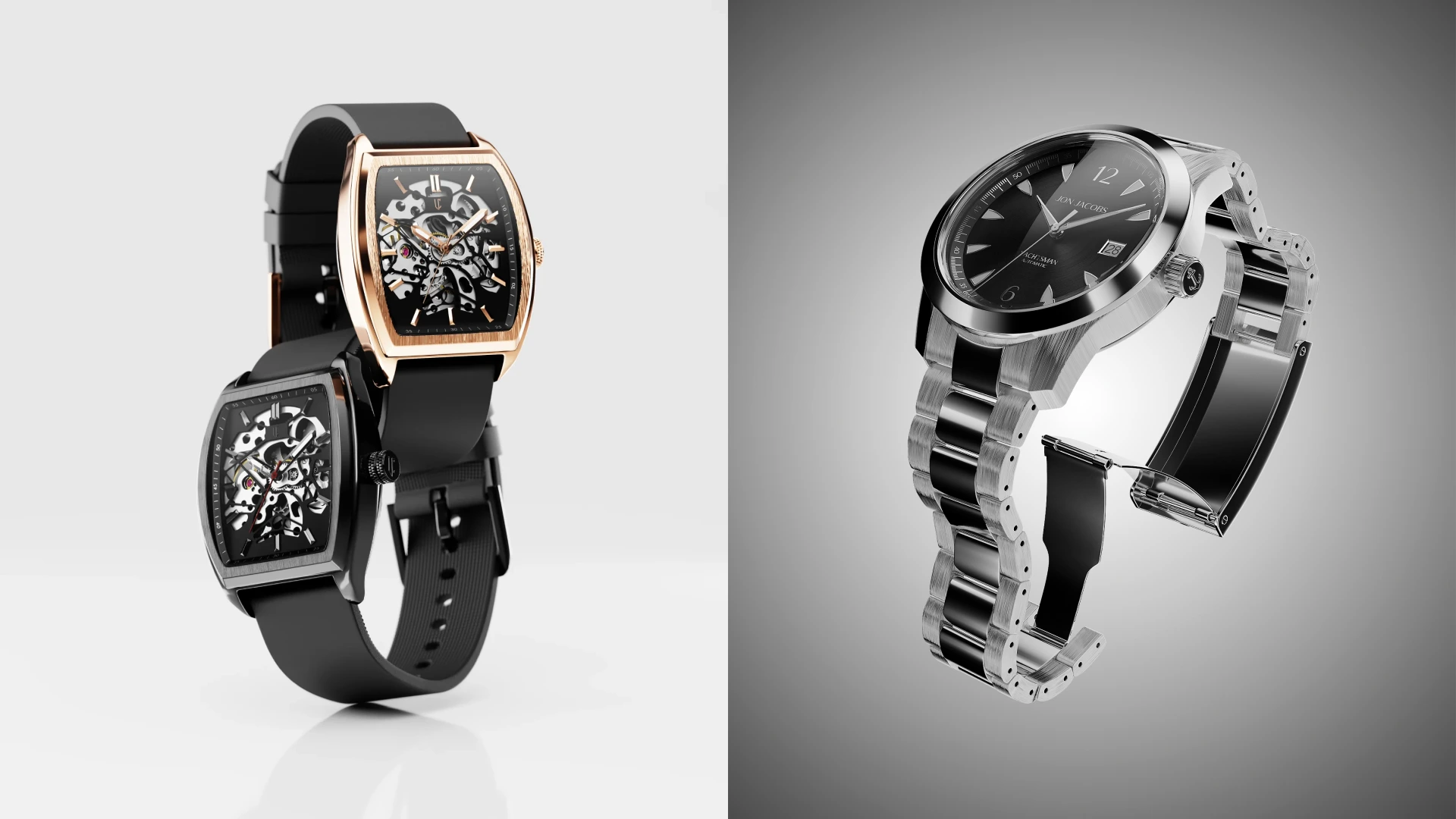
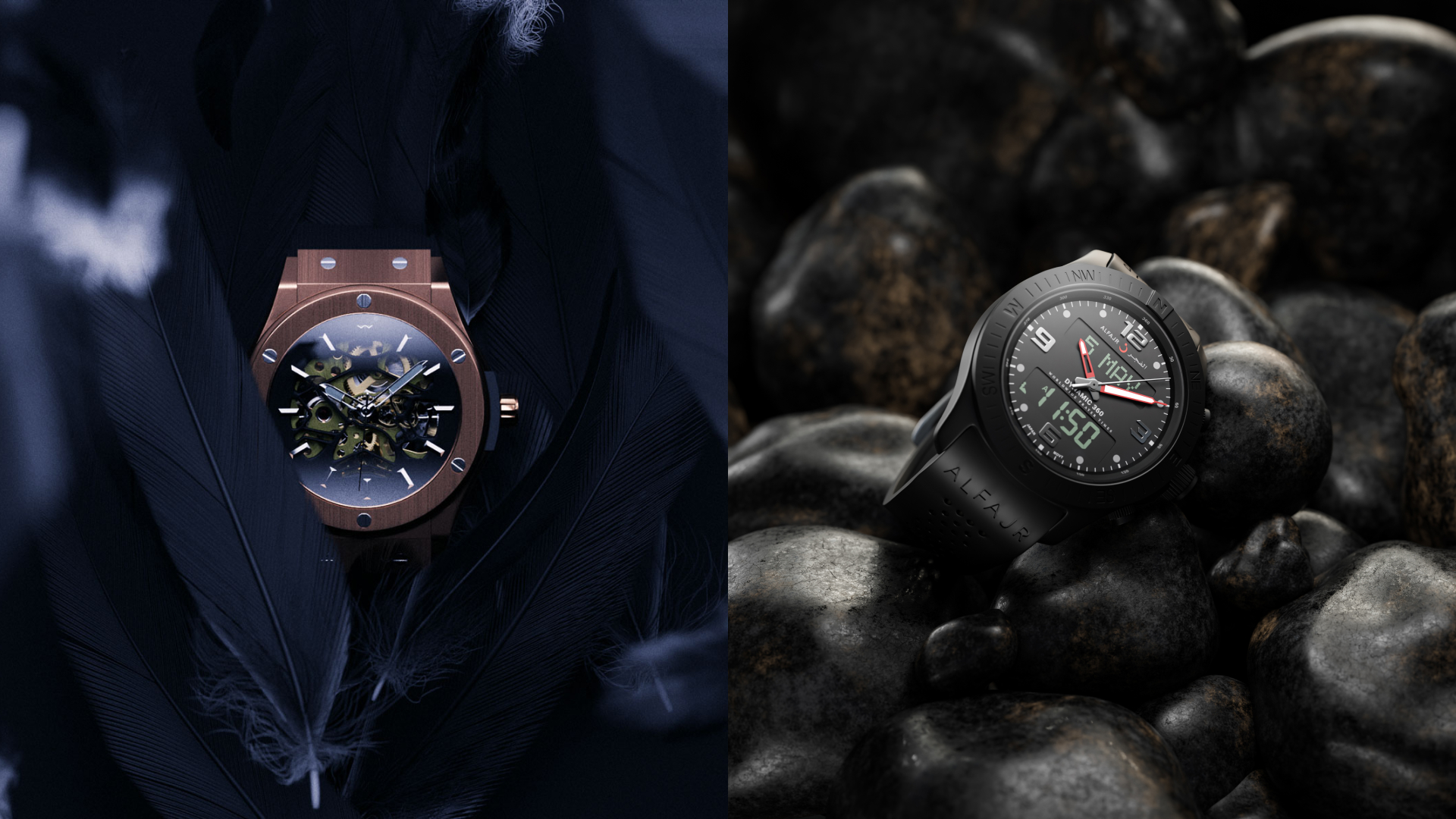
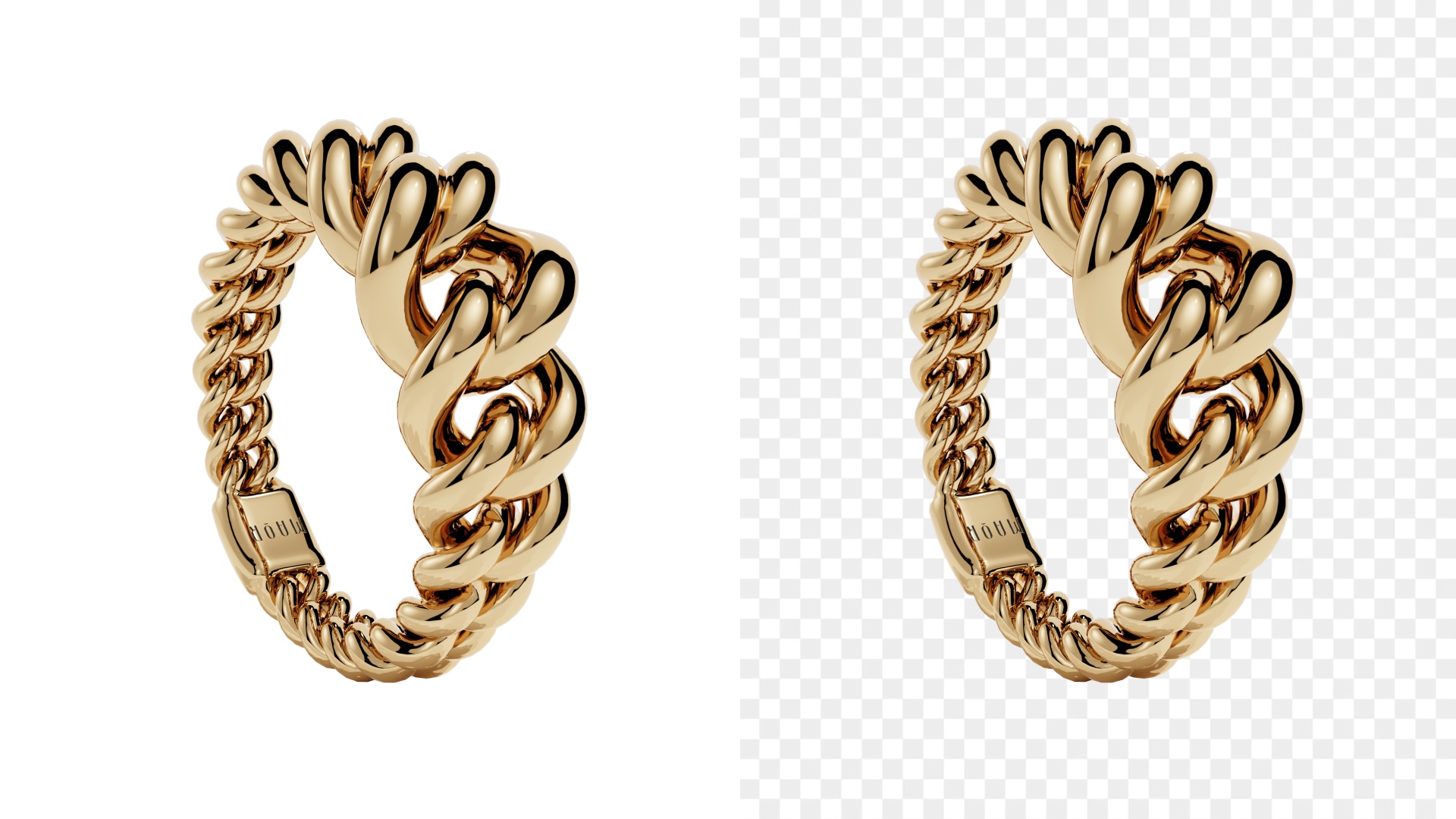
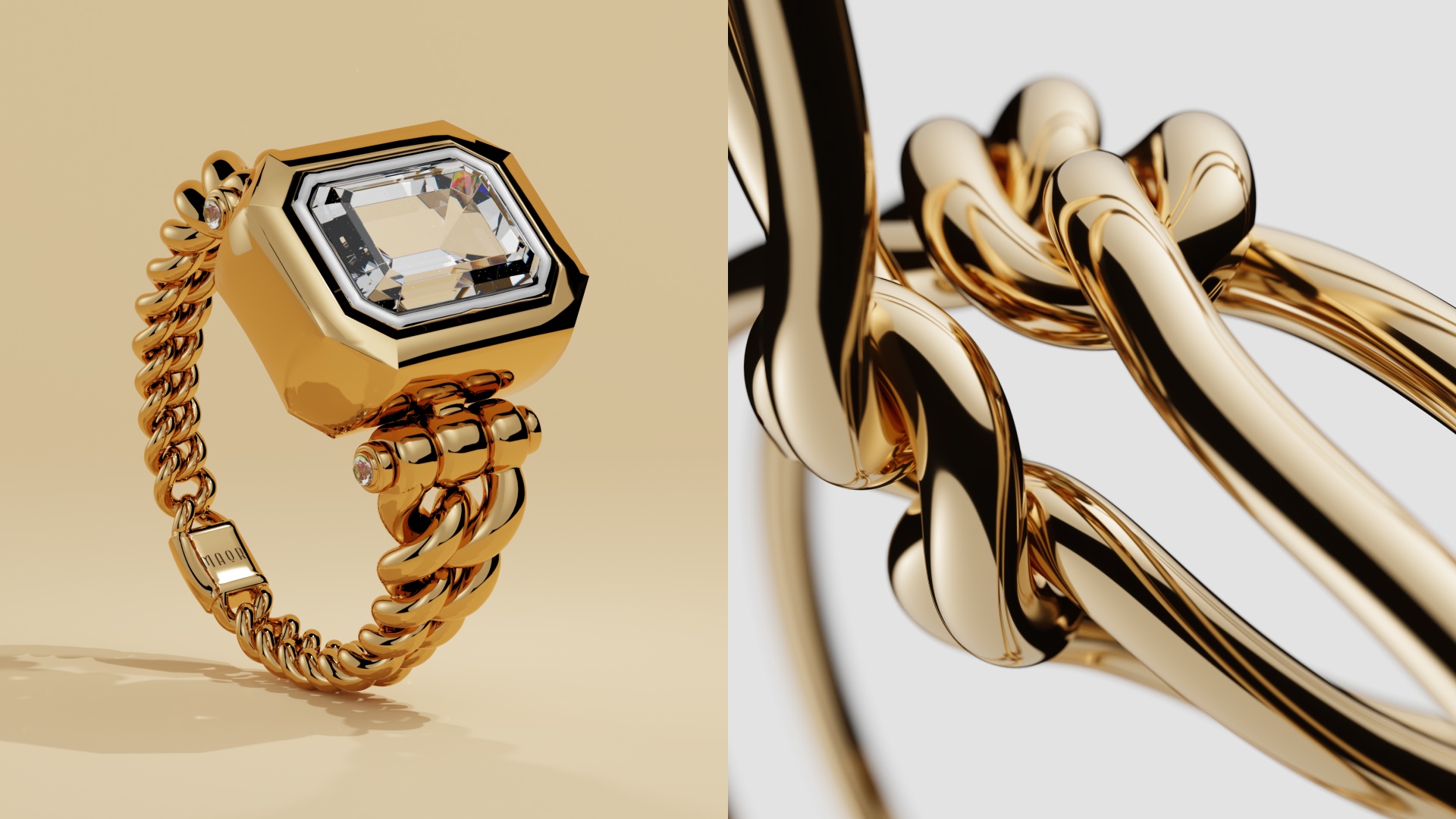
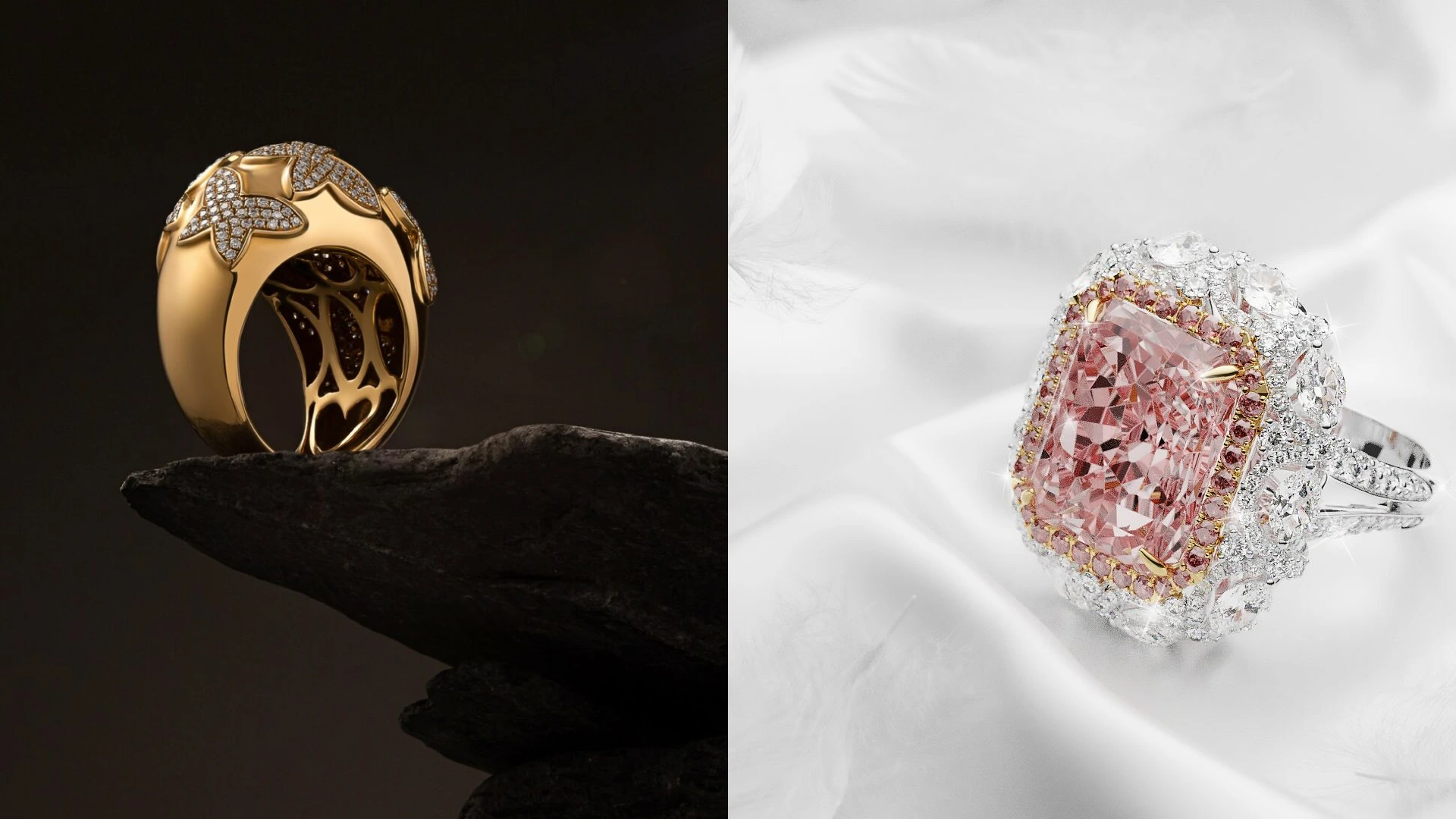
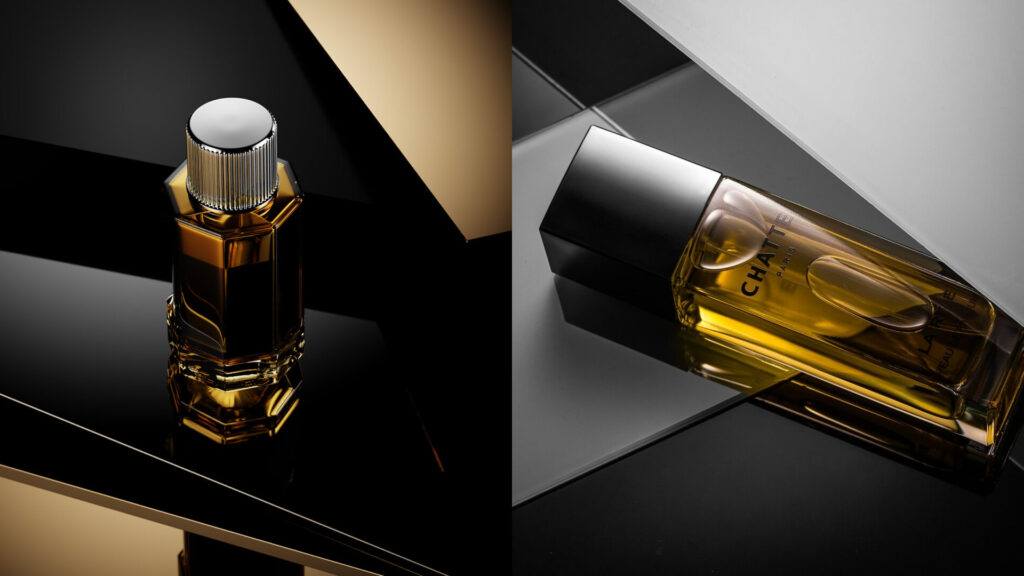
Photorealistic 3D rendering helps you show products exactly as they look in real life… or as they should look, if they haven’t been manufactured yet. Meaning it’s all done without the limits of a studio or a camera. More and more brands are using rendering to create those sharp, realistic visuals you see everywhere online today. They’re oftentimes cheaper and faster to make, and they’re just as trustworthy as traditional photography.
At its core, photorealistic 3D rendering is the process of creating digital images that look indistinguishable from real photographs. It relies on all those factors you find in a physical studio: accurate lighting, realistic materials, and so on. That’s how you get digital twins that not only look like the real product, but move and behave like it.
For ecommerce brands especially, photorealistic 3D product rendering offers control and consistency you just don’t get with the traditional route. That’s why we’ve made the guide below. Read on to learn all about 3D rendering techniques, benefits, and more.
Photorealistic 3D rendering techniques
Physically based rendering (PBR)
Physically based rendering is one of the most important photorealistic 3D rendering techniques. It simulates how light interacts with real-world materials—so one of those parts that makes sure your product behaves naturally. Particularly its surfaces. That’s crucial. Take a look at cheap or amateur CGI and you’ll see surfaces look especially shiny and fake. PBR is what allows metals to reflect properly and fabrics to absorb light realistically.

Accurate lighting simulation
We’re building on the previous technique here. But yes, lighting is central to realistic 3D rendering. Advanced rendering techniques imitate how light bounces, softens, and diffuses across surfaces, exactly as it would in real environments. Without accurate lighting, even the best models will look fake.

High-resolution texture mapping
Textures add the fine details that make a 3D photorealistic render believable. High-resolution textures are there to capture imperfections: grain, scratches, subtle color variations, etc. These small details are critical in photorealistic product rendering—especially for close-up shots, and especially if you have premium products that need to be shown from super up close.

Ray tracing
Ray tracing is also about light. It basically follows the path of light as it reflects and/or refracts through a scene. It’s the technique that produces realistic shadows, reflections, and transparency, and without it, you guessed, you’d get that fake look you’d tell from the real thing in a second.

Camera realism
Photorealistic 3D rendering techniques also replicate real camera behavior. In fact, all 3D rendering artists know their way around a physical camera for this exact reason. Depth of field, focal length, perspective, and exposure all affect how natural the final image feels. Treating the virtual camera like a real one makes the final render feel photographic (and indistinguishable from the real thing, which is the whole point).

Process of creating photorealistic 3D renderings
3D modeling
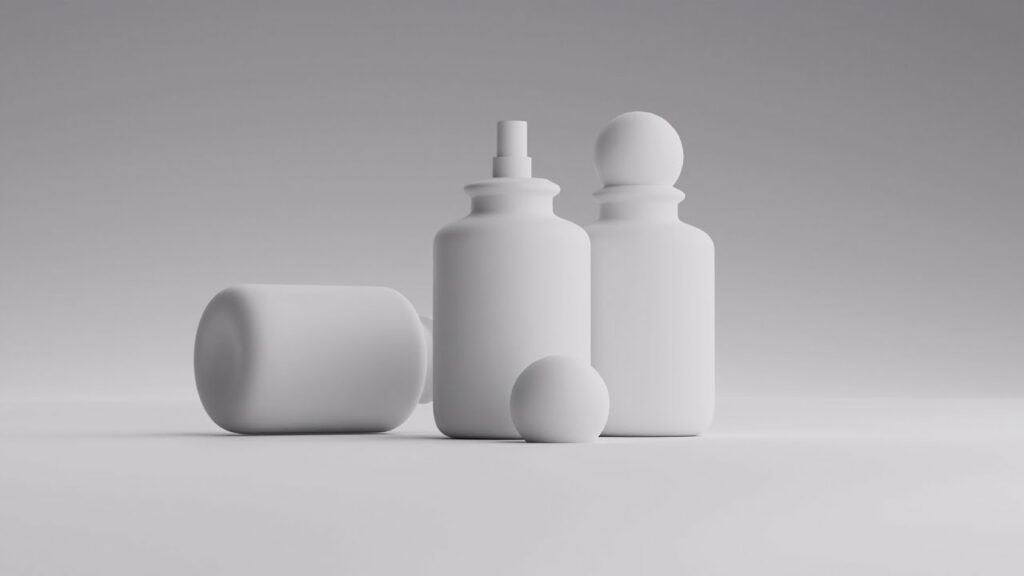
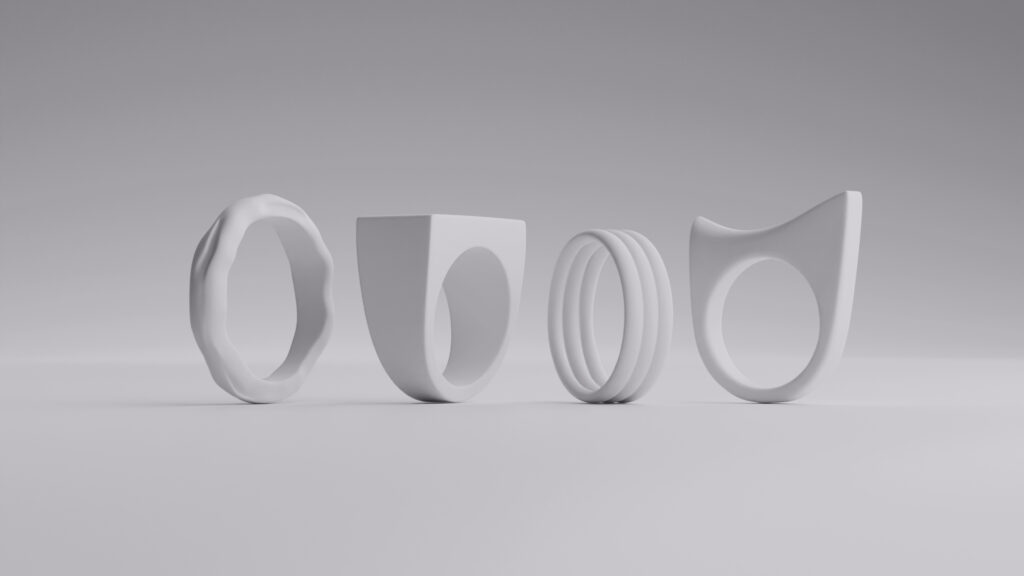
The 3D rendering process starts with building an accurate digital model (or a twin) of the product. Dimensions, proportions, and geometry must match the real object exactly. Why? Easy: any errors here will carry through to the final render, and usually snowball into horrible mismatches.

Texturing and materials
Next, materials and textures are applied to the 3D model. This step defines how the surface looks and reacts to light, from glossy plastics to soft textiles. It’s where realistic 3D rendering really begins to take shape and you start to see your product come to life.

Lighting setup
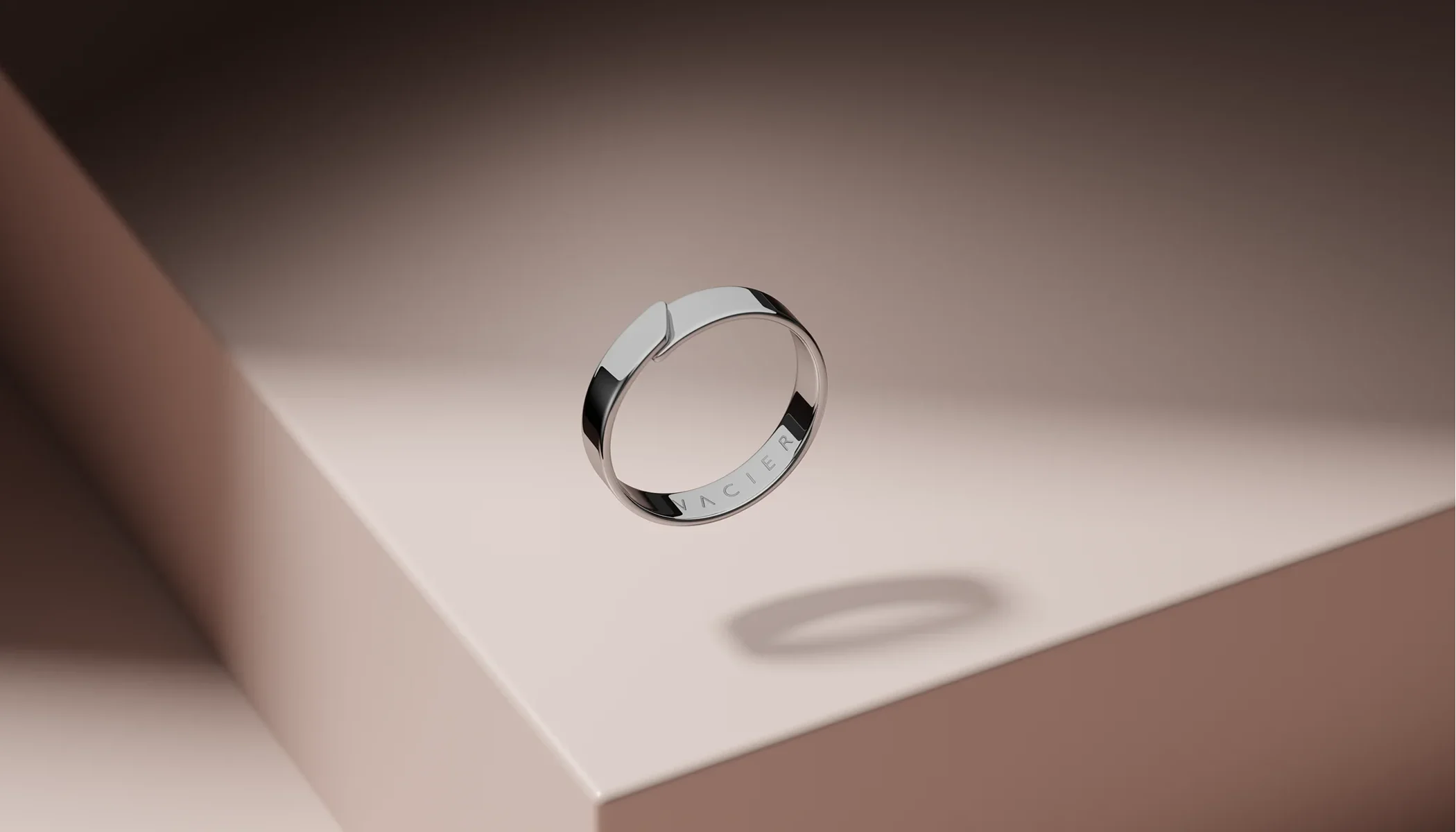
Lighting is carefully designed around the textured model to match real-world conditions (or, if you have it, a specific visual style). The goal here is to highlight form, texture, and detail… but not to overdo it. Once again, it’s all about keeping it 100% realistic, so no overzealous Tumblr edits.
Rendering
During rendering, the software calculates how light interacts with the scene. This is the most resource-intensive step in the 3D rendering process, and it can take a long time depending on complexity. The result, however, is worth the wait: a high-quality photorealistic render ready for refinement and deployment.

Post-processing
This is where final adjustments are made to color, contrast, sharpness, etc. Post-processing enhances realism without changing the core image. When done right, it’s invisible (but often essential for that polished premium look).
Benefits of photorealistic 3D rendering
- Consistent visuals across all ecommerce platforms and campaigns
- Faster content production without repeated photoshoots
- Easy updates to colors, materials, and product variations
- Lower long-term costs compared to traditional photography
- Better customer trust through realistic product representation
- Scalable content for growing product catalogs
Key elements of photorealistic 3D rendering
Lighting
Lighting does two vital things. First, it makes your rendering look just like the real product. Second, it defines mood and depth—even your brand’s visual identity, if you will. It controls how shadows fall and how materials respond, and it can dramatically change your product’s vibe depending on how it’s used. In photorealistic product rendering, lighting often matters more than the model itself.
Materials and textures
Realistic materials are what separate run-of-the-mill renders from professional photorealistic rendering. And done right, they lead to serious conversions. Accurate textures help your potential buyers understand what a product feels like, not just how it looks. This is critical for ecommerce decision-making, especially online, where customers can’t touch or try on your products.
Geometry and detail
Clean, accurate geometry makes sure the product looks solid and believable. Even small modeling errors can break realism and scream fake even to first-time buyers. High-quality realistic 3D rendering hinges on precision.
Scale and proportions
This one’s pretty obvious, we know. But objects must be scaled correctly in relation to one another. Incorrect proportions make products feel off, even if viewers can’t explain why. Realism lives exactly in these subtle cues.
- 3D modeling
- White bg.
- Minimalistic
- Simple prop
- Custom
- 3D modeling
- White bg.
- Minimalistic
- Simple prop
- Custom
Best practices for creating realistic renderings
Study real-world references before you start modeling or texturing. Real objects are the best teachers (that’s exactly why professional CGI artists are well-versed in real photography).
Avoid over-polishing materials. Imperfections are what make photorealistic renders feel real. Great artists even add a dent or a smudge exactly where it looks best, to nail that realism without distracting from the hero product.
Test lighting early and often. Lighting problems are so much easier to fix before final rendering!
Render at the highest quality needed, not the highest possible. Efficiency matters in professional workflows—you save time and money this way.
Keep consistency across all images, especially for ecommerce catalogs. This is what ultimately makes your brand look professional and premium (and what may turn one-time buyers into returning customers).
CGI: revolutionizing product visualization
CGI takes photorealistic 3D rendering and adapts it for real-world production needs. And it’s not just an ambitious project that copies traditional photos. Brands use it for a few key benefits: speed, flexibility, and unlimited creative control.
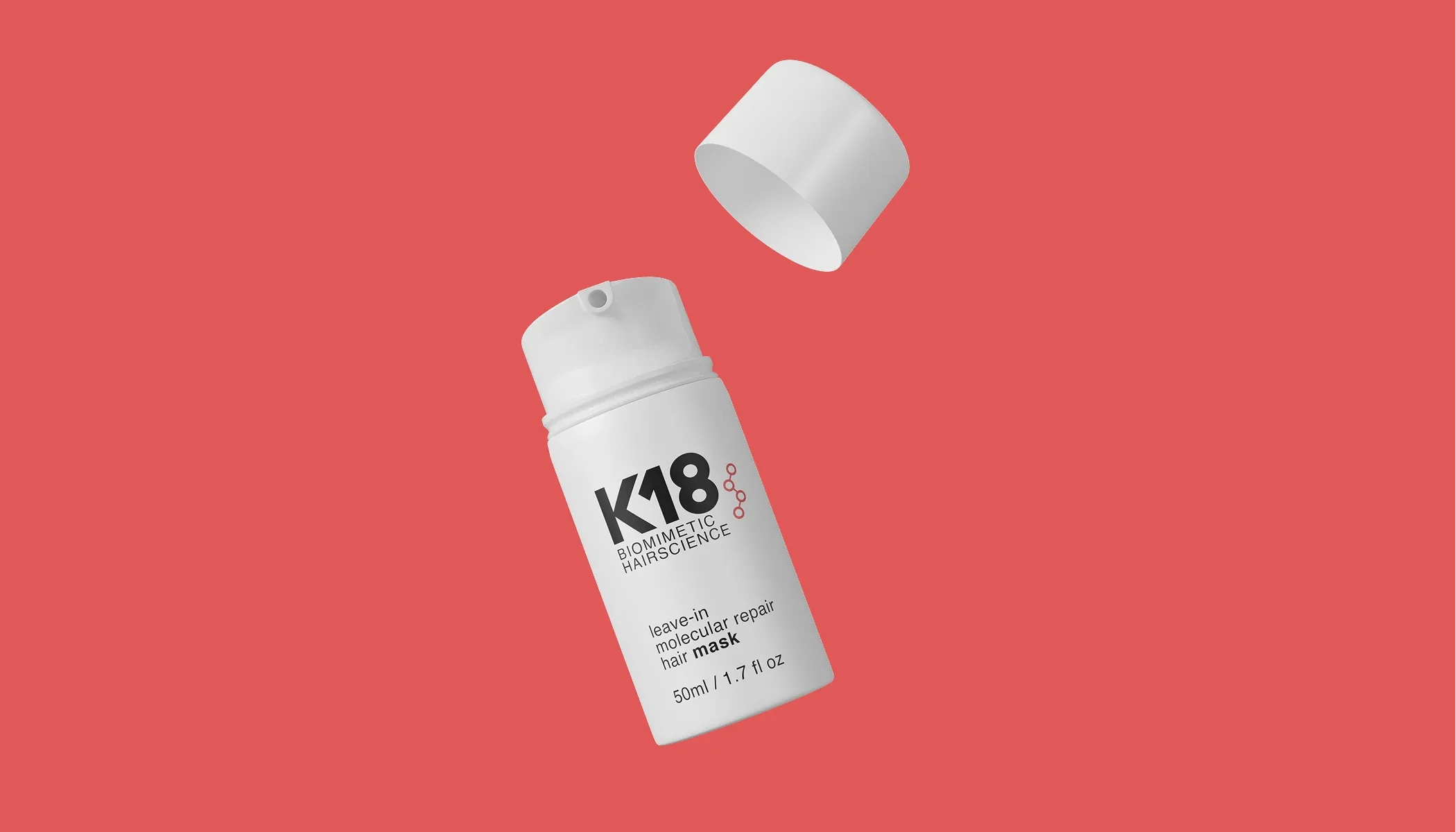
With CGI, you can create photorealistic product rendering without physical samples, studios, or reshoots. Then, you can update your products endlessly: recolor them, change lighting, put them in a seasonal campaign background, put them in space… your call. And you can keep returning to renders made years ago, instead of booking studios and photographers every single time you change your mind or have a new launch coming.
CGI also supports myriad types of 3D rendering, from static hero images to animations and interactive visuals. The result is a faster, more scalable approach to realistic 3D rendering that fits modern marketing demands.
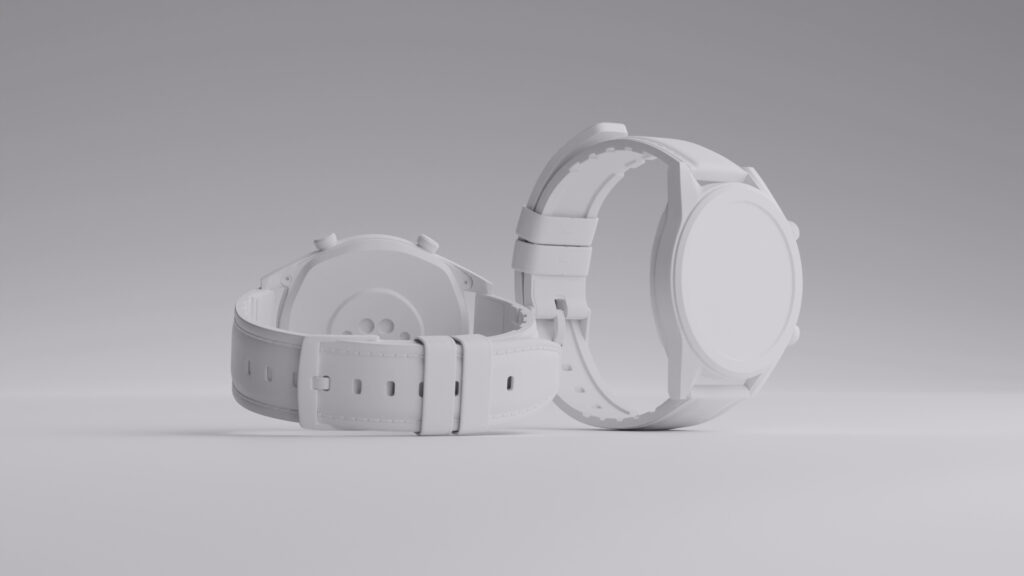
Here’s how working with our team at Welpix works:

Wrapping up


When done right, photorealistic 3D rendering gives you visuals that look real and sell better than regular photos. Conversions in 2026 happen when you have a consistent catalogue and a confident brand philosophy.
And if all of this sounds like something you’d rather not juggle alone, the Welpix crew has you covered. We’re fully remote, meaning you can work with us from anywhere around the globe. Oh, and we’re deeply detail-obsessed, so we promise top-tier results catered to your unique needs and wants. You bring the product. We’ll make it look unreal in the best possible way.
FAQ
What is photorealistic 3D rendering?
Photorealistic 3D rendering is the creation of digital images that closely match real-life photographs. It focuses on realistic lighting, materials, and detail.
Why is photorealism important in 3D rendering?
Photorealism builds trust. When products look real, customers feel more confident buying them, especially in ecommerce environments.
What is the difference between 3D rendering and photorealistic rendering?
Standard 3D rendering may focus on speed or style, while photorealistic rendering aims for realism that mimics real-world photography.
What is photo rendering?
Photo rendering is another term for photorealistic rendering. It refers to creating digital images that look like real photos.
How long does the 3D rendering process take?
The 3D rendering process can take anywhere from a few hours to several days, depending on complexity, detail, and revisions.
What types of 3D rendering are used for products?
Common types of 3D rendering include photorealistic product rendering, lifestyle renders, exploded views, and animated visuals.
Is photorealistic 3D product rendering better than photography?
For many ecommerce brands, yes. Photorealistic 3D product rendering offers more flexibility, consistency, and long-term cost savings.