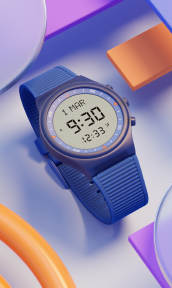
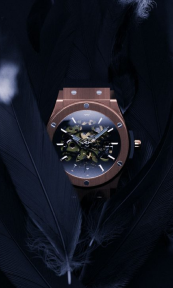
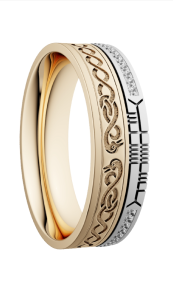
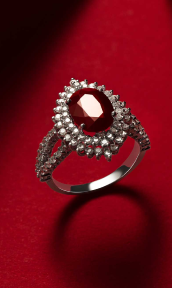
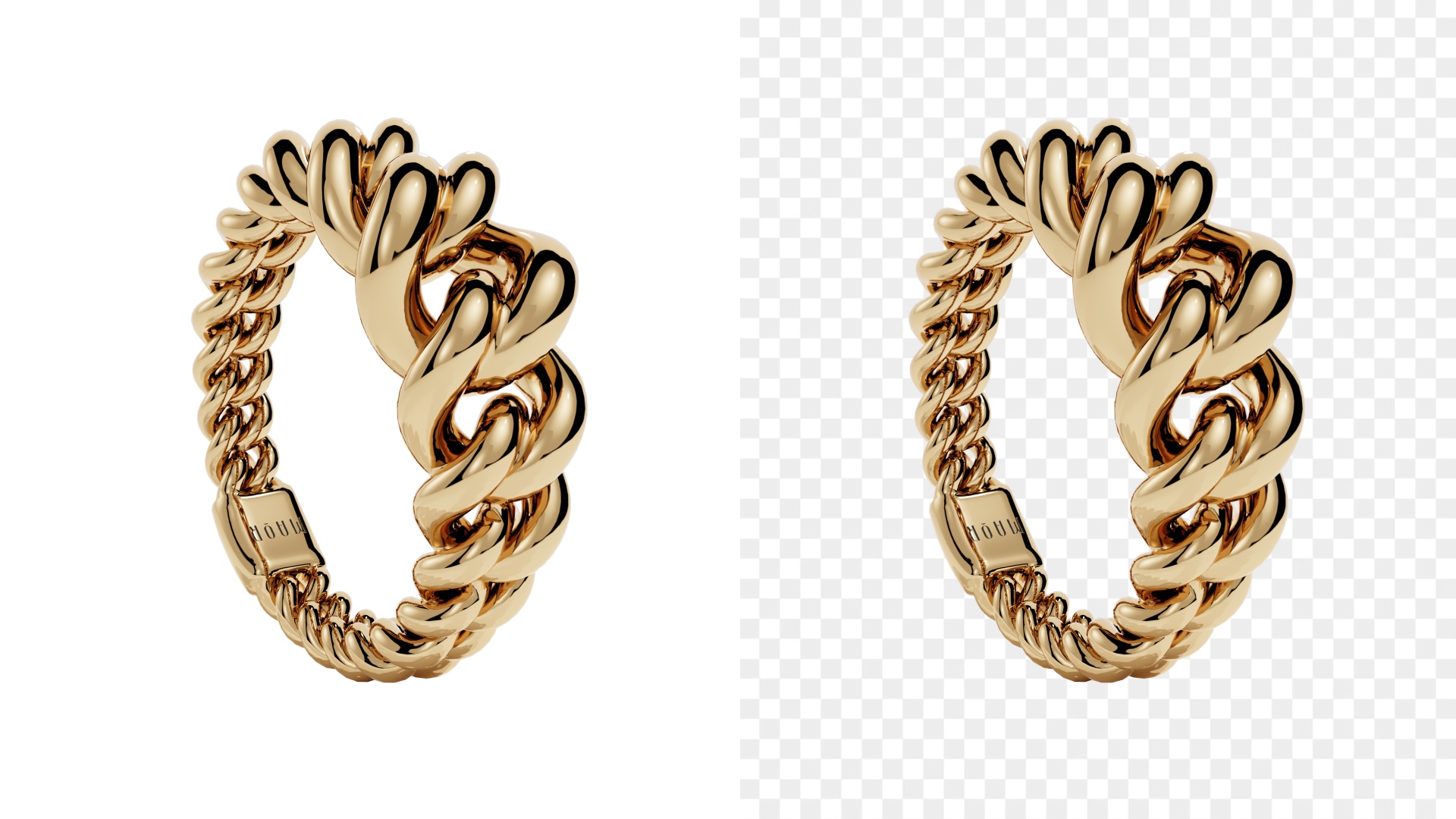
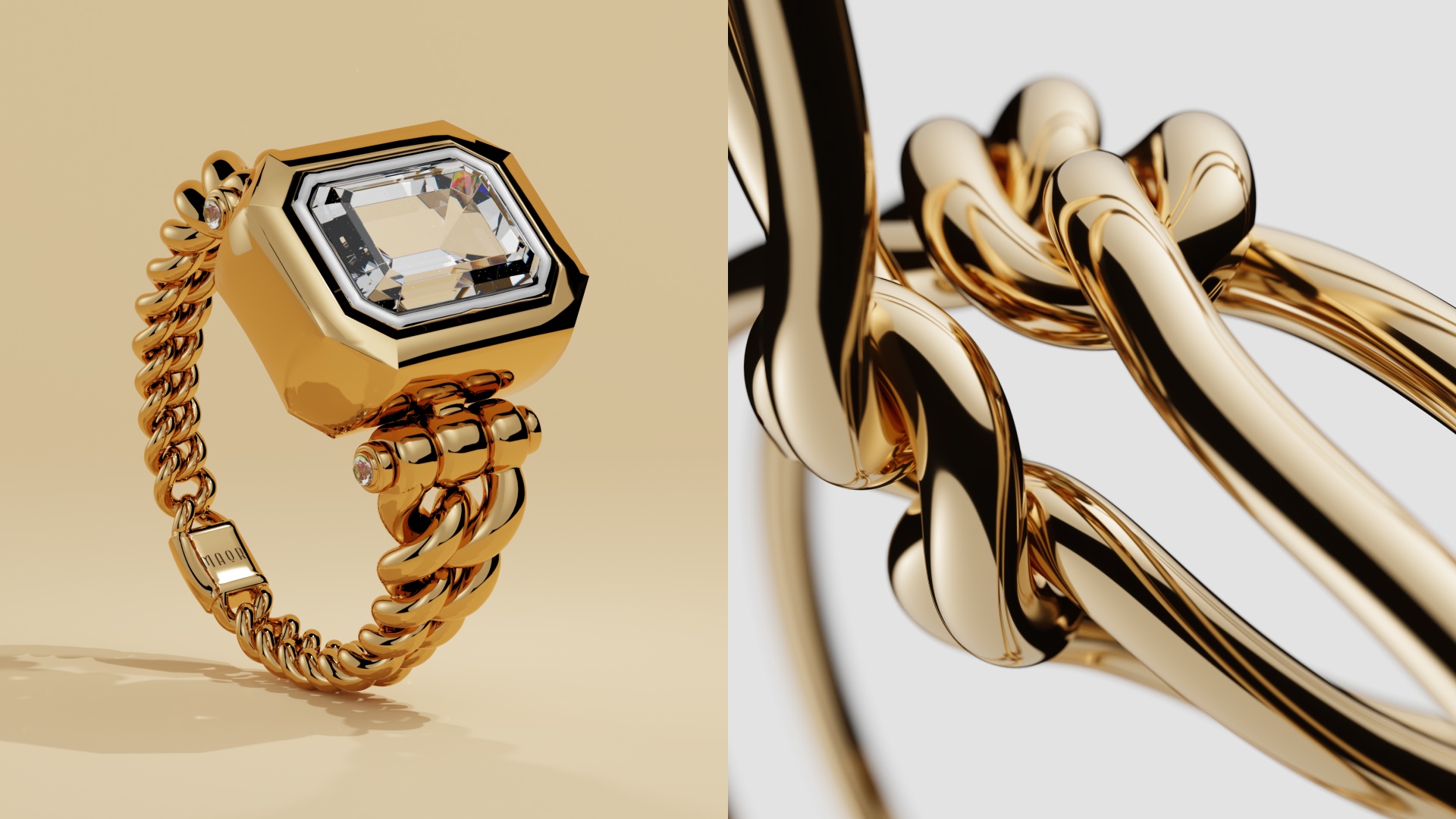
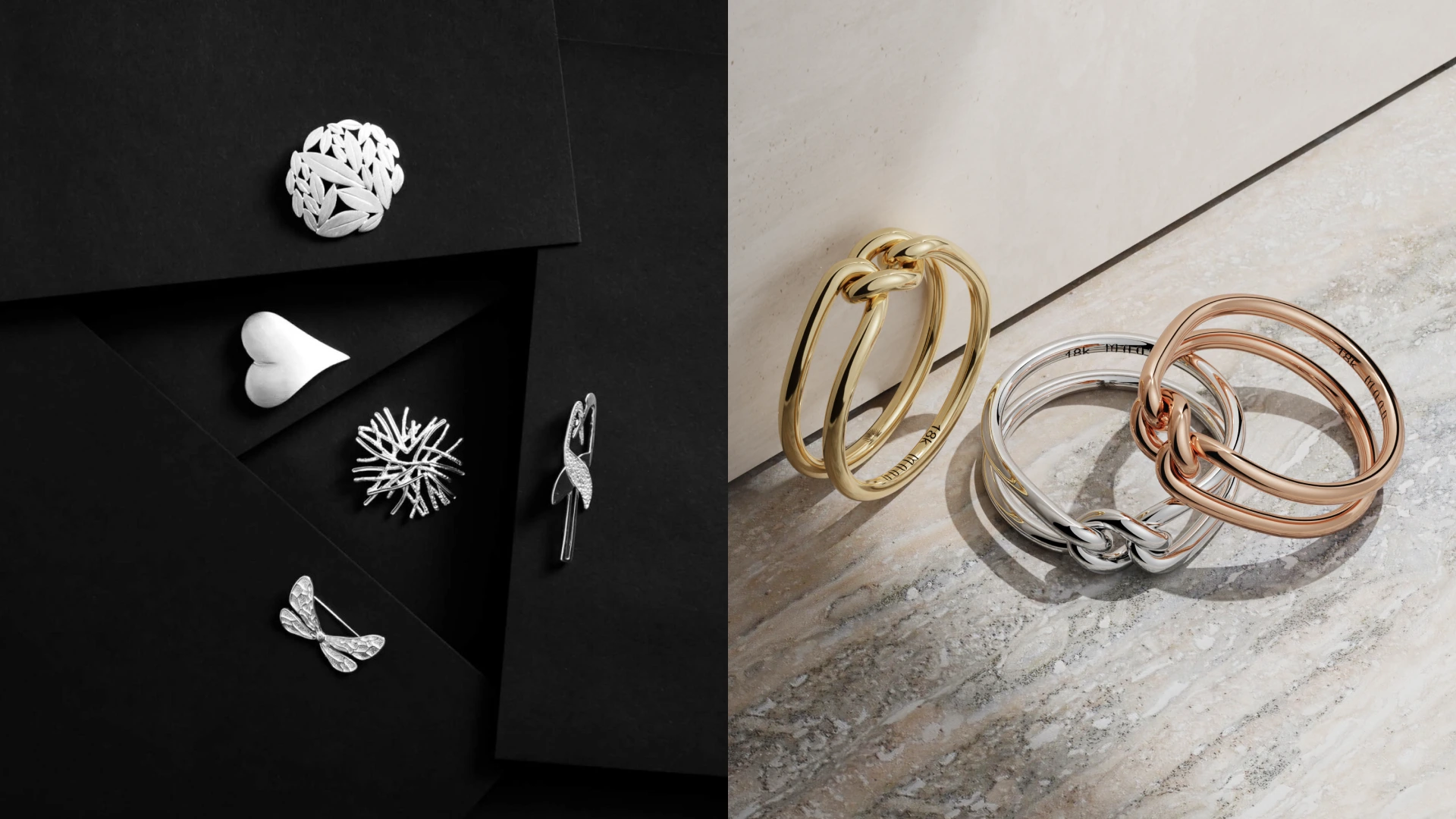
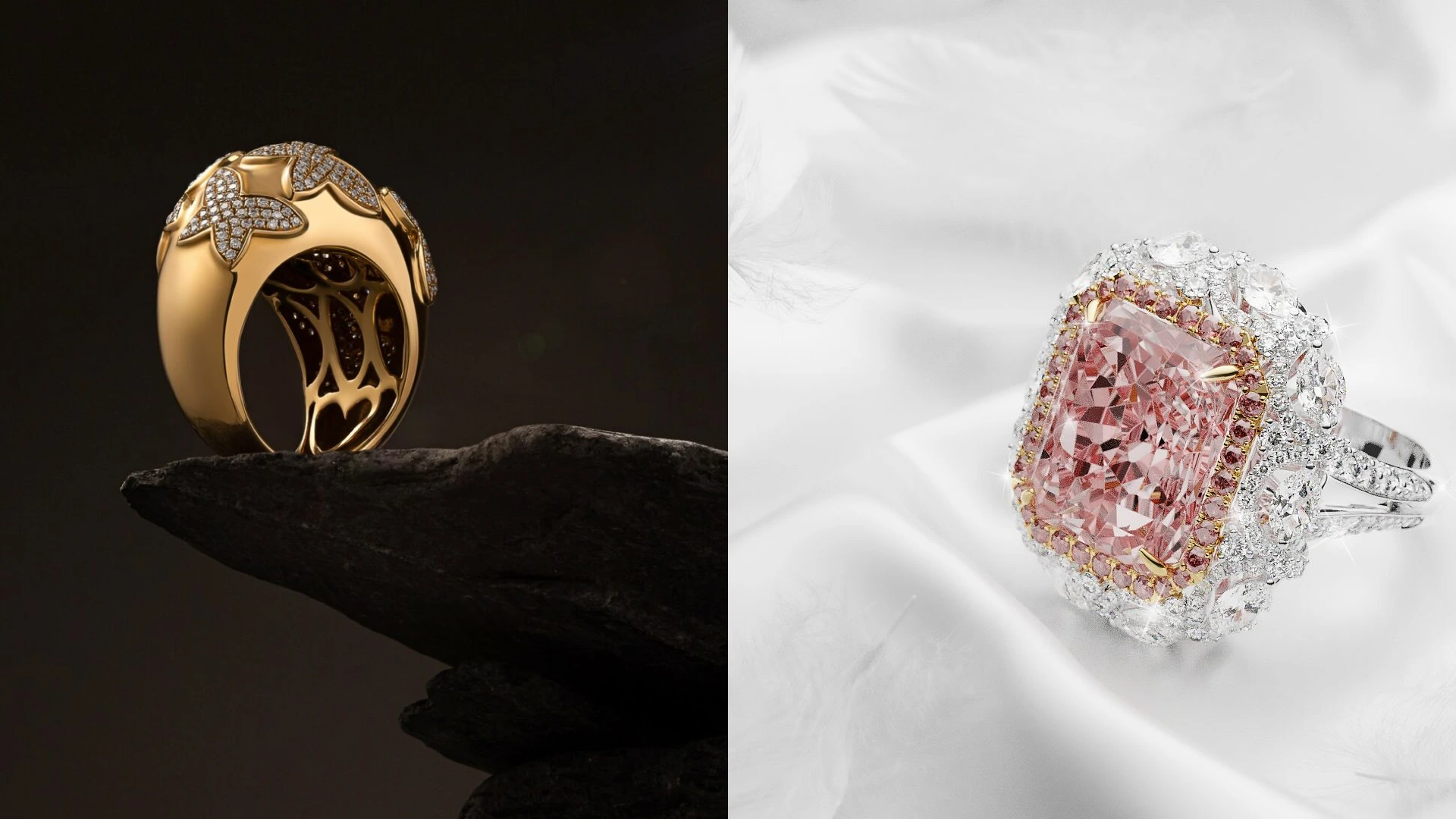
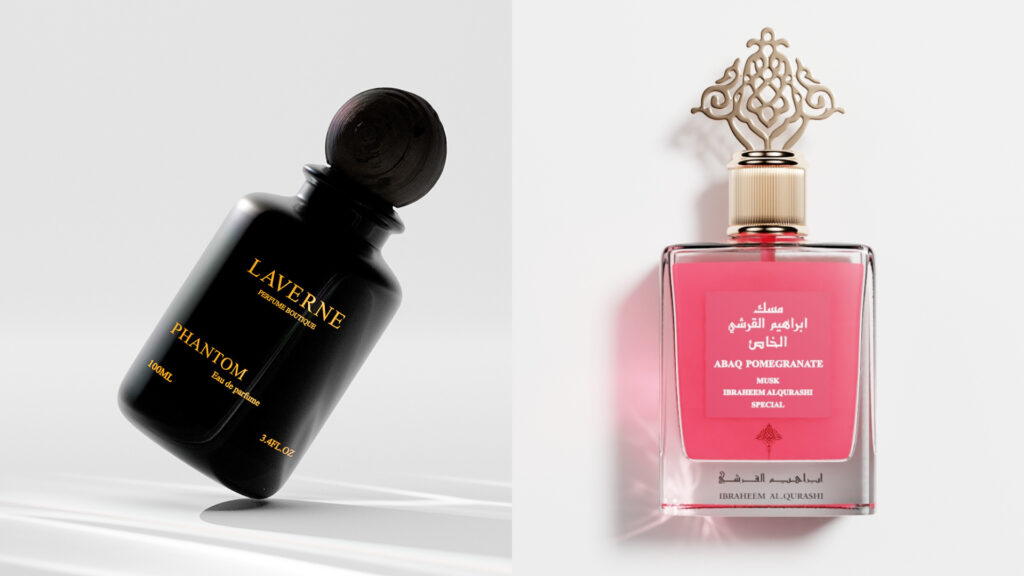
A great product animation explains, persuades, and connects your brand to the right buyers. 2026 digital spaces are crowded, to say the least. This is where we think animated video production truly shines. Animation helps your brand break down complex products, highlight value fast, and speak directly to your target audience without asking for patience they don’t have.
The guide below walks you through the 10-Step product animation process, from first idea to final delivery. You’ll understand the age-old question — “How does animation work?” — and why the animation production process takes (a lot of) time. Finally, you’ll learn how to use smart 3D product animation to turn features into feelings… and viewers into buyers.
Let’s get to it.
Pre-production
Pre-production clarifies what you’re making and why. This is the stage that shapes the message, visual direction, and scope before a single frame is animated. And no, you can’t skip it, as you’ll pay in revisions, delays, and logistical headaches later down the line.
The first four steps belong to pre-production, as explored below:
1. Concept development
This is where the goal gets locked in. Questions you should be answering include who the animation is for, what problem it solves, and what action it should drive. So maybe you’re planning a 3D animation video production for ecommerce or a product explainer. Either way, the concept guides every single creative decision that follows. Here, you should be in perfect sync with the creative team.
2. Scriptwriting and messaging
Scripts keep animated video production focused and efficient. Even 10-second visuals-first projects benefit from a clear narrative. Think highlighting benefits in the right order, or how the light follows your project’s features one by one, rather than falling on all of them in equal intensity, at the same time. These directions keep the runtime tight and engaging.

3. Storyboarding and visual planning
Storyboards map out scenes, camera moves, and transitions. Again, these all happen before production begins. This step keeps the video animation production process aligned and speeds up approvals. Done right, planning prevents prohibitively expensive changes later, too!
4. Asset planning and approvals
Here, all inputs are finalized: brand guidelines, references, CAD files, existing illustrations, you name it. For products not yet manufactured, 3D product animation replaces physical prototypes entirely (and that’s one way we think CGI is king and queen of ecommerce).
Production
Production is where ideas turn into motion, and your product comes to life. It’s the stage that focuses on building, animating, and refining visuals based on the approved plan.
5. 3D modeling (or 2D design setup)
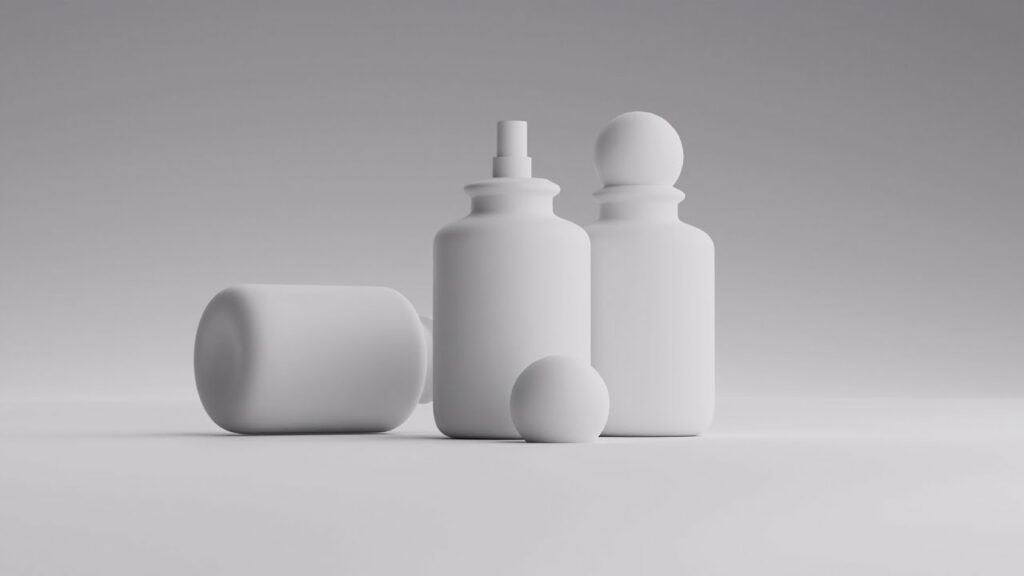
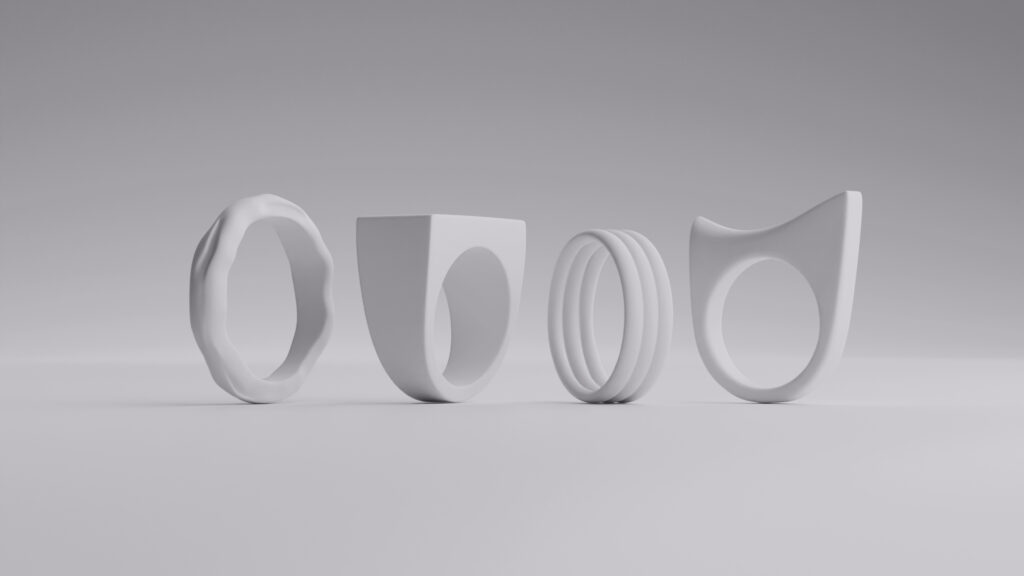
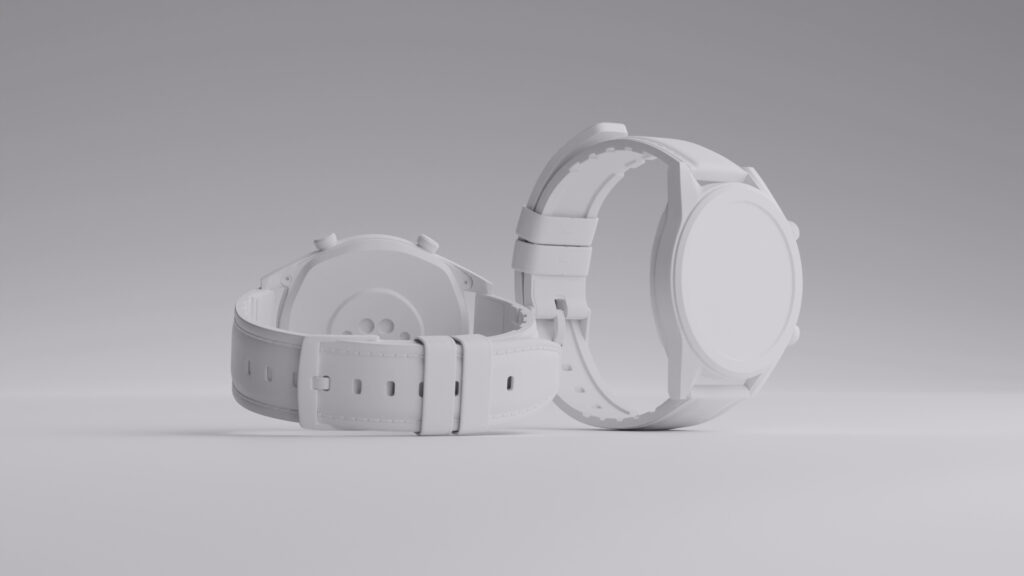
For 3D product animation, artists begin by creating a digital twin of the real product. So real-world dimensions and textures mimic the object down to a T. This step is critical for accuracy and trust, especially in ecommerce and technical products.

6. Texturing and lighting
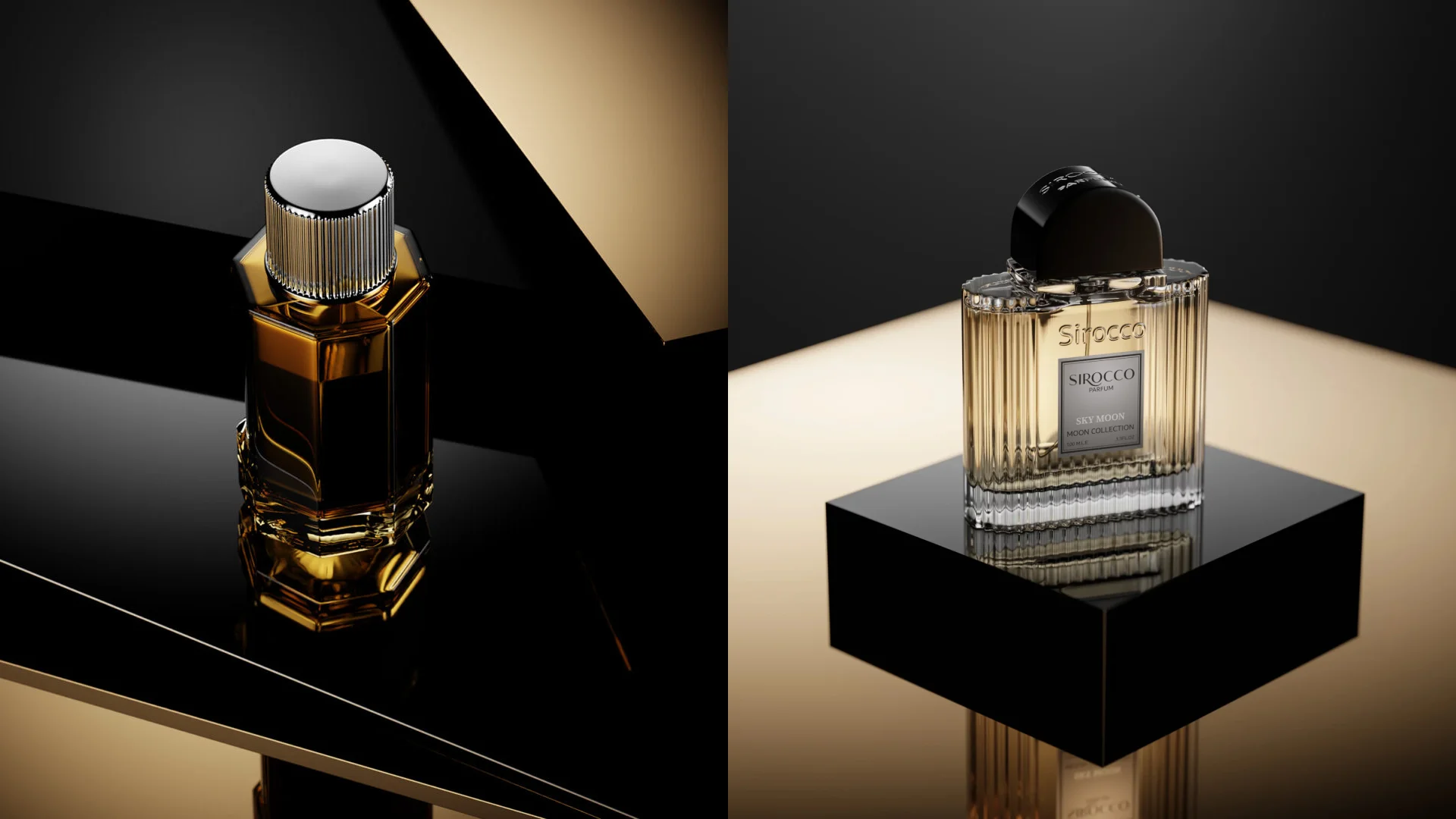
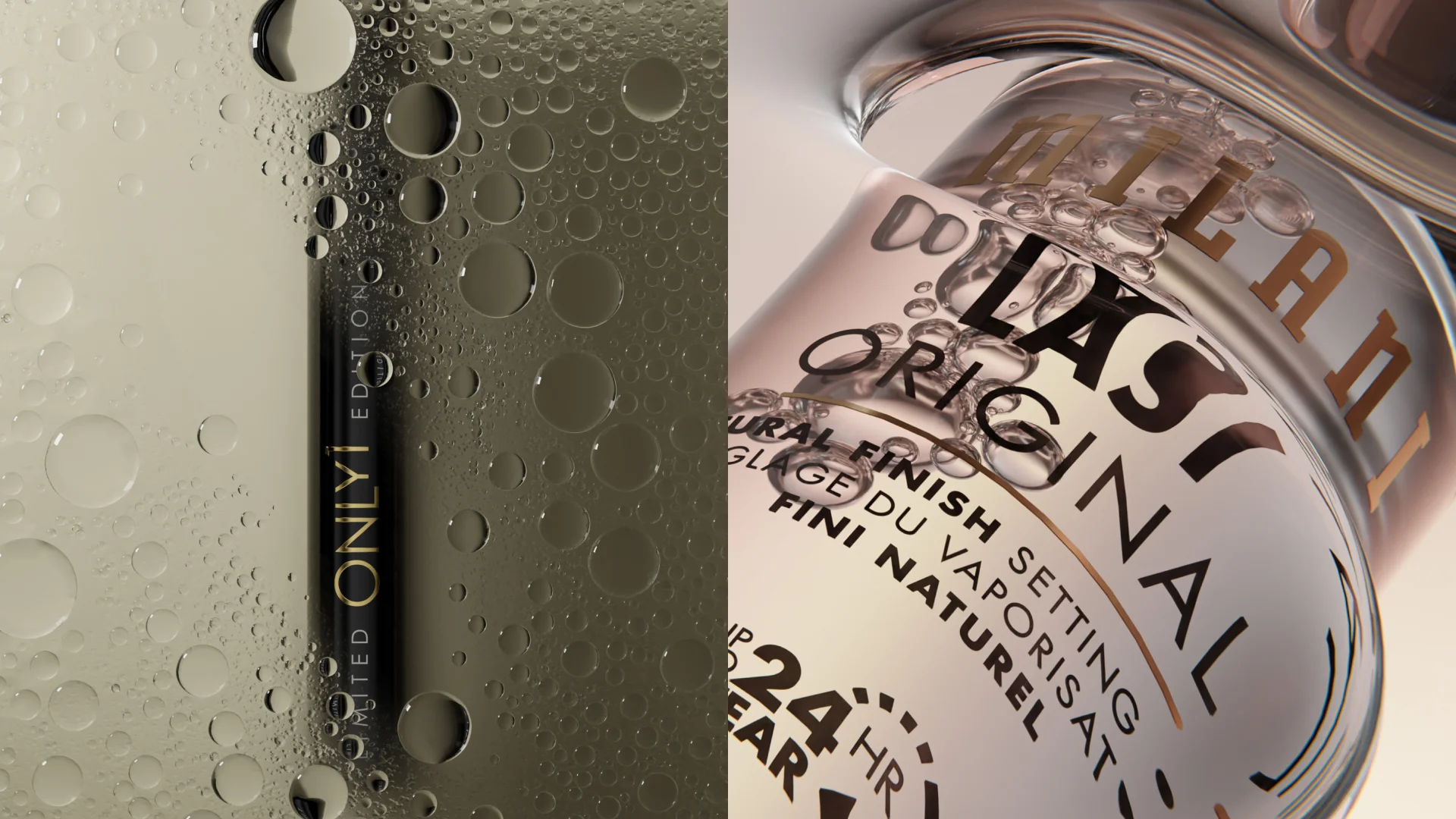
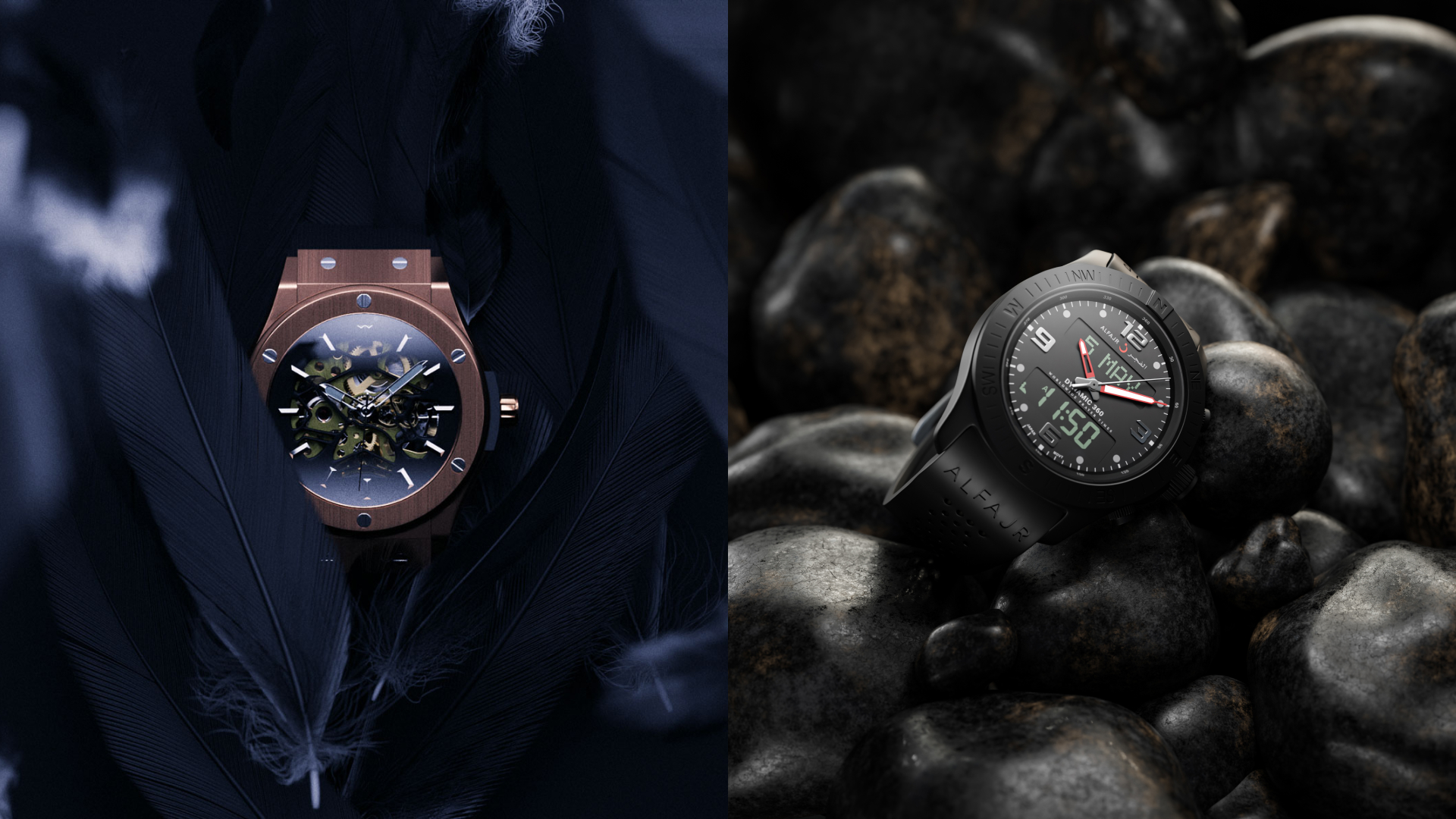
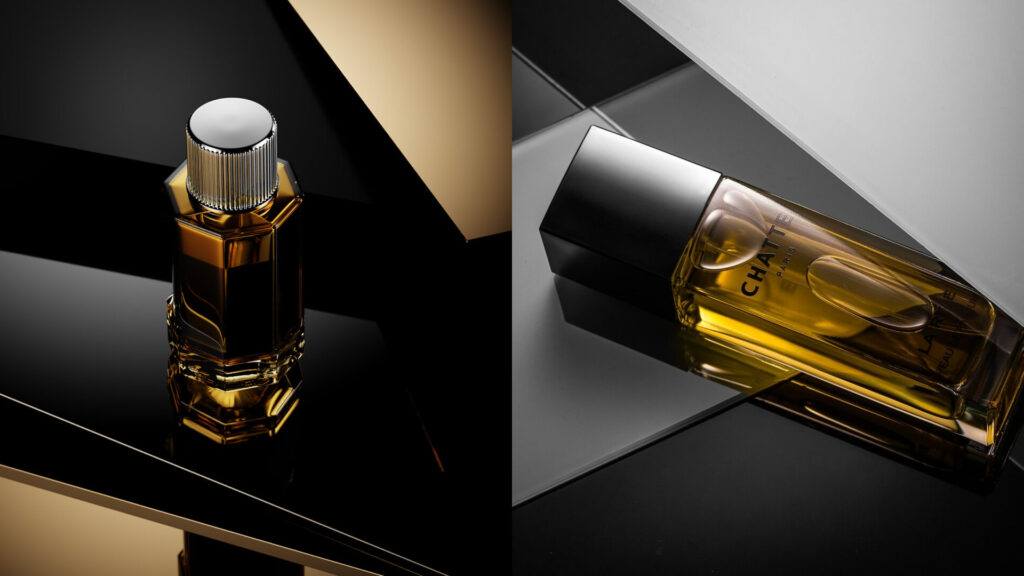
Building on the previous step, textures and lighting define your product’s realism as well as your intended mood. From soft, clean lighting for beauty brands to dramatic contrast for tech. This stage determines whether the product feels accessible, fun, premium, or any other message you want it to convey.

7. Animation
With movement, your product communicates its message with even more clarity. Rotations, exploded views, and assembly sequences show how products work through product demos and why they’re worth buyers’ attention. Here, timing and camera movement are carefully orchestrated to keep both flow and focus on your product(s).
8. Rendering previews
Preview renders are what allow teams to, well, review everything before giving the go-ahead. Think of details like pacing, composition, and clarity. If all your goals are achieved, hit “ok.” If not, circle back and refine it till it’s perfect. This precious checkpoint keeps the animation production process flexible without derailing timelines.

Post-production
Post-production refines the animation and prepares it for its intended real-world use. It’s the difference between “sure, it’s done” and “ready to perform.” We can explain it with two easy steps:
9. Sound design and music
Sound enhances your product’s realism as well as its emotional impact. Now, it’s important you use subtle effects and music that supports the visuals without overpowering them. This is especially important in short-form animated video production.
10. Final render and delivery
Once everything is ready, final renders are exported in platform-ready formats, optimized for quality (higher resolution) and load speed (lower resolution). This includes versions for websites, ads, social media, and ecommerce listings. Done!

Matching animation styles with product types
- Tech and electronics: 3D product animation highlights details, internals, and functionality with precision.
- Apps and SaaS: Motion graphics simplify interfaces and abstract workflows.
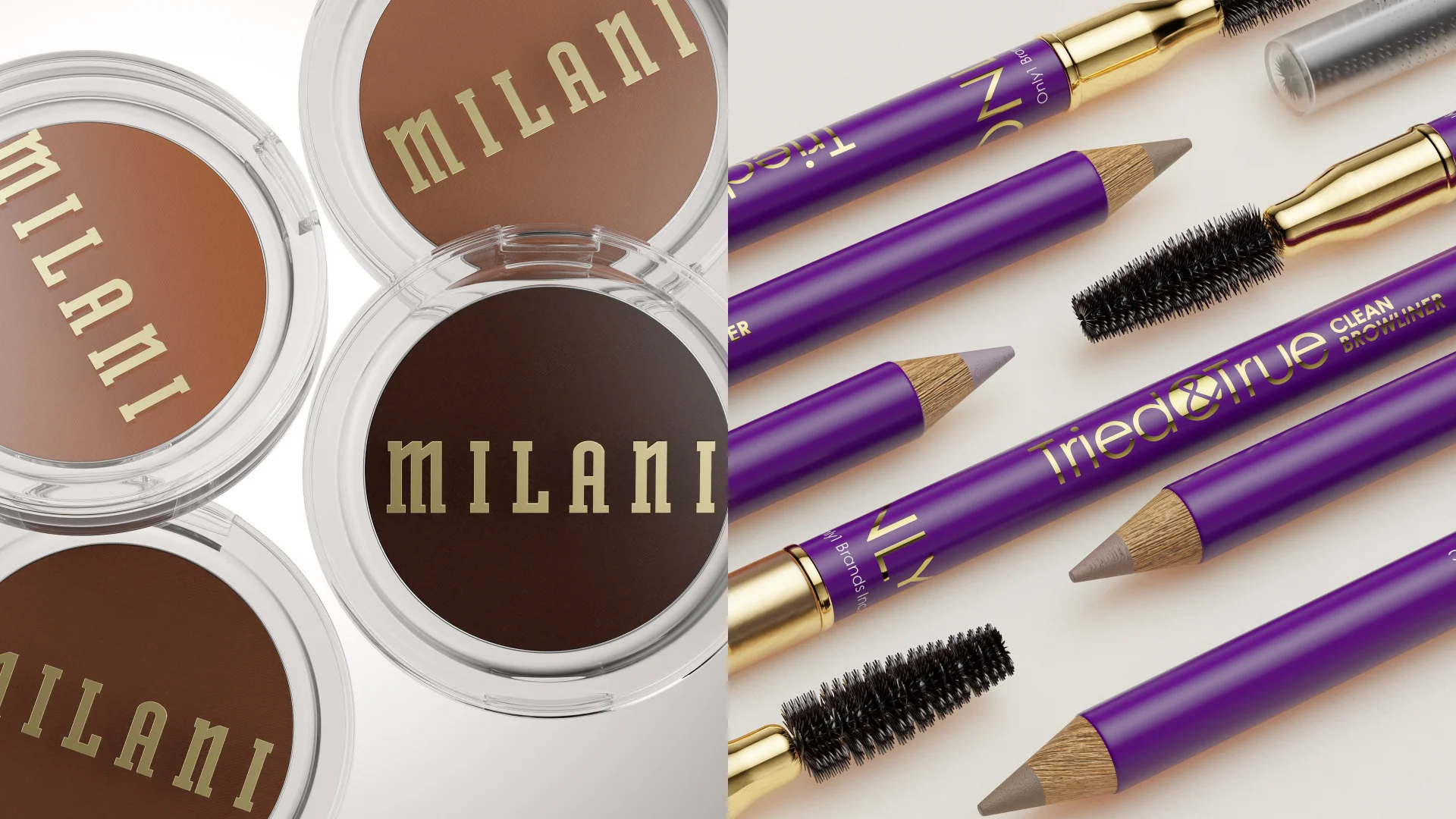
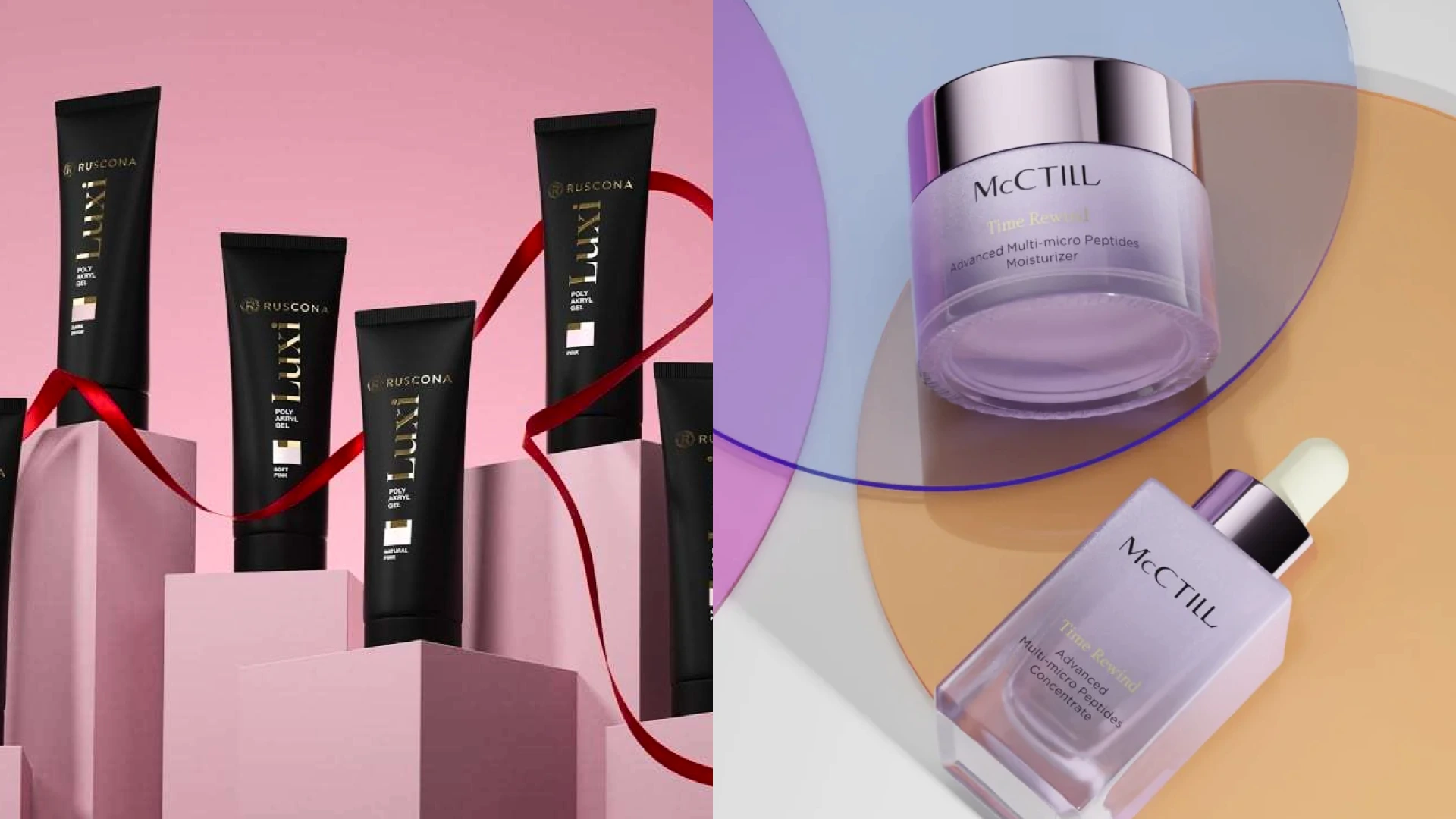
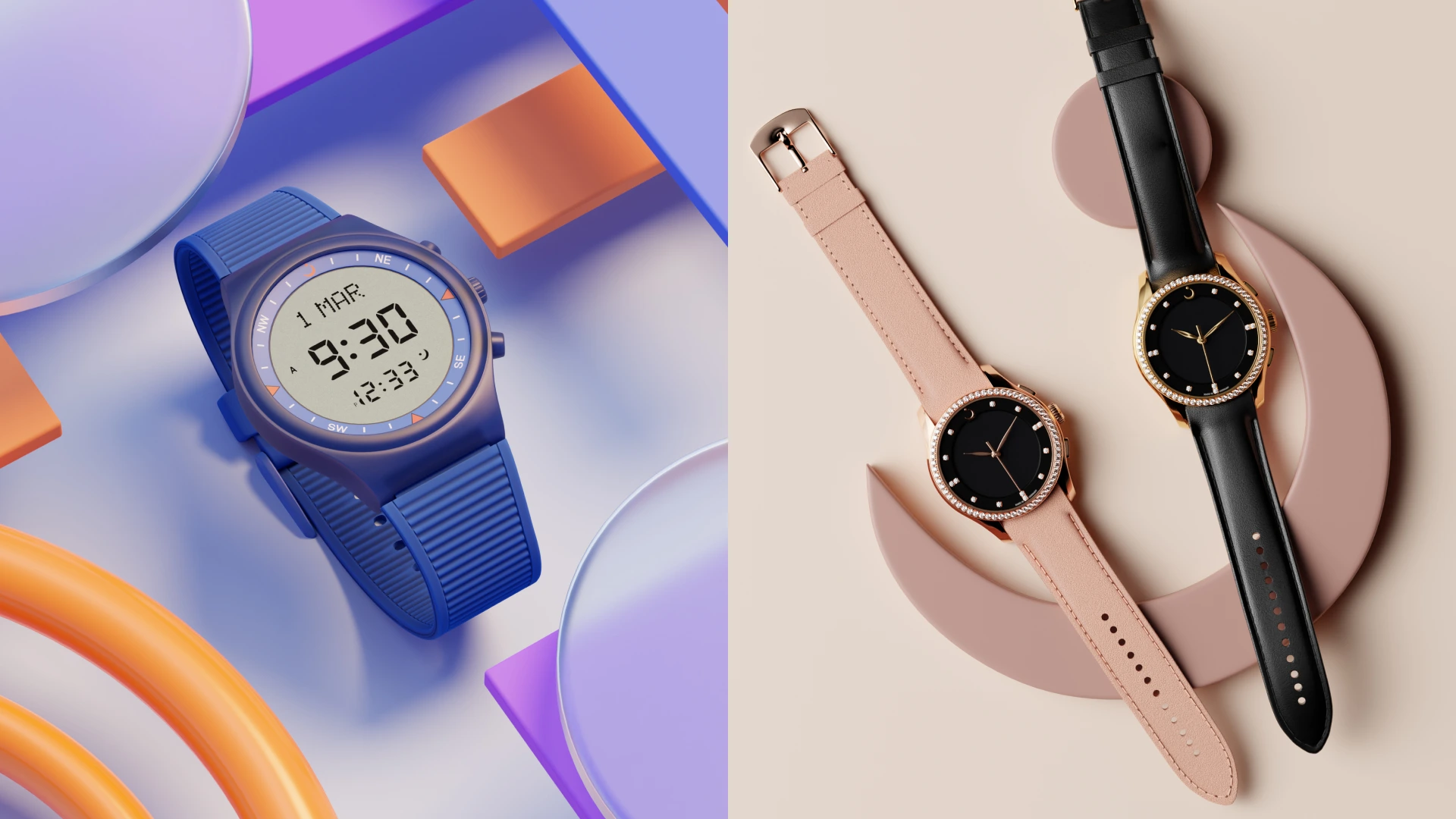
- Consumer goods: Stylized or hybrid animation emphasizes texture, color, and lifestyle appeal.
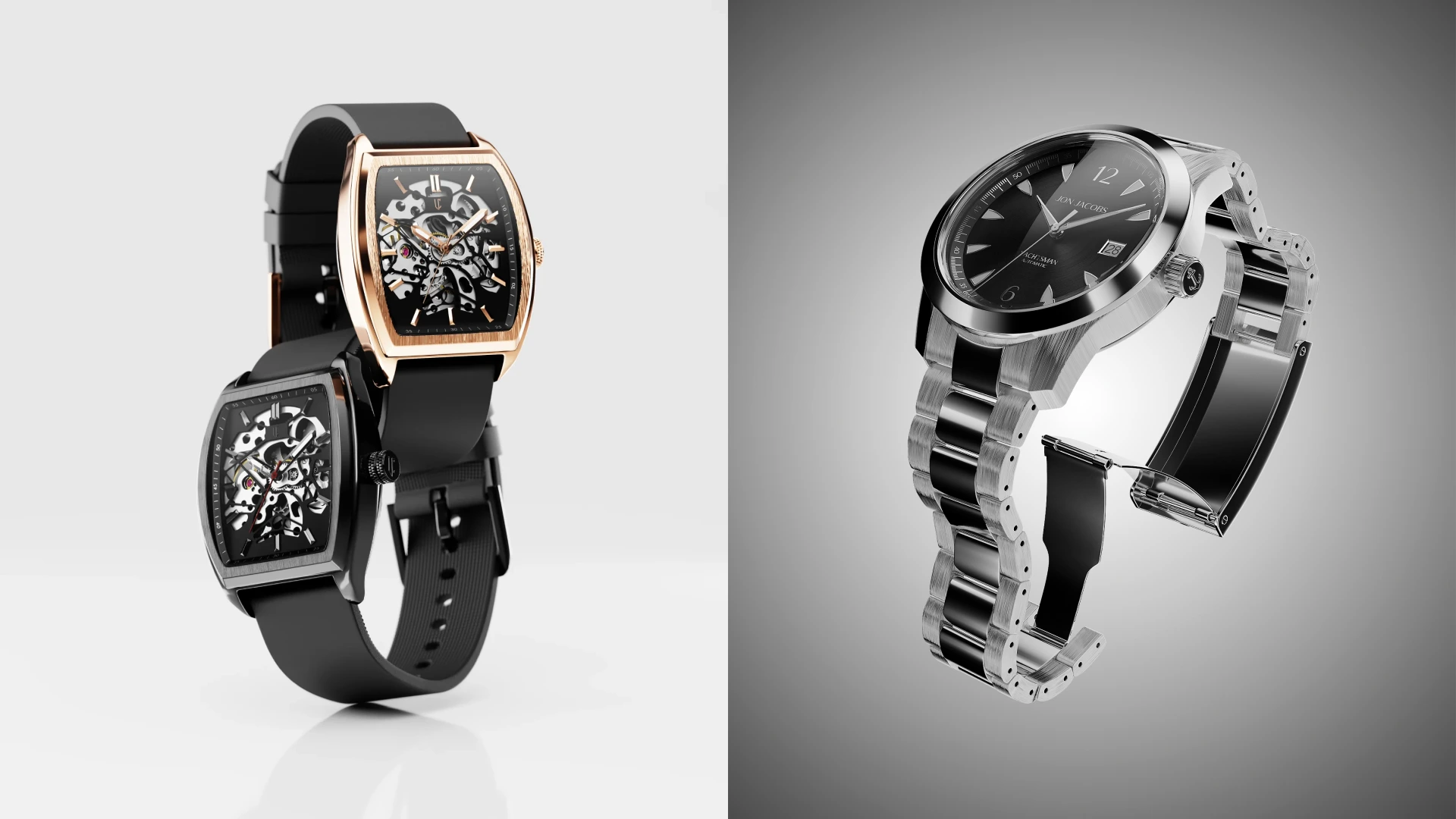
- Luxury and furniture: Photorealistic CGI creates aspirational, cinematic environments.
Exploring different animation examples can help you understand how brands use visual storytelling, product movement, and CGI techniques to create more engaging experiences.

Why CGI is the best choice for product animation
We can’t stress this enough: CGI is queen when it comes to ecommerce animation. For brands working with a 3D product animation company (which is most brands today), CGI offers unmatched control across the entire 3D product animation process.
Here are just a few reasons CGI shines (and surpasses traditional photography):
- Enables animation before a physical product exists
- Allows unlimited revisions without reshoots
- Supports impossible shots like exploded views and transparent materials
- Scales easily across formats and campaigns
- Reduces production costs and environmental impact
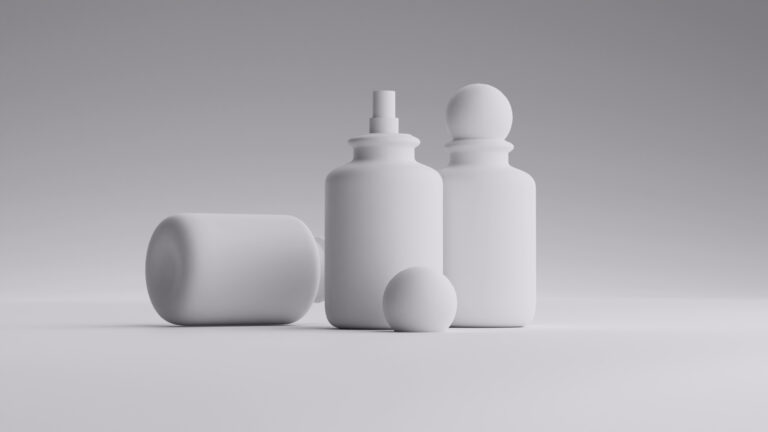
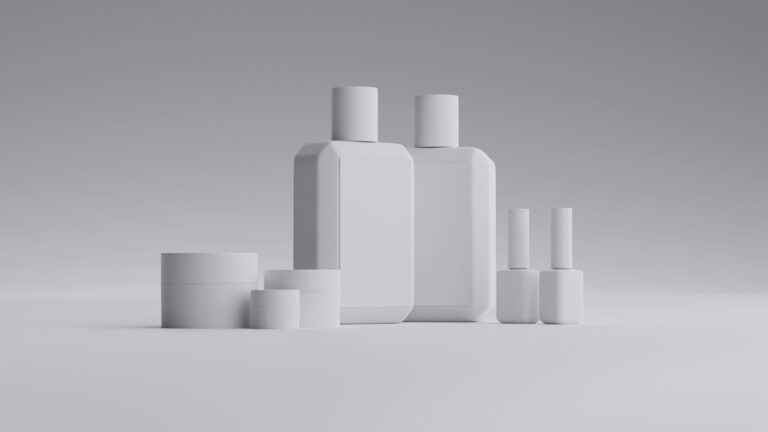
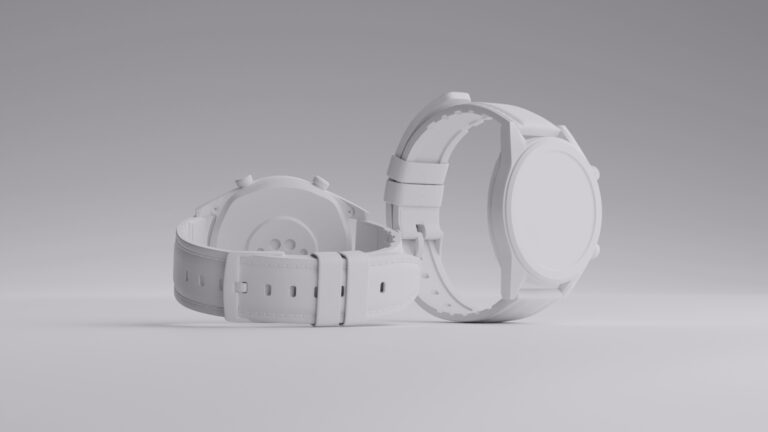
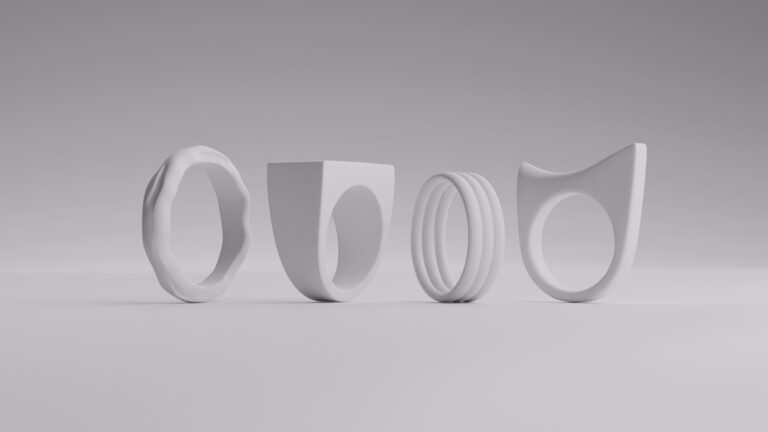
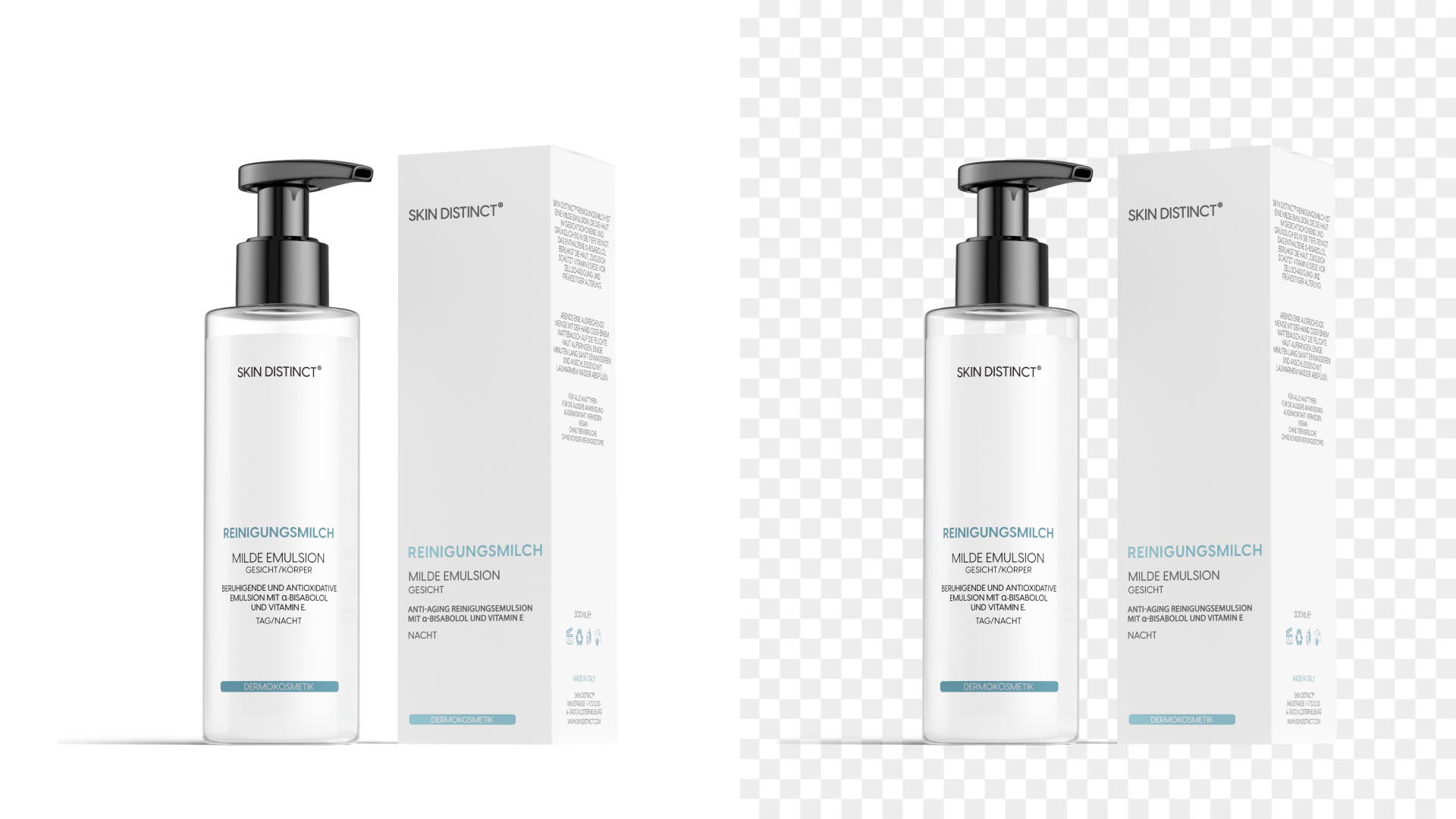
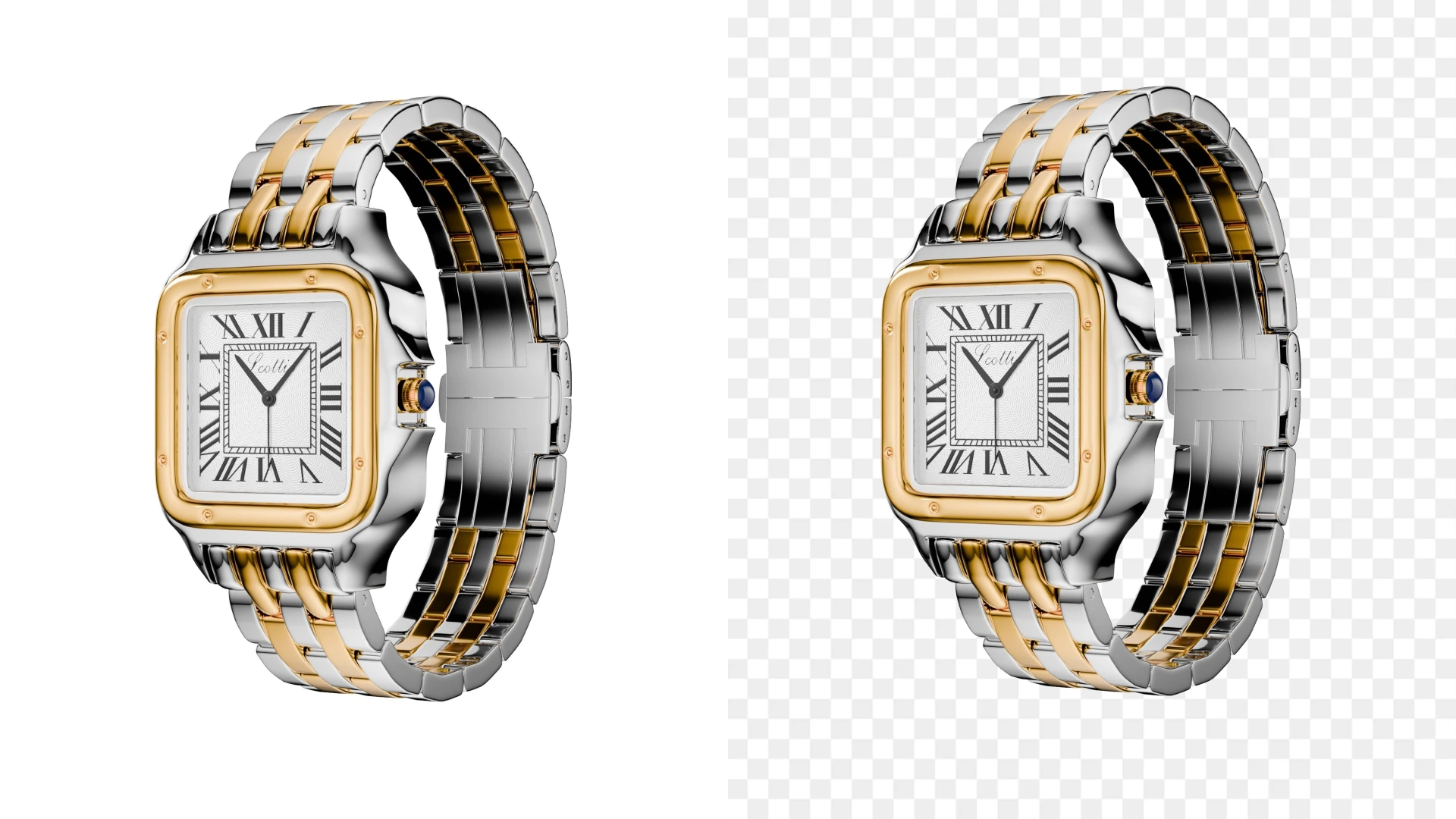
- 3D modeling
- White bg.
- Minimalistic
- Simple prop
- Custom
- 3D modeling
- White bg.
- Minimalistic
- Simple prop
- Custom
How long does it take to produce an animation?
The short answer: it depends. If you’re asking yourself, “Why does animation take so long?” The long answer explains why it does… and why that’s a good thing.
Simple animations can take 2–3 weeks, while complex 3D animation video production projects may run 6–8 weeks or more. Time is influenced by concept complexity, revision rounds, animation style, and rendering requirements. Each stage builds on the last, and rushing one often slows everything else.
So a team of professionals won’t rush the job to give you a friendlier time. Sometimes, the longer it takes, the more you know your creative partner is putting love and years of experience into the project.
Wrapping up

The 10-Step product animation process is made of equally important parts, each of which delivers something vital for the next one. From pre-production planning to final delivery, every stage plays a crucial role in creating animation that brings buyers to your platform.
So if you’re wondering how to do 3D animation that actually sells, working with an experienced video and animation production team makes all the difference. Ready to bring your product to life? The Welpix crew is always happy to talk you through the process.
FAQ
How long does animation production take?
Anywhere from 2 to 8+ weeks, depending on complexity, style, and revisions.
What is pre-production in explainer videos?
It’s the planning phase—concept, script, storyboard, and assets—that defines the entire animation.
What is post-production?
The final stage where sound, color, effects, and exports are completed.
What is a pipeline in animation video production?
A pipeline in animation video production is the structured workflow that keeps the entire project moving smoothly from idea to final export. It breaks the work into clear, manageable stages so teams know what happens when—and nothing slips through the cracks.
Typically, an animation pipeline includes these stages, in order:
- Concept & strategy – defining goals, audience, message, and creative direction
- Pre-production – scripting, storyboarding, style frames, and asset planning
- Production – 2D or 3D modeling, texturing, lighting, animation, and preview renders
- Post-production – sound design, music, visual polish, and final compositing
- Delivery – final renders, format optimization, and exports for all platforms
How many people are involved in the production process?
Typically 4–10 specialists, including strategists, designers, animators, and producers.
Can I use my own illustrations in a video?
Yes—custom illustrations can be integrated into both 2D and hybrid animation projects